
On this page
Cloud native teams ship updates constantly, and the system behind the release matters as much as the code itself. The seven tools below run from six dollars a user a month to several thousand dollars a year, and every price was checked on the vendor site on November 26, 2026. Most offer a free tier for small teams, so you can test a pipeline on a real project before paying. GitLab is our first pick — a complete DevOps platform with CI, registry and releases in one login.
How we researched this
We started with the update systems cloud native teams actually run, then read each price on the vendor pricing page on November 26, 2026 and noted the free tier each plan carries. We judged them for a team that ships containerized services and needs builds, artifacts and releases to stay in sync. We kept only tools with a published price, and we dropped quote-only vendors like CloudBees and Harness along with free open source tools that carry no paid plan.
Compare the tools
| Name | Best for | Starting price | Free plan | |
|---|---|---|---|---|
 GitLab | Teams that want source control, CI, registry and releases in one platform | $29/user/month | Free tier with 5 GB storage and 400 CI minutes a month | Visit |
 JFrog Artifactory | Teams that need a universal artifact repository for every build | $150/month | No free plan; free trial available | Visit |
 CircleCI | Teams that want fast cloud CI with simple credit-based pricing | $15/month | Free plan with 6,000 build minutes a month | Visit |
 Octopus Deploy | Teams that need controlled, auditable releases across many environments | $4,330/year | Free plan for small deployments | Visit |
 TeamCity Cloud | JetBrains shops that want a polished hosted CI server | $45/month | On-premises Professional is free; cloud has a trial | Visit |
 Azure DevOps | Microsoft shops that want boards, repos and pipelines under one bill | $6/user/month | First 5 users free on the Basic plan | Visit |
 Akuity Platform | Kubernetes teams that run GitOps with Argo CD at scale | $495/month | No free plan; free trial available | Visit |
The cloud native software update systems, compared
1. GitLab
Best for: Teams that want source control, CI, registry and releases in one platform
Paid tool Starting price: $29/user/month · Premium plan, $29 per user a month billed annually; Free tier available and Ultimate is $99 per user a month
Free plan: Free tier with 5 GB storage and 400 CI minutes a month
GitLab covers the whole path from commit to production, with repositories, pipelines, container registry and release tracking sharing one interface. This GitLab Premium plan costs twenty-nine dollars per user a month on annual billing and adds the code review and planning tools a growing team needs. A team that wants one login for the entire delivery pipeline, rather than five stitched services, will move faster here.

What we like
- One platform for code, CI, registry and releases
- Strong free tier for small teams
- Built-in security scanning on paid plans
Watch out for
- Premium is twenty-nine dollars per user a month
- Interface can feel heavy for tiny projects
How to try it
- Open the GitLab pricing page and start the free trial
- Create a project and add a pipeline file for your build
- Push a commit and watch the pipeline build, test and release it
2. JFrog Artifactory
Best for: Teams that need a universal artifact repository for every build
Paid tool Starting price: $150/month · Pro plan, $150 a month list price; a limited-time $50 a month offer runs through June 4, 2027 and is not the list price
Free plan: No free plan; free trial available
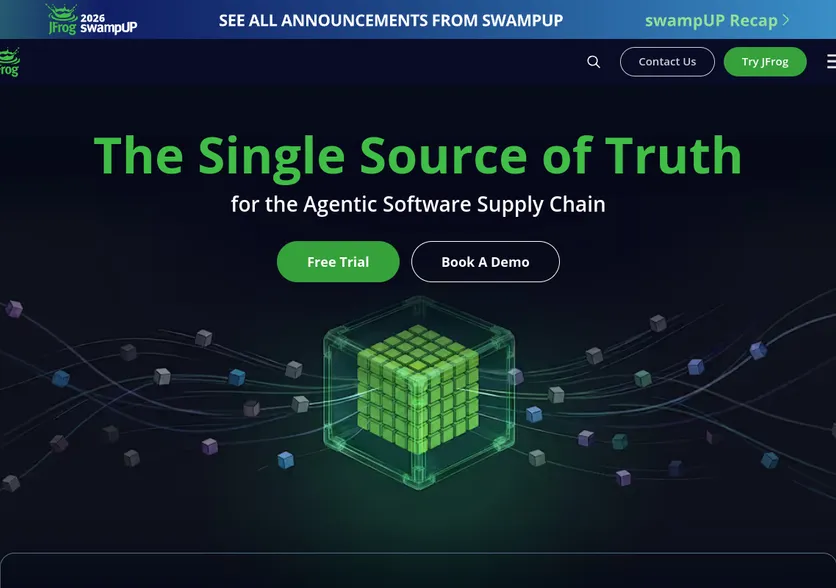
JFrog Artifactory stores every artifact a pipeline produces, from container images to language packages, in one versioned repository. This JFrog Artifactory Pro plan costs a hundred and fifty dollars a month and includes twenty-five gigabytes of storage for a small team. A team shipping many services will value the single source of truth for builds, even when the entry price is higher than a CI-only tool.
What we like
- Universal repository for every package type
- Strong versioning and promotion controls
- Scales from one team to a whole company
Watch out for
- List price is a hundred and fifty dollars a month
- Setup needs more care than a simple CI tool
How to try it
- Open the JFrog pricing page and start the trial
- Create a repository for your container images
- Point your pipeline at Artifactory and publish a build
3. CircleCI
Best for: Teams that want fast cloud CI with simple credit-based pricing
Paid tool Starting price: $15/month · Performance plan, starting at $15 a month with 30,000 credits included and 5 active users; extra users and credits cost $15 each
Free plan: Free plan with 6,000 build minutes a month
CircleCI runs builds and tests in the cloud with a credit model that is easy to forecast once you know your monthly volume. This CircleCI Performance plan starts at fifteen dollars a month with thirty thousand credits and five active users included. A team that wants pipelines without managing runners will get moving in an afternoon.
What we like
- Fast setup with no runner to manage
- Credit pricing is easy to forecast
- Free plan covers small projects
Watch out for
- Heavy builds burn credits faster than expected
- Extra users cost fifteen dollars a month each
How to try it
- Open the CircleCI pricing page and claim the free plan
- Connect your repository and add a config file
- Push a commit and watch the first pipeline run
4. Octopus Deploy
Best for: Teams that need controlled, auditable releases across many environments
Paid tool Starting price: $4,330/year · Professional plan, $4,330 a year; the old $45 a month Cloud plan no longer appears on the vendor pricing page; Free plan is $0 a year
Free plan: Free plan for small deployments
Octopus Deploy takes a built package and releases it through environments with approvals, variables and a full audit trail. This Octopus Deploy Professional plan costs four thousand three hundred and thirty dollars a year and covers the deployment side that CI tools skip. A team shipping to staging, QA and production with sign-offs at each step will find the control worth the price.

What we like
- Best-in-class release control and audit trails
- Handles many environments without custom scripts
- Free plan covers small deployments
Watch out for
- Professional is a serious annual commitment
- Overkill for a team with one environment
How to try it
- Open the Octopus pricing page and start with the free plan
- Create a project and define your environments
- Deploy a package through staging and approve it for production
5. TeamCity Cloud
Best for: JetBrains shops that want a polished hosted CI server
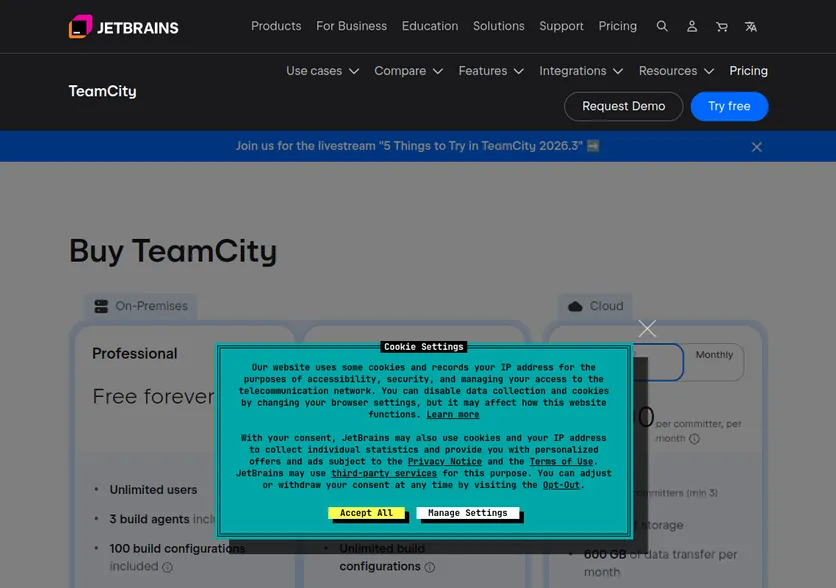
Paid tool Starting price: $45/month · Cloud plan, $45 a month for 3 committers at $15 per committer a month billed yearly; on-premises Professional is free
Free plan: On-premises Professional is free; cloud has a trial
TeamCity Cloud is the hosted version of JetBrains long-running CI server, with smart build chains and a polished interface. This TeamCity Cloud plan costs forty-five dollars a month for three committers on yearly billing, with more committers at fifteen dollars each. A team already using JetBrains IDEs will feel at home, since the tooling shares the same design language.
What we like
- Polished interface with smart build chains
- Strong on-premises free option exists
- Fits naturally with JetBrains tools
Watch out for
- Three-committer minimum on the cloud plan
- Per-committer pricing grows with the team
How to try it
- Open the TeamCity buy page and start the cloud trial
- Connect your repository and create a build configuration
- Run a build chain and check the test results view
6. Azure DevOps
Best for: Microsoft shops that want boards, repos and pipelines under one bill
Paid tool Starting price: $6/user/month · Basic plan, $6 per user a month; first 5 users free; Basic plus Test Plans is $52 per user a month
Free plan: First 5 users free on the Basic plan
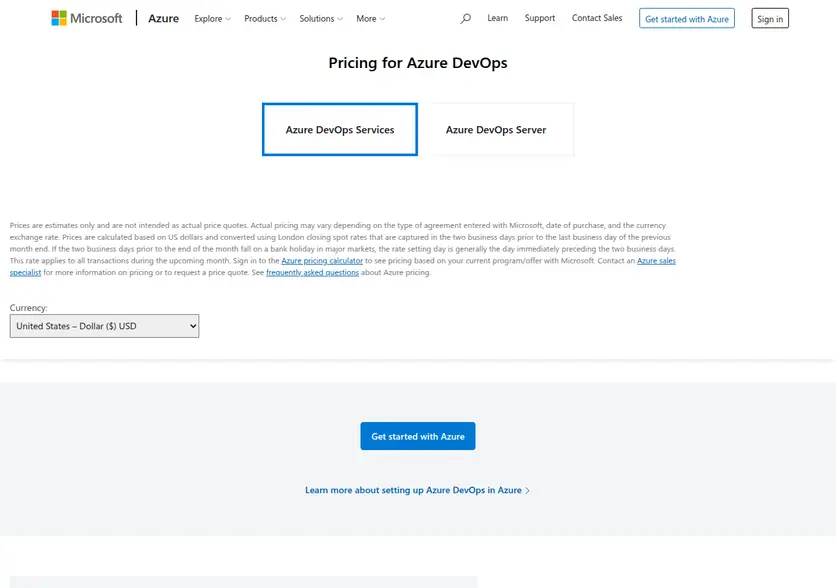
Azure DevOps bundles boards, repositories, pipelines and artifacts into one Microsoft service that fits naturally with Azure hosting. This Azure DevOps Basic plan costs six dollars per user a month, with the first five users free. A team already running on Azure can keep its whole delivery chain in one place without a second vendor.
What we like
- First five users are free
- Deep integration with Azure services
- Boards, repos and pipelines in one service
Watch out for
- Interface feels dated next to newer rivals
- Best value only inside the Microsoft stack
How to try it
- Open the Azure DevOps pricing page and create an organization
- Create a project with a board and a repository
- Add a pipeline and release your first build
7. Akuity Platform
Best for: Kubernetes teams that run GitOps with Argo CD at scale
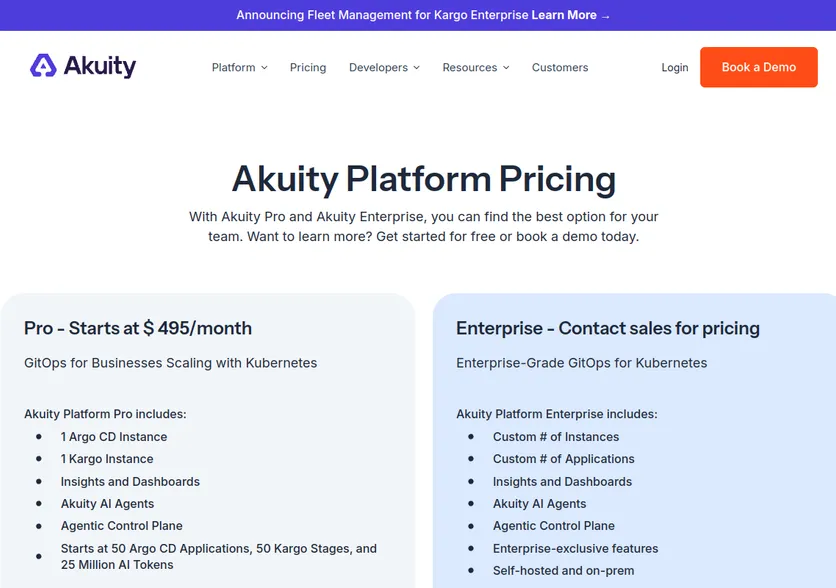
Paid tool Starting price: $495/month · Pro plan, starting at $495 a month with 1 Argo CD instance, 50 applications and 25M AI tokens; extra application packs cost $99 a month
Free plan: No free plan; free trial available
Akuity Platform is the managed home of Argo CD, giving Kubernetes teams GitOps delivery without running the control plane themselves. This Akuity Platform Pro plan starts at four hundred and ninety-five dollars a month with one Argo CD instance and fifty applications. A team already committed to GitOps will get a supported, scaled service instead of a self-hosted cluster to babysit.
What we like
- Managed Argo CD without the operations burden
- Built for GitOps teams at real scale
- AI-assisted troubleshooting included
Watch out for
- Entry price is high for a small team
- Only makes sense if you run Kubernetes
How to try it
- Open the Akuity pricing page and start the trial
- Connect your Kubernetes cluster to the platform
- Sync your first application from a Git repository
Prices above were checked on each vendor’s own website on Nov 26, 2026 and can change — the vendor’s page is the final word. Vendor links are editorial: nobody paid to be listed or ranked here. Vendors who want a featured listing can see how it works on our Get listed page.
What cloud native update systems cost in 2026
Cloud native update costs split into two shapes, and this list shows both. Per-user tools like GitLab and Azure DevOps charge for every developer, so the bill grows with the team, while flat tools like JFrog Artifactory and Akuity charge one monthly price no matter how many people push code. The headline plan each vendor shows on its own pricing page is the number in the table above, checked on November 26, 2026.
Start with the free tier on two tools and ship one real service through each, from commit to a running container. Compare how fast the pipeline runs, how clearly a failed release shows its cause, and whether artifact storage needs a second tool. Pick the system your team can debug at two in the morning, because that is when it matters.
Before you buy
- Count the developers first, because per-user pricing turns a cheap plan into a large bill fast.
- Check whether artifact storage is included, because a CI tool without a registry needs a second purchase.
- Test a failed release, because the quality of the error message decides how fast you recover.
- Confirm the free tier limits, because build minutes and storage caps bite once traffic grows.
- Ask who owns the runners, because managed CI costs more but removes a server you must maintain.
Official websites
Official websites of the products reviewed above. Features and prices were checked against these sites when this guide was written, and they can change, so confirm on the vendor site before you buy.
Frequently asked questions
Which cloud native software update system is best in 2026?
GitLab, at twenty-nine dollars per user a month for Premium, is the safest default because it covers code, CI, registry and releases in one platform. CircleCI is the best pure CI pick at fifteen dollars a month with a generous free plan. Azure DevOps is the cheapest start for Microsoft shops, with the first five users free.
How much does a cloud native update system cost?
Per-user tools in this list run from six to twenty-nine dollars per user a month, while flat-priced systems run from a hundred and fifty to four hundred and ninety-five dollars a month. Octopus Deploy is the outlier at four thousand three hundred and thirty dollars a year, because it targets controlled enterprise releases. Most teams can start free and pay only when the team or the release volume grows.
Do I need both CI and artifact storage?
Yes, a pipeline that builds code also needs somewhere versioned to put the result, and a registry is that place. GitLab includes a registry in the same platform, while CircleCI pairs best with a repository like JFrog Artifactory. Buying CI without storage means adding a second tool later, so check what each plan includes before you commit.
What is GitOps and do I need Akuity for it?
GitOps means your Git repository is the source of truth for what runs in the cluster, and a tool like Argo CD keeps the cluster in sync with it. Akuity Platform is the managed version of Argo CD, so you get GitOps without operating the control plane yourself. Small teams can skip it, but Kubernetes teams with many applications save real operations time.
Can I start free with these update systems?
GitLab, CircleCI and Azure DevOps all offer free tiers that cover small teams, and TeamCity has a free on-premises edition. JFrog, Octopus Deploy and Akuity offer free trials instead of permanent free plans. A free tier is enough to run a real pipeline and prove the workflow before the first invoice arrives.
Need everyday developer help too? Try Toolsvine's free developer tools right in your browser.
Browse Developer Tools tools


