
On this page
Modern software development runs on AI help: the right coding tool writes boilerplate, explains legacy code and catches bugs before review. The eight tools below cover AI pair programming, agents and code search, and every price was checked on the vendor site on November 26, 2026. Plans run from about $9 to about $20 per user a month, and most offer a free plan or a free trial. GitHub Copilot is our first pick — the best-known AI coding assistant, and the safest default for any team.
How we researched this
We started with the coding tools that software teams actually buy, then read each price on the vendor site on November 26, 2026 and noted the free plan or free trial each one carries. We judged them for a working development team that writes, reviews and ships code every day and needs help that fits its editor and workflow. We kept the list to tools with a published price, and we dropped any tool whose price we could not verify.
Compare the tools
| Name | Best for | Starting price | Free plan | |
|---|---|---|---|---|
 GitHub Copilot | Development teams that want the best-known AI coding assistant | $10/user/month | Free plan | Visit |
 Devin | Teams that want an AI agent to handle whole coding tasks | $20/month | Free plan | Visit |
 Amazon Q Developer | Teams that build on AWS and want an assistant that knows it | $19/user/month | Free Tier | Visit |
 Replit | Teams that want to code, run and deploy from the browser | $18/month | Free plan | Visit |
 Supermaven | Developers who want the fastest code autocomplete | $10/month | Free plan; 30-day free trial | Visit |
 Claude Code | Teams that want an agent that edits across a whole codebase | $20/month | Free plan; Claude Code needs a paid plan | Visit |
 Augment Code | Teams with large codebases that need full-repo context | $20/month | Free trial | Visit |
 Sourcegraph Cody | Teams that want AI chat grounded in real code search | $9/user/month | Free plan | Visit |
The coding tools, compared
1. GitHub Copilot
Best for: Development teams that want the best-known AI coding assistant
Paid tool Starting price: $10/user/month · Pro plan, per user per month; Pro+ is about $39, Max about $100 a month; Free plan included
Free plan: Free plan
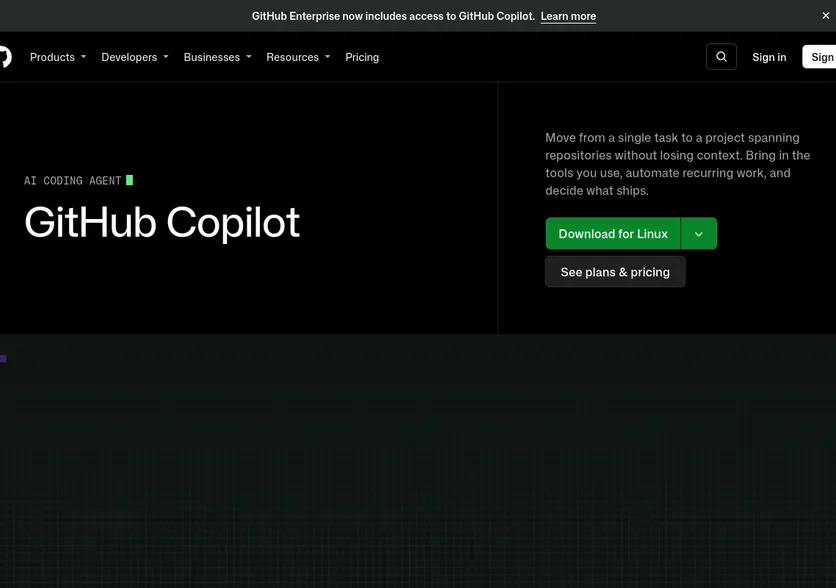
GitHub Copilot is the AI pair programmer most developers reach for first, because it suggests whole lines and functions as you type. This GitHub Copilot plan covers code completion, chat and agent mode on Pro, with models and controls on higher tiers. It is the safest pick when a team wants an AI assistant that works in every major editor.
What we like
- Best-known AI coding assistant, works everywhere
- Suggests code as you type, not after
- Agent mode handles multi-file edits
Watch out for
- Pro is about $10 per user a month
- Pro+ and Max climb to $39 and $100
How to try it
- Open the GitHub Copilot plans page and start on Pro
- Install the extension in your editor and sign in
- Let Copilot suggest code and ask it to explain a function
2. Devin
Best for: Teams that want an AI agent to handle whole coding tasks
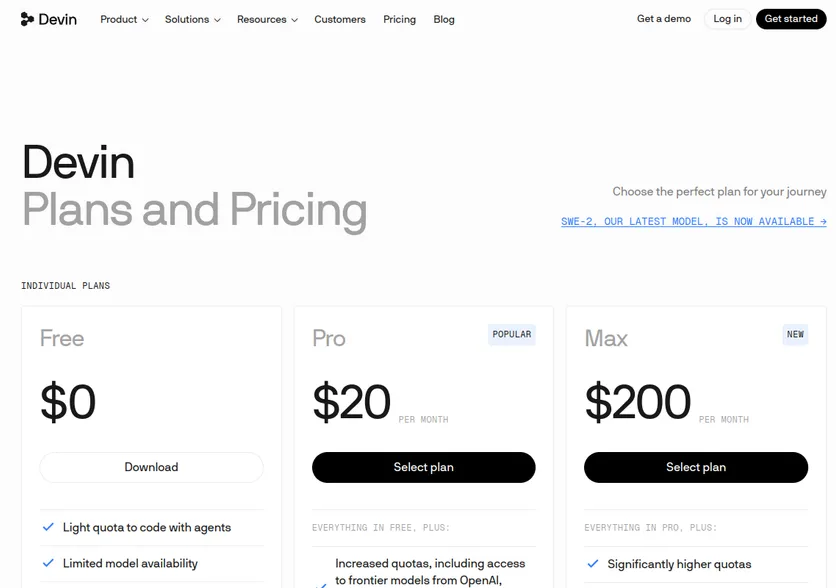
Paid tool Starting price: $20/month · Pro plan, per month; Max is about $200, Teams about $80 a month; Free plan included
Free plan: Free plan
Devin is an AI software engineer that takes a task and works on it like a junior developer, opening pull requests when it is done. This Devin plan covers autonomous coding, testing and pull requests on Pro, with more capacity on Max and Teams. It is the pick for a team that wants an agent to handle whole tasks, not just autocomplete.
What we like
- Works on whole tasks, not just snippets
- Opens real pull requests for review
- Teams plan adds shared workspaces
Watch out for
- Pro is about $20 a month
- Max jumps to about $200 a month
How to try it
- Open the Devin pricing page and start on Pro
- Give Devin a task from your issue tracker
- Review the pull request and merge it when it is ready
3. Amazon Q Developer
Best for: Teams that build on AWS and want an assistant that knows it
Paid tool Starting price: $19/user/month · Pro plan, per user per month; Free Tier included
Free plan: Free Tier
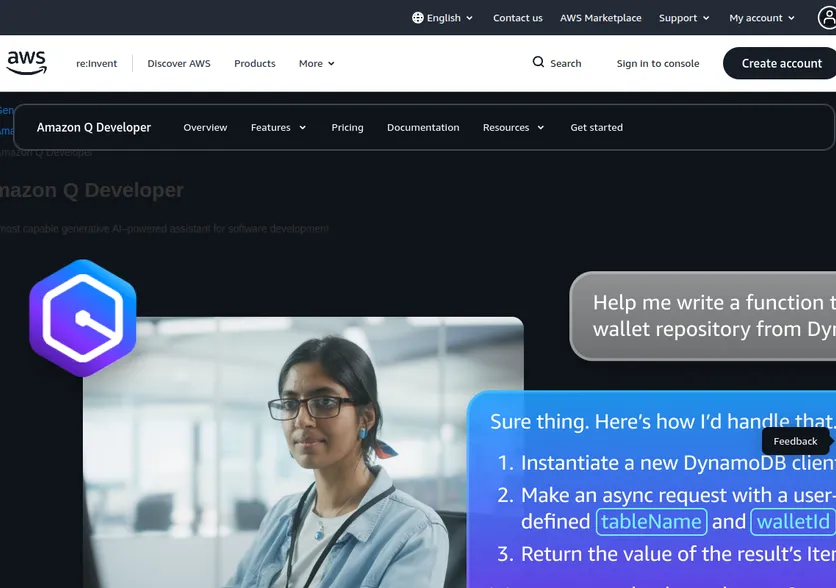
Amazon Q Developer is the AI assistant for teams that build on AWS, with code suggestions tuned for cloud services. This Amazon Q Developer plan covers code generation, chat and security scanning on Pro, with a Free Tier for light use. It is the right choice when a team builds on AWS and wants an assistant that knows the platform.
What we like
- Tuned for AWS services and APIs
- Security scanning built into Pro
- Free Tier for light use
Watch out for
- Pro is about $19 per user a month
- Best value only for AWS-heavy teams
How to try it
- Open the Amazon Q Developer pricing page and compare the tiers
- Install the extension in your editor and sign in with AWS
- Ask Q to generate code and scan it for security issues
4. Replit
Best for: Teams that want to code, run and deploy from the browser
Paid tool Starting price: $18/month · Core plan, per month billed annually; $20 a month month-to-month; Pro is about $90 a month billed annually and Enterprise is custom
Free plan: Free plan
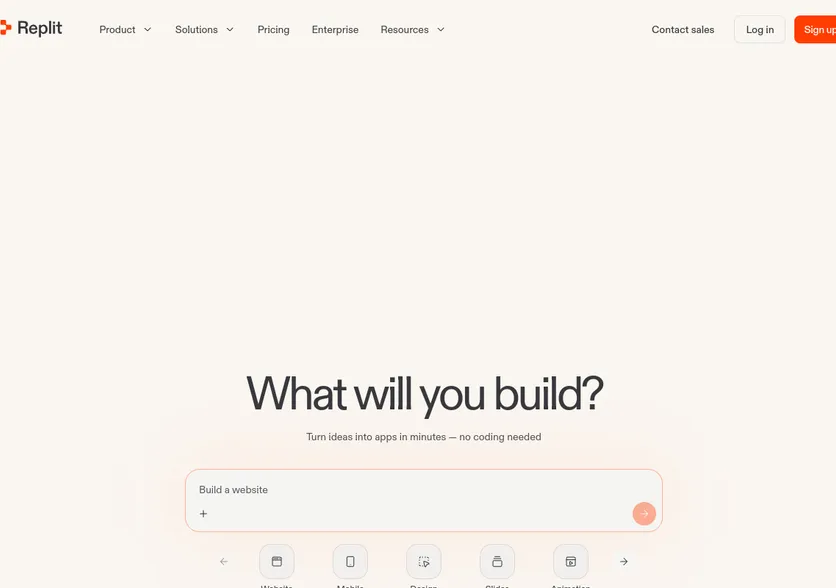
Replit is the coding platform where a team can write, run and deploy an app from the browser, with AI help built in. This Replit plan covers the AI agent, hosting and collaboration on Core, with more power on Pro. It is the best pick for a team that wants to prototype and ship fast without local setup.
What we like
- Code, run and deploy in one place
- AI agent builds a first version fast
- No local setup for new team members
Watch out for
- Core is about $18 a month billed annually
- Monthly billing is about $20 a month
How to try it
- Open the Replit pricing page and start on Core
- Ask the AI agent to build a first version of your app
- Deploy it from the browser and share the link
5. Supermaven
Best for: Developers who want the fastest code autocomplete
Paid tool Starting price: $10/month · Pro plan, per month; Team is about $10 per user a month; Free plan included; 30-day free trial
Free plan: Free plan; 30-day free trial
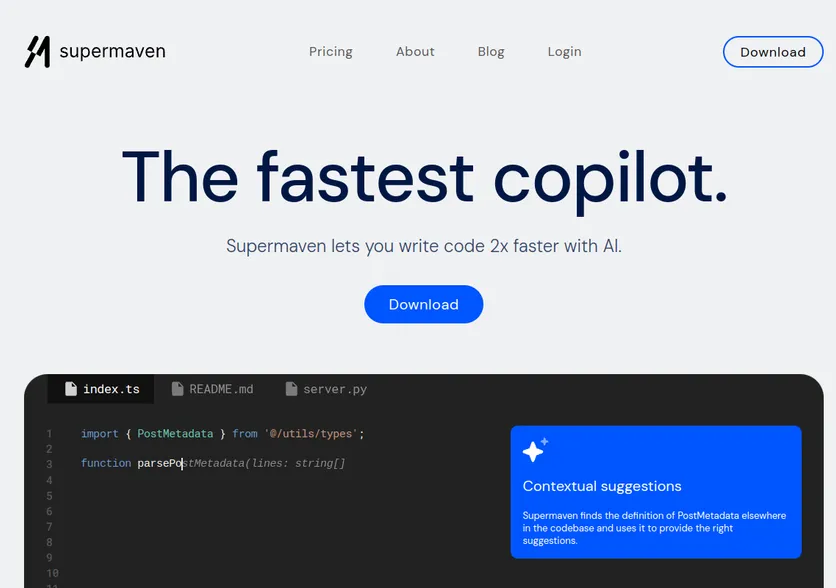
Supermaven is the fast autocomplete tool that predicts long stretches of code, built for developers who type all day. This Supermaven plan covers fast completions and chat on Pro, with team controls on Team. It is the best pick for a team that wants speed first, at $10 a month with a free plan to test.
What we like
- Fastest completions on this list
- Long predictions save the most typing
- Free plan for light use
Watch out for
- Pro is about $10 a month
- Team costs about $10 per user a month
How to try it
- Open the Supermaven pricing page and start the 30-day trial
- Install the extension and let it complete your code
- Upgrade to Pro when the trial ends if it fits
6. Claude Code
Best for: Teams that want an agent that edits across a whole codebase
Paid tool Starting price: $20/month · Claude Pro plan, per month on monthly billing; $17 a month on annual billing; Max is about $100 a month; Claude Code included in all paid Claude plans
Free plan: Free plan; Claude Code needs a paid plan
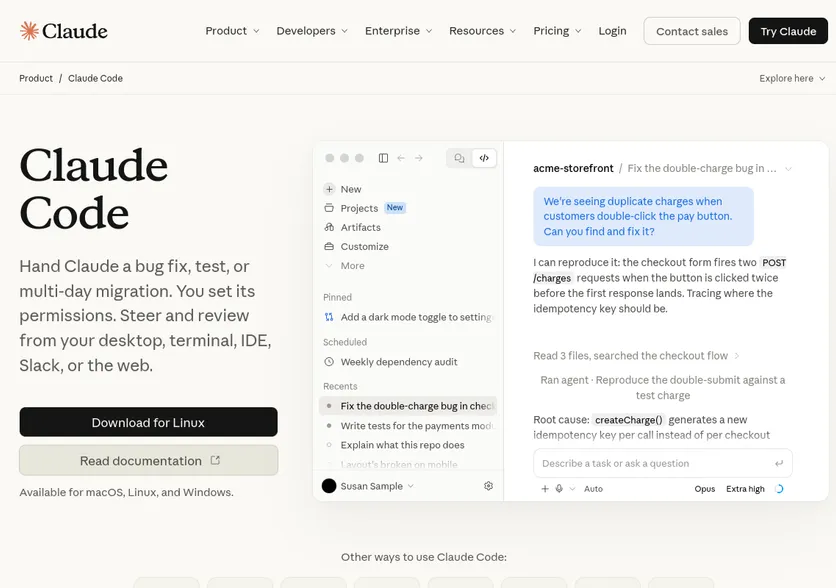
Claude Code is the agent that works in your terminal, reading your codebase and making real edits across files. This Claude Code plan is included in every paid Claude plan, starting with Pro, with higher limits on Max. It is the strongest pick for a team that wants an agent that understands a whole codebase, not just one file.
What we like
- Understands a whole codebase, not one file
- Edits across files with real diffs
- Included in every paid Claude plan
Watch out for
- Pro is about $20 a month on monthly billing
- Max jumps to about $100 a month
How to try it
- Open the Claude pricing page and start on Pro
- Install Claude Code and point it at your project
- Ask it to fix a bug or add a feature and review the diff
7. Augment Code
Best for: Teams with large codebases that need full-repo context
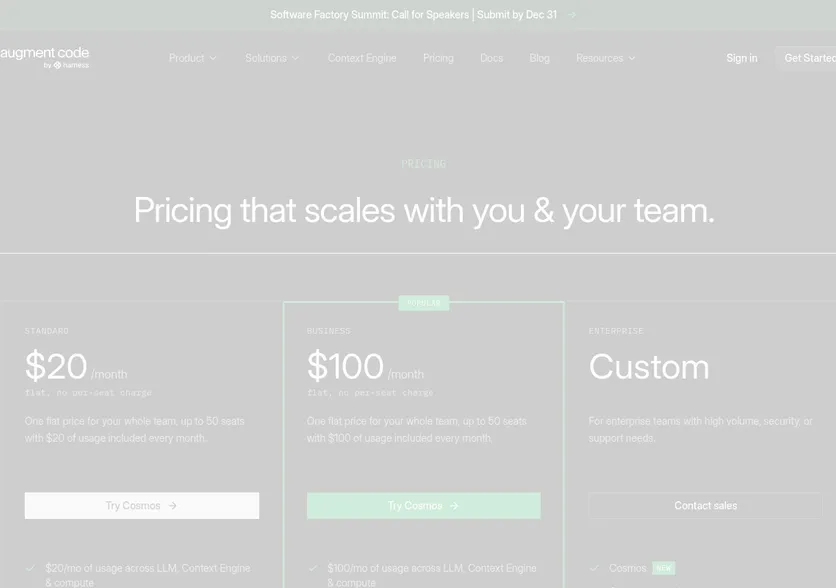
Paid tool Starting price: $20/month · Standard plan, flat $20 a month with no per-seat charge, up to 50 seats, $20 usage included; Business is about $100 flat; Enterprise is custom
Free plan: Free trial
Augment Code is built for large codebases, with an AI that reads the whole repository before it writes a line. This Augment Code plan covers unlimited context, chat and completions on Standard, at a flat $20 a month for up to 50 seats. It is the best pick for a team with a big, old codebase that a normal assistant cannot hold in memory.
What we like
- Flat $20 a month, no per-seat charge
- Reads the whole repository, not one file
- Built for large, old codebases
Watch out for
- Standard covers up to 50 seats
- Business jumps to about $100 flat
How to try it
- Open the Augment Code pricing page and start the free trial
- Connect your repository and let it index the code
- Ask it to change a feature across the whole codebase
8. Sourcegraph Cody
Best for: Teams that want AI chat grounded in real code search
Paid tool Starting price: $9/user/month · Pro plan, per user per month; Free plan included; Enterprise is custom
Free plan: Free plan
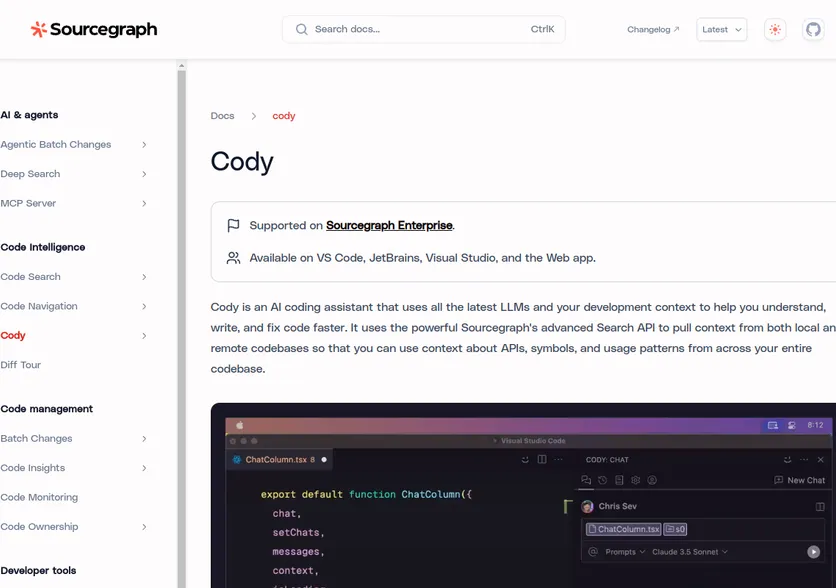
Sourcegraph Cody pairs code search with AI chat, so a developer can ask questions about a codebase and get answers with citations. This Sourcegraph Cody plan covers AI chat, autocomplete and code search on Pro, with a free plan for light use. It is the cheapest paid plan here at $9 per user a month, and the best pick for a team that lives in a large codebase.
What we like
- Cheapest paid plan here at $9 per user a month
- Answers cite the real code
- Free plan for light use
Watch out for
- Pro is about $9 per user a month
- Enterprise is custom priced
How to try it
- Open the Sourcegraph Cody pricing page and start on the free plan
- Connect your repositories and index the code
- Ask Cody a question and check the citations it gives
Prices above were checked on each vendor’s own website on Nov 26, 2026 and can change — the vendor’s page is the final word. Vendor links are editorial: nobody paid to be listed or ranked here. Vendors who want a featured listing can see how it works on our Get listed page.
What coding tools cost in 2026
Price is the first filter, and the range here runs from about $9 to about $20 per user a month. The cheapest plans are not always the cheapest deal, because seat minimums, usage limits and annual billing change what a team really pays. Most tools here offer a free plan or a free trial, so test with your real codebase before paying. The table below uses the headline plan each vendor shows on its own pricing page, checked on November 26, 2026. Pick the tool that fits your editor and codebase first, then compare the price — a cheap assistant that cannot read your code is no bargain at any price.
Before you buy
- Count how many developers need a seat, then check whether the plan charges per user or one flat rate.
- Ask what the AI can read: some tools here see one file, while others read the whole repository.
- Test the assistant on your real codebase, because a demo project hides the limits that matter.
- Check the billing terms before you buy: GitHub Copilot Pro is about $10 a month, while Devin Pro is about $20.
- Confirm the editor support and security rules, since the tool must work in your editor and pass your review.
Official websites
Official websites of the products reviewed above. Features and prices were checked against these sites when this guide was written, and they can change, so confirm on the vendor site before you buy.
Frequently asked questions
Which coding tool is best for software development in 2026?
GitHub Copilot is the safest default, at about $10 per user a month, because it works in every major editor and most developers already know it. Claude Code is better when a team wants an agent that edits across a whole codebase, starting at about $20 a month. Sourcegraph Cody wins on price at about $9 a month. Test each one on your real codebase before you buy.
What is the cheapest coding tool for a development team?
Sourcegraph Cody Pro, at about $9 per user a month, is the cheapest paid plan here, with a free plan for light use. GitHub Copilot and Supermaven both start at about $10 a month. Augment Code charges a flat $20 a month for up to 50 seats, which can be cheaper for a large team. Watch per-user billing as the team grows.
Can a team try AI coding tools before paying?
Yes, most tools here offer a free plan or a free trial. GitHub Copilot, Replit, Supermaven and Sourcegraph Cody all have free plans, and Supermaven gives a 30-day trial. Devin and Augment Code offer free trials too. Test on your real codebase, not a demo project, so you see the help your developers will actually get.
Do AI coding tools work in my editor?
Most do. GitHub Copilot, Supermaven, Amazon Q Developer and Sourcegraph Cody all work in VS Code and JetBrains editors, and Claude Code works in the terminal. Replit runs entirely in the browser. Before you buy, check the exact editor and language support on your plan, because a missing editor can block the whole team.
What is the difference between autocomplete and an AI agent?
Autocomplete suggests code as you type, which is what GitHub Copilot and Supermaven do best. An agent takes a whole task, plans the change and opens a pull request, which is what Devin and Claude Code do. Augment Code sits between the two, with deep context across a whole repository. Pick the style that matches how your team works.
Need the everyday developer jobs too? Try the free developer tools on Toolsvine right in your browser.
Browse Developer Tools tools


