

On this page
Software teams ship together, and the tools they share decide how fast code moves from an idea to production. The seven tools below run from about four dollars a user a month to twenty-nine dollars a user a month, and every price was checked on the vendor site on November 26, 2026. Most offer a free tier, so a small team can collaborate before spending anything. GitHub is our first pick — the place most teams already host code and review it together.
How we researched this
We started with the dev tools software teams actually share, then read each price on the vendor pricing page on November 26, 2026 and noted the free tier each plan carries. We judged them for a team that writes, reviews and ships code together, and we kept only tools with a published price. We dropped quote-only enterprise suites and free-only tools, and we checked every price again where our sources disagreed, taking the newest vendor figure.
Compare the tools
| Name | Best for | Starting price | Free plan | |
|---|---|---|---|---|
 GitHub | Teams that want the largest code hosting community with built-in review | $4/user/month | Free plan for individuals and small teams | Visit |
 GitLab | Teams that want code, CI and planning in one platform | $29/user/month | Free tier with 5 GB storage and 400 CI minutes a month | Visit |
 Jira | Teams that track work in sprints with shared boards | $9.70/user/month | Free plan for up to 10 users | Visit |
 Slack | Teams that want fast chat with code and deploy alerts built in | $7.25/user/month | Free plan with 90-day message history | Visit |
 Bitbucket | Atlassian teams that want Git hosting beside Jira | $3.65/user/month | Free plan for up to 5 users | Visit |
 Confluence | Dev teams that document decisions beside their code | $7.15/user/month | Free plan for up to 10 users | Visit |
 Linear | Product teams that want fast, opinionated issue tracking | $10/user/month | Free plan for up to 250 issues | Visit |
The collaborative software dev tools, compared
1. GitHub
Best for: Teams that want the largest code hosting community with built-in review
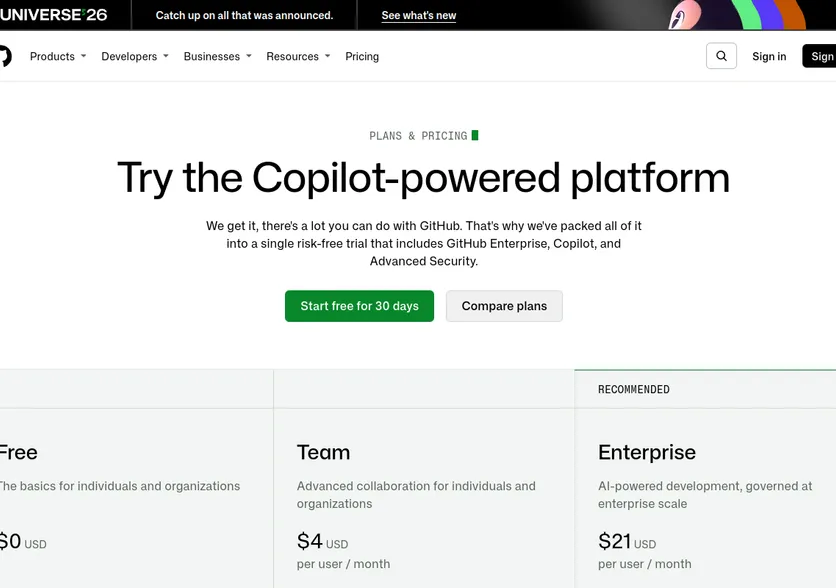
Paid tool Starting price: $4/user/month · Team plan, $4 per user a month; Free plan available and Enterprise is $21 per user a month
Free plan: Free plan for individuals and small teams
GitHub is where most software teams keep their code, and its pull requests turn review into a conversation that anyone on the team can follow. This GitHub Team plan costs four dollars per user a month and adds the branch protections and review rules a serious team needs. A team hiring new developers will benefit most, because almost every engineer already knows the workflow.
What we like
- Largest developer community anywhere
- Pull request review is the industry default
- Actions automate builds and tests
Watch out for
- Team plan is needed for branch protections
- Advanced security costs extra
How to try it
- Open the GitHub pricing page and create an organization
- Create a repository and invite your team
- Open a pull request and review it together
2. GitLab
Best for: Teams that want code, CI and planning in one platform
Paid tool Starting price: $29/user/month · Premium plan, $29 per user a month billed annually; Free tier available and Ultimate is $99 per user a month
Free plan: Free tier with 5 GB storage and 400 CI minutes a month
GitLab keeps repositories, merge requests, pipelines and issue boards in one place, so a team never loses track of a change between tools. This GitLab Premium plan costs twenty-nine dollars per user a month on annual billing and adds the planning and review features a growing team needs. A team that wants the whole delivery chain under one login will move faster than one stitching services together.

What we like
- One platform for code, CI and planning
- Merge requests with built-in review
- Strong free tier for small teams
Watch out for
- Premium is the priciest plan here
- Interface can feel heavy for small projects
How to try it
- Open the GitLab pricing page and start the free trial
- Create a project and add your team
- Open a merge request and run the pipeline on it
3. Jira
Best for: Teams that track work in sprints with shared boards
Paid tool Starting price: $9.70/user/month · Standard plan, $9.70 a user a month on monthly billing for 1 to 100 users (Atlassian list price after the October 13, 2026 rise); annual plans are sold in fixed user tiers ($950 a year for up to 10 users; $9,700 for up to 100); Premium $19.60 a user a month on monthly billing; free plan for up to 10 users
Free plan: Free plan for up to 10 users
Jira is the issue tracker that agile teams use to plan sprints, assign work and see exactly where every task stands. This Jira Standard plan costs nine dollars and seventy cents per user a month on monthly billing for 1 to 100 users, with the rate shifting as the team grows. A team running Scrum or Kanban will find its boards and reports match the way they already work.

What we like
- Best sprint planning and reporting here
- Scrum and Kanban boards built in
- Free for teams up to ten users
Watch out for
- Per-user price varies with team size
- Setup takes time for new teams
How to try it
- Open the Jira pricing page and claim the free plan
- Create a project and add your backlog
- Start a sprint and move issues across the board
4. Slack
Best for: Teams that want fast chat with code and deploy alerts built in
Paid tool Starting price: $7.25/user/month · Pro plan, $7.25 per user a month billed annually or $8.75 billed monthly; Free plan available
Free plan: Free plan with 90-day message history
Slack is the chat room where dev teams talk, share code snippets and get alerts from their pipelines without leaving the conversation. This Slack Pro plan costs seven dollars and twenty-five cents per user a month on annual billing and keeps the full message history a team needs. A distributed team will feel closer in Slack than in email, because decisions stay visible to everyone.

What we like
- Fast chat with threads and huddles
- Huge integration library for dev tools
- Free plan covers small teams
Watch out for
- Message history is limited on the free plan
- Channels can get noisy without discipline
How to try it
- Open the Slack pricing page and create a workspace
- Create channels for your team and your projects
- Connect your repository so deploys post to a channel
5. Bitbucket
Best for: Atlassian teams that want Git hosting beside Jira
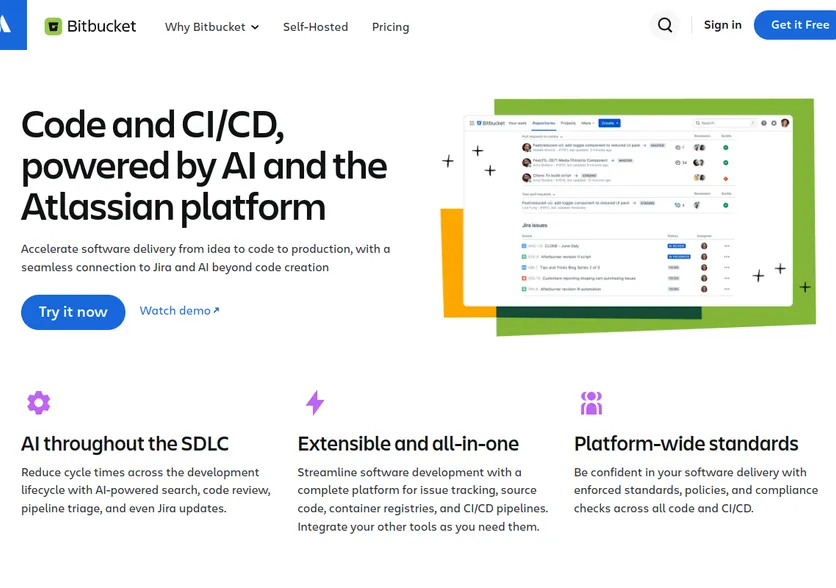
Paid tool Starting price: $3.65/user/month · Standard plan, per user a month; Free plan covers up to 5 users and Premium is $8 per user a month
Free plan: Free plan for up to 5 users
Bitbucket hosts Git repositories with pull requests and branch permissions, and it pairs naturally with Jira for teams already on Atlassian. This Bitbucket Standard plan costs three dollars and sixty-five cents per user a month, which makes it the cheapest code host here. A team tracking work in Jira will like how a pull request links straight to its ticket.
What we like
- Cheapest Git hosting in this list
- Tight Jira integration for tracked work
- Branch permissions on the Standard plan
Watch out for
- Smaller community than GitHub
- Free plan covers only five users
How to try it
- Open the Bitbucket pricing page and create a workspace
- Create a repository and push your code
- Open a pull request and link it to a Jira issue
6. Confluence
Best for: Dev teams that document decisions beside their code
Paid tool Starting price: $7.15/user/month · Standard plan, per user a month; Free plan covers up to 10 users
Free plan: Free plan for up to 10 users
Confluence is the shared wiki where a dev team writes architecture notes, runbooks and decisions that outlive any one sprint. This Confluence Standard plan costs seven dollars and fifteen cents per user a month and adds the permissions a growing team needs. A team that keeps losing knowledge when people leave will find a wiki the cheapest insurance available.

What we like
- Best team wiki for engineering docs
- Links cleanly to Jira issues
- Free for teams up to ten users
Watch out for
- Editor is simpler than a full word processor
- Costs add up per user on big teams
How to try it
- Open the Confluence pricing page and claim the free plan
- Create a space for your engineering docs
- Write a runbook together and link it from Jira
7. Linear
Best for: Product teams that want fast, opinionated issue tracking
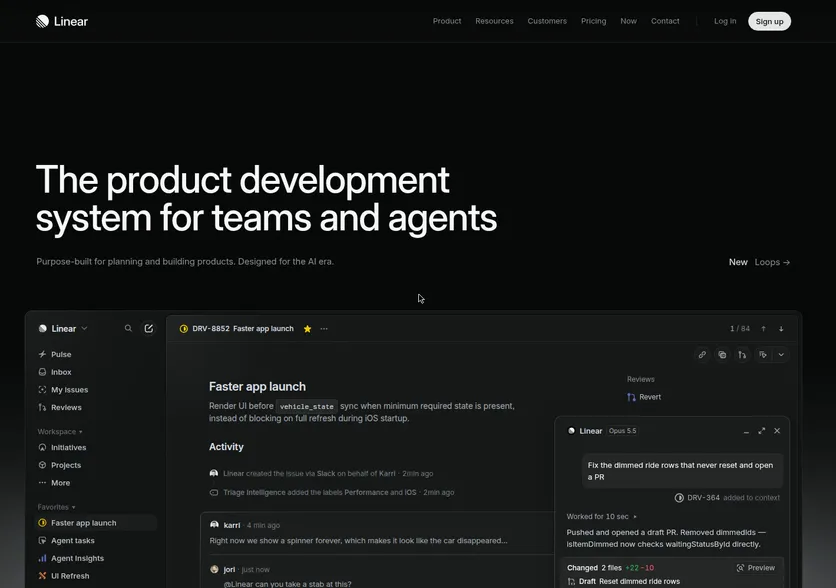
Paid tool Starting price: $10/user/month · Basic plan, $10 a user a month billed annually ($12 billed monthly); Business $16 a user a month billed annually
Free plan: Free plan for up to 250 issues
Linear is the issue tracker that product teams reach for when Jira feels slow, with a keyboard-first interface and a deliberately simple workflow. This Linear Basic plan costs ten dollars per user a month on annual billing and covers the planning and tracking most teams need. A team that values speed over configuration will finish its planning in Linear in half the time.
What we like
- Fastest interface in this comparison
- Opinionated workflow needs little setup
- Great GitHub and GitLab integrations
Watch out for
- Fewer customization options than Jira
- Basic plan limits some automations
How to try it
- Open the Linear pricing page and start the free trial
- Create a team and import your existing issues
- Plan a cycle and assign the first issues
Prices above were checked on each vendor’s own website on Nov 26, 2026 and can change — the vendor’s page is the final word. Vendor links are editorial: nobody paid to be listed or ranked here. Vendors who want a featured listing can see how it works on our Get listed page.
What collaborative dev tools cost in 2026
Dev tools charge per user almost everywhere, so the real cost is the team size times the plan, and this list runs from about four dollars to twenty-nine dollars per user a month. The cheapest code host is not always the cheapest setup, because Bitbucket pairs best with Jira while GitHub pairs with anything, and a mixed stack can cost more than one platform. The headline plan each vendor shows on its own pricing page is the number in the table above, checked on November 26, 2026.
Start with the free tier on two tools and run one real feature through each, from issue to merged code. Compare how fast review happens, how clearly the board shows progress, and whether chat stays connected to the work. Pick the set your team opens without thinking, because a dev tool only works when it is part of the daily habit.
Before you buy
- Count the developers first, because per-user pricing turns a cheap plan into a large bill fast.
- Check the free tier limits, because issue caps and message history run out quickly.
- Test the code review flow, because a slow review process delays every release.
- Confirm the integrations, because a tracker without Git hosting needs a second tool.
- Ask who owns the data, because moving years of issues to a new tool is painful.
Official websites
Official websites of the products reviewed above. Features and prices were checked against these sites when this guide was written, and they can change, so confirm on the vendor site before you buy.
Frequently asked questions
Which collaborative software dev tool is best in 2026?
GitHub, at four dollars per user a month for Team, is the safest default because most developers already know it and its pull request review is the industry standard. Jira is the best tracker for agile teams at about nine dollars and seventy cents per user a month on monthly billing. Slack is the best chat layer at seven dollars and twenty-five cents, keeping conversations tied to deploys.
How much do collaborative dev tools cost?
Most tools here cost between four and ten dollars per user a month, with GitLab Premium the outlier at twenty-nine dollars because it bundles CI and planning. Bitbucket is the cheapest code host at three dollars and sixty-five cents, and Slack, Jira and Confluence all offer free tiers for teams of up to ten users. A ten-person team should budget roughly fifty to a hundred dollars a month.
Do I need both GitHub and Jira?
Not necessarily, because GitHub now covers issues and projects while Jira covers deeper sprint planning and reporting. Teams that want one login often pick GitLab or GitHub alone, while teams that need strict agile reporting pair GitHub with Jira. Try the free tiers of both and keep the pair that matches how your team actually plans work.
What is the cheapest way to collaborate as a dev team?
Start with the free tiers: GitHub Free, GitLab Free, Jira Free for ten users, Slack Free and Bitbucket Free for five users all cover a small team. The first paid step is usually GitHub Team at four dollars per user a month for branch protections. Pay only when a free limit, like message history or issue caps, actually blocks your work.
Is Linear better than Jira?
Linear is faster and simpler, with a keyboard-first interface that product teams love, while Jira is deeper, with stronger reporting and customization for large agile programs. Small product teams usually move faster in Linear, and large enterprises usually need Jira. Both offer free starts, so run one sprint in each before you commit.
Need everyday developer help too? Try Toolsvine's free developer tools right in your browser.
Browse Developer Tools tools


