

On this page
Cursor set the standard for AI editors, but it is no longer the only one, and at twenty dollars a month it is no longer the cheapest either. GitHub Copilot is the value pick in this comparison: ten dollars a month for completions and chat that work in almost every editor you already own. This guide compares eight Cursor alternatives with live 2026 prices, free plans and trials, so you can keep the agent-style workflow without paying Cursor prices.
How we researched this
We checked the pricing page of every editor on this list on November 26, 2026, and kept only tools that publish a real dollar price for an individual plan. Each tool had to offer AI coding inside an editor or a terminal, and we compared entry prices, free plans, agent features and how the bill scales for a solo developer.
Compare the tools
| Name | Best for | Starting price | Free plan | |
|---|---|---|---|---|
 GitHub Copilot | Developers who want the cheapest proven AI pair programmer | $10/month | Free plan with limited completions | Visit |
 Windsurf | Developers who want the same agent workflow for less money | $15/month | Free plan | Visit |
 Supermaven | Developers who want fast completions without agent features | $10/month | Free plan | Visit |
 JetBrains AI | JetBrains IDE users who want AI built into their existing setup | $10/month | Free plan with limited credits | Visit |
 Augment Code | Teams on large codebases that need deep context | $30/month | 14-day free trial | Visit |
 Claude Code | Developers who want a terminal agent that does the whole task | $20/month | No free tier; pay-as-you-go API available | Visit |
 Replit | Builders who want an agent, hosting and database in one place | $20/month | Free Starter plan | Visit |
 Kiro | AWS teams who want spec-driven development | $19/month | Free plan with 50 interactions a month | Visit |
The Cursor alternatives, compared
1. GitHub Copilot
Best for: Developers who want the cheapest proven AI pair programmer
Paid tool Starting price: $10/month · Pro plan at $10 a month; Pro+ is $39 a month and Business is $19 a user a month
Free plan: Free plan with limited completions
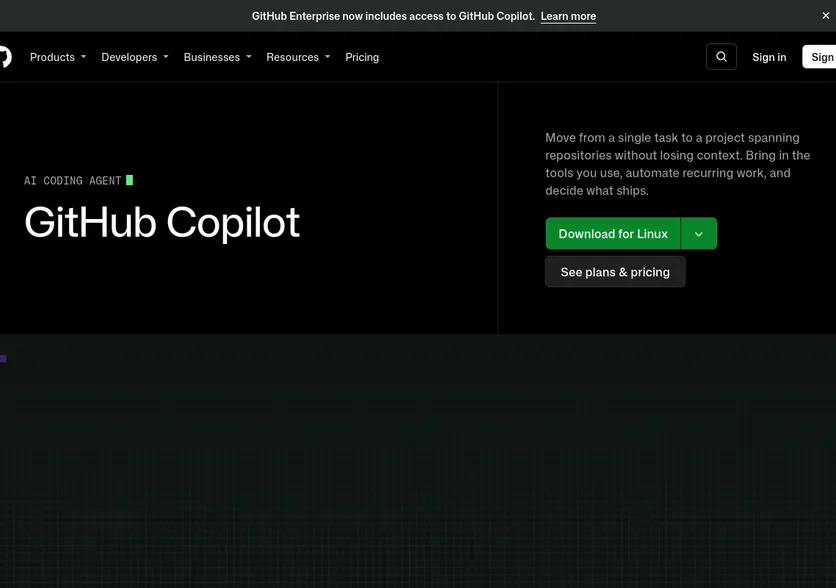
Copilot is the simplest Cursor replacement, because it brings AI completions and chat into the editor you already use instead of asking you to switch editors. This GitHub Copilot Pro plan costs ten dollars a month, half the price of Cursor Pro, and covers unlimited completions plus chat. It is the pick when the budget matters more than having a full agent, and the editor stays exactly as it is.
What we like
- Half the price of Cursor Pro
- Works in almost every editor
- No editor switch needed
Watch out for
- No full agent that edits files alone
- Free plan caps monthly completions
How to try it
- Open the GitHub pricing page and start Copilot Pro
- Install the Copilot extension in your editor
- Accept completions as you type or ask the chat for help
2. Windsurf
Best for: Developers who want the same agent workflow for less money
Paid tool Starting price: $15/month · Pro plan at $15 a month; Teams is $30 a user a month; a free plan covers light use
Free plan: Free plan
Windsurf is the closest like-for-like Cursor swap, because its Cascade agent plans a change, runs it and checks the result inside a full editor. This Windsurf Pro plan costs fifteen dollars a month, five dollars less than Cursor Pro, with a larger monthly credit allowance. It is the pick when you want the same agent workflow for less money each month.

What we like
- Same agent workflow as Cursor
- Five dollars less a month than Cursor
- Free plan for trying the agent
Watch out for
- Credit allowance can run out fast
- Smaller extension ecosystem than Cursor
How to try it
- Open the Windsurf pricing page and download the editor
- Start the Pro plan or try the free plan first
- Use Cascade to plan and run a multi-file change
3. Supermaven
Best for: Developers who want fast completions without agent features
Paid tool Starting price: $10/month · Pro plan at $10 a month; Teams is $10 a user a month; a free plan covers light use
Free plan: Free plan
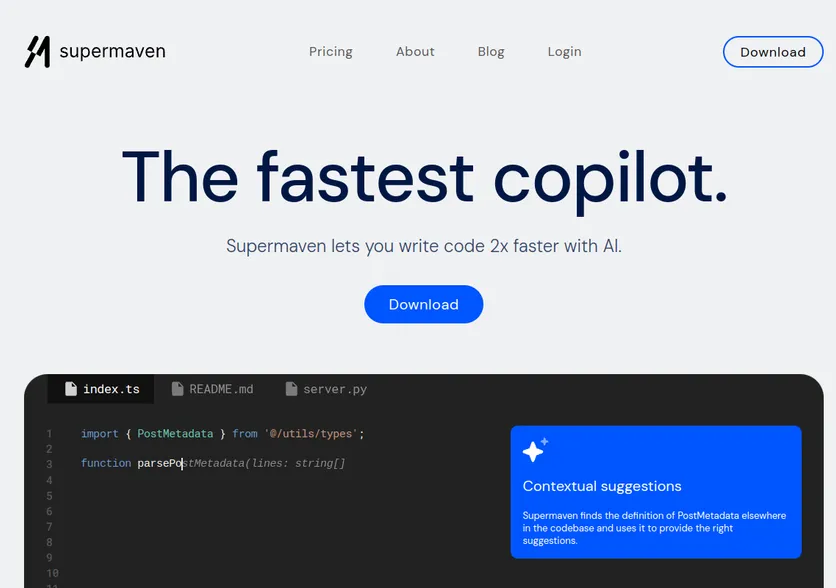
Supermaven takes a different route from Cursor, skipping the agent entirely and betting everything on completions so fast they feel like the editor is reading your mind. This Supermaven Pro plan costs ten dollars a month and adds a larger context window, while the free plan covers basic completions. It is the pick when you would rather type than prompt and want the cheapest plan on this list.
What we like
- Very fast long completions
- Half the price of Cursor Pro
- Works across many editors
Watch out for
- No agent that edits files for you
- Chat features are lighter than Cursor
How to try it
- Open the Supermaven pricing page and install the extension
- Start the Pro plan or use the free plan
- Write code and accept completions as you type
4. JetBrains AI
Best for: JetBrains IDE users who want AI built into their existing setup
Paid tool Starting price: $10/month · Pro plan at $10 a month when billed monthly, or about $8.33 a month on annual billing; a free plan covers limited credits
Free plan: Free plan with limited credits
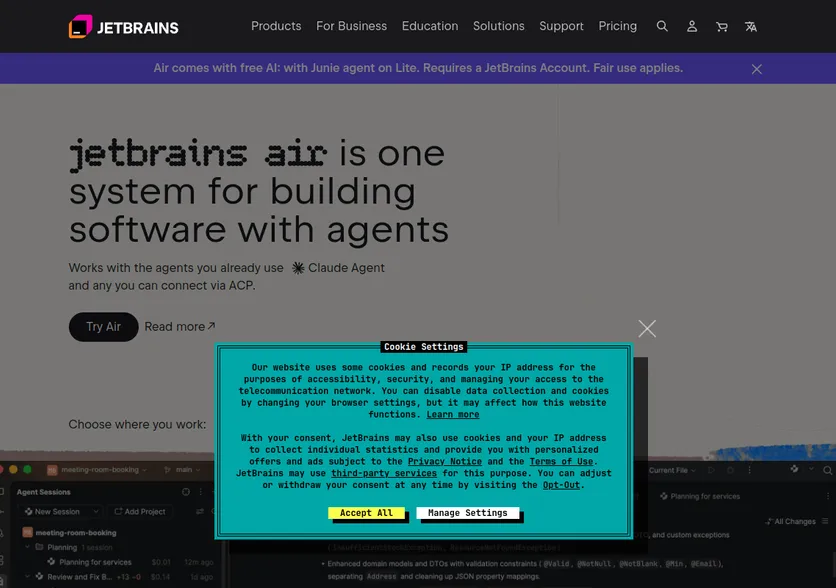
JetBrains AI is the Cursor alternative for developers who already live in IntelliJ IDEA or PyCharm, because it adds chat and completions without changing the editor at all. This JetBrains AI Pro plan costs ten dollars a month and adds a larger credit allowance, while the free plan covers a smaller allowance for occasional use. It is the pick when switching editors is off the table and ten dollars a month is the budget.
What we like
- Built into JetBrains IDEs
- Half the price of Cursor Pro
- No new editor to learn
Watch out for
- Only useful inside JetBrains IDEs
- Credit allowance limits heavy use
How to try it
- Open the JetBrains AI pricing page and start the Pro plan
- Enable AI in your JetBrains IDE settings
- Ask the chat to explain or refactor a block of code
5. Augment Code
Best for: Teams on large codebases that need deep context
Paid tool Starting price: $30/month · Developer plan starts at about $30 a month; Team and Enterprise plans are priced per seat with volume discounts
Free plan: 14-day free trial
Augment Code costs more than Cursor, but it earns the premium on huge codebases, reading far more of the project before writing a line than any other tool here. This Augment Code Developer plan starts at about thirty dollars a month and includes a fourteen-day free trial. It is the pick when the codebase is large enough that shallow context costs more than the extra ten dollars a month.

What we like
- Deep context across large codebases
- Strong suggestions for enterprise code
- Works in VS Code and JetBrains IDEs
Watch out for
- Costs more than Cursor Pro
- No free plan, trial only
How to try it
- Open the Augment Code pricing page and start the trial
- Install the extension in VS Code or a JetBrains IDE
- Let it index the codebase before the first task
6. Claude Code
Best for: Developers who want a terminal agent that does the whole task
Paid tool Starting price: $20/month · Included in the Claude Pro plan at $20 a month, or $17 a month billed annually; Max is $100 a month and Ultra is $200 a month
Free plan: No free tier; pay-as-you-go API available
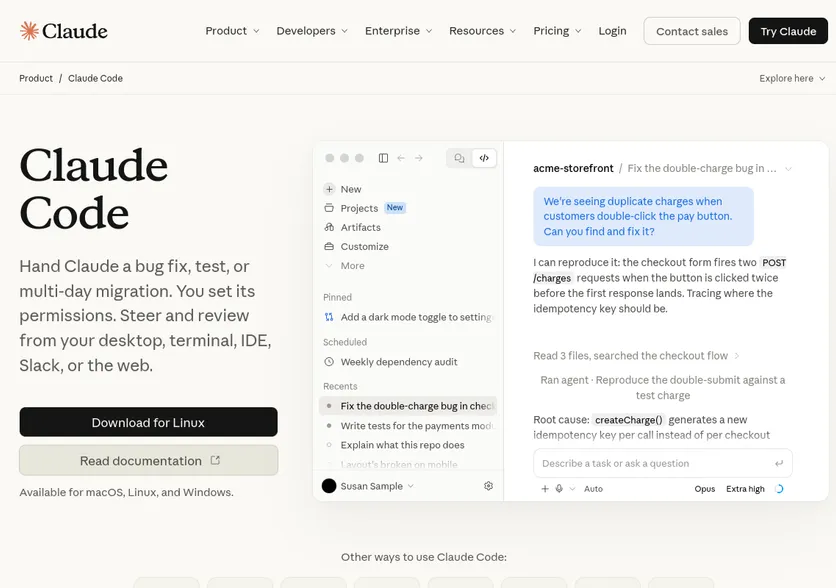
Claude Code drops the visual editor entirely and runs in the terminal, taking a plain-language task through edits, tests and fixes without being asked twice. This Claude Code access comes with the Claude Pro plan at twenty dollars a month, the same price as Cursor Pro, and the same subscription covers the Claude chat apps too. It is the pick when you trust the model to do the whole job and do not need a window to watch it in.
What we like
- Completes whole tasks end to end
- Runs tests and fixes failures itself
- Same price as Cursor Pro
Watch out for
- Terminal only, no visual editor
- Usage limits apply on the Pro plan
How to try it
- Open the Claude pricing page and start the Pro plan
- Install Claude Code and sign in from the terminal
- Describe a task and let it edit, test and fix
7. Replit
Best for: Builders who want an agent, hosting and database in one place
Paid tool Starting price: $20/month · Core plan at $20 a month, or $18 a month billed annually, including $20 of monthly usage credits; Pro is $100 a month
Free plan: Free Starter plan
Replit is the Cursor alternative for builders who want a finished app, because its agent writes the code, hosts it and wires up a database from one chat description. This Replit Core plan costs twenty dollars a month, the same as Cursor Pro, and includes twenty dollars of monthly usage credits, while the free Starter plan covers a smaller daily allowance. It is the pick when the deliverable is a live app with hosting, not just edited files.
What we like
- Agent, hosting and database in one place
- Same price as Cursor Pro
- Free Starter plan for trying it
Watch out for
- Credits pay for hosting and databases too
- Agent work is billed by effort
How to try it
- Open the Replit pricing page and start the Core plan
- Describe the app you want in the Agent chat
- Publish it from the same workspace when it works
8. Kiro
Best for: AWS teams who want spec-driven development
Paid tool Starting price: $19/month · Pro plan at $19 a month for 1,000 agent interactions; Pro+ is $39 a month and a free plan covers 50 interactions a month
Free plan: Free plan with 50 interactions a month
Kiro is the Cursor alternative for teams that plan before they build, turning a written spec into tasks and then into code, with hooks that enforce team rules automatically. This Kiro Pro plan costs nineteen dollars a month for one thousand agent interactions, one dollar less than Cursor Pro, while the free plan covers fifty interactions a month. It is the pick when requirements should drive the build and the team already lives on AWS.
What we like
- Spec-driven workflow keeps builds on track
- Native AWS integration for Lambda and CDK
- One dollar less a month than Cursor
Watch out for
- Interaction cap can bite heavy users
- Newest editor on this list
How to try it
- Open the Kiro pricing page and download the editor
- Start the Pro plan or use the free plan
- Write a spec and let Kiro turn it into tasks
Prices above were checked on each vendor’s own website on Nov 26, 2026 and can change — the vendor’s page is the final word. Vendor links are editorial: nobody paid to be listed or ranked here. Vendors who want a featured listing can see how it works on our Get listed page.
How to switch away from Cursor without losing speed
Export your settings and keybindings first, because most of these editors import them in one step and the switch costs an afternoon, not a week. Run the new tool on a real branch for a full week before cancelling Cursor, so the comparison covers your actual work instead of a demo prompt. Check the credit or interaction cap against a normal week, since a cheaper monthly price means nothing if the allowance runs out on Wednesday. And keep the model in mind: an editor that lets you choose the model behind the agent will still fit when the best model changes next year.
Before you buy
- Export settings and keybindings first, since most editors import them in one step.
- Run the new editor on a real branch for a full week before cancelling Cursor.
- Check the credit or interaction cap against a normal week of real work.
- Confirm the agent can edit across files, not just complete single lines.
- Compare the annual price too, because several plans cost less on yearly billing.
Official websites
Official websites of the products reviewed above. Features and prices were checked against these sites when this guide was written, and they can change, so confirm on the vendor site before you buy.
Frequently asked questions
What is the best alternative to Cursor AI?
GitHub Copilot is the best value alternative at $10 a month, half the price of Cursor Pro, with completions and chat in almost every editor. Windsurf is the closest like-for-like swap at $15 a month, with an agent that plans and checks its own work. Claude Code matches Cursor at $20 a month for developers who prefer a terminal agent that finishes whole tasks.
Is there a free alternative to Cursor?
Yes. Windsurf, Supermaven, JetBrains AI, Replit and Kiro all have free plans with a smaller monthly allowance, and GitHub Copilot has a free tier too. Augment Code offers a fourteen-day free trial instead of a free plan, and Claude Code has no free tier, though it can be used through the pay-as-you-go API.
Which Cursor alternative is cheapest?
GitHub Copilot Pro and Supermaven Pro both cost $10 a month, the lowest paid prices on this list, and JetBrains AI Pro is also $10 a month. Windsurf Pro is $15 a month, Kiro Pro is $19 a month, and Cursor itself, Claude Code and Replit Core are all $20 a month. Start on a free plan to see which workflow fits before paying.
Can I keep my existing editor when I leave Cursor?
Yes, in most cases. Copilot, Supermaven and Augment Code install as extensions in editors you already use, and JetBrains AI works inside JetBrains IDEs. Windsurf and Kiro are full editors that import settings and keybindings, while Claude Code runs in the terminal and Replit works in the browser.
Do Cursor alternatives support the same AI models?
It varies. Copilot, Windsurf and Kiro let you use several models, while Claude Code runs on Anthropic models and JetBrains AI offers a choice of providers. Cursor itself also supports multiple models. Check the model list before switching, because the model behind the agent matters as much as the editor around it.
Looking for a cheaper way to code with AI? Try free developer tools on Toolsvine right in your browser.
Browse Developer Tools tools


