
On this page
A developer portal is the front door to your platform: internal developers find services and run actions, while external developers read your API docs and try your endpoints. The eight tools below run from about eight dollars per user a month to nearly two thousand dollars a month, and every price was checked on the vendor site on November 26, 2026. Internal catalogs and public API hubs are different jobs, so compare the job as well as the price. Port is our first pick — the most complete internal portal a B2B SaaS team can buy today.
How we researched this
We started with the developer portals B2B SaaS teams actually buy, then read each price on the vendor pricing page on November 26, 2026 and noted the free plan or trial each plan carries. We judged them for a team that needs developers to find services, run self-service actions and read API docs, and we kept only tools with a published price. We dropped Cortex and OpsLevel because neither publishes a price on its own site, and Roadie because it closed portal sales to new customers.
Compare the tools
| Name | Best for | Starting price | Free plan | |
|---|---|---|---|---|
 Port | B2B SaaS teams that want a catalog, scorecards and self-service actions without building on Backstage | $30/seat/month | Free plan for up to 5 seats | Visit |
 Atlassian Compass | Atlassian shops that want the cheapest paid component catalog | $7.67/user/month | Free plan for up to 3 full users, with unlimited basic users | Visit |
 Humanitec | B2B SaaS teams whose bottleneck is provisioning environments, not finding services | $1,979/month | Free trial, no credit card | Visit |
 ReadMe | API businesses that want a polished public developer hub with usage analytics | $250/month | Free Starter plan for 1 project and 1 admin | Visit |
 SwaggerHub | OpenAPI teams that want visual design, code generation and a hosted portal | $22.80/user/month | Free plan for 1 user and 3 APIs | Visit |
 Stoplight | Design-first API teams that want mock servers and governance before they write code | $44/month | Free plan for 1 user and 1 project | Visit |
 Mintlify | Developer-first companies that want beautiful docs generated from Git | $450/month | Free Starter plan with 5 editor seats | Visit |
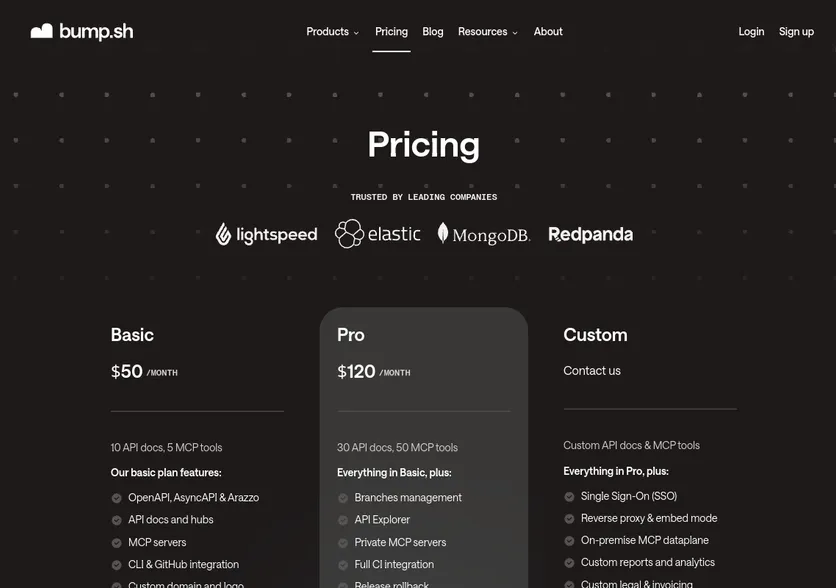
 Bump.sh | Teams that want API references rebuilt automatically from the spec | $50/month | No free plan; 14-day free trial | Visit |
The developer portal software for B2B SaaS, compared
1. Port
Best for: B2B SaaS teams that want a catalog, scorecards and self-service actions without building on Backstage
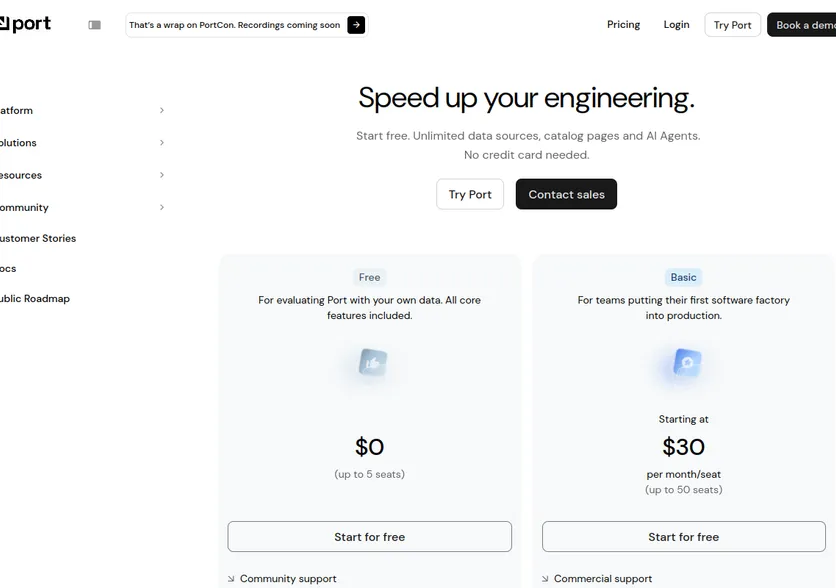
Paid tool Starting price: $30/seat/month · Basic plan from $30 per seat a month billed annually, for up to 50 seats; Standard $48 a seat a month adds single sign-on
Free plan: Free plan for up to 5 seats
Port is a no-code internal developer portal where teams model services, infrastructure and data pipelines as blueprints, then let developers run self-service actions against them. This Port Basic plan costs thirty dollars per seat a month billed annually for up to fifty seats, with a free plan for five seats. A B2B SaaS team that needs a portal this week, without hiring platform engineers to build one, gets catalogs, scorecards and workflows from day one.
What we like
- No-code blueprints model any entity, not just services
- Free plan covers five seats with no time limit
- Self-service actions cut the ticket queue
Watch out for
- Basic caps at fifty seats, so large teams need Standard
- Building blueprints takes weeks to do well
How to try it
- Open the Port pricing page and start with the free plan
- Model your first service as a blueprint with its owner and docs
- Add a self-service action developers can run without a ticket
2. Atlassian Compass
Best for: Atlassian shops that want the cheapest paid component catalog
Paid tool Starting price: $7.67/user/month · Standard plan $7.67 per user a month, Premium $23.96 a user a month (monthly billing only); free for up to 3 full users
Free plan: Free plan for up to 3 full users, with unlimited basic users
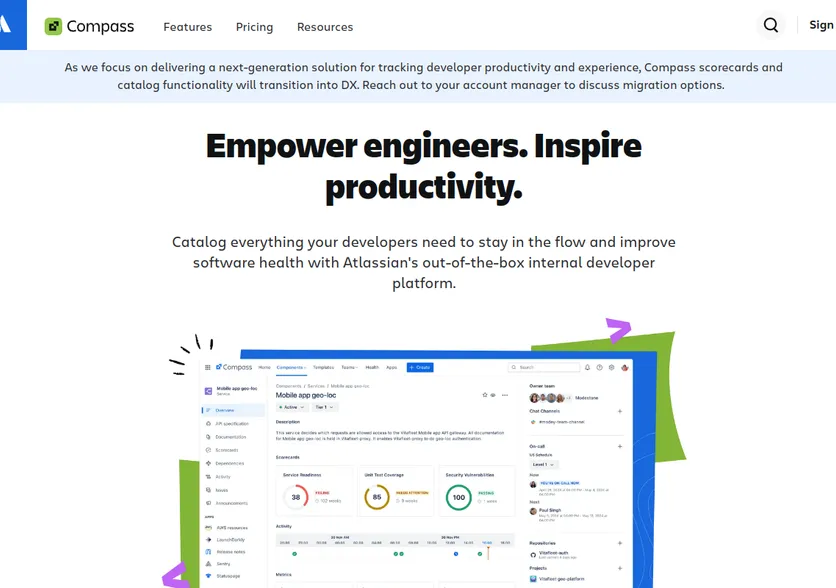
Compass is Atlassian's component catalog, tracking services, ownership and health inside the Jira and Confluence ecosystem a team already uses. This Compass Standard plan costs about eight dollars per user a month, with Premium at about twenty-four dollars a user a month. A B2B SaaS team already living in Jira gets a catalog that links components to the tickets and docs around them, with a free plan for three full users.
What we like
- Cheapest paid catalog in this comparison
- Deep Jira and Confluence integration
- Free plan covers three full users
Watch out for
- Limited value outside the Atlassian ecosystem
- Compass scorecards and catalog functionality are moving into Atlassian's DX product — confirm migration options before committing
How to try it
- Open the Compass page and start with the free plan
- Import your components and assign an owner to each
- Link components to Jira issues and Confluence pages
3. Humanitec
Best for: B2B SaaS teams whose bottleneck is provisioning environments, not finding services
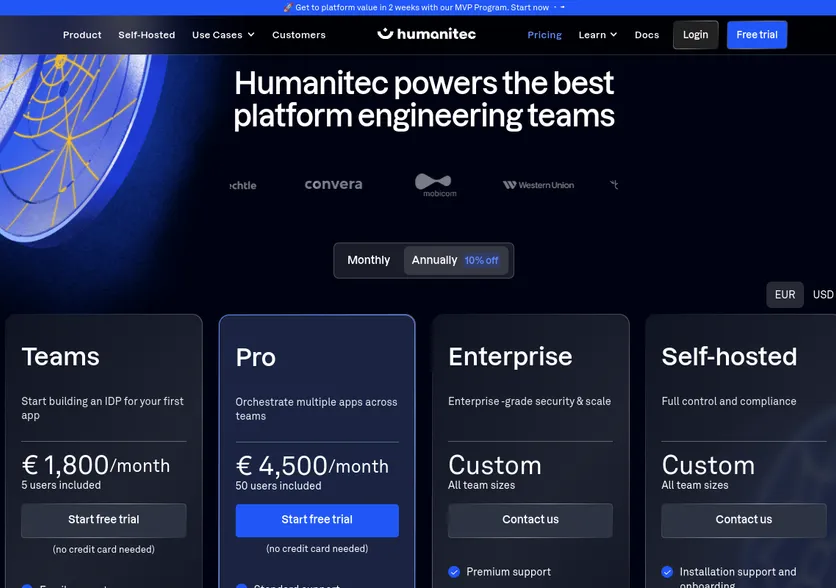
Paid tool Starting price: $1,979/month · Teams plan from $1,979 a month billed annually for 5 users, with monthly billing $2,199 a month; Pro $4,950 a month for 50 users
Free plan: Free trial, no credit card
Humanitec is a platform orchestrator that computes and deploys environments from workload definitions, with a portal as the frontend for developers. This Humanitec Teams plan starts from one thousand nine hundred seventy-nine dollars a month billed annually for five users, with monthly billing two thousand one hundred ninety-nine dollars a month. A team whose developers wait days for environments gets self-service provisioning that actually deploys infrastructure, not just a catalog page.
What we like
- Actually provisions environments, not just a catalog
- Score definitions are open source and portable
- Flat tiers, so the bill does not grow per developer
Watch out for
- The most expensive entry price in this list
- Orchestration logic is hard to move off later
How to try it
- Open the Humanitec pricing page and start the trial
- Define one workload in Score and deploy it
- Let developers spin up environments without a ticket
4. ReadMe
Best for: API businesses that want a polished public developer hub with usage analytics
Paid tool Starting price: $250/month · Pro plan at $250 a month per project billed annually, covering up to 5 admins; Enterprise from $3,000 a month
Free plan: Free Starter plan for 1 project and 1 admin
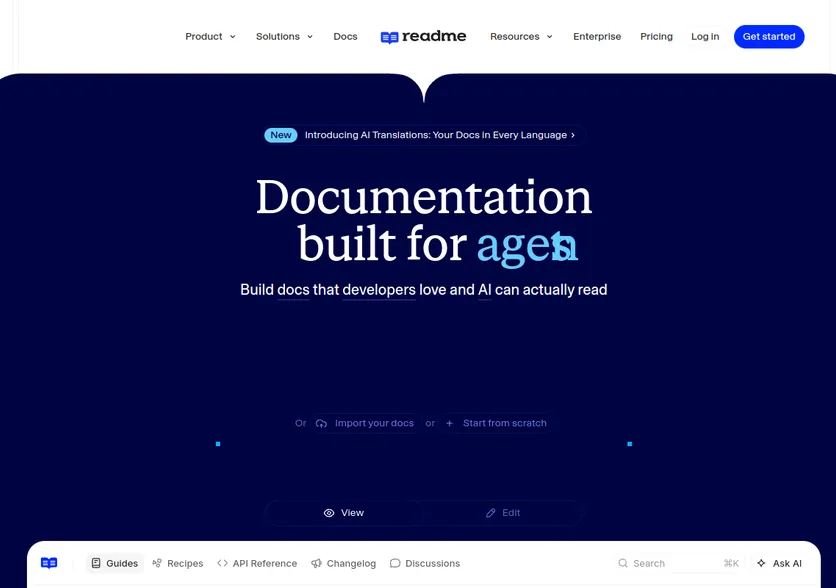
ReadMe turns an OpenAPI definition into an interactive developer hub with guides, changelogs, forums and a try-it console, plus analytics showing which endpoints developers actually call. This ReadMe Pro plan costs two hundred fifty dollars a month per project billed annually and covers up to five admins. A B2B SaaS company whose docs drive adoption and revenue gets a hub that shows where developers drop off, not just a reference page.
What we like
- Interactive try-it console developers actually use
- Usage metrics show which endpoints get called
- Guides, changelog and forums in one hub
Watch out for
- Charged per project, so a second API doubles the bill
- Enterprise starts at three thousand dollars a month
How to try it
- Open the ReadMe pricing page and start with the free Starter plan
- Import your OpenAPI definition and publish the reference
- Upgrade to Pro when you need team editing and deeper metrics
5. SwaggerHub
Best for: OpenAPI teams that want visual design, code generation and a hosted portal
Paid tool Starting price: $22.80/user/month · Individual plan at about $23 per user a month billed annually, or $30 billed monthly; Team about $34 a user a month, and the Portal Pro add-on costs extra
Free plan: Free plan for 1 user and 3 APIs
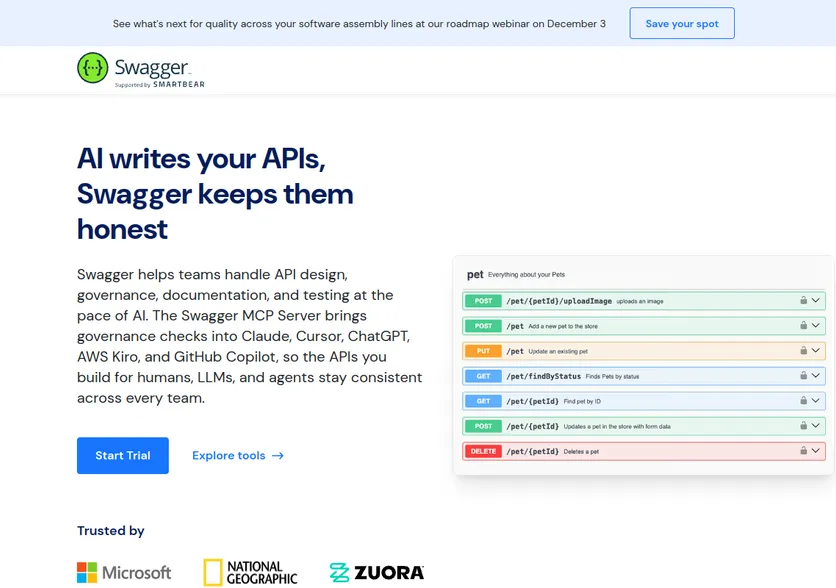
SwaggerHub is the hosted OpenAPI platform from the company behind the Swagger tooling, with a visual editor, reusable components and code generation. This SwaggerHub Individual plan costs about twenty-three dollars per user a month billed annually, with Team at about thirty-four dollars a user a month. SmartBear now sells it as API Hub, so a team standardized on OpenAPI gets the incumbent toolchain with a portal add-on for publishing docs.
What we like
- The incumbent OpenAPI toolchain
- Visual editor with reusable components
- Code generation for clients and servers
Watch out for
- The portal itself is a paid add-on per user
- Rebrand to API Hub creates roadmap uncertainty
How to try it
- Open the SwaggerHub pricing page and start with the free plan
- Design your API in the visual editor
- Add the Portal Pro add-on when you need a public portal
6. Stoplight
Best for: Design-first API teams that want mock servers and governance before they write code
Paid tool Starting price: $44/month · Basic plan at $44 a month billed annually for 3 users, with extra users at $11 each; Startup $113 a month covers 8 users
Free plan: Free plan for 1 user and 1 project
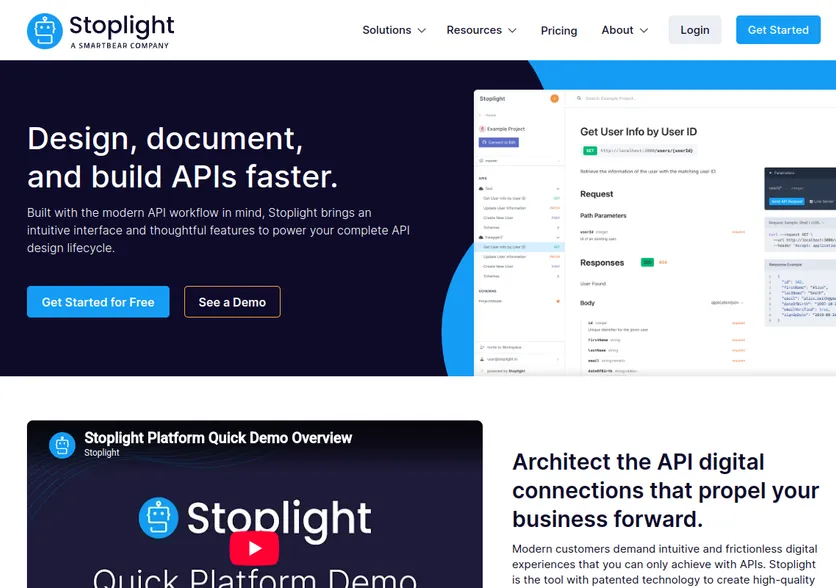
Stoplight centers documentation on designing and governing the API contract, with a visual OpenAPI editor, style guides and instant mock servers. This Stoplight Basic plan costs forty-four dollars a month billed annually for three users, with extra users at eleven dollars each. A B2B SaaS team that documents before it codes gets a portal where the contract, the mocks and the docs never drift apart.
What we like
- Visual API designer with instant mock servers
- Style guides keep every API consistent
- Hosted docs stay in sync with the spec
Watch out for
- Private projects need the Startup plan
- Single sign-on needs the Pro Team plan
How to try it
- Open the Stoplight pricing page and start with the free plan
- Design your API in the visual editor
- Publish the hosted docs and share the mock server with the team
7. Mintlify
Best for: Developer-first companies that want beautiful docs generated from Git
Paid tool Starting price: $450/month · Pro plan at $450 a month billed annually, or $540 billed monthly, with 10,000 AI credits a month and overages billed per credit
Free plan: Free Starter plan with 5 editor seats
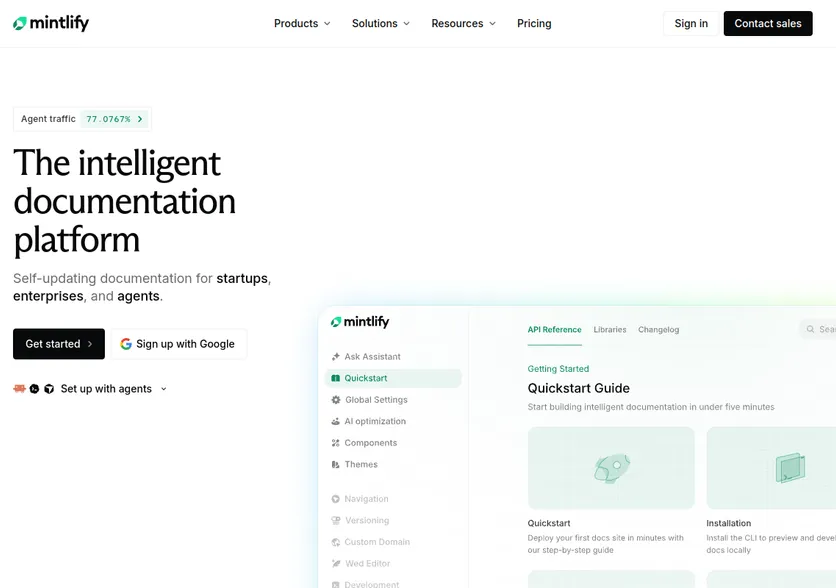
Mintlify generates API references, product guides and changelogs from a Git repository, with an AI agent that proposes doc updates when code changes. This Mintlify Pro plan costs four hundred fifty dollars a month billed annually, with unlimited editor seats and ten thousand AI credits a month. A B2B SaaS team that wants docs to update themselves, with an AI-readable output for agents, gets the most polished Git-based portal here.
What we like
- Docs generated from Git, so they stay current
- AI agent proposes updates when code changes
- Unlimited editor seats on the Pro plan
Watch out for
- Four hundred fifty dollars a month is steep for a small team
- AI answers draw from a metered credit pool
How to try it
- Open the Mintlify pricing page and start with the free Starter plan
- Connect your repository and publish the docs
- Upgrade to Pro when you need the AI agent and preview deploys
8. Bump.sh
Best for: Teams that want API references rebuilt automatically from the spec
Paid tool Starting price: $50/month · Basic plan at $50 a month for 10 API docs and 3 internal users; Pro $120 a month covers 30 API docs
Free plan: No free plan; 14-day free trial
Bump.sh publishes API references from OpenAPI and AsyncAPI documents and rebuilds them on every spec change, with a changelog and breaking-change detection. This Bump Basic plan costs fifty dollars a month for ten API docs, three internal users and twenty external guests. A B2B SaaS team that already maintains a clean spec gets documentation that maintains itself, with an MCP server for AI agents on top.
What we like
- Docs rebuild automatically on every spec change
- Breaking-change detection before release
- MCP server for AI agents included
Watch out for
- No SDK generation
- No free plan, so the trial is the only test
How to try it
- Open the Bump pricing page and start the 14-day trial
- Push your OpenAPI file through the CLI or a GitHub Action
- Check the changelog on the next spec change
Prices above were checked on each vendor’s own website on Nov 26, 2026 and can change — the vendor’s page is the final word. Vendor links are editorial: nobody paid to be listed or ranked here. Vendors who want a featured listing can see how it works on our Get listed page.
What developer portal software costs in 2026
Most teams pay per seat, so the headline price is only part of the budget, and this list runs from about eight dollars per user a month to nearly two thousand dollars a month. The cheapest plans are not always the cheapest deal, because per-project tools like ReadMe charge again for every API, while per-seat tools like Port charge for every developer. The headline plan each vendor shows on its own pricing page is the number in the table above, checked on November 26, 2026.
Start with the free plan on two tools and run one real workflow through each, from finding a service to running an action or reading an endpoint. Compare how fast a developer gets an answer, how the bill moves when the team doubles, and whether single sign-on sits on a tier you can afford. Pick the portal your developers actually open, because a catalog nobody visits is money wasted.
Before you buy
- Count the seats first, because per-seat pricing doubles the bill the moment a second team joins.
- Check whether the portal covers internal developers or external API users, because the two jobs need different tools.
- Confirm single sign-on is included, because enterprise security often sits on the most expensive tier.
- Compare annual and monthly billing, because most tools here cut the monthly rate by about a fifth on annual plans.
- Test the portal with a real developer, because a catalog nobody opens is money wasted.
Official websites
Official websites of the products reviewed above. Features and prices were checked against these sites when this guide was written, and they can change, so confirm on the vendor site before you buy.
Frequently asked questions
Which developer portal software is best for B2B SaaS in 2026?
Port, at thirty dollars per seat a month billed annually, is the safest default for an internal portal because it models any entity, offers scorecards and self-service actions, and has a free plan for five seats. Atlassian Compass is the cheapest paid catalog at about eight dollars per user a month, and ReadMe is the best public API hub at two hundred fifty dollars a month per project.
How much does developer portal software cost?
Prices in this list run from about eight dollars per user a month for Compass to one thousand nine hundred seventy-nine dollars a month for Humanitec. Most teams pay between twenty-three and fifty dollars per user a month for an internal portal, or between two hundred fifty and four hundred fifty dollars a month for a public API hub.
Is there a free developer portal for B2B SaaS?
Yes, Port, Compass, ReadMe, SwaggerHub, Stoplight and Mintlify all have a free plan, though most limit seats, projects or APIs. Humanitec and Bump offer a free trial instead. A free plan is enough to model your first services and publish one API before you commit.
What is the difference between an internal and a public developer portal?
An internal developer portal serves your own engineers with a service catalog, scorecards and self-service actions, while a public API portal serves external developers with reference docs, guides and a try-it console. Port and Compass are internal portals, while ReadMe, Mintlify and Bump are public API portals.
What should a B2B SaaS team check before buying a developer portal?
Check whether the portal covers internal developers or external API users, whether single sign-on is included, and how the bill grows with seats or projects. Then test it with a real developer, because a catalog nobody opens is money wasted.
Need more free developer help? Try Toolsvine's free developer tools right in your browser.
Browse Developer Tools tools


