
On this page
Filmora is the friendly editor for beginners, but its watermark and subscription push many editors toward tools with more power or a one-time price. Adobe Premiere Pro leads this list as the professional standard, and every editor here publishes a real price. This guide compares nine Filmora alternatives with live 2026 prices, from $11.99 a month to $299.99 once, plus free plans and trials, so you can pick by skill level, platform and budget.
How we researched this
We checked the pricing page of every editor on this list on November 26, 2026, and kept only tools that publish a real dollar price for a plan or a one-time purchase. Each editor had to cut video on a timeline with titles, transitions and audio tools, and we compared prices, free plans, platform support and learning curves.
Compare the tools
| Name | Best for | Starting price | Free plan | |
|---|---|---|---|---|
 Adobe Premiere Pro | Professionals who need the industry-standard editor | $22.99/month | 7-day free trial | Visit |
 DaVinci Resolve Studio | Colorists and editors who want a pro editor for one payment | $295 one-time | Free version with most features | Visit |
 Final Cut Pro | Mac users who want a fast one-time editor | $299.99 one-time | 90-day free trial | Visit |
 CapCut Pro | Social creators who want templates and AI tools | $19.99/month | Free plan with basic editing | Visit |
 Camtasia | Teachers and trainers who record tutorials | $179.88/year | 30-day free trial | Visit |
 PowerDirector 365 | Windows users who want pro features at a mid price | $79.99/year | 30-day free trial | Visit |
 Clipchamp | Beginners who want a simple browser editor | $11.99/month | Free plan with basic editing and 1080p export | Visit |
 Movavi Video Editor Plus | Beginners who want an easy desktop editor with effects | $69.95/year | 7-day free trial with watermark | Visit |
 VEGAS Pro | Editors who want a pro timeline without a subscription lock-in | $99.95/year | 30-day free trial | Visit |
The Filmora alternatives, compared
1. Adobe Premiere Pro
Best for: Professionals who need the industry-standard editor
Paid tool Starting price: $22.99/month · Single-app plan, annual billed monthly, first-year price for new subscribers; month-to-month is about $34.49 and Creative Cloud Pro is $69.99 a month
Free plan: 7-day free trial
Adobe Premiere Pro is the industry standard for professional editing, with the deepest toolset and the widest plugin library on this list. This Adobe Premiere Pro subscription covers the full editor, Premiere Rush for quick mobile cuts and tight links to After Effects and Audition. It is the pick for editors who need to match a studio workflow.
What we like
- Industry-standard toolset
- Widest plugin library available
- Tight links to After Effects and Audition
Watch out for
- Subscription only, no one-time purchase
- Steep learning curve for beginners
How to try it
- Open the Adobe plans page and pick Premiere Pro
- Install the app through the Creative Cloud desktop app
- Import a clip and try the timeline, titles and export
2. DaVinci Resolve Studio
Best for: Colorists and editors who want a pro editor for one payment
Paid tool Starting price: $295 one-time · One-time purchase; a 20% sale to $236 ended on November 20, 2026, so $295 is the list price
Free plan: Free version with most features
DaVinci Resolve Studio is the one-time purchase that professionals switch to when they tire of subscriptions, with color grading that leads the industry. This DaVinci Resolve Studio purchase covers the full editor, Fusion visual effects, Fairlight audio and the best color tools anywhere. It is the pick for editors who want pro tools for a single payment.
What we like
- One-time purchase, no subscription
- Best color grading tools anywhere
- Free version covers most features
Watch out for
- Needs a powerful computer
- Interface takes time to learn
How to try it
- Open the Blackmagic site and download DaVinci Resolve free
- Try the color page on a real clip
- Upgrade to Studio from inside the app when you need it
3. Final Cut Pro
Best for: Mac users who want a fast one-time editor
Paid tool Starting price: $299.99 one-time · Mac App Store purchase; also in Apple Creator Studio at $12.99 a month or $129 a year; 90-day free trial
Free plan: 90-day free trial
Final Cut Pro is Apple's one-time editor, with a magnetic timeline that makes assembly fast and performance that flies on Apple silicon. This Final Cut Pro purchase covers the full editor, multicam editing and machine-learning tools for captions and object tracking. It is the pick for Mac users who want speed and a single payment.
What we like
- One-time purchase for Mac
- Magnetic timeline is very fast
- Great performance on Apple silicon
Watch out for
- Mac only, no Windows version
- Fewer plugins than Premiere Pro
How to try it
- Open the Final Cut Pro page and start the 90-day trial
- Import clips and try the magnetic timeline
- Export a finished video and check the speed
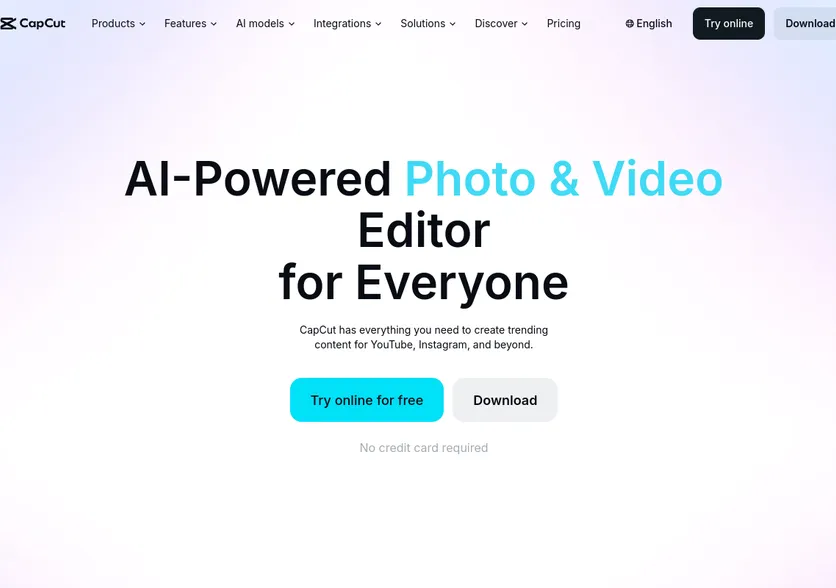
4. CapCut Pro
Best for: Social creators who want templates and AI tools
Paid tool Starting price: $19.99/month · Pro plan; $179.99 a year; Ultra is $79 a month and Teams $12.49 a month per seat
Free plan: Free plan with basic editing
CapCut Pro is the social creator's editor, with templates, auto-captions and AI tools that turn raw clips into finished posts in minutes. This CapCut Pro subscription covers premium templates, cloud storage and commercial-use music and effects. It is the pick for TikTok, Reels and Shorts creators who publish every day.
What we like
- Best templates for social video
- Auto-captions in one tap
- Commercial-use music included
Watch out for
- Best features need the Pro plan
- Weaker for long-form projects
How to try it
- Open CapCut and create a free account
- Pick a Pro template and drop in your clips
- Add auto-captions and export in vertical format
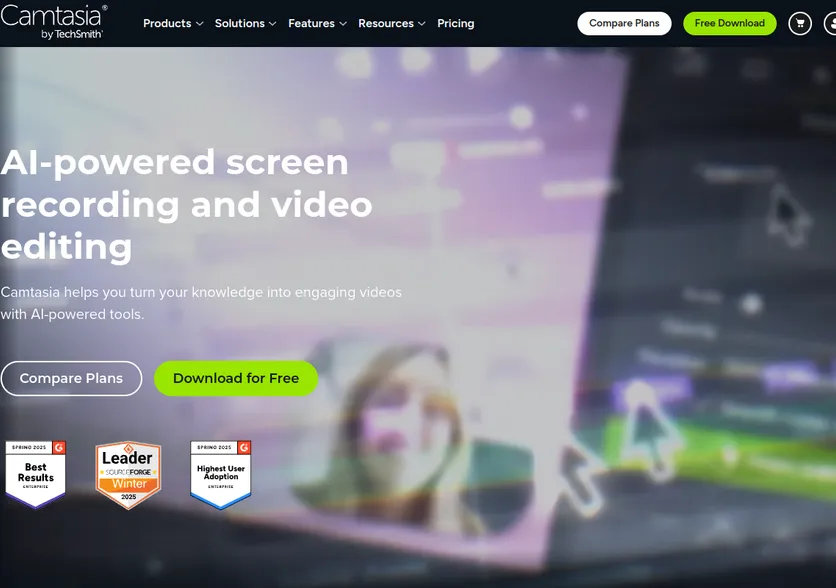
5. Camtasia
Best for: Teachers and trainers who record tutorials
Paid tool Starting price: $179.88/year · Essentials plan; Starter at $39 a year is capture-only with a watermarked editor; Create is $249 a year and Pro $599 a year
Free plan: 30-day free trial
Camtasia is built for recording tutorials, with screen capture and editing in one app and no learning curve. This Camtasia subscription covers screen recording, annotations, quizzes and a library of assets for training videos. It is the pick for teachers and trainers who record their screen every week.
What we like
- Screen recording and editing in one app
- Quizzes and annotations built in
- Easiest editor here to learn
Watch out for
- Yearly price is high for the feature set
- Not built for cinematic editing
How to try it
- Open the TechSmith site and start the free trial
- Record your screen and webcam together
- Add annotations and a quiz, then export
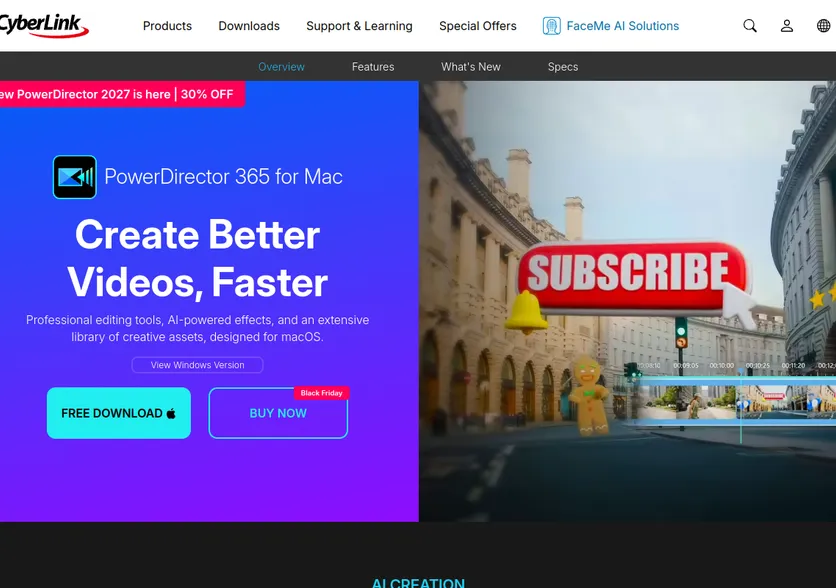
6. PowerDirector 365
Best for: Windows users who want pro features at a mid price
Paid tool Starting price: $79.99/year · List price; discounted to $69.99 with promotions as low as $59.99; monthly is $24.99 and perpetual 2027 Ultimate is $139.99
Free plan: 30-day free trial
PowerDirector 365 packs pro features into a friendly Windows editor, with AI tools for masking, motion tracking and background removal. This PowerDirector 365 subscription covers the full editor, a stock library and new AI features every month. It is the pick for Windows users who want pro power without a pro price.
What we like
- Strong AI tools for the price
- New features every month
- Good stock library included
Watch out for
- List price is often discounted
- Windows only for the full version
How to try it
- Open the CyberLink site and start the free trial
- Import a clip and try the AI masking tool
- Export the video and check the quality
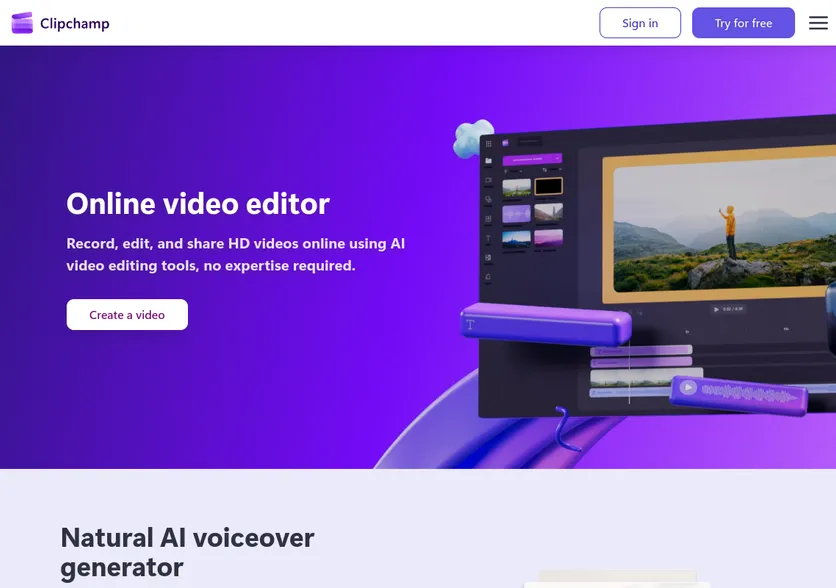
7. Clipchamp
Best for: Beginners who want a simple browser editor
Paid tool Starting price: $11.99/month · Premium plan; $119.99 a year; also included with Microsoft 365 Personal at $9.99 a month or Family at $12.99 a month
Free plan: Free plan with basic editing and 1080p export
Clipchamp runs in the browser, so there is nothing to install, and its templates make a polished video from a rough cut in minutes. This Clipchamp subscription covers premium stock, brand kits and 4K export, plus the full editor in any browser. It is the pick for beginners who want quick videos without learning a desktop editor.
What we like
- Nothing to install, runs in the browser
- Cheapest paid plan on this list
- Brand kits for consistent videos
Watch out for
- Browser editor struggles with long 4K projects
- Free plan caps export quality
How to try it
- Open Clipchamp in your browser and sign in
- Pick a template and add your clips
- Export the video and share it straight to social
8. Movavi Video Editor Plus
Best for: Beginners who want an easy desktop editor with effects
Paid tool Starting price: $69.95/year · Plus plan annual; the base editor is $49.95 a year and monthly plans run $19.95 to $21.95
Free plan: 7-day free trial with watermark
Movavi Video Editor Plus is the friendly desktop editor for beginners, with drag-and-drop effects and a clean timeline that never overwhelms. This Movavi Video Editor Plus subscription covers the Plus effects pack, transitions and titles, plus AI tools for background removal. It is the pick for home editors who want a finished video without a manual.
What we like
- Friendliest timeline for beginners
- Plus effects pack included
- AI background removal built in
Watch out for
- Trial exports carry a watermark
- Fewer pro features than rivals
How to try it
- Open the Movavi site and download the trial
- Drag clips onto the timeline and add effects
- Export the video and check the quality
9. VEGAS Pro
Best for: Editors who want a pro timeline without a subscription lock-in
Paid tool Starting price: $99.95/year · $8.33 a month billed yearly; $17.95 a month billed monthly; perpetual is $219.95 and Plus is $149.95 a year
Free plan: 30-day free trial
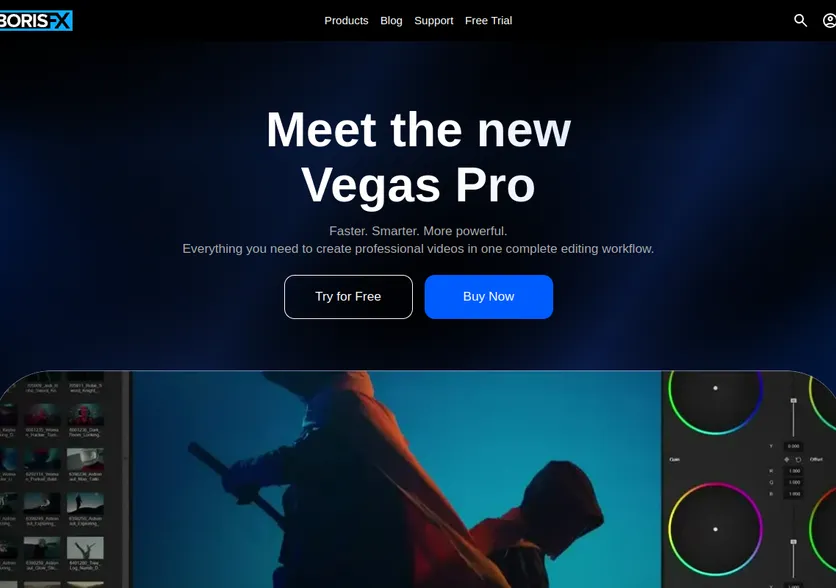
VEGAS Pro is the veteran Windows editor, with a flexible timeline and pro audio tools that grew out of its music roots. This VEGAS Pro subscription covers the full editor, nested timelines and AI tools for masking and upscaling. It is the pick for editors who want pro depth with a perpetual license option.
What we like
- Perpetual license option available
- Strong audio tools built in
- Flexible nested timelines
Watch out for
- Windows only
- Interface feels dated next to newer editors
How to try it
- Open the VEGAS site and start the free trial
- Import clips and try the nested timeline
- Export a project and compare the speed with your current editor
Prices above were checked on each vendor’s own website on Nov 26, 2026 and can change — the vendor’s page is the final word. Vendor links are editorial: nobody paid to be listed or ranked here. Vendors who want a featured listing can see how it works on our Get listed page.
How to pick a video editor before you pay
The monthly price hides the real question, which is how much editor you need. A social creator who posts daily needs templates and speed, while a professional needs color tools and plugins, and a beginner needs an interface that never overwhelms. Before paying, cut a real project on the free plan or trial, including titles, music and an export, and see how long it takes.
Watch the export limits. Free plans cap resolution, add watermarks or limit monthly exports, and a subscription that looks cheap can cost more than a one-time purchase within two years. Add up two years of subscription cost and compare it with the one-time price before you commit.
Before you buy
- Cut a real project on the free trial first, including titles, music and a full export.
- Check the export limits on the free plan, since watermarks and resolution caps are common.
- Add up two years of subscription cost and compare it with the one-time purchase price.
- Confirm the editor runs on your platform, since some tools are Windows or Mac only.
- Check whether templates, stock and music are included or cost extra on your plan.
Official websites
Official websites of the products reviewed above. Features and prices were checked against these sites when this guide was written, and they can change, so confirm on the vendor site before you buy.
Frequently asked questions
What is the best free Filmora alternative?
DaVinci Resolve has the best free version here, with most pro features included and no watermark on exports. Clipchamp and CapCut both offer free plans with basic editing, though exports are capped. Try DaVinci Resolve free first if your computer can run it, since it costs nothing to learn.
Which Filmora alternative is best for beginners?
Clipchamp is the simplest start, running in the browser with templates that build a polished video in minutes. Movavi is the friendliest desktop editor, and CapCut is best for social creators. Pick Clipchamp for quick videos, Movavi for a desktop editor, and CapCut for TikTok and Reels.
Is DaVinci Resolve Studio worth $295?
Yes, if you edit often. The one-time $295 payment covers the full editor, Fusion effects, Fairlight audio and the best color grading tools available, with no subscription. Two years of Premiere Pro costs more than twice as much, so Studio pays for itself fast for regular editors.
Which editor is best for YouTube?
Premiere Pro is the professional pick for YouTube, with the deepest toolset and the widest plugin library. DaVinci Resolve Studio is the best value, with a one-time price and pro color tools. CapCut is best for Shorts, since its templates and auto-captions are built for vertical video.
Can I edit video without installing software?
Yes, Clipchamp runs entirely in the browser with no install, and CapCut has a web editor too. Browser editors are fine for short social videos, but desktop editors like DaVinci Resolve and Premiere Pro handle long 4K projects far better. Use the browser for quick cuts and the desktop for serious work.
Editing videos every week? Try free video tools on Toolsvine, from converters to trimmers, right in your browser.
Browse Video Tools tools


