
On this page
Video editing used to need a powerful computer and a big budget, but the best beginner apps now run on a phone and cost nothing to start. The tools below cut clips, add music and captions, and export in vertical video for social media. Prices run from about five dollars a month to two hundred ninety-five dollars once, and every app here has a free plan or trial. CapCut is our first pick — the easiest free video editor for a beginner.
How we researched this
We started with the video editing apps beginners actually use, then read each price on the vendor pricing page on November 26, 2026 and noted the free plan or trial each one offers. We judged them for a beginner making a first video, where the app must be easy to learn and export cleanly, and we kept only apps with a published price.
Compare the tools
| Name | Best for | Starting price | Free plan | |
|---|---|---|---|---|
 CapCut | Beginners who edit vertical video for social media | $19.99/month | Free plan with core editing | Visit |
 Filmora | Beginners who want a desktop editor with effects | $49.99/year | Free trial with watermark, no free plan | Visit |
 DaVinci Resolve Studio | Beginners who want a professional editor for a one-time price | $295 one-time | Free version with core editing | Visit |
 Premiere Pro | Beginners who want the industry-standard editor | $22.99/month | Free trial, no free plan | Visit |
 Clipchamp | Windows users who want a simple browser editor | $11.99/month | Free plan with basic editing | Visit |
 Canva Pro | Beginners who want templates and easy social video | $12/month | Free plan with core design and video tools | Visit |
 InShot | Phone editors who want the cheapest paid plan | $4.99/month | Free plan with ads and watermark | Visit |
 PowerDirector 365 | Beginners who want a full desktop editor with AI tools | $79.99/year | Free version with watermark, no free plan | Visit |
The free video editing apps for beginners, compared
1. CapCut
Best for: Beginners who edit vertical video for social media
Paid tool Starting price: $19.99/month · Pro plan, $19.99 a month, $179.99 a year; Ultra is $79 a month, Teams is $12.49 a seat a month; old Pro was renamed Standard at $9.99 a month mobile-only in the October 2026 restructure
Free plan: Free plan with core editing
CapCut is the easiest video editor for a beginner, with templates, auto-captions and effects that make a first video look good in minutes. This CapCut Pro plan gives you premium effects, no watermark and cloud storage for nineteen dollars ninety-nine a month. A beginner can cut a vertical video on a phone, add captions with one tap, and publish it the same day.
What we like
- Easiest editor for a beginner
- Templates and auto-captions save time
- Works well on a phone
Watch out for
- Pro costs nineteen dollars ninety-nine a month
- Free plan adds a watermark to exports
How to try it
- Open the CapCut pricing page and download the app
- Import your clips and pick a template
- Add captions and export your video
2. Filmora
Best for: Beginners who want a desktop editor with effects
Paid tool Starting price: $49.99/year · Annual plan, $49.99 a year; known from live blog.json
Free plan: Free trial with watermark, no free plan
Filmora is the desktop editor for a beginner who wants more than a phone app, with a simple timeline and a library of effects. This Filmora annual plan gives you the full editor, effects and no watermark for forty-nine dollars ninety-nine a year. A beginner can cut a video on a laptop, add titles and music, and export it in high quality.
What we like
- Simple timeline for a desktop editor
- Library of effects and titles
- Good value at forty-nine dollars ninety-nine a year
Watch out for
- Annual plan costs forty-nine dollars ninety-nine a year
- Trial adds a watermark to exports
How to try it
- Open the Filmora store page and download the trial
- Import your clips and drag them to the timeline
- Add titles and music, then export your video
3. DaVinci Resolve Studio
Best for: Beginners who want a professional editor for a one-time price
Paid tool Starting price: $295 one-time · Perpetual licence, $295 one-time, free updates, no subscription; a 20% sale price of $236 appears on the vendor store, ignore the promo
Free plan: Free version with core editing
DaVinci Resolve Studio is the professional editor you buy once and keep forever, with colour grading and effects that rival tools costing far more. This DaVinci Resolve Studio licence gives you the full editor, advanced colour tools and no subscription for two hundred ninety-five dollars once. A beginner who is serious about video can learn on the free version, then pay once and never pay again.
What we like
- Pay once and keep it forever
- Professional colour grading built in
- Free version is genuinely useful
Watch out for
- Studio costs two hundred ninety-five dollars once
- Steeper learning curve than CapCut or Filmora
How to try it
- Open the DaVinci Resolve page and download the free version
- Learn the cut page with a short project
- Buy the Studio licence when you need the advanced tools
4. Premiere Pro
Best for: Beginners who want the industry-standard editor
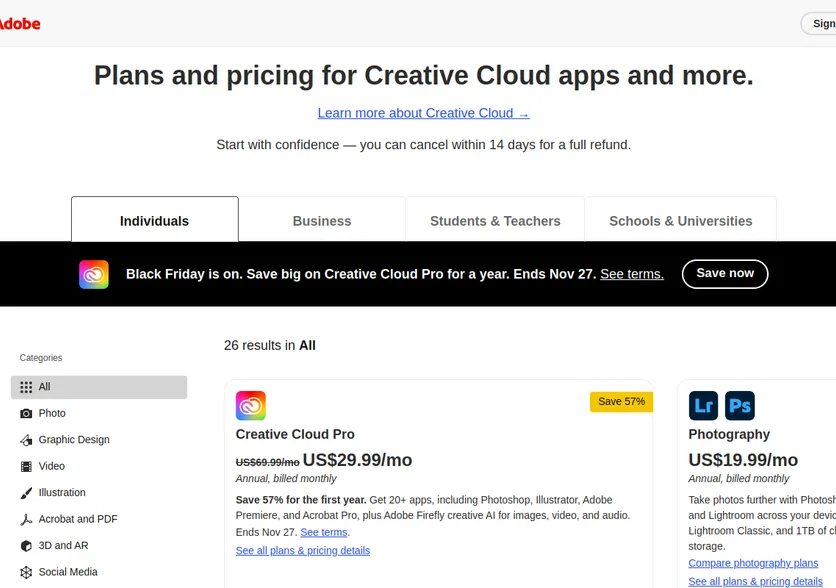
Paid tool Starting price: $22.99/month · Single-app plan, $22.99 a month; known from live blog.json
Free plan: Free trial, no free plan
Premiere Pro is the industry-standard video editor, and it is the tool most professional editors use every day. This Premiere Pro single-app plan gives you the full editor, auto-captions and cloud sync for twenty-two dollars ninety-nine a month. A beginner who plans to edit video for work can learn the tool employers actually ask for.
What we like
- Industry-standard editor employers ask for
- Auto-captions save hours of work
- Cloud sync works across devices
Watch out for
- Single-app plan costs twenty-two dollars ninety-nine a month
- No free plan, only a trial
How to try it
- Open the Adobe plans page and start a trial
- Import your clips and cut them on the timeline
- Add captions and export your video
5. Clipchamp
Best for: Windows users who want a simple browser editor
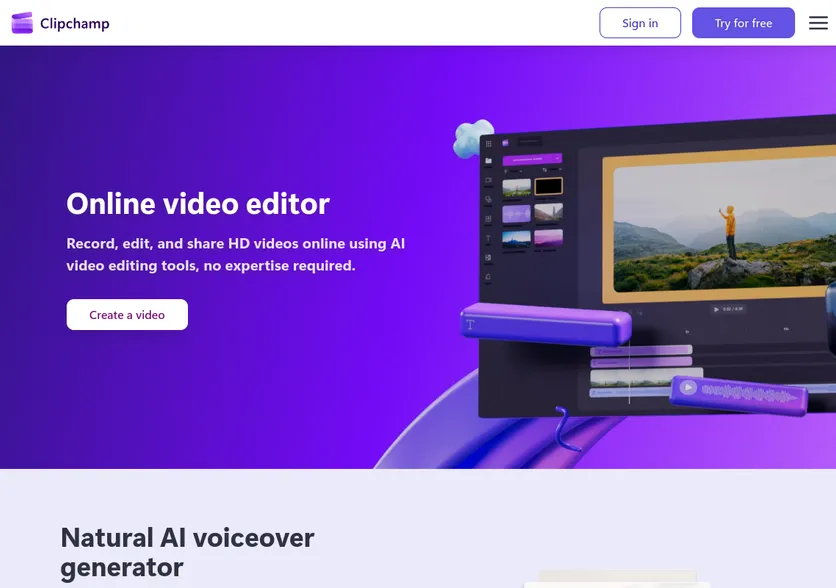
Paid tool Starting price: $11.99/month · Premium standalone plan, $11.99 a month or $99 a year; also bundled with Microsoft 365 Personal at $9.99 a month; one October 2026 read says standalone Premium was retired and Premium is only via 365, an October 22, 2026 read still lists standalone
Free plan: Free plan with basic editing
Clipchamp is the simple browser editor from Microsoft, for a beginner who wants to cut a video without installing anything. This Clipchamp Premium plan gives you premium stock, no watermark and brand kits for eleven dollars ninety-nine a month. A Windows user can open the browser, drag in clips, and export a video in the same hour.
What we like
- Runs in the browser, nothing to install
- Simple editor for a first video
- Brand kits keep your videos consistent
Watch out for
- Premium costs eleven dollars ninety-nine a month
- Standalone plan may be retired in favour of Microsoft 365
How to try it
- Open the Clipchamp pricing page and create a free account
- Drag your clips into the browser editor
- Add text and music, then export your video
6. Canva Pro
Best for: Beginners who want templates and easy social video
Paid tool Starting price: $12/month · Pro plan, $12 a month billed annually, $144 a year, or $18 month-to-month; the $15 figure is stale, Canva raised the monthly price to $18 and cut the annual price to $144 a year in October 2026
Free plan: Free plan with core design and video tools
Canva Pro is the template pick, with thousands of video templates that turn a first edit into a polished clip in minutes. This Canva Pro plan gives you premium templates, a brand kit and background removal for twelve dollars a month. A beginner can pick a template, swap in their own clips, and export a social video without learning a timeline.

What we like
- Thousands of templates for social video
- Brand kit keeps your videos consistent
- Easy to learn, no timeline needed
Watch out for
- Pro costs twelve dollars a month billed annually
- Monthly billing costs eighteen dollars a month
How to try it
- Open the Canva pricing page and create a free account
- Pick a video template and swap in your clips
- Add text and export your video
7. InShot
Best for: Phone editors who want the cheapest paid plan
Paid tool Starting price: $4.99/month · Pro plan, $4.99 a month, $19.99 a year, $49.99 lifetime; InShot publishes no price on its own site, the price comes from the US App Store listing; older $3.99 and $14.99 figures are stale
Free plan: Free plan with ads and watermark
InShot is the cheapest paid video editor here, a phone app that cuts clips, adds music and exports vertical video in minutes. This InShot Pro plan gives you no watermark, premium effects and no ads for four dollars ninety-nine a month. A beginner can edit a whole video on the bus, add captions, and publish it to social media the same day.

What we like
- Cheapest paid plan in this list
- Fast editing on a phone
- Good for vertical social video
Watch out for
- Pro costs four dollars ninety-nine a month
- Price comes from the App Store, not the vendor site
How to try it
- Open InShot on your phone and import your clips
- Cut the clips and add music and captions
- Export your video without a watermark
8. PowerDirector 365
Best for: Beginners who want a full desktop editor with AI tools
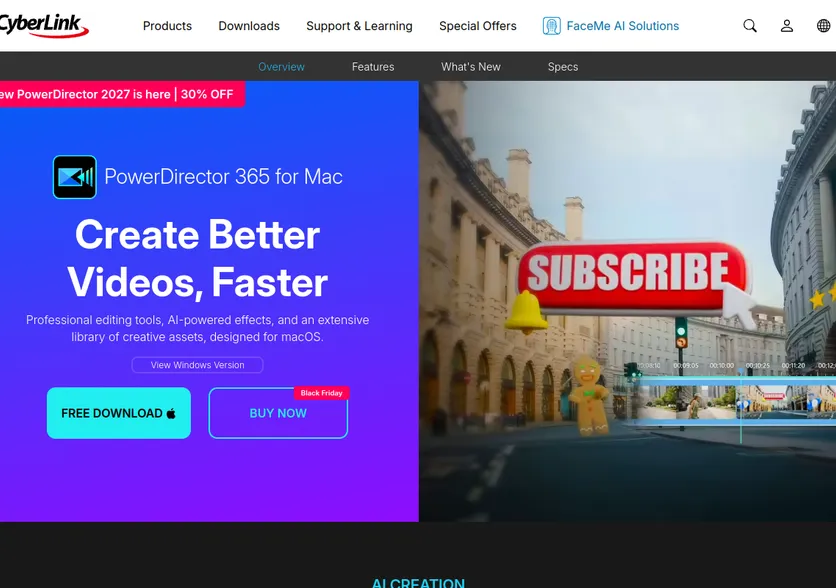
Paid tool Starting price: $79.99/year · Annual plan, $79.99 a year; known from live blog.json
Free plan: Free version with watermark, no free plan
PowerDirector 365 is the full desktop editor with AI tools, for a beginner who wants more than a phone app but less than a professional suite. This PowerDirector annual plan gives you the full editor, AI effects and stock content for seventy-nine dollars ninety-nine a year. A beginner can cut a video on a laptop, let the AI tools clean up the audio, and export it in high quality.
What we like
- AI tools clean up audio and video
- Full desktop editor for a fair price
- Stock content included in the plan
Watch out for
- Annual plan costs seventy-nine dollars ninety-nine a year
- Free version adds a watermark to exports
How to try it
- Open the PowerDirector page and download the free version
- Import your clips and cut them on the timeline
- Add effects and export your video
Prices above were checked on each vendor’s own website on Nov 26, 2026 and can change — the vendor’s page is the final word. Vendor links are editorial: nobody paid to be listed or ranked here. Vendors who want a featured listing can see how it works on our Get listed page.
What video editing apps cost in 2026
Prices here run from about five dollars a month for InShot to two hundred ninety-five dollars once for DaVinci Resolve Studio, and the model matters as much as the number. Monthly plans like CapCut and Canva suit a beginner who edits often, annual plans like Filmora and PowerDirector suit a regular editor, and a one-time licence like DaVinci Resolve suits someone who never wants a subscription. The headline plan each vendor shows on its own site or store is the number in the table above, checked on November 26, 2026.
Start with the free plan on CapCut or DaVinci Resolve and cut one real video before you pay anything. Time how long it takes from import to export, then watch the result on your phone and check the quality. The app that gets a video out in an afternoon is the one you will actually keep using.
Before you buy
- Try the free plan first, because every app here lets you cut a real video before you pay.
- Check the watermark, because a free plan that stamps your video is no good for publishing.
- Ask whether you edit on a phone or a laptop, because CapCut suits a phone and Filmora suits a desktop.
- Test the export quality, because a beginner app that exports blurry video wastes your time.
- Add up the yearly cost, because a monthly plan at twelve dollars costs more than an annual plan at fifty.
Official websites
Official websites of the products reviewed above. Features and prices were checked against these sites when this guide was written, and they can change, so confirm on the vendor site before you buy.
Frequently asked questions
What is the best free video editing app for beginners in 2026?
CapCut, at no cost on its free plan, is the best free start because its templates and auto-captions make a first video look good in minutes. DaVinci Resolve is better when you want a professional editor for free, and Clipchamp suits a Windows user who wants a simple browser editor. InShot is the cheapest paid option at four dollars ninety-nine a month.
How much do video editing apps cost for beginners?
Most video editing apps cost between five and twenty-three dollars a month, with annual plans from forty-nine dollars ninety-nine to seventy-nine dollars ninety-nine a year. DaVinci Resolve Studio is the exception at two hundred ninety-five dollars once, with no subscription. Every app here has a free plan or trial, so the first video costs nothing.
Can I edit videos for free?
Yes, CapCut, DaVinci Resolve, Clipchamp, Canva and InShot all offer free plans with real editing tools, and Filmora and Premiere Pro offer free trials. A free plan is enough to cut your first video, but most add a watermark or limit exports. A paid plan removes the watermark and opens the full effects library.
What is the difference between CapCut and Premiere Pro?
CapCut is a simple editor built for beginners, with templates and auto-captions that make a first video fast to finish. Premiere Pro is the industry-standard editor, with a full timeline and the tools professional editors use every day. A beginner who edits for fun will prefer CapCut, and a beginner who plans to edit for work will prefer Premiere Pro.
Is DaVinci Resolve really free?
Yes, the free version of DaVinci Resolve is a full editor with colour grading and effects, and many beginners never need the paid Studio licence. Studio costs two hundred ninety-five dollars once and adds advanced tools, with no subscription. Start with the free version, and buy Studio only when you need the advanced features.
Need free video help too? Try Toolsvine's free video tools to convert and trim clips right in your browser.
Browse Video Tools tools


