
On this page
Mobile video editing is now good enough for daily posting, and the free plans here are strong enough to start with. The eight apps below run from four dollars and ninety-nine cents a month to nineteen dollars and ninety-nine cents a month, and every price was checked on the vendor site on November 26, 2026. Most free plans add a watermark, so the paid plan mainly buys clean exports. CapCut is our first pick.
How we researched this
We started with the video editing apps creators actually use on a phone, then read each price on the vendor site on November 26, 2026 and noted the free plan or trial each plan carries. We judged them for a creator who needs trimming, text, effects and clean exports on mobile, and we kept only tools with a published price. We dropped Splice because its price is unclear, and we dropped Adobe Premiere Rush because it was discontinued.
Compare the tools
| Name | Best for | Starting price | Free plan | |
|---|---|---|---|---|
 CapCut | Creators who want the most popular mobile editor with templates and auto-captions | $19.99/month | Free plan with templates and auto-captions; 7-day free trial on Pro | Visit |
 InShot | Creators who want the cheapest paid plan with no watermark on exports | $4.99/month | Free plan with watermark and ads | Visit |
 KineMaster | Creators who want layer-based editing with chroma key on a phone | $7.99/month | Free plan with watermark; 7-day free trial on Premium | Visit |
 PowerDirector | Creators who want a desktop-grade editor with a cheap mobile plan | $5.99/month | Free plan with watermark; 7-day free trial on Premium | Visit |
 Filmora | Creators who want a polished editor with templates and AI tools | $9.99/month | Free plan with watermark; 3-day free trial on mobile Pro | Visit |
 LumaFusion | Creators who want a one-time purchase with no subscription | $29.99 one-time | No free plan | Visit |
 VN Video Editor | Creators who want free editing with no watermark on exports | $7.99/month | Free core editing with no watermark | Visit |
 GoPro Quik | GoPro owners who want quick edits with cloud backup for a few dollars a year | $9.99/year | Free plan with basic editing | Visit |
The free video editing apps for mobile, compared
1. CapCut
Best for: Creators who want the most popular mobile editor with templates and auto-captions
Paid tool Starting price: $19.99/month · Pro plan, nineteen dollars and ninety-nine cents a month billed monthly or one hundred and seventy-nine dollars and ninety-nine cents a year; a mobile-only Standard plan costs nine dollars and ninety-nine cents a month
Free plan: Free plan with templates and auto-captions; 7-day free trial on Pro
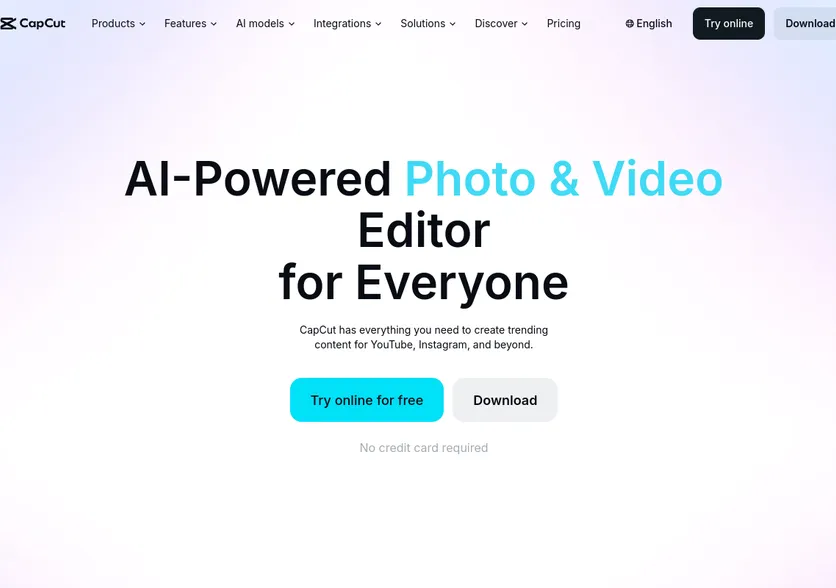
CapCut is the mobile editor most creators start with, with templates, auto-captions, effects and a desktop app beside the phone app. This CapCut Pro plan costs nineteen dollars and ninety-nine cents a month billed monthly, or one hundred and seventy-nine dollars and ninety-nine cents a year. A creator who posts every day gets the biggest template library in this list with auto-captions that save hours.
What we like
- Biggest template library in this list
- Auto-captions that save hours of work
- Desktop app beside the phone app
Watch out for
- Priciest monthly plan in this list
- Pro price rose in 2026, so old listings show less
How to try it
- Open the CapCut pricing page and start the trial
- Pick a template and add your clips
- Export with auto-captions and post the video
2. InShot
Best for: Creators who want the cheapest paid plan with no watermark on exports
Paid tool Starting price: $4.99/month · Pro plan, four dollars and ninety-nine cents a month or nineteen dollars and ninety-nine cents a year; a lifetime licence costs forty-nine dollars and ninety-nine cents
Free plan: Free plan with watermark and ads
InShot is a simple mobile editor with trimming, speed controls, filters and text, built for quick edits on a phone. This InShot Pro plan costs four dollars and ninety-nine cents a month, the cheapest paid plan in this list, with a nineteen dollar and ninety-nine cent yearly option. A creator who wants clean exports without a watermark gets the lowest monthly price here.

What we like
- Cheapest paid plan in this list
- Simple interface that suits quick edits
- Lifetime licence available for forty-nine dollars and ninety-nine cents
Watch out for
- Free plan adds a watermark and ads
- Fewer effects than CapCut or Filmora
How to try it
- Open the InShot app and start a free project
- Trim your clips and add text and filters
- Upgrade to Pro to remove the watermark
3. KineMaster
Best for: Creators who want layer-based editing with chroma key on a phone
Paid tool Starting price: $7.99/month · Premium plan, seven dollars and ninety-nine cents a month or fifty-one dollars and ninety-nine cents a year
Free plan: Free plan with watermark; 7-day free trial on Premium
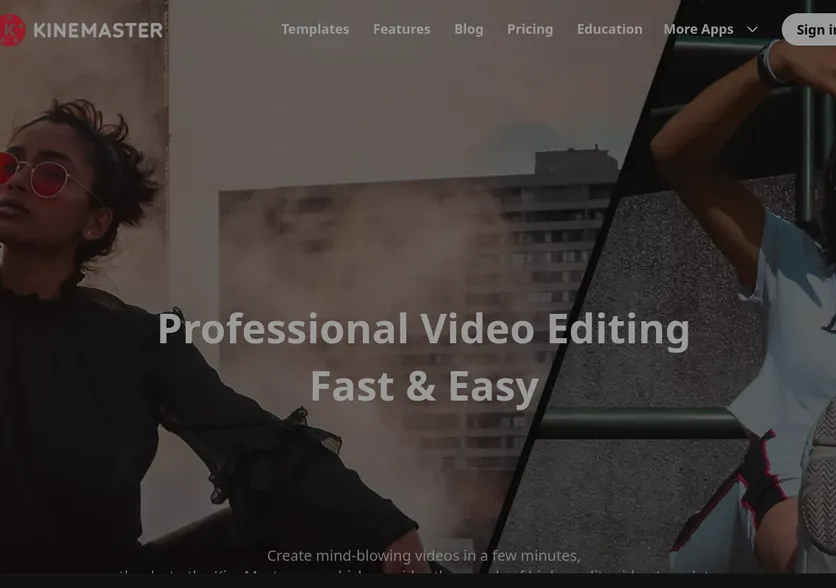
KineMaster is a layer-based mobile editor with chroma key, blending modes and multi-layer timelines, which suits a creator who wants desktop-style control on a phone. This KineMaster Premium plan costs seven dollars and ninety-nine cents a month, with a fifty-one dollar and ninety-nine cent yearly option. A creator who edits with layers gets the most control per dollar in this list.
What we like
- Layer-based editing with chroma key
- Blending modes and multi-layer timelines
- Seven-day trial to test the full app
Watch out for
- Free plan adds a watermark
- Vendor blog lists a higher price than the app store
How to try it
- Open the KineMaster app and start a free project
- Add layers and try the chroma key tool
- Upgrade to Premium to remove the watermark
4. PowerDirector
Best for: Creators who want a desktop-grade editor with a cheap mobile plan
Paid tool Starting price: $5.99/month · Mobile Premium plan, five dollars and ninety-nine cents a month or thirty-four dollars and ninety-nine cents a year
Free plan: Free plan with watermark; 7-day free trial on Premium
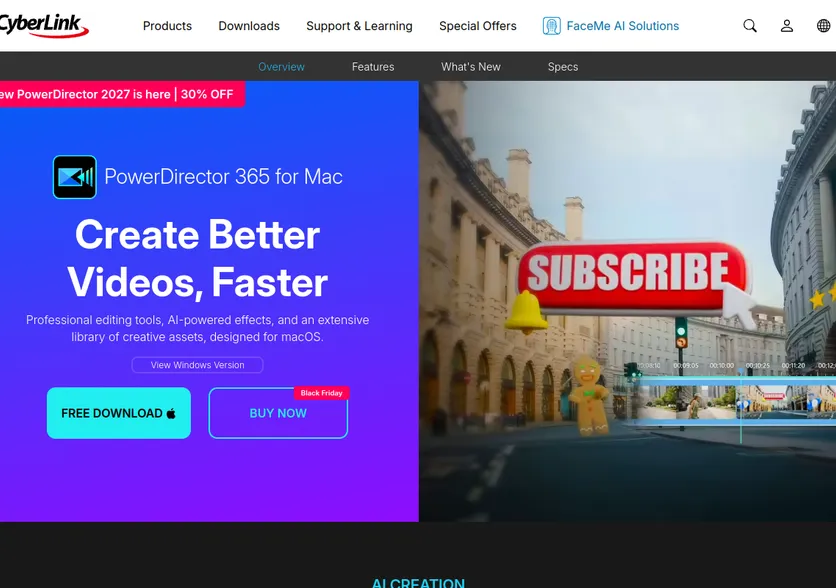
PowerDirector is the mobile version of a desktop editor, with multi-track timelines, effects and 4K export on a phone. This PowerDirector Mobile Premium plan costs five dollars and ninety-nine cents a month, with a thirty-four dollar and ninety-nine cent yearly option. A creator who wants desktop-grade tools on a phone gets a low monthly rate with 4K export.
What we like
- Multi-track timelines on a phone
- 4K export on the mobile plan
- Low monthly rate for desktop-grade tools
Watch out for
- Free plan adds a watermark
- Desktop plan is a different product with a higher price
How to try it
- Open the PowerDirector mobile page and start the trial
- Build a multi-track timeline with your clips
- Export in 4K and post the video
5. Filmora
Best for: Creators who want a polished editor with templates and AI tools
Paid tool Starting price: $9.99/month · Mobile Pro plan, nine dollars and ninety-nine cents a month; cross-platform Premium costs thirty-four dollars and ninety-nine cents a year
Free plan: Free plan with watermark; 3-day free trial on mobile Pro
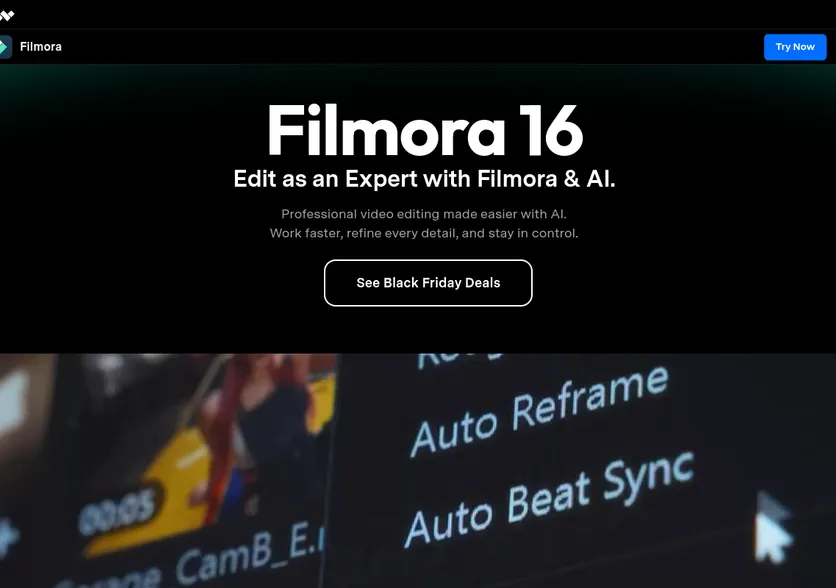
Filmora is a polished mobile editor with templates, effects and AI tools, built for creators who want a clean result fast. This Filmora Mobile Pro plan costs nine dollars and ninety-nine cents a month, with a cross-platform Premium plan at thirty-four dollars and ninety-nine cents a year. A creator who posts on several platforms gets templates and AI tools that save time on every edit.
What we like
- Templates and AI tools that save time
- Polished interface that suits beginners
- Cross-platform plan for phone and desktop
Watch out for
- Shortest free trial in this list at three days
- Free plan adds a watermark
How to try it
- Open the Filmora page and start the trial
- Pick a template and add your clips
- Export and post the video to your platform
6. LumaFusion
Best for: Creators who want a one-time purchase with no subscription
Paid tool Starting price: $29.99 one-time · One-time purchase, twenty-nine dollars and ninety-nine cents with no subscription
Free plan: No free plan
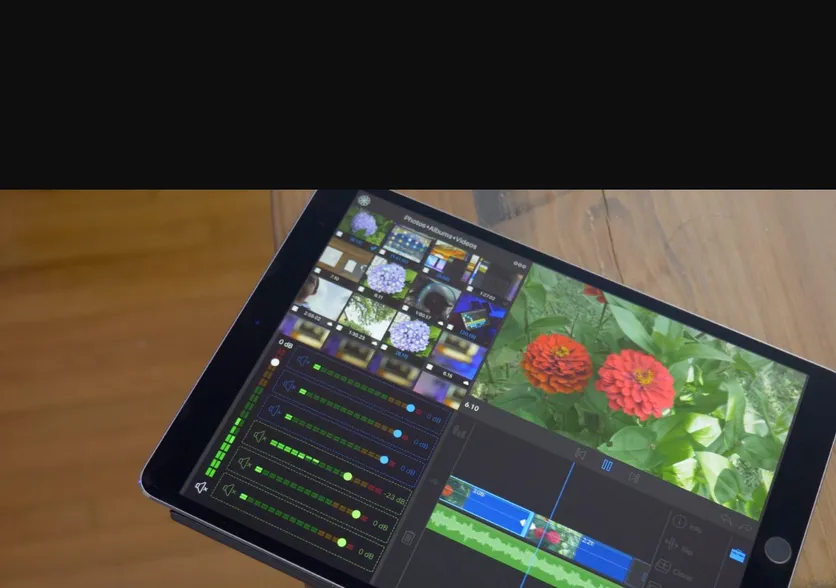
LumaFusion is the pro editor on mobile, with multi-track timelines, colour grading and keyframing on a phone or tablet. This LumaFusion app costs twenty-nine dollars and ninety-nine cents once, the only one-time purchase in this list. A creator who hates subscriptions pays once and owns the app for good.
What we like
- One-time purchase with no subscription
- Pro tools like colour grading and keyframing
- Works on phone and tablet
Watch out for
- No free plan to test the app
- Paid once, so updates may cost extra later
How to try it
- Open the LumaFusion page and buy the app
- Build a multi-track timeline with your clips
- Export in 4K and post the video
7. VN Video Editor
Best for: Creators who want free editing with no watermark on exports
Paid tool Starting price: $7.99/month · VN Pro plan, seven dollars and ninety-nine cents a month or sixty-nine dollars and ninety-nine cents a year; core editing is free with no watermark
Free plan: Free core editing with no watermark
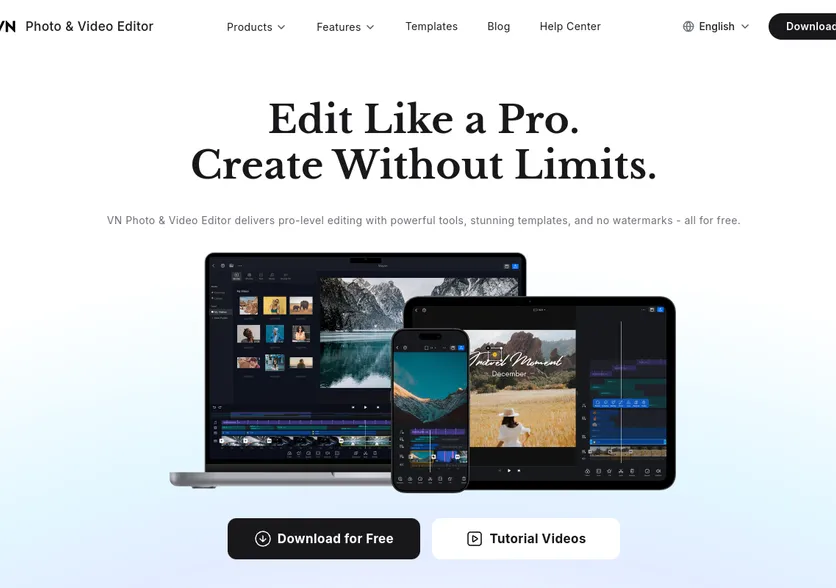
VN Video Editor is a free mobile editor with no watermark on exports, which makes it the best free option in this list. This VN Video Editor Pro plan costs seven dollars and ninety-nine cents a month, with a sixty-nine dollar and ninety-nine cent yearly option. A creator who wants clean exports without paying gets the core app for free, with Pro adding more effects and music.
What we like
- Free core editing with no watermark
- Simple interface that suits quick edits
- Low monthly rate for the Pro plan
Watch out for
- Fewer effects than CapCut or Filmora
- Smaller community than the big editors
How to try it
- Open the VN app and start a free project
- Trim your clips and add text and music
- Upgrade to Pro for more effects and music
8. GoPro Quik
Best for: GoPro owners who want quick edits with cloud backup for a few dollars a year
Paid tool Starting price: $9.99/year · Fully-featured Quik, nine dollars and ninety-nine cents a year or one dollar and ninety-nine cents a month; GoPro Premium with cloud backup costs fifty-nine dollars and ninety-nine cents a year
Free plan: Free plan with basic editing
GoPro Quik is the quick editor for GoPro owners, with auto-edits, music and cloud backup for action clips. This GoPro Quik fully-featured plan costs nine dollars and ninety-nine cents a year, the cheapest yearly rate in this list. A GoPro owner who wants quick edits with cloud backup gets the whole app for less than one dollar a month.
What we like
- Cheapest yearly rate in this list
- Auto-edits that save time on action clips
- Cloud backup for GoPro footage
Watch out for
- Built for GoPro footage, not general editing
- Cloud backup needs the pricier Premium plan
How to try it
- Open the GoPro Quik page and check the yearly plan
- Import your GoPro clips and pick an auto-edit
- Export and share the video to your platform
Prices above were checked on each vendor’s own website on Nov 26, 2026 and can change — the vendor’s page is the final word. Vendor links are editorial: nobody paid to be listed or ranked here. Vendors who want a featured listing can see how it works on our Get listed page.
What free video editing apps for mobile cost in 2026
Paid plans run from four dollars and ninety-nine cents a month on InShot Pro to nineteen dollars and ninety-nine cents a month on CapCut Pro, while LumaFusion costs twenty-nine dollars and ninety-nine cents once. GoPro Quik costs nine dollars and ninety-nine cents a year, the cheapest yearly rate here. The headline plan each vendor shows on its own pricing page is the number in the table above, checked on November 26, 2026.
Start with the free plan on two apps and edit one real clip in each. Compare how fast the export runs, whether the watermark bothers you, and how the templates look on your phone. Pick the app you open every day, because a daily posting habit needs an editor that never gets in the way.
Before you buy
- Check whether the free plan adds a watermark, because InShot, KineMaster, PowerDirector and Filmora all watermark free exports.
- Confirm the price basis, because CapCut Pro costs nineteen dollars and ninety-nine cents a month or about fifteen dollars a month on the yearly plan.
- Ask whether the app works offline, because a mobile editor that needs Wi-Fi fails on the road.
- Test the export speed on your phone, because a slow export kills a daily posting habit.
- Compare the free trial length, because trials here run from three days to seven days.
Official websites
Official websites of the products reviewed above. Features and prices were checked against these sites when this guide was written, and they can change, so confirm on the vendor site before you buy.
Frequently asked questions
Which free video editing app is best for mobile in 2026?
CapCut, at nineteen dollars and ninety-nine cents a month for Pro, is the best overall pick because it pairs the biggest template library with auto-captions and a desktop app. InShot wins on price at four dollars and ninety-nine cents a month with no watermark on Pro exports. VN Video Editor is the best free pick, since core editing is free with no watermark.
How much do free video editing apps cost on mobile?
Paid plans in this list run from four dollars and ninety-nine cents a month on InShot Pro to nineteen dollars and ninety-nine cents a month on CapCut Pro, while LumaFusion costs twenty-nine dollars and ninety-nine cents once. GoPro Quik costs nine dollars and ninety-nine cents a year, the cheapest yearly rate here. Most apps offer a free plan with a watermark, so the paid plan mainly buys clean exports and more effects.
Is there a free video editing app for mobile with no watermark?
Yes, every app here offers a free plan, and VN Video Editor is the best free pick because core editing is free with no watermark. CapCut offers a free plan with templates and auto-captions, while InShot, KineMaster, PowerDirector and Filmora watermark free exports. A creator who posts for fun can run the free plan, while a creator who posts for work needs a paid plan.
Can these apps export in 4K on a phone?
Yes, CapCut, PowerDirector and Filmora all offer 4K export on paid plans, while LumaFusion offers 4K export on its one-time purchase. A creator who posts to YouTube or a big screen should check the export resolution, since free plans often cap exports at 720p or 1080p. Test the export speed on your phone, because 4K takes longer to render.
What should I look for in a free video editing app for mobile?
Look for a free plan without a watermark, since that decides whether the app is usable for free. Check the export resolution, because free plans often cap exports at 720p or 1080p. Test the app with a real clip before you commit, since a slow export kills a daily posting habit.
Want more video help? Try Toolsvine's free video tools for converting and trimming clips right in your browser.
Browse Video Tools tools


