
On this page
A blog is only as good as the CMS behind it. Sanity leads this list because structured content lets one post feed a blog, a newsletter and an app, but the best headless CMS for a blogger depends on budget, design and how much code you want to touch. The eight tools below were priced live on November 27, 2026, from nine dollars a month to 199 dollars, and every one offers a free plan or a free self-hosted version to try first.
How we researched this
We started with the headless CMS tools bloggers actually use, then read each price on the vendor's own site on November 27, 2026 and noted the free plan, the CMS features and the limits that matter for publishing. We judged them for a blogger who wants fast pages, simple editing and a fair monthly bill.
Compare the tools
| Name | Best for | Starting price | Free plan | |
|---|---|---|---|---|
 Sanity | Bloggers publishing to a blog, a newsletter and an app | $15/seat/month | Free plan (up to 20 seats) | Visit |
 Strapi | Bloggers who want open-source control | $29/month | Free self-hosted Community edition | Visit |
 Storyblok | Bloggers who preview every post | $99/month | Free Starter plan | Visit |
 Hygraph | Data-heavy blogs with structured content | $199/month | Free Hobby plan | Visit |
 Prismic | Bloggers who want fast landing pages | $10/month | Free plan | Visit |
| ButterCMS | Blogs added to an existing site | $71/month | Free plan | Visit |
| Ghost | Bloggers earning from memberships | $9/month | Free open-source self-hosted version | Visit |
 Webflow | Design-led bloggers | $25/month | Free Starter plan (limited CMS) | Visit |
The headless CMS tools for bloggers, compared
1. Sanity
Best for: Bloggers publishing to a blog, a newsletter and an app
Paid tool Starting price: $15/seat/month · Growth plan, $15 per seat a month with monthly billing; no annual discount is published; the free plan covers up to 20 seats
Free plan: Free plan (up to 20 seats)
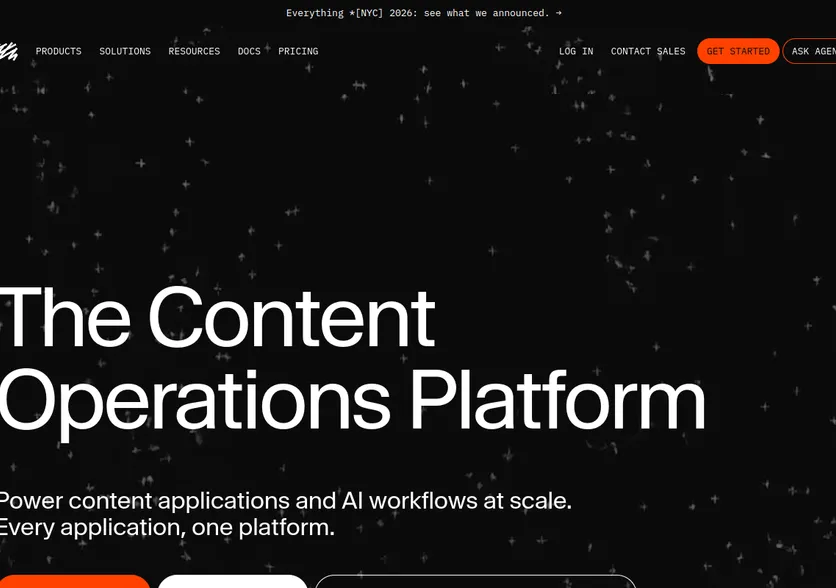
Bloggers who publish often need content that travels well beyond one website. Sanity gives you structured content with real-time collaboration, so a post can feed your blog, newsletter and app from one place. The free plan covers up to 20 seats, which is generous for a small editorial team.
What we like
- Real-time collaboration with live presence and change history
- Structured content with a powerful query language
- Generous free plan covering up to 20 seats
Watch out for
- Per-seat pricing climbs fast as the team grows
- No annual discount is published for paid plans
How to try it
- Create a free project and define your first content types
- Invite editors and set up roles for each content type
- Connect the API to your front end and publish
2. Strapi
Best for: Bloggers who want open-source control
Paid tool Starting price: $29/month · Cloud Starter plan, $29 a month per project billed yearly; monthly billing is $35 a month; Pro is $90 and Business is $450 a month
Free plan: Free self-hosted Community edition
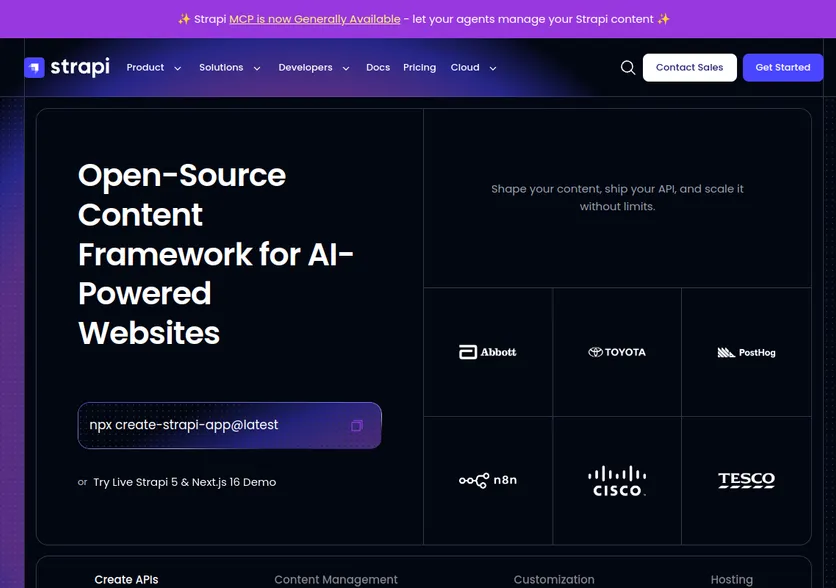
A blog built on open source stays yours, with no vendor lock-in on your words. Strapi offers a self-hosted Community edition plus a cloud service, with flexible content types and a visual builder for posts and pages. The cloud free tier is gone, so budget for the Starter plan or run it yourself.
What we like
- Open-source core you can self-host for free
- Flexible content types with a visual builder
- Large plugin ecosystem and REST plus GraphQL APIs
Watch out for
- Cloud free tier was removed in September 2026
- Self-hosting means you run updates and backups
How to try it
- Start with the Cloud Starter trial or self-host the Community edition
- Build your content types and relations in the admin panel
- Generate the API and connect your front end
3. Storyblok
Best for: Bloggers who preview every post
Paid tool Starting price: $99/month · Growth plan, $99 a month or $90.75 a month billed annually; five seats are included; Growth Plus is $349 a month
Free plan: Free Starter plan
Bloggers who preview every post before publishing will like a visual editor. Storyblok lets editors see each page as readers will, with reusable content blocks that speed up new posts. The Growth plan includes five seats and covers the basics a solo blogger or small team needs.
What we like
- Visual editor lets editors preview pages as they write
- Component-based content blocks reuse across pages
- Strong localization tools for multi-language sites
Watch out for
- Growth plan covers only five seats
- Annual billing is the only way to get the lower rate
How to try it
- Start the free Starter plan and create a space
- Build reusable components and a first page
- Preview with the visual editor, then publish
4. Hygraph
Best for: Data-heavy blogs with structured content
Paid tool Starting price: $199/month · Growth plan, $199 a month for 10 seats, 10,000 entries and one million API calls; higher tiers are quoted
Free plan: Free Hobby plan
Data-heavy blogs need a CMS that treats content like a database, not a document. Hygraph brings a native GraphQL API and content federation, so posts can pull in data from other tools. The Growth plan suits blogs with structured data needs, though the entry price is steep.
What we like
- Native GraphQL API with content federation
- Clean modeling for multi-source content
- Good fit for apps with complex data needs
Watch out for
- Growth plan caps at 10 seats and 10,000 entries
- Higher tiers are quoted, not published
How to try it
- Start the free Hobby plan and model your content
- Connect remote sources with content federation
- Query the GraphQL API from your front end
5. Prismic
Best for: Bloggers who want fast landing pages
Paid tool Starting price: $10/month · Starter plan, $10 a month per repository billed annually; monthly billing is $15 a month; Small is $25 and Medium is $150 a month
Free plan: Free plan
A blogger who wants pages up fast needs slices, not a blank canvas. Prismic offers a page builder where each section is a reusable slice, so landing pages and posts come together quickly. At ten dollars a repository a month, it is one of the cheapest paid options here.
What we like
- Page builder with slices makes landing pages fast
- Very low entry price at $10 a repository
- Simple authoring experience for non-technical editors
Watch out for
- Pricing is per repository, so many sites add up
- Starter plan limits seats and features
How to try it
- Create a free repository and pick a starter template
- Build slices for your page sections
- Connect the API and publish your first page
6. ButterCMS
Best for: Blogs added to an existing site
Paid tool Starting price: $71/month · Basic plan, $71 a month billed annually; monthly billing is $79 a month; Advanced is $224 and Professional is $359 a month billed annually
Free plan: Free plan
Adding a blog to an existing site should take days, not months. ButterCMS is built for exactly that job, with a hosted dashboard for posts and pages plus a simple content API. The Basic plan is pricier than the cheapest rivals, but setup is genuinely fast.
What we like
- Blog engine and pages in one simple package
- Fast setup with a hosted dashboard
- Good fit for teams adding a blog to an existing site
Watch out for
- No logo file on disk yet, so the card renders name-only
- Entry price is higher than the cheapest rivals
How to try it
- Sign up for the free plan and create your blog
- Add posts and pages in the hosted dashboard
- Pull content through the API into your site
7. Ghost
Best for: Bloggers earning from memberships
Paid tool Starting price: $9/month · Ghost Pro Starter plan, $9 a month billed annually; Creator is $25 and Team is $50 a month billed annually; monthly billing costs about 20 percent more
Free plan: Free open-source self-hosted version
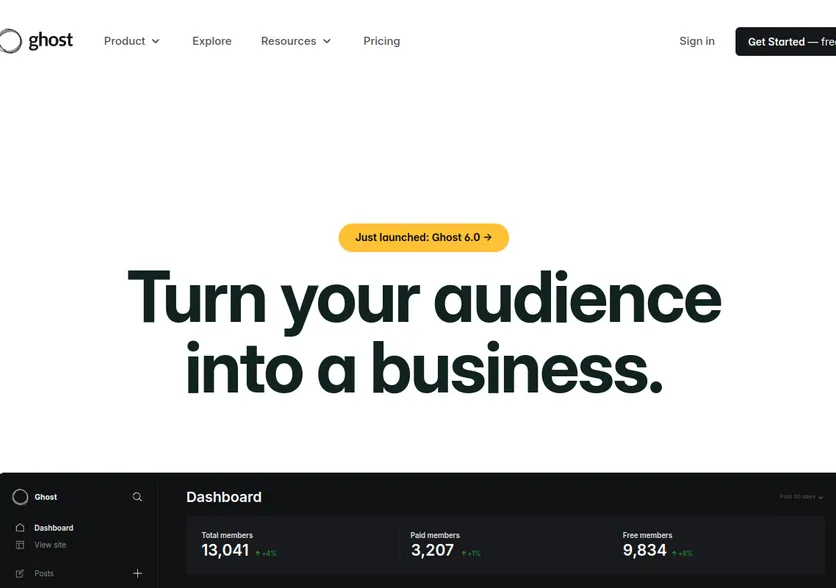
Bloggers who earn from readers need publishing and memberships in one product. Ghost combines posts, paid memberships and newsletters, with a clean editor and a fast front end. The open-source version is free to self-host, while Ghost Pro starts at nine dollars a month.
What we like
- Publishing, memberships and newsletters in one product
- Clean writing experience with a fast front end
- Open-source version you can self-host free
Watch out for
- No logo file on disk yet, so the card renders name-only
- CMS features are built for publishing, not general content
How to try it
- Start a Ghost Pro trial or self-host the open-source version
- Import or write your first posts and set up memberships
- Connect a custom domain and publish
8. Webflow
Best for: Design-led bloggers
Paid tool Starting price: $25/month · Premium site plan, $25 a month billed annually; monthly billing is $39 a month; the Basic plan at $15 a month has no CMS
Free plan: Free Starter plan (limited CMS)
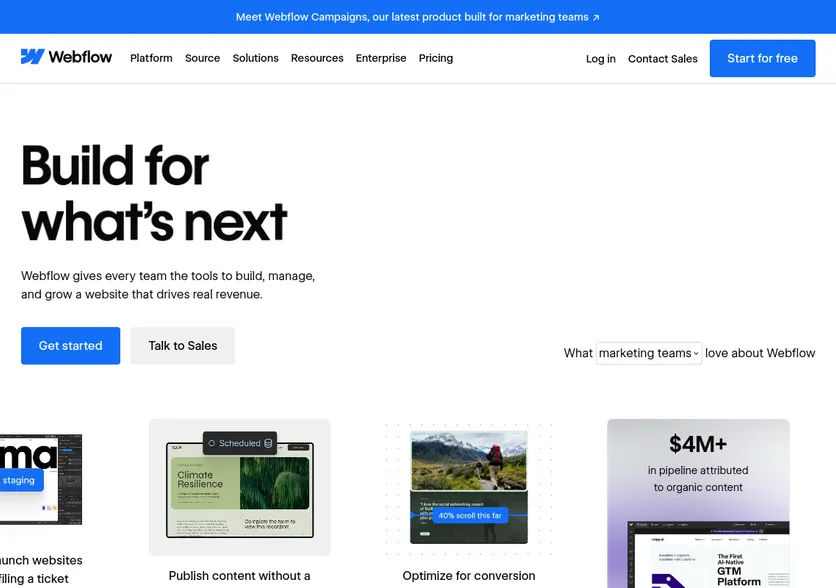
Design-led bloggers want pages that look custom without hiring a developer. Webflow pairs a visual designer with CMS collections, so each post can follow a designed template. You need the Premium site plan for full CMS features, and the learning curve is real.
What we like
- Visual designer with real CMS collections
- Hosting, security and SSL included
- Strong template and component library
Watch out for
- Learning curve is steeper than a simple blog tool
- CMS needs the Premium site plan at $25 a month
How to try it
- Start a free site and design your first pages
- Create a CMS collection for your blog posts
- Upgrade to the Premium site plan and publish
Prices above were checked on each vendor’s own website on Nov 27, 2026 and can change — the vendor’s page is the final word. Vendor links are editorial: nobody paid to be listed or ranked here. Vendors who want a featured listing can see how it works on our Get listed page.
What a headless CMS costs a blogger in 2026
Start with the monthly bill, because the spread here is wide: nine dollars a month for Ghost Pro Starter up to 199 dollars a month for Hygraph Growth. The cheapest plan is not always the cheapest deal, because seat counts, CMS limits and hosting change what you really pay. A free self-hosted option like Strapi Community or Ghost open source can cost nothing in software but needs a server and your time. Match the tool to your publishing volume first, then check the plan limits: how many seats, how many content entries, and whether the CMS items you need are included before you pay.
Before you buy
- Count your monthly posts and pages, then check the content entry and seat limits on the plan you like.
- Test the editor with a real draft, because a clean writing experience matters more than features.
- Check whether the free plan or self-hosted version covers your needs before paying.
- Confirm your front end can pull content from the API, and test the connection early.
- Compare the annual and monthly prices, since some tools charge much more month to month.
Official websites
Official websites of the products reviewed above. Features and prices were checked against these sites when this guide was written, and they can change, so confirm on the vendor site before you buy.
Frequently asked questions
Which headless CMS is best for bloggers in 2026?
Sanity is the best all-round pick for bloggers, because structured content lets one post feed a blog, a newsletter and an app, and the free plan covers up to 20 seats. Ghost is better if you want memberships and newsletters in one product, while Prismic is the cheapest paid option at ten dollars a repository a month. The right choice depends on whether you publish in many places or just one blog.
Is a headless CMS better than WordPress for blogging?
A headless CMS is better when you publish to several places at once, because content is stored as structured data and delivered through an API to any front end. WordPress is simpler for a single blog, with more themes and plugins. Choose headless when you need speed, flexibility and content reuse across channels, and stay with WordPress when one website is enough.
Can I use a headless CMS for free?
Yes, several tools here have free options. Sanity offers a free plan, Strapi and Ghost have free self-hosted versions, and Storyblok, Prismic, ButterCMS and Webflow all offer free Starter plans. Free plans limit seats, entries or features, so check the caps before you build a large blog on one. Paid plans start at nine dollars a month.
Do I need to know how to code to use a headless CMS?
You need some technical help to set one up, because a headless CMS has no front end of its own and your site must pull content through an API. Once it is running, editors work in a friendly dashboard and need no code. Ghost and Webflow are the most approachable for non-technical bloggers, while Strapi and Sanity suit teams with a developer.
What does a headless CMS cost per month?
Prices in this list run from nine dollars a month for Ghost Pro Starter to 199 dollars a month for Hygraph Growth, with most tools between ten and 200 dollars a month. Free plans and self-hosted versions cost nothing in software, though self-hosting needs a server. Count seats and content entries before you choose, because those limits drive the real monthly cost.
Need the everyday developer jobs too? Format code, test regex and convert data free on Toolsvine right in your browser.
Browse Developer Tools tools


