
On this page
A local business website has one job: turn nearby searchers into customers. Storyblok leads this list because its visual editor lets staff preview every page before it goes live, which matters when the person updating the site is not a developer. The eight headless CMS tools below were priced live on November 27, 2026, from ten dollars a month to 300 dollars, and each one can power a business site, a blog and location pages from one content hub.
How we researched this
We started with the headless CMS tools local businesses actually use, then read each price on the vendor's own site on November 27, 2026 and noted the free plan, the page-building tools and the seat limits. We judged them for a business that needs pages updated quickly by non-technical staff.
Compare the tools
| Name | Best for | Starting price | Free plan | |
|---|---|---|---|---|
 Storyblok | Businesses whose staff preview every page | $99/month | Free Starter plan | Visit |
 Sanity | Businesses updating hours, menus and service pages | $15/seat/month | Free plan (up to 20 seats) | Visit |
 Strapi | Small businesses that prefer open source | $29/month | Free self-hosted Community edition | Visit |
 Hygraph | Businesses pulling live data into pages | $199/month | Free Hobby plan | Visit |
 Prismic | Small businesses needing service landing pages | $10/month | Free plan | Visit |
| ButterCMS | Local businesses adding a blog for search | $71/month | Free plan | Visit |
 Webflow | Businesses wanting design and hosting in one place | $25/month | Free Starter plan (limited CMS) | Visit |
 Contentful | Multi-location businesses with one content hub | $300/month | Free plan | Visit |
The headless CMS tools for local businesses, compared
1. Storyblok
Best for: Businesses whose staff preview every page
Paid tool Starting price: $99/month · Growth plan, $99 a month or $90.75 a month billed annually; five seats are included; Growth Plus is $349 a month
Free plan: Free Starter plan
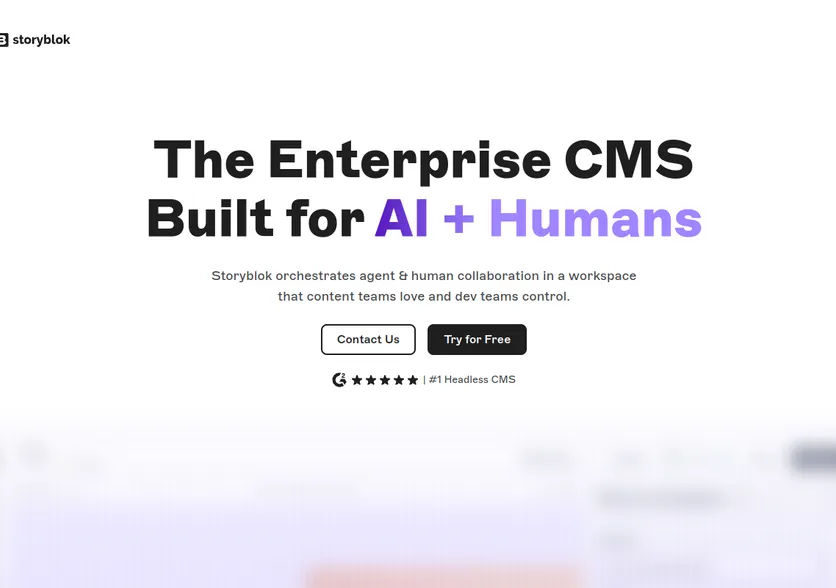
A local business site lives or dies on pages that look right before they go live. Storyblok lets staff preview every page in a visual editor, with reusable blocks for services and offers. Five seats come with Growth, which is enough for a small team and its agency.
What we like
- Visual editor lets editors preview pages as they write
- Component-based content blocks reuse across pages
- Strong localization tools for multi-language sites
Watch out for
- Growth plan covers only five seats
- Annual billing is the only way to get the lower rate
How to try it
- Start the free Starter plan and create a space
- Build reusable components and a first page
- Preview with the visual editor, then publish
2. Sanity
Best for: Businesses updating hours, menus and service pages
Paid tool Starting price: $15/seat/month · Growth plan, $15 per seat a month with monthly billing; no annual discount is published; the free plan covers up to 20 seats
Free plan: Free plan (up to 20 seats)
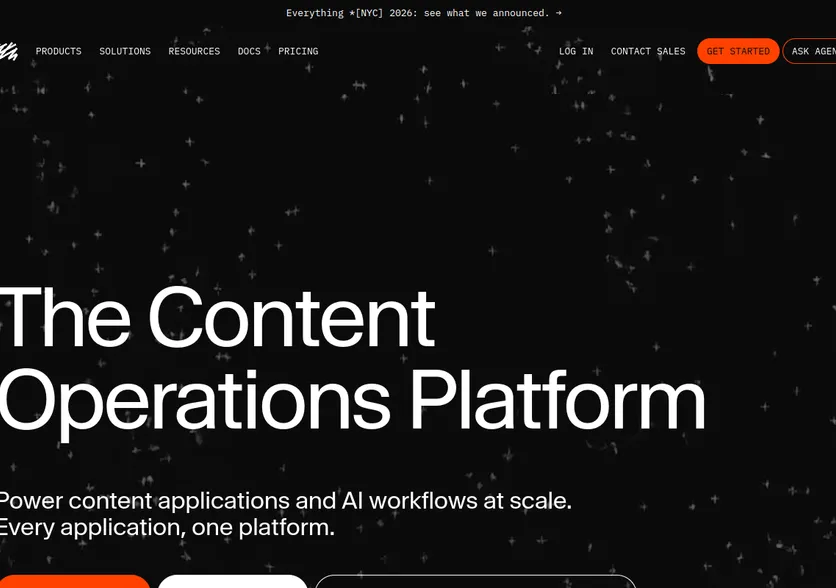
A local business website needs content that updates in minutes, not after a developer ticket. Sanity gives you structured content with real-time editing, so hours, menus and service pages stay current. The free plan covers up to 20 seats, which suits a small business and its staff.
What we like
- Real-time collaboration with live presence and change history
- Structured content with a powerful query language
- Generous free plan covering up to 20 seats
Watch out for
- Per-seat pricing climbs fast as the team grows
- No annual discount is published for paid plans
How to try it
- Create a free project and define your first content types
- Invite editors and set up roles for each content type
- Connect the API to your front end and publish
3. Strapi
Best for: Small businesses that prefer open source
Paid tool Starting price: $29/month · Cloud Starter plan, $29 a month per project billed yearly; monthly billing is $35 a month; Pro is $90 and Business is $450 a month
Free plan: Free self-hosted Community edition
Small businesses often prefer open source they can own outright. Strapi offers a self-hosted Community edition plus cloud hosting, with content types for services, locations and offers. Cloud pricing starts at 29 dollars a month per project, so check whether self-hosting saves money.
What we like
- Open-source core you can self-host for free
- Flexible content types with a visual builder
- Large plugin ecosystem and REST plus GraphQL APIs
Watch out for
- Cloud free tier was removed in September 2026
- Self-hosting means you run updates and backups
How to try it
- Start with the Cloud Starter trial or self-host the Community edition
- Build your content types and relations in the admin panel
- Generate the API and connect your front end
4. Hygraph
Best for: Businesses pulling live data into pages
Paid tool Starting price: $199/month · Growth plan, $199 a month for 10 seats, 10,000 entries and one million API calls; higher tiers are quoted
Free plan: Free Hobby plan
Businesses that pull menus, prices and stock from other systems need a CMS that federates data. Hygraph brings a native GraphQL API and content federation, so your site can show live data from several sources. Growth covers ten seats and ten thousand entries, which suits a growing local business.
What we like
- Native GraphQL API with content federation
- Clean modeling for multi-source content
- Good fit for apps with complex data needs
Watch out for
- Growth plan caps at 10 seats and 10,000 entries
- Higher tiers are quoted, not published
How to try it
- Start the free Hobby plan and model your content
- Connect remote sources with content federation
- Query the GraphQL API from your front end
5. Prismic
Best for: Small businesses needing service landing pages
Paid tool Starting price: $10/month · Starter plan, $10 a month per repository billed annually; monthly billing is $15 a month; Small is $25 and Medium is $150 a month
Free plan: Free plan
A small business wants landing pages for each service without touching code. Prismic offers slices for each page section, so a new service page can go live in an afternoon. At ten dollars a repository a month, it is an easy cost to justify.
What we like
- Page builder with slices makes landing pages fast
- Very low entry price at $10 a repository
- Simple authoring experience for non-technical editors
Watch out for
- Pricing is per repository, so many sites add up
- Starter plan limits seats and features
How to try it
- Create a free repository and pick a starter template
- Build slices for your page sections
- Connect the API and publish your first page
6. ButterCMS
Best for: Local businesses adding a blog for search
Paid tool Starting price: $71/month · Basic plan, $71 a month billed annually; monthly billing is $79 a month; Advanced is $224 and Professional is $359 a month billed annually
Free plan: Free plan
A local business that adds a blog for local search needs the simplest possible setup. ButterCMS combines a blog engine and pages in one hosted dashboard, with an API that drops into an existing site. Setup is fast, though the Basic plan costs more than the cheapest options here.
What we like
- Blog engine and pages in one simple package
- Fast setup with a hosted dashboard
- Good fit for teams adding a blog to an existing site
Watch out for
- No logo file on disk yet, so the card renders name-only
- Entry price is higher than the cheapest rivals
How to try it
- Sign up for the free plan and create your blog
- Add posts and pages in the hosted dashboard
- Pull content through the API into your site
7. Webflow
Best for: Businesses wanting design and hosting in one place
Paid tool Starting price: $25/month · Premium site plan, $25 a month billed annually; monthly billing is $39 a month; the Basic plan at $15 a month has no CMS
Free plan: Free Starter plan (limited CMS)
A local business website should look designed, load fast and rank well. Webflow pairs a visual designer with CMS collections, hosting and security in one subscription. The Premium site plan unlocks the CMS, and the visual editor rewards a little practice.
What we like
- Visual designer with real CMS collections
- Hosting, security and SSL included
- Strong template and component library
Watch out for
- Learning curve is steeper than a simple blog tool
- CMS needs the Premium site plan at $25 a month
How to try it
- Start a free site and design your first pages
- Create a CMS collection for your blog posts
- Upgrade to the Premium site plan and publish
8. Contentful
Best for: Multi-location businesses with one content hub
Paid tool Starting price: $300/month · Lite plan, $300 a month flat for up to 20 users and three locales; higher tiers are quoted
Free plan: Free plan
Businesses with several locations need one content hub that feeds every page. Contentful is a mature API-first platform with strong roles, so each location can edit only its own pages. The Lite plan starts at 300 dollars a month, so it fits businesses that outgrow cheaper tools.
What we like
- Mature API-first platform with a huge app marketplace
- Strong roles and permissions for larger teams
- Scales to enterprise content operations
Watch out for
- Lite plan starts at $300 a month, a steep entry price
- Higher tiers are quoted, not published
How to try it
- Open a free account and create your first space
- Define content types and entries for your pages
- Deliver content through the API to your site
Prices above were checked on each vendor’s own website on Nov 27, 2026 and can change — the vendor’s page is the final word. Vendor links are editorial: nobody paid to be listed or ranked here. Vendors who want a featured listing can see how it works on our Get listed page.
What a headless CMS costs a local business in 2026
A local business should budget for the site, not just the software. Prices here run from ten dollars a month for Prismic Starter to 300 dollars a month for Contentful Lite, and the right choice depends on how many pages and locations you run. A blog and a few service pages fit the cheapest plans, while multi-location businesses need roles and permissions that cost more. Check whether your developer or agency charges extra to build on the CMS, and confirm the plan includes enough seats for everyone who updates the site.
Before you buy
- List every page and location your site needs, then check the plan covers them all.
- Ask who will update the site, and confirm they can use the editor without training.
- Check the seat count on the plan, because extra editors cost extra on most tools.
- Confirm the CMS includes the blog, forms and pages your business needs.
- Compare annual and monthly billing, and watch for setup fees from your agency.
Official websites
Official websites of the products reviewed above. Features and prices were checked against these sites when this guide was written, and they can change, so confirm on the vendor site before you buy.
Frequently asked questions
Which headless CMS is best for a local business?
Storyblok is the best pick for most local businesses, because its visual editor lets staff preview every page before it goes live, and five seats come with the Growth plan. Prismic is the cheapest paid option at ten dollars a repository a month, while Webflow suits businesses that want design and hosting in one place. The right choice depends on who updates the site.
How much does a headless CMS cost a small business?
A small business can start free with several tools here, and paid plans run from ten dollars a month for Prismic to 300 dollars a month for Contentful Lite. Most local businesses fit plans between ten and 100 dollars a month. Budget separately for setup if an agency builds the site, and check the seat count, because extra editors cost extra on most tools.
Can a headless CMS help a local business rank on Google?
Yes, a headless CMS can help local search because pages load fast and content is structured for search engines. Fast loading, clean URLs and structured data all support rankings, and a blog built on the CMS can target local searches. The CMS alone will not rank your site, so you still need good content, local listings and reviews.
Do I need a developer to run a headless CMS?
You need a developer or an agency for the initial setup, because a headless CMS has no front end and your site must fetch content through an API. After launch, staff can update pages, hours and offers in the dashboard without code. Webflow and Storyblok are the most approachable for non-technical teams, while Strapi and Sanity need more technical help.
What is the difference between a headless CMS and a website builder?
A website builder combines the editor and the website in one product, so you design and publish in the same place. A headless CMS stores content only, and a separate front end displays it, which gives more speed and flexibility. Choose a builder for simplicity, and choose headless when you publish to several channels or need a custom design.
Need the everyday developer jobs too? Format code, test regex and convert data free on Toolsvine right in your browser.
Browse Developer Tools tools


