
On this page
Remote content teams fail when writers, editors and developers work in different tools. Sanity leads this list because real-time collaboration and structured content keep everyone on the same page across time zones. The eight headless CMS tools below were priced live on November 27, 2026, from nine dollars a month to 300 dollars, and every one supports distributed teams with roles, previews and APIs that connect to any front end.
How we researched this
We started with the headless CMS tools remote teams actually use, then read each price on the vendor's own site on November 27, 2026 and noted the free plan, the collaboration features and the API depth. We judged them for a distributed team that publishes across time zones.
Compare the tools
| Name | Best for | Starting price | Free plan | |
|---|---|---|---|---|
 Sanity | Remote teams editing together in real time | $15/seat/month | Free plan (up to 20 seats) | Visit |
 Storyblok | Remote editors building pages from blocks | $99/month | Free Starter plan | Visit |
 Strapi | Distributed teams that host their own CMS | $29/month | Free self-hosted Community edition | Visit |
 Hygraph | Teams federating content from many tools | $199/month | Free Hobby plan | Visit |
 Prismic | Remote editors shipping pages without developers | $10/month | Free plan | Visit |
 Contentful | Remote teams shipping to many channels | $300/month | Free plan | Visit |
| Ghost | Remote publishing teams running a publication | $9/month | Free open-source self-hosted version | Visit |
 Webflow | Remote design and content teams in one project | $25/month | Free Starter plan (limited CMS) | Visit |
The headless CMS tools for remote teams, compared
1. Sanity
Best for: Remote teams editing together in real time
Paid tool Starting price: $15/seat/month · Growth plan, $15 per seat a month with monthly billing; no annual discount is published; the free plan covers up to 20 seats
Free plan: Free plan (up to 20 seats)
Remote content teams need to see each other editing in real time, across time zones. Sanity gives you live presence, change history and structured content, so writers and developers stay in sync. Per-seat pricing is simple to forecast, though it climbs as the team grows.
What we like
- Real-time collaboration with live presence and change history
- Structured content with a powerful query language
- Generous free plan covering up to 20 seats
Watch out for
- Per-seat pricing climbs fast as the team grows
- No annual discount is published for paid plans
How to try it
- Create a free project and define your first content types
- Invite editors and set up roles for each content type
- Connect the API to your front end and publish
2. Storyblok
Best for: Remote editors building pages from blocks
Paid tool Starting price: $99/month · Growth plan, $99 a month or $90.75 a month billed annually; five seats are included; Growth Plus is $349 a month
Free plan: Free Starter plan
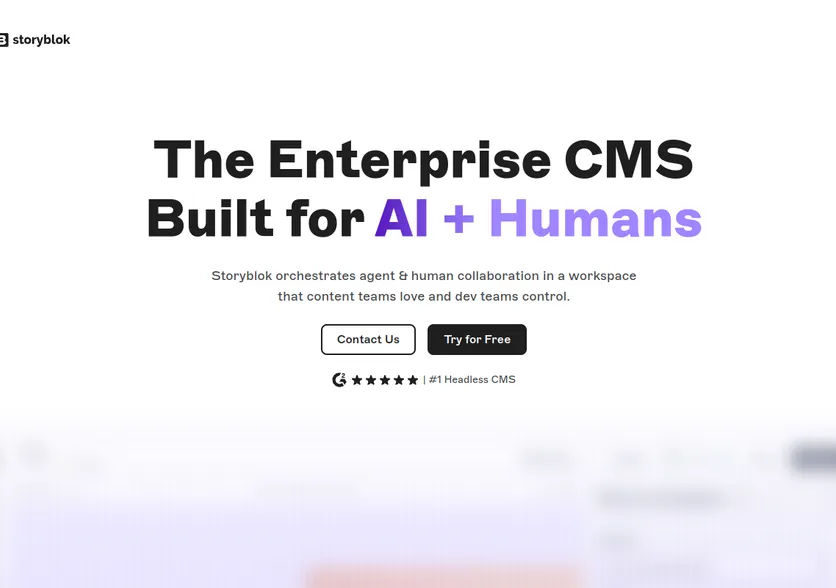
Remote editors need to preview pages exactly as readers will see them. Storyblok lets your team build pages from reusable blocks in a visual editor, with localization for global audiences. Growth includes five seats, so larger teams should price the next tier.
What we like
- Visual editor lets editors preview pages as they write
- Component-based content blocks reuse across pages
- Strong localization tools for multi-language sites
Watch out for
- Growth plan covers only five seats
- Annual billing is the only way to get the lower rate
How to try it
- Start the free Starter plan and create a space
- Build reusable components and a first page
- Preview with the visual editor, then publish
3. Strapi
Best for: Distributed teams that host their own CMS
Paid tool Starting price: $29/month · Cloud Starter plan, $29 a month per project billed yearly; monthly billing is $35 a month; Pro is $90 and Business is $450 a month
Free plan: Free self-hosted Community edition
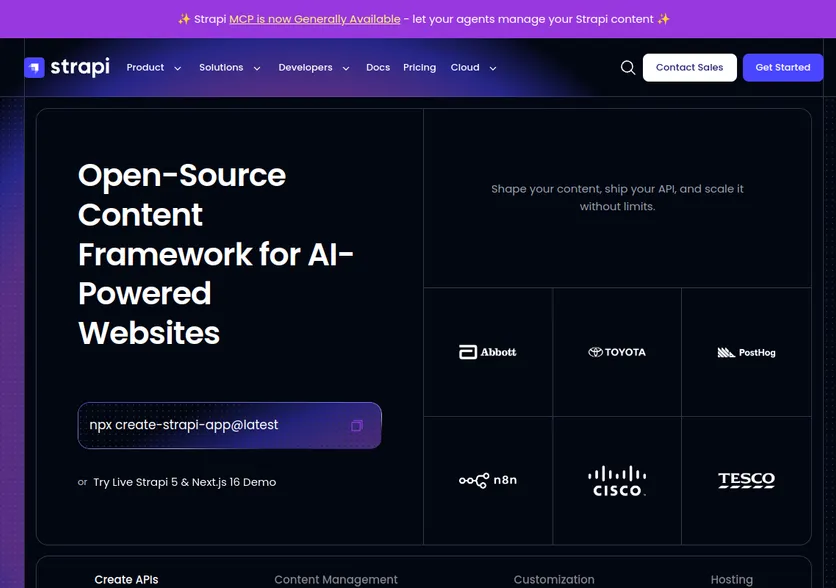
Distributed teams often want a CMS they can host anywhere and extend freely. Strapi offers open-source self-hosting plus cloud plans, with roles and content types that suit a spread-out team. Cloud Starter starts at 29 dollars a month per project, with higher tiers for bigger teams.
What we like
- Open-source core you can self-host for free
- Flexible content types with a visual builder
- Large plugin ecosystem and REST plus GraphQL APIs
Watch out for
- Cloud free tier was removed in September 2026
- Self-hosting means you run updates and backups
How to try it
- Start with the Cloud Starter trial or self-host the Community edition
- Build your content types and relations in the admin panel
- Generate the API and connect your front end
4. Hygraph
Best for: Teams federating content from many tools
Paid tool Starting price: $199/month · Growth plan, $199 a month for 10 seats, 10,000 entries and one million API calls; higher tiers are quoted
Free plan: Free Hobby plan
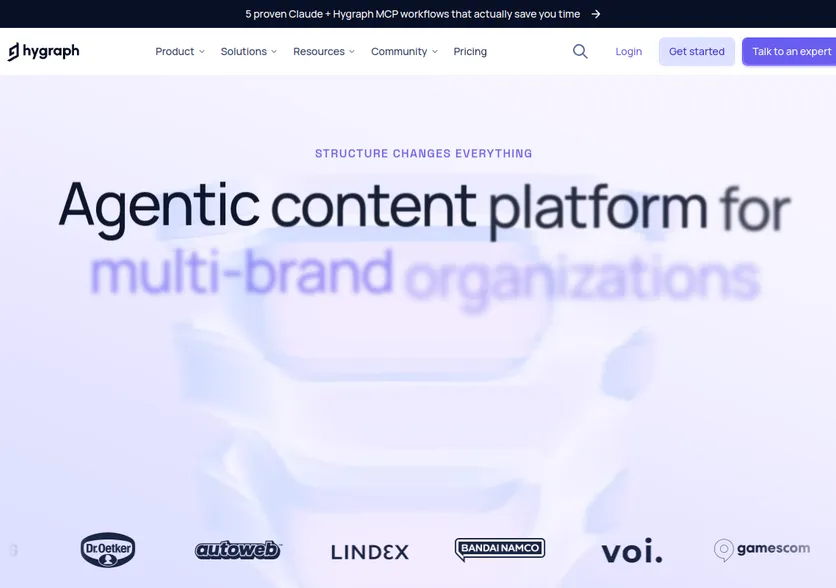
Remote teams with data in many tools need a CMS that federates it all. Hygraph brings a GraphQL API and content federation, so content can combine posts with live data from other systems. The Growth plan covers ten seats, which suits a small distributed team.
What we like
- Native GraphQL API with content federation
- Clean modeling for multi-source content
- Good fit for apps with complex data needs
Watch out for
- Growth plan caps at 10 seats and 10,000 entries
- Higher tiers are quoted, not published
How to try it
- Start the free Hobby plan and model your content
- Connect remote sources with content federation
- Query the GraphQL API from your front end
5. Prismic
Best for: Remote editors shipping pages without developers
Paid tool Starting price: $10/month · Starter plan, $10 a month per repository billed annually; monthly billing is $15 a month; Small is $25 and Medium is $150 a month
Free plan: Free plan
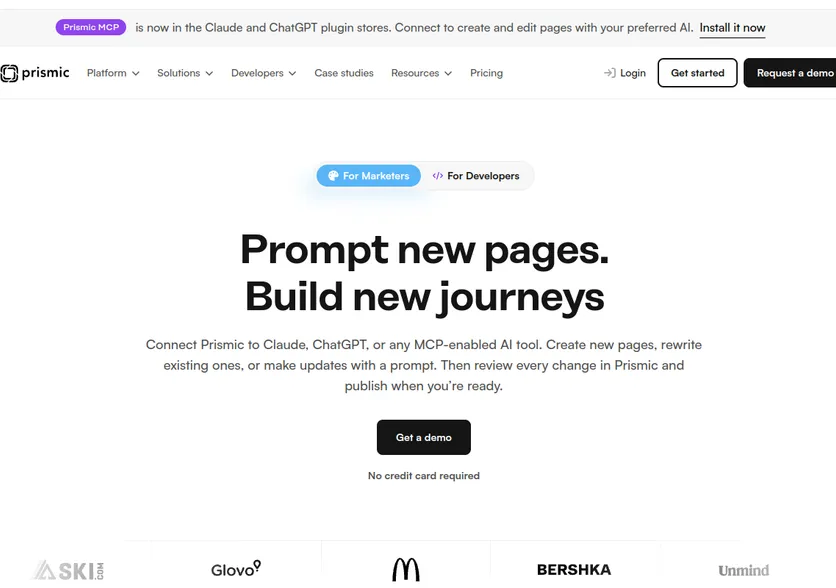
A remote team needs page building that non-technical editors can handle alone. Prismic offers slices and a simple page builder, so editors can ship pages without waiting on developers. Per-repository pricing keeps costs clear when each site has its own repo.
What we like
- Page builder with slices makes landing pages fast
- Very low entry price at $10 a repository
- Simple authoring experience for non-technical editors
Watch out for
- Pricing is per repository, so many sites add up
- Starter plan limits seats and features
How to try it
- Create a free repository and pick a starter template
- Build slices for your page sections
- Connect the API and publish your first page
6. Contentful
Best for: Remote teams shipping to many channels
Paid tool Starting price: $300/month · Lite plan, $300 a month flat for up to 20 users and three locales; higher tiers are quoted
Free plan: Free plan
A remote team shipping content to many channels needs one source of truth. Contentful is a mature platform with strong roles and permissions, so editors in any time zone work safely. The Lite plan is flat at 300 dollars a month, which larger teams will find predictable.
What we like
- Mature API-first platform with a huge app marketplace
- Strong roles and permissions for larger teams
- Scales to enterprise content operations
Watch out for
- Lite plan starts at $300 a month, a steep entry price
- Higher tiers are quoted, not published
How to try it
- Open a free account and create your first space
- Define content types and entries for your pages
- Deliver content through the API to your site
7. Ghost
Best for: Remote publishing teams running a publication
Paid tool Starting price: $9/month · Ghost Pro Starter plan, $9 a month billed annually; Creator is $25 and Team is $50 a month billed annually; monthly billing costs about 20 percent more
Free plan: Free open-source self-hosted version
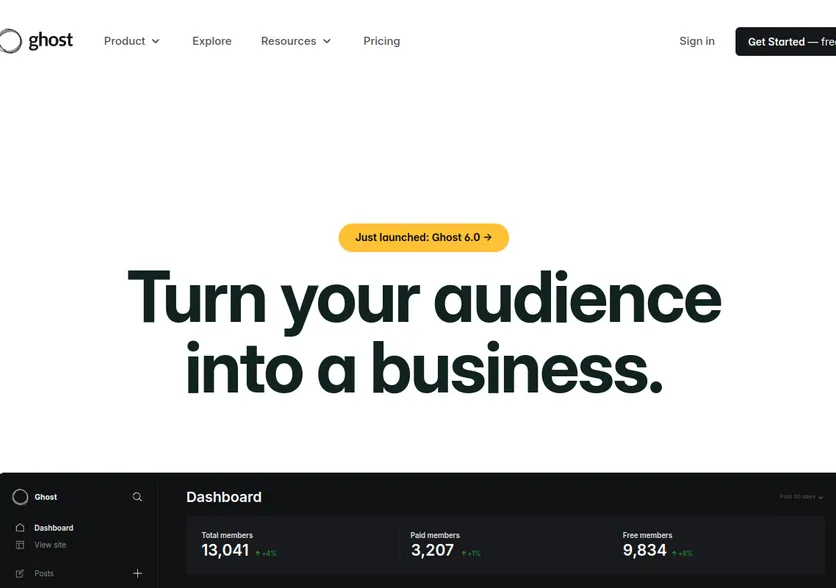
Remote publishing teams need writing, memberships and newsletters in one place. Ghost combines a clean editor with memberships and email, so a distributed team can run a publication end to end. Self-hosting is free, and Ghost Pro starts at nine dollars a month.
What we like
- Publishing, memberships and newsletters in one product
- Clean writing experience with a fast front end
- Open-source version you can self-host free
Watch out for
- No logo file on disk yet, so the card renders name-only
- CMS features are built for publishing, not general content
How to try it
- Start a Ghost Pro trial or self-host the open-source version
- Import or write your first posts and set up memberships
- Connect a custom domain and publish
8. Webflow
Best for: Remote design and content teams in one project
Paid tool Starting price: $25/month · Premium site plan, $25 a month billed annually; monthly billing is $39 a month; the Basic plan at $15 a month has no CMS
Free plan: Free Starter plan (limited CMS)
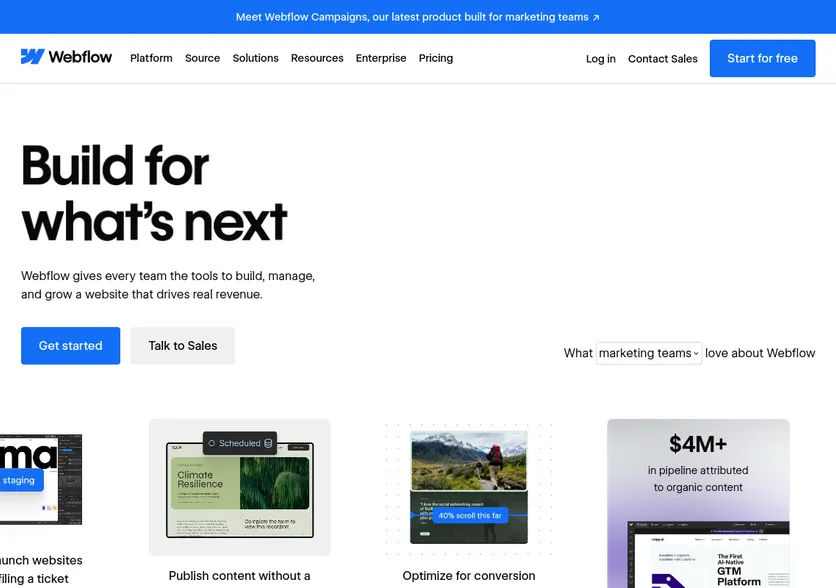
Remote design and content teams need one tool for pages, CMS and hosting. Webflow pairs a visual designer with CMS collections, so designers and writers work in the same project. The Premium site plan unlocks the CMS, and seats are managed per workspace.
What we like
- Visual designer with real CMS collections
- Hosting, security and SSL included
- Strong template and component library
Watch out for
- Learning curve is steeper than a simple blog tool
- CMS needs the Premium site plan at $25 a month
How to try it
- Start a free site and design your first pages
- Create a CMS collection for your blog posts
- Upgrade to the Premium site plan and publish
Prices above were checked on each vendor’s own website on Nov 27, 2026 and can change — the vendor’s page is the final word. Vendor links are editorial: nobody paid to be listed or ranked here. Vendors who want a featured listing can see how it works on our Get listed page.
What a headless CMS costs a remote team in 2026
Remote teams pay per seat on most of these tools, so headcount drives the bill. Sanity charges 15 dollars per seat a month, while Storyblok bundles five seats into Growth and Hygraph caps Growth at ten seats. Count every writer, editor and developer who needs access, then compare the total, not the headline rate. Also check whether your plan includes enough API calls and content entries for the sites you run, because overage fees can surprise a busy team. API calls are metered on most plans, so a site with heavy traffic or many editors should confirm the monthly allowance before signing up.
Before you buy
- Count every writer, editor and developer who needs a seat, then compare the total monthly cost.
- Test real-time collaboration with two editors in different time zones before you buy.
- Check the API limits and content entry caps, because busy teams hit them first.
- Confirm roles and permissions keep each editor in their own area.
- Compare annual and monthly prices, and ask about volume discounts for larger teams.
Official websites
Official websites of the products reviewed above. Features and prices were checked against these sites when this guide was written, and they can change, so confirm on the vendor site before you buy.
Frequently asked questions
Which headless CMS is best for remote teams?
Sanity is the best pick for remote teams, because real-time collaboration, live presence and structured content keep writers and developers in sync across time zones. Storyblok is strong for visual editing, while Contentful suits larger teams that need strict roles. The right choice depends on team size, because per-seat pricing climbs as the team grows.
How do remote teams collaborate in a headless CMS?
Remote teams collaborate through live editing, comments, roles and version history. Sanity shows who is editing each field in real time, Storyblok previews pages as editors work, and Contentful restricts each editor to their own content. Pair the CMS with a chat tool and a clear publishing workflow, so nothing goes live without review.
What does a headless CMS cost a remote team?
Remote teams usually pay per seat, so the bill depends on headcount. Sanity charges 15 dollars per seat a month, Storyblok bundles five seats into Growth, and Hygraph caps Growth at ten seats. Count every writer, editor and developer who needs access, then compare the total monthly cost, not the headline rate, before you choose.
Can a headless CMS support multiple languages?
Yes, most tools here support localization. Storyblok and Contentful have the strongest multi-language tools, with per-locale content and workflows for translators. Sanity and Hygraph handle localization through structured fields. Check the locale limits on your plan, because some tools charge extra for each language or restrict locales to higher tiers.
Is a headless CMS secure for a distributed team?
A headless CMS can be secure for a distributed team when roles, single sign-on and audit logs are used well. Contentful and Sanity offer strong roles and permissions, so each editor sees only their own content. Keep API keys secret, use two-factor authentication, and review who has access regularly, because a remote team has more entry points than an office team.
Need the everyday developer jobs too? Format code, test regex and convert data free on Toolsvine right in your browser.
Browse Developer Tools tools


