
On this page
Freelancers sell hours, so manual time tracking has to record them accurately without stealing the hours it is meant to protect. The eight tools below run from about three dollars and ninety-nine cents a user a month to fifteen dollars and ninety cents a user a month, and every price was checked on the vendor site on November 26, 2026. Most offer a free plan, so you can track real client work before paying. Toggl Track is our first pick — the simplest timer a freelancer will actually start.
How we researched this
We started with the manual time tracking tools freelancers actually buy, then read each price on the vendor pricing page on November 26, 2026 and noted the free plan or trial each one carries. We judged them for a solo operator who logs hours by hand and needs clean reports for invoices. We kept only tools with a published price, and we dropped any tool whose price we could not verify on the vendor site.
Compare the tools
| Name | Best for | Starting price | Free plan | |
|---|---|---|---|---|
 Toggl Track | Freelancers who want the simplest timer that just works | $9/user/month | Free plan for up to 3 users | Visit |
 Clockify | Freelancers who want the cheapest tracker with strong reports | $3.99/user/month | Free plan for up to 5 users | Visit |
 Harvest | Freelancers who want time tracking that turns into invoices and budgets | $9/user/month | Free plan for 1 seat and 2 projects | Visit |
 Everhour | Freelancers who track time inside project tools like Asana and Trello | $8.50/user/month | Free plan for up to 5 seats | Visit |
 Time Doctor | Freelancers who want proof of work for clients who check hours | $6.67/user/month | No free tier published on the pricing page | Visit |
 Hubstaff | Freelancers who want affordable tracking with screenshots and payroll | $4.99/user/month | No free tier published on the pricing page | Visit |
 TrackingTime | Freelancers who want a calm, simple tracker with strong team views | $4.50/user/month | Free plan available | Visit |
 Paymo | Freelancers who want time tracking plus project management and invoicing | $15.90/user/month | Free plan for 1 user | Visit |
The manual time tracking software for freelancers, compared
1. Toggl Track
Best for: Freelancers who want the simplest timer that just works
Paid tool Starting price: $9/user/month · Starter plan, $9 a user a month billed annually or $12 billed monthly; Premium is $16 a user a month
Free plan: Free plan for up to 3 users
Toggl Track is the timer freelancers actually remember to start, because one button begins a session and one button ends it. This Toggl Track Starter plan adds billable rates, project templates, time rounding and unlimited clients. A solo operator can log a day of client work in seconds and turn it into an invoice without retyping a single hour.

What we like
- One-click timer that is hard to forget
- Billable rates turn hours into invoices
- Free plan for up to three users
Watch out for
- Starter costs nine dollars a user a month billed annually
- Reports are lighter than some rivals
How to try it
- Open the Toggl Track pricing page and start the free plan
- Create a project for your biggest client
- Start the timer at the start of your next work session
2. Clockify
Best for: Freelancers who want the cheapest tracker with strong reports
Paid tool Starting price: $3.99/user/month · Basic plan, $3.99 a user a month billed annually or $4.99 billed monthly; Standard is $5.49 a user a month
Free plan: Free plan for up to 5 users
Clockify is the cheapest tracker here, and it still ships the reports, timers and approvals a freelancer needs to bill with confidence. This Clockify Basic plan adds unlimited projects, time off, invoicing and PDF and CSV exports. A solo operator can track every hour for the price of a coffee and prove it with a clean weekly report.

What we like
- Cheapest paid plan on this list
- Reports and invoicing included
- Free plan for up to five users
Watch out for
- Basic costs three dollars and ninety-nine cents a user a month billed annually
- Interface is busier than Toggl Track
How to try it
- Open the Clockify pricing page and start the free plan
- Create a project and add your billable rate
- Start the timer and check the weekly report on Friday
3. Harvest
Best for: Freelancers who want time tracking that turns into invoices and budgets
Paid tool Starting price: $9/user/month · Teams plan, $9 a user a month billed annually or $11 billed monthly; Enterprise is $14 a user a month
Free plan: Free plan for 1 seat and 2 projects
Harvest connects the hours you log to the money you bill, so a project budget shows its remaining hours before you run out. This Harvest Teams plan adds unlimited clients and projects, invoicing, expense tracking and budget alerts. A freelancer can watch a project burn down in real time and warn the client before the budget is gone.

What we like
- Budgets show remaining hours in real time
- Invoicing built in, no second tool needed
- Expense tracking on the same plan
Watch out for
- Teams costs nine dollars a user a month billed annually
- New Flex usage fees apply beyond allowances
How to try it
- Open the Harvest pricing page and start a trial
- Create a project with a budget in hours
- Log your first week and send the invoice from Harvest
4. Everhour
Best for: Freelancers who track time inside project tools like Asana and Trello
Paid tool Starting price: $8.50/user/month · Team plan, $8.50 a user a month billed annually or $10 billed monthly, with a 5-seat minimum
Free plan: Free plan for up to 5 seats
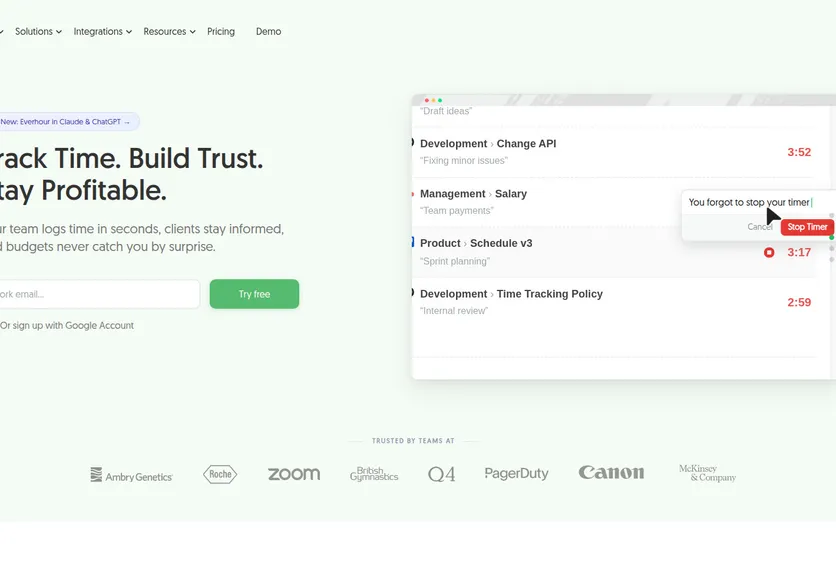
Everhour lives inside the project tools a freelancer already opens every day, so time tracking happens without a second app. This Everhour Team plan adds a timer inside Asana, Trello and ClickUp, budgets, invoicing and reports that travel with the project. A solo operator can log hours from the task they are already doing and never switch windows.
What we like
- Timer lives inside Asana, Trello and ClickUp
- Budgets travel with each project
- Free plan for up to five seats
Watch out for
- Team costs eight dollars and fifty cents a user a month with a five-seat minimum
- Five-seat minimum costs more than a solo plan
How to try it
- Open the Everhour pricing page and start the free plan
- Connect your project tool and open a task
- Start the timer inside the task and check the budget
5. Time Doctor
Best for: Freelancers who want proof of work for clients who check hours
Paid tool Starting price: $6.67/user/month · Basic plan, $6.67 a user a month billed annually or $8 billed monthly; Standard is $11.67 a user a month
Free plan: No free tier published on the pricing page
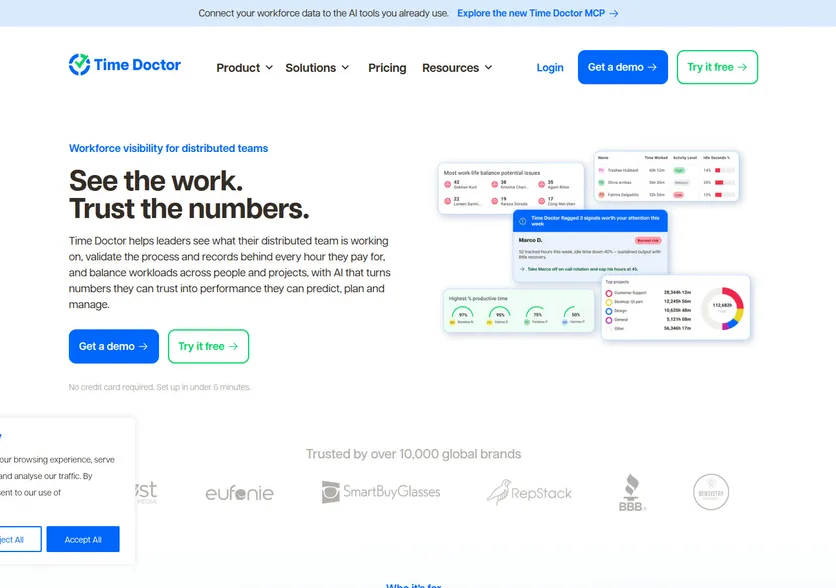
Time Doctor gives a freelancer proof of work, with screenshots and activity levels that show a client exactly how their hours were spent. This Time Doctor Basic plan adds time tracking, screenshots, productivity reports and payroll-ready exports. A solo operator whose clients check hours can send a report that answers every question before it is asked.
What we like
- Screenshots prove the hours you bill
- Activity reports show how time was spent
- Payroll-ready exports included
Watch out for
- Basic costs about six dollars and sixty-seven cents a user a month
- Monitoring feels intrusive to some freelancers
How to try it
- Open the Time Doctor pricing page and start a trial
- Invite your client as a viewer on the project
- Log a week and share the productivity report
6. Hubstaff
Best for: Freelancers who want affordable tracking with screenshots and payroll
Paid tool Starting price: $4.99/user/month · Starter plan, $4.99 a user a month billed annually or $7 billed monthly, with a 2-seat minimum
Free plan: No free tier published on the pricing page
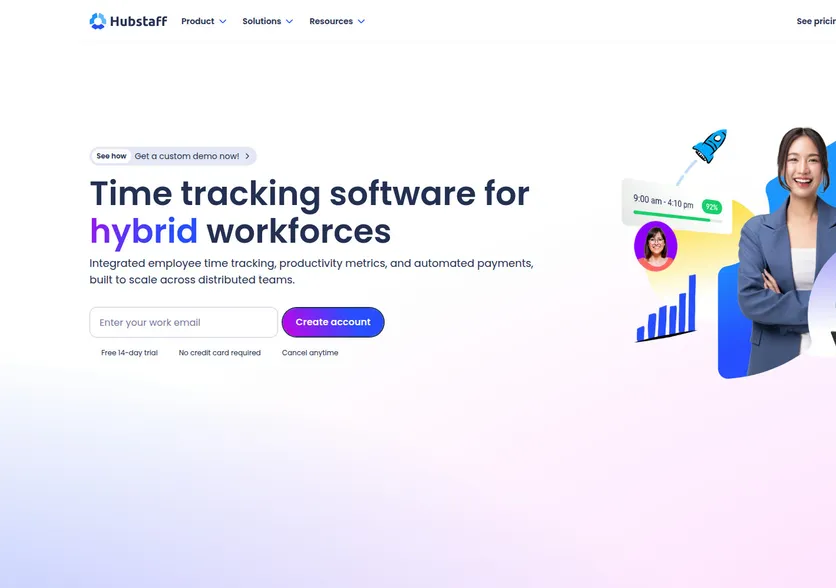
Hubstaff packs time tracking, screenshots and payments into one of the cheapest plans here, so a freelancer can log hours and get paid from the same account. This Hubstaff Starter plan adds a timer, screenshots, activity levels and payroll for up to two seats. A solo operator can track a week, export the proof and send the invoice without opening a second tool.
What we like
- Tracking, screenshots and payroll in one place
- One of the cheapest plans on this list
- Activity levels show how focused each hour was
Watch out for
- Starter costs four dollars and ninety-nine cents a user a month with a two-seat minimum
- Two-seat minimum costs more than a solo plan
How to try it
- Open the Hubstaff pricing page and start a trial
- Create a project for your client
- Start the timer and review the screenshots at the end of the day
7. TrackingTime
Best for: Freelancers who want a calm, simple tracker with strong team views
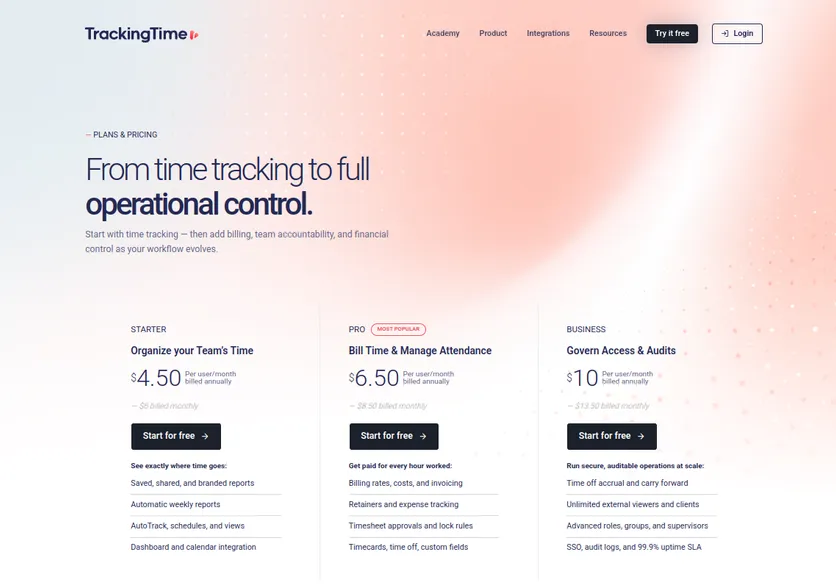
Paid tool Starting price: $4.50/user/month · Starter plan, $4.50 a user a month billed annually or $6 billed monthly, with a 2-user minimum; Pro is $6.50 a user a month
Free plan: Free plan available
TrackingTime keeps time tracking calm and visual, with a timeline view that shows the whole day at a glance. This TrackingTime Starter plan adds unlimited projects, reports, invoices and a calendar view for up to two users. A freelancer can look back at Friday and see exactly where the week went.
What we like
- Timeline view shows the whole day at a glance
- Reports and invoicing included
- Free plan available
Watch out for
- Starter costs four dollars and fifty cents a user a month with a two-user minimum
- Two-user minimum costs more than a solo plan
How to try it
- Open the TrackingTime pricing page and start the free plan
- Create a project for each client
- Log your first week and check the timeline view
8. Paymo
Best for: Freelancers who want time tracking plus project management and invoicing
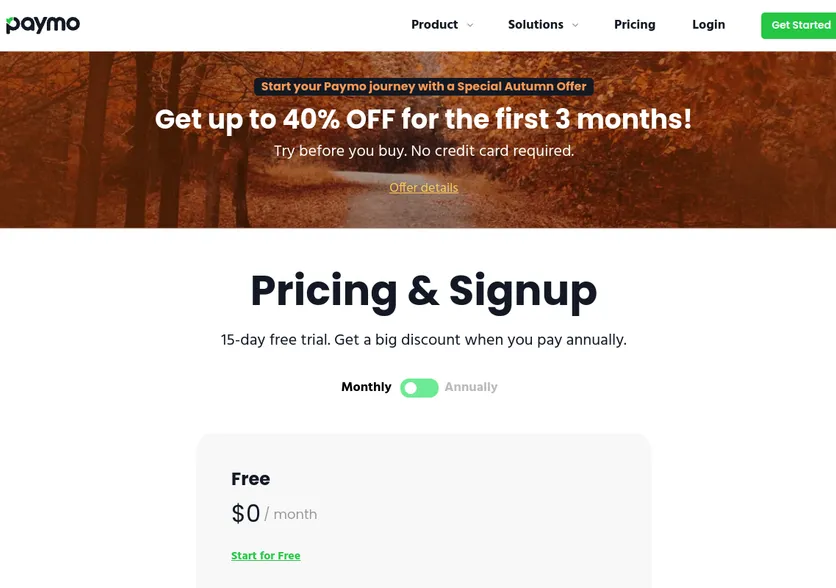
Paid tool Starting price: $15.90/user/month · Plus plan, $15.90 a user a month ongoing after a $10.90 a user a month introductory rate for the first three months; Pro is $23.90 a user a month
Free plan: Free plan for 1 user
Paymo turns a freelancer's hours into a full project workflow, with tasks, kanban boards and invoices built around the same timer. This Paymo Plus plan adds unlimited projects, file storage, project templates and online payments. A solo operator can run a whole client engagement, from first task to final payment, without a second tool.
What we like
- Time tracking plus project management and invoicing
- Kanban boards built around the timer
- Online payments included
Watch out for
- Plus costs fifteen dollars and ninety cents a user a month after the intro rate
- The most expensive tracker on this list
How to try it
- Open the Paymo pricing page and start a trial
- Create a project and add your tasks
- Start the timer and send the invoice from Paymo when done
Prices above were checked on each vendor’s own website on Nov 26, 2026 and can change — the vendor’s page is the final word. Vendor links are editorial: nobody paid to be listed or ranked here. Vendors who want a featured listing can see how it works on our Get listed page.
The manual time tracking software for freelancers, compared
Manual tracking only works when the timer is easier to start than to forget, so the tool you open every morning beats the powerful one you avoid. This list runs from about three dollars and ninety-nine cents a user a month to fifteen dollars and ninety cents a user a month, and the right pick depends on whether you need proof of work, invoicing or just a clean weekly report. The headline plan each vendor shows on its own pricing page is the number in the table above, checked on November 26, 2026.
Start with the free plan on two tools and track a real client week in each. Compare how fast you can log a day and how clean the Friday report looks, then pick the tool that feels invisible. A tracker that needs willpower to maintain will be empty within a month.
Before you buy
- Count the seats first, because most plans here charge per user and several carry a two-seat or five-seat minimum.
- Check whether the free plan covers your real work, because a free tier that caps projects at two will not last a month.
- Test the report before you commit, because an invoice is only as good as the report behind it.
- Ask whether clients can see their hours, because a report you cannot share never proves your work.
- Add up the hours billed, because a tracker that recovers one lost hour a week pays for itself many times over.
Official websites
Official websites of the products reviewed above. Features and prices were checked against these sites when this guide was written, and they can change, so confirm on the vendor site before you buy.
Frequently asked questions
What is the best manual time tracking software for freelancers in 2026?
Toggl Track, at nine dollars a user a month on Starter, is the best default because one click starts a session and reports turn into invoices. Clockify is better on a tight budget, with reports and invoicing from three dollars and ninety-nine cents a user a month. Harvest wins when you need budgets and invoicing in one place, also from nine dollars a user a month.
What is the cheapest manual time tracking software for freelancers?
Clockify Basic, at three dollars and ninety-nine cents a user a month billed annually, is the cheapest paid plan here, with a free plan for up to five users. TrackingTime Starter follows at four dollars and fifty cents a user a month, and Hubstaff Starter is four dollars and ninety-nine cents a user a month. Toggl Track, Clockify, Harvest, Everhour, TrackingTime and Paymo all offer free plans.
Can I track time for free as a freelancer?
Yes, several tools on this list offer free plans. Toggl Track is free for up to three users, Clockify is free for up to five users, Harvest is free for one seat and two projects, Everhour is free for up to five seats, TrackingTime has a free plan, and Paymo is free for one user. Start free, track a real client week, and upgrade only when a limit blocks your work.
Do clients accept manual time tracking reports from freelancers?
Yes, when the report is clear and consistent. Tools like Harvest and Time Doctor produce reports that show hours by project and day, and Time Doctor adds screenshots as proof of work. Send the report with the invoice every time, and clients learn to trust the pattern. A clean weekly report answers questions before a client thinks to ask them.
Which manual time tracker is best for invoicing clients?
Harvest is the strongest pick for invoicing, because hours, budgets and invoices live in one place from nine dollars a user a month. Clockify also includes invoicing on its Basic plan, from three dollars and ninety-nine cents a user a month. Toggl Track adds billable rates on Starter, so hours convert to an invoice amount without retyping anything.
Need more everyday help? Try Toolsvine's free productivity tools for freelancers right in your browser.
Browse Productivity Tools tools


