
On this page
AI agents need tools to touch the real world, and an MCP server is the bridge that lets an assistant read your files, call your APIs and run your workflows. The seven platforms below run from about five dollars a month to ninety-nine dollars a month, and every price was checked on the vendor site on November 26, 2026. Most offer a free tier, so you can host a server before paying. Nango is our first pick — the code-first way to give an agent managed auth and hosted MCP tools.
How we researched this
We started with the MCP server infrastructure platforms freelancers actually use, then read each price on the vendor pricing page on November 26, 2026 and noted the free tier each one carries. We judged them for a solo operator who hosts MCP servers for AI agents and needs auth, hosting and usage limits that make sense at small scale. We kept only platforms with a published price, and we dropped any tool whose price we could not verify on the vendor site.
Compare the tools
| Name | Best for | Starting price | Free plan | |
|---|---|---|---|---|
 Nango | Freelancers who write their own tool functions and want managed auth for agents | $50/month | Free tier with 10 connections, 10 compute hours and 10 GB a month | Visit |
 FastMCP Gateway | Freelancers who want a managed gateway for their MCP servers | $35/developer/month | Free Personal tier for 1 developer and up to 200 hosted servers | Visit |
 Glama | Freelancers who want dedicated MCP servers with a clean dashboard | $26/month | Free Starter tier with 3 shared servers | Visit |
 Composio | Freelancers who connect AI agents to hundreds of apps through one API | $29/month | Free Hobby tier with 100,000 tool calls a month | Visit |
 Arcade | Freelancers who want secure tool calling with managed auth for agents | $25/month | Free tier with 2,000 tool calls a month | Visit |
 Pipedream | Freelancers who build MCP servers from workflows and API calls | $99/month | Free plan for development only, no production use | Visit |
 Cloudflare Workers | Freelancers who host their own MCP servers on the edge for pennies | $5/month | Free tier with 100,000 requests a day | Visit |
The MCP server infrastructure platforms software, compared
1. Nango
Best for: Freelancers who write their own tool functions and want managed auth for agents
Paid tool Starting price: $50/month · Pay-as-you-go plan, $50 a month including $50 in usage credits, then $0.29 per connection, $0.72 per compute hour and $0.50 per GB; Free is $0 with 10 connections a month
Free plan: Free tier with 10 connections, 10 compute hours and 10 GB a month
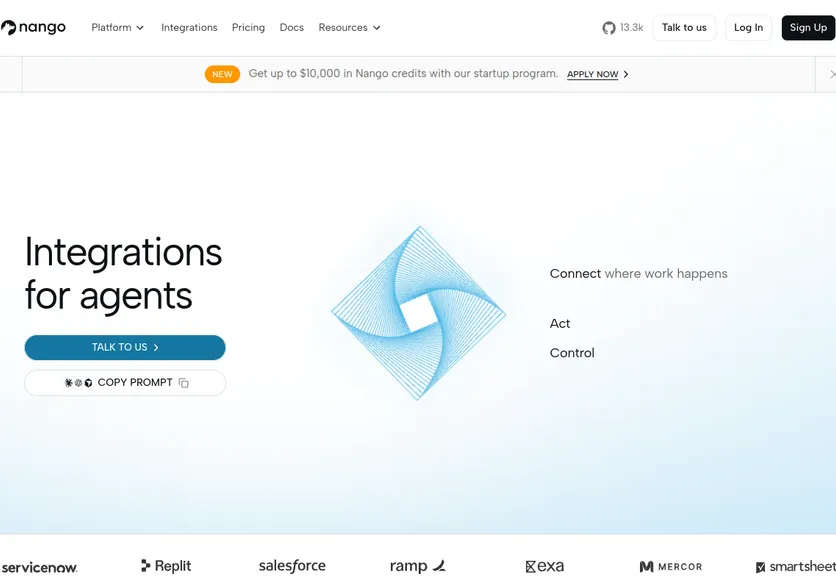
Nango handles the integration plumbing behind an agent, managing OAuth, token refresh and API keys for more than fourteen hundred APIs so a freelancer never babysits credentials. This Nango Pay-as-you-go plan adds fifty dollars of usage credits a month, hosted MCP servers for your tools and a white-label auth flow your clients can use. A solo developer can write a small TypeScript function, expose it as an MCP tool and let an agent call it without ever seeing a password.
What we like
- Managed OAuth for more than 1,400 APIs
- Hosted MCP servers for your own tools
- Free tier with ten connections a month
Watch out for
- Pay-as-you-go costs fifty dollars a month after the free tier
- Usage beyond the included credits bills per connection and compute hour
How to try it
- Open the Nango pricing page and create a free account
- Connect an API and let Nango handle the OAuth and token refresh
- Expose your tool as a hosted MCP server and connect your AI agent
2. FastMCP Gateway
Best for: Freelancers who want a managed gateway for their MCP servers
Paid tool Starting price: $35/developer/month · Developer plan, $35 a developer a month plus usage; Personal is free for 1 developer and up to 200 hosted servers
Free plan: Free Personal tier for 1 developer and up to 200 hosted servers
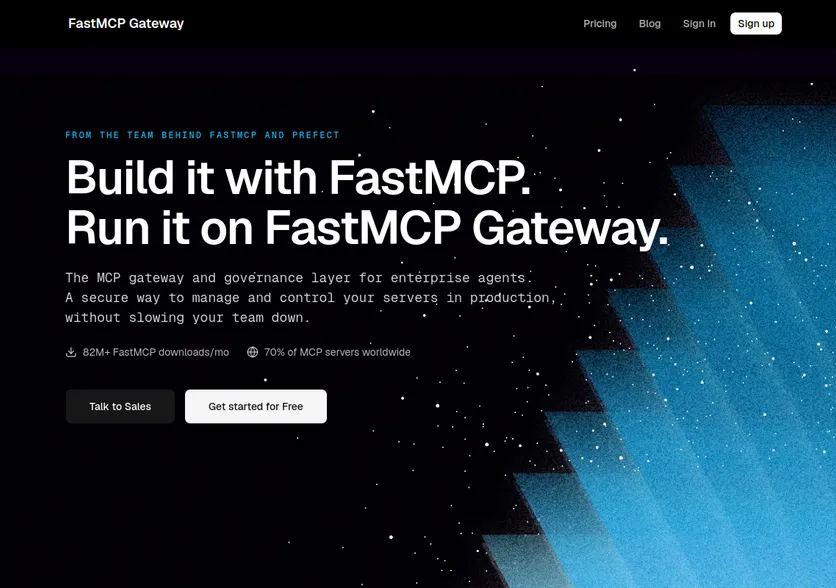
FastMCP Gateway sits between your AI agent and your servers, handling auth, routing and logging so a freelancer never builds that plumbing by hand. This FastMCP Gateway Developer plan adds hosted servers, team namespaces and usage-based billing on top of the free Personal tier. A solo developer can put every server behind one gateway and see exactly which agent called what.
What we like
- One gateway for every MCP server
- Auth and logging handled for you
- Free Personal tier for one developer
Watch out for
- Developer costs thirty-five dollars a developer a month plus usage
- Per developer pricing adds up as the team grows
How to try it
- Open the FastMCP Gateway pricing page and create a free account
- Register your first MCP server behind the gateway
- Connect your AI agent through the gateway and check the logs
3. Glama
Best for: Freelancers who want dedicated MCP servers with a clean dashboard
Paid tool Starting price: $26/month · Pro plan, $26 a month for 10 dedicated MCP servers; Starter is $9 a month and Business is $80 a month
Free plan: Free Starter tier with 3 shared servers
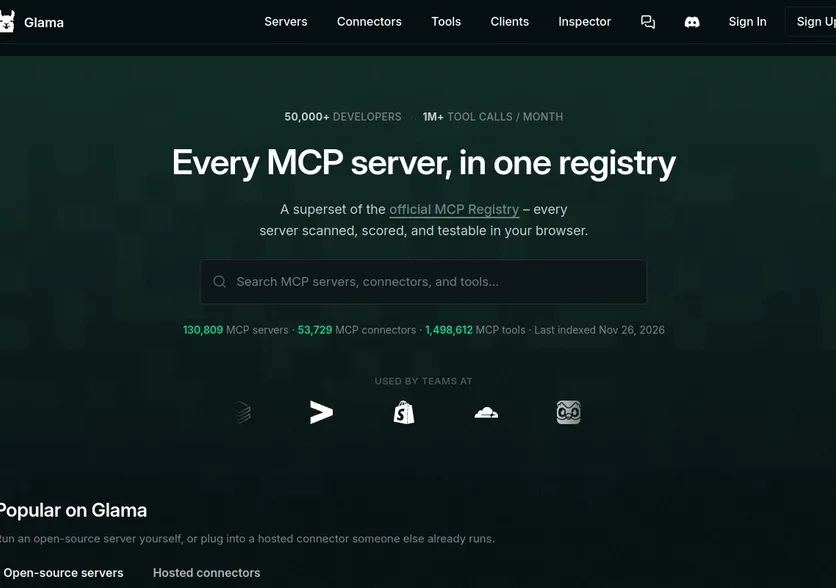
Glama gives each MCP server its own dedicated home, so a freelancer's tools never share resources or slow each other down. This Glama Pro plan adds ten dedicated servers, custom domains and usage analytics for every server. A solo developer can host a handful of servers for different clients and watch each one separately.
What we like
- Dedicated servers that never share resources
- Custom domains for each server
- Free Starter tier with three shared servers
Watch out for
- Pro costs twenty-six dollars a month
- Dedicated servers cost more than shared hosting
How to try it
- Open the Glama pricing page and create a free account
- Deploy your first dedicated MCP server
- Point your AI agent at the server and test a tool call
4. Composio
Best for: Freelancers who connect AI agents to hundreds of apps through one API
Paid tool Starting price: $29/month · Platform Pro plan, $29 a month with a $29 usage credit; Hobby is free with 100,000 tool calls a month
Free plan: Free Hobby tier with 100,000 tool calls a month
Composio connects an AI agent to hundreds of apps through one API, so a freelancer never writes a separate integration for each tool a client uses. This Composio Platform Pro plan adds a twenty-nine dollar usage credit, managed auth for every integration and higher rate limits. A solo developer can give an agent access to Gmail, Slack and a dozen more apps with a single integration.
What we like
- Hundreds of apps through one API
- Managed auth for every integration
- Free Hobby tier for a hundred thousand tool calls a month
Watch out for
- Platform Pro costs twenty-nine dollars a month
- A separate For You product costs eighteen dollars a seat a month
How to try it
- Open the Composio pricing page and create a free account
- Connect your first app and let Composio handle the auth
- Give your AI agent the tool and test a real action
5. Arcade
Best for: Freelancers who want secure tool calling with managed auth for agents
Paid tool Starting price: $25/month · Team plan, $25 a month platform fee plus $0.01 per tool call; Free is $0 with 2,000 tool calls a month
Free plan: Free tier with 2,000 tool calls a month
Arcade lets an AI agent call tools on a user's behalf without ever seeing their passwords, because managed auth handles the credentials. This Arcade Team plan adds a twenty-five dollar platform fee, higher rate limits and team workspaces on top of the free tier. A freelancer can build an agent that books meetings and sends emails for a client while the credentials stay locked away.
What we like
- Managed auth keeps credentials away from agents
- Tool calling with per-call pricing
- Free tier with two thousand tool calls a month
Watch out for
- Team costs twenty-five dollars a month plus one cent per tool call
- Per-call billing needs a spending cap
How to try it
- Open the Arcade pricing page and create a free account
- Connect an app and authorise it once
- Let your AI agent call the tool without touching credentials
6. Pipedream
Best for: Freelancers who build MCP servers from workflows and API calls
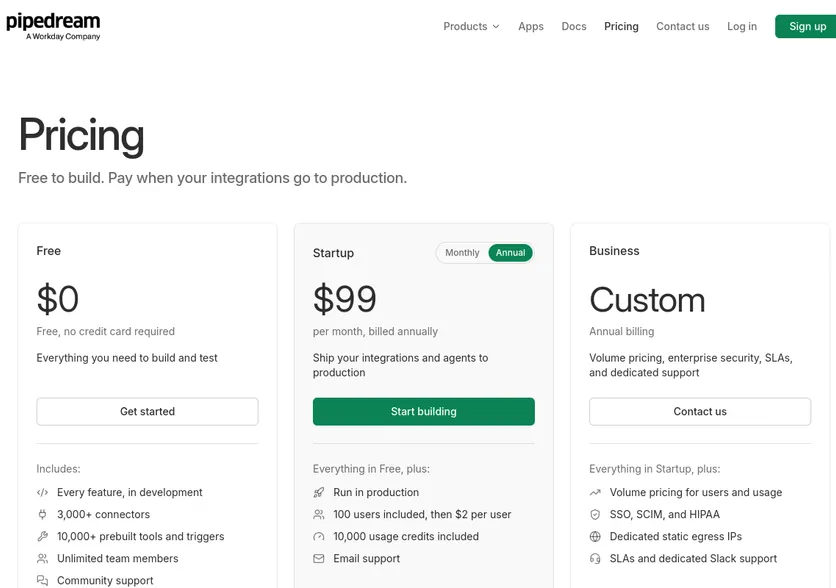
Paid tool Starting price: $99/month · Startup plan, $99 a month billed annually ($150 billed monthly) for 100 external users and 10,000 credits a month; Business is custom
Free plan: Free plan for development only, no production use
Pipedream turns API calls and workflows into hosted MCP servers, so a freelancer can wrap any service an agent needs without a server of their own. This Pipedream Startup plan adds ten thousand credits a month, hosted MCP servers for production use and thousands of prebuilt components. A solo developer can connect two apps, expose the workflow as an MCP server and hand it to an agent in an afternoon.
What we like
- Thousands of prebuilt components
- Hosted MCP servers for personal use
- Workflows become servers in an afternoon
Watch out for
- Basic costs twenty-nine dollars a month billed annually
- Monthly billing costs forty-five dollars a month
How to try it
- Open the Pipedream pricing page and create a free account
- Build a workflow from prebuilt components
- Expose the workflow as a hosted MCP server
7. Cloudflare Workers
Best for: Freelancers who host their own MCP servers on the edge for pennies
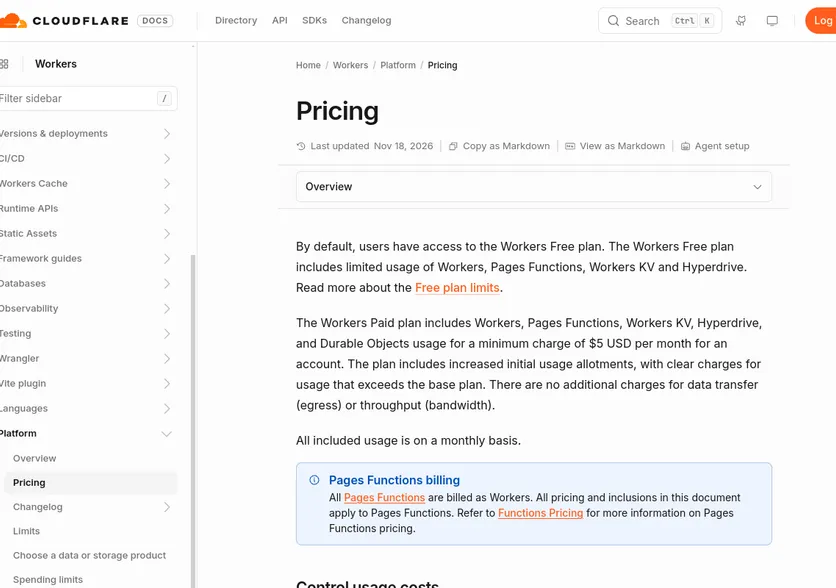
Paid tool Starting price: $5/month · Paid plan, $5 a month minimum per account including 10M requests a month and 30M CPU ms; Free is 100,000 requests a day
Free plan: Free tier with 100,000 requests a day
Cloudflare Workers runs an MCP server on the edge for five dollars a month, with a global network that answers in milliseconds from anywhere. This Cloudflare Workers Paid plan adds ten million requests a month, thirty million CPU milliseconds and Workers AI bindings. A freelancer who can write a small server in JavaScript can host it worldwide for the price of a coffee.
What we like
- Cheapest hosting on this list
- Global edge network with low latency
- Free tier with a hundred thousand requests a day
Watch out for
- Paid costs five dollars a month minimum per account
- You write and maintain the server yourself
How to try it
- Open the Cloudflare Workers pricing page and create a free account
- Write a small MCP server in JavaScript
- Deploy it to the edge and test a tool call from your agent
Prices above were checked on each vendor’s own website on Nov 26, 2026 and can change — the vendor’s page is the final word. Vendor links are editorial: nobody paid to be listed or ranked here. Vendors who want a featured listing can see how it works on our Get listed page.
The MCP server infrastructure platforms software, compared
MCP servers are new enough that the right platform depends on whether you build servers, host them or just connect an agent to apps you already use. This list runs from about five dollars a month for edge hosting to ninety-nine dollars a month for a workflow-based Startup plan, and usage-based plans like Arcade charge per tool call on top of the platform fee. The headline plan each vendor shows on its own pricing page is the number in the table above, checked on November 26, 2026.
Start with the free tier on two platforms and connect one real agent to one real server. Compare how fast you can deploy and how clear the usage logs are, then pick the platform that fits the way you work. A registry that hands you a ready-made server beats a platform that makes you build one from scratch.
Before you buy
- Count the tool calls first, because usage-based plans like Arcade and Nango bill for usage after the included amount.
- Check whether the platform hosts servers for you, because a registry without hosting still needs somewhere to run.
- Test auth on your real apps first, because a platform that cannot connect to your client tools is useless.
- Ask whether you can export your servers, because a platform that traps your work costs far more than its monthly price.
- Add up the hours saved, because a hosted server that deploys in minutes buys a freelancer a day back every week.
Official websites
Official websites of the products reviewed above. Features and prices were checked against these sites when this guide was written, and they can change, so confirm on the vendor site before you buy.
Frequently asked questions
What is the best MCP server infrastructure platform for freelancers in 2026?
Nango, at fifty dollars a month, is the best default because managed auth and hosted MCP tools cover more than a thousand APIs from one platform. Cloudflare Workers is better when you write your own server, with edge hosting from five dollars a month. Composio wins when your agent needs hundreds of apps, with one API and managed auth from twenty-nine dollars a month.
What is the cheapest MCP server infrastructure platform for freelancers?
Cloudflare Workers Paid, at five dollars a month minimum, is the cheapest hosting here, with a free tier for a hundred thousand requests a day. Nango Pay-as-you-go follows at fifty dollars a month, with a free tier for ten connections a month. Arcade, Composio, FastMCP Gateway, Glama and Pipedream all offer free tiers too.
Can I host MCP servers for free as a freelancer?
Yes, most platforms on this list offer free tiers. Nango is free for ten connections, ten compute hours and ten gigabytes a month, FastMCP Gateway Personal is free for one developer, Glama Starter is free for three shared servers, Composio Hobby is free for a hundred thousand tool calls a month, Arcade is free for two thousand tool calls a month, and Cloudflare Workers is free for a hundred thousand requests a day.
What is the difference between Nango and Composio for MCP servers?
Nango is a code-first integration platform that handles managed OAuth for more than a thousand APIs and exposes prebuilt tools to an agent as a hosted MCP server. Composio is an integration platform that connects an AI agent to hundreds of apps through one API with managed auth. Use Nango when you write your own tool functions and want to own the auth layer, and Composio when your agent needs to act inside apps like Gmail and Slack.
Do I need to write code to use an MCP server platform?
Not always. Glama lets you deploy ready-made servers with no code, and Composio connects apps through a dashboard. Cloudflare Workers and Pipedream suit developers who write small servers or workflows themselves. Start with a ready-made server on Glama, then move to a code-based platform like Nango only when your agent needs something that does not exist yet.
Need more everyday help? Try Toolsvine's free developer tools for small teams right in your browser.
Browse Developer Tools tools


