
On this page
Project managers need meeting agenda software that keeps discussions focused, tracks action items and proves the meeting was worth holding. The seven tools below cover that job for teams of different shapes, from a manager running one weekly sync to a regulated team that needs every decision documented. Fellow leads the list because it combines structured agendas with AI notes and action items for seven dollars a user a month, and the other six are judged on the same practical test: how much of the meeting workflow they cover for the price.
How we researched this
We checked every price on the vendor pricing page on November 28, 2026, and only included tools with a published US dollar list price. Spinach AI is the former Hypercontext, and Fathom has moved its pricing and product pages since the Toolnimba guide was written. Prices change, so confirm the current figure on the vendor site before you buy.
Compare the tools
| Name | Best for | Starting price | Free plan | |
|---|---|---|---|---|
 Fellow | Project managers who want structured agendas with AI notes and action items | $7/user/month | Free plan | Visit |
| Spinach AI | Project managers with irregular meeting loads who want pay-per-hour pricing | $2.90/meeting hour | Free Starter plan | Visit |
 Notion | Project managers who plan meetings in documents linked to project pages | $10/member/month | Free plan | Visit |
 Asana | Project managers who want agendas linked to tasks, timelines and owners | $10.99/user/month | Free Personal plan (up to 2 users) | Visit |
 ClickUp | Project managers who want agendas, tasks, docs and goals in one cheap platform | $9/user/month | Free Forever plan | Visit |
 monday.com | Project managers who want visual agenda boards with status tracking | $9/seat/month | Free plan (up to 2 seats) | Visit |
 Fathom | Project managers who need reliable call summaries and a shared meeting library | $15/user/month | Free plan | Visit |
The meeting agenda software for project managers, compared
1. Fellow
Best for: Project managers who want structured agendas with AI notes and action items
Paid tool Starting price: $7/user/month · Seven dollars per user per month billed annually on the Team plan, or $11 month to month; Business is $15 billed annually ($23 monthly) and Enterprise is $25 billed annually. The free plan includes five AI notes and five AI recordings per user for life. Solo is $19 a month for one person.
Free plan: Free plan
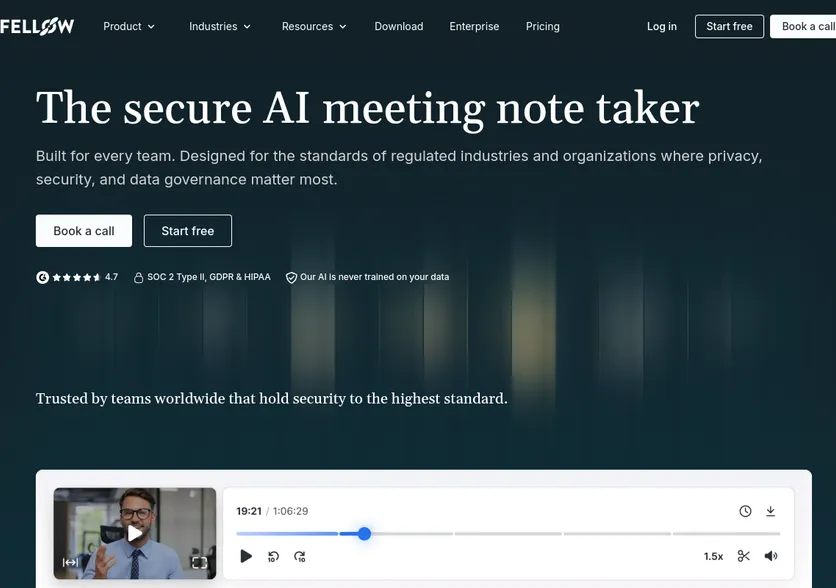
This Fellow plan costs seven dollars per user a month billed annually, and it is the strongest agenda tool in this list for a project manager who runs structured meetings. Team adds ten AI notes and ten AI recordings per user each month, meeting automations, project-management integrations and API access, so agendas, notes and action items flow into the tools the project already uses. Fellow records, transcribes and summarizes meetings with automatic action items, and it states plainly that it does not train AI models on your data. Enterprise security and compliance controls make it the safe pick for regulated teams too.
What we like
- Agendas, AI notes and action items in one workspace
- No AI training on your meeting data
- Enterprise security and compliance controls included
Watch out for
- Free plan caps AI notes at five per user for life
- Team plan caps AI notes at ten per user each month
How to try it
- Create a meeting and build the agenda with your team
- Record the meeting and let Fellow draft the summary
- Review action items and push them to your project tool
2. Spinach AI
Best for: Project managers with irregular meeting loads who want pay-per-hour pricing
Paid tool Starting price: $2.90/meeting hour · Two dollars and ninety cents per meeting hour on the Pro plan, with unlimited users and no seat minimum; Business is $19 per user per month billed annually ($29 monthly) with a fifty-seat minimum. The free Starter plan includes recording, transcripts and basic summaries with seven-day retention. Enterprise is quoted, with one read listing $39 per user a month.
Free plan: Free Starter plan
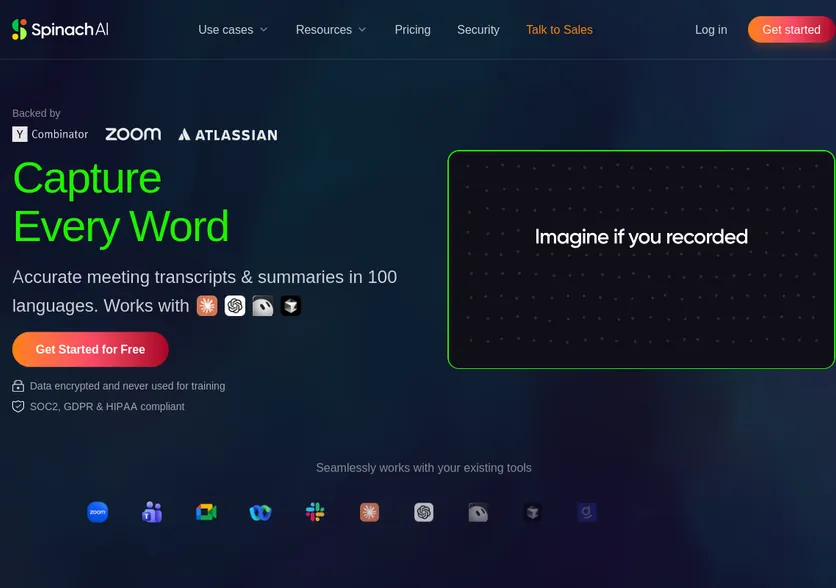
This Spinach AI plan costs two dollars and ninety cents per meeting hour, and it is the most unusual pricing in this list for a project manager with an irregular meeting load. Pro charges for the hours you actually meet rather than for seats, so a team that meets lightly pays very little while a team that meets constantly pays in proportion to use. Spinach AI, formerly Hypercontext, joins calls on Zoom, Google Meet, Teams and Webex, transcribes them in more than one hundred languages, and turns spoken commitments into tasks in Jira and other tools. Business moves to per-seat pricing for company-wide use with a fifty-seat minimum.
What we like
- Pay only for the meeting hours you actually use
- Transcription and summaries in more than one hundred languages
- Spoken commitments become tasks in Jira automatically
Watch out for
- Per-hour billing gets expensive for teams that meet constantly
- Business plan needs a fifty-seat minimum
How to try it
- Connect Spinach AI to your calendar and video tools
- Let it join meetings and draft summaries and action items
- Send commitments to Jira or your project tracker
3. Notion
Best for: Project managers who plan meetings in documents linked to project pages
Paid tool Starting price: $10/member/month · Ten dollars per member per month billed annually on the Plus plan, or $12 month to month; Business is $20 billed annually ($24 monthly) and Enterprise is quoted. The free plan covers one person with up to ten guests. Full Notion AI needs the Business plan.
Free plan: Free plan
This Notion plan costs ten dollars per member a month billed annually, and it is the most flexible agenda workspace in this list for a project manager who plans in documents. Plus adds unlimited blocks, unlimited file uploads, thirty-day page history and custom forms, so a team can build agenda templates, link them to project pages and automate follow-ups in one place. Guests are free, which keeps clients and contractors out of the bill. The trade-off is that Notion is not a meeting tool out of the box: recording, transcription and automatic action items need the Business plan or an integration.

What we like
- Flexible workspace for custom agenda templates and databases
- Guests are free, so clients and contractors cost nothing
- AI agents and automation across docs and tasks
Watch out for
- No meeting recording or transcription on the Plus plan
- Full AI features need the Business plan at twenty dollars
How to try it
- Build an agenda template linked to your project pages
- Share it with guests and collect topics before the meeting
- Turn decisions into tasks and track them in the same workspace
4. Asana
Best for: Project managers who want agendas linked to tasks, timelines and owners
Paid tool Starting price: $10.99/user/month · Ten dollars and ninety-nine cents per user per month billed annually on the Starter plan, or $13.49 month to month; Advanced is $24.99 billed annually ($30.49 monthly). The free Personal plan covers up to two users. AI agents are included on Starter, while time tracking needs the Advanced plan.
Free plan: Free Personal plan (up to 2 users)
This Asana plan costs ten dollars and ninety-nine cents per user a month billed annually, and it is the best pick in this list for a project manager who wants agendas tied directly to project execution. Starter includes timeline and Gantt views, dashboards, forms, custom fields and unlimited automations, so an agenda item can become a task with an owner and a due date in the same place. Unlimited free guests keep stakeholders in the loop without extra seats. Meeting recording and transcription are not native, so teams that need AI summaries should pair Asana with a dedicated note taker.

What we like
- Agendas become tasks with owners and due dates in one place
- Timeline, Gantt, dashboards and unlimited automations on Starter
- Unlimited free guests for stakeholders and clients
Watch out for
- No built-in meeting recording or transcription
- Time tracking needs the Advanced plan at twenty-four ninety-nine
How to try it
- Create a project and add an agenda task for each meeting
- Assign owners and due dates to every action item
- Track progress on the timeline and close the loop
5. ClickUp
Best for: Project managers who want agendas, tasks, docs and goals in one cheap platform
Paid tool Starting price: $9/user/month · Nine dollars per user per month billed annually on the Core plan, or $12 month to month; Business is $17 billed annually ($25 monthly) and Enterprise is quoted. The Free Forever plan covers unlimited tasks and members with sixty megabytes of storage. Max is $100 per user per month billed annually.
Free plan: Free Forever plan
This ClickUp plan costs nine dollars per user a month billed annually, and it is the cheapest full project platform in this list for a manager who wants agendas inside the work tool. Core includes unlimited storage, Gantt charts, goals, custom fields, time tracking and guest permissions, so meeting agendas, action items and project tracking sit in one account. The Free Forever plan covers unlimited tasks and members, which makes it easy to test the whole approach before paying. The breadth is also the drawback: the meeting features themselves are basic, and the setup takes time to get right.

What we like
- Cheapest full project platform in this list at nine dollars
- Gantt charts, goals and time tracking on the Core plan
- Free Forever plan with unlimited tasks and members
Watch out for
- Meeting-specific features are basic, with no recording
- The breadth of features can overwhelm a new team
How to try it
- Create an agenda template in Docs and link it to tasks
- Assign action items with owners and due dates
- Track progress on goals and the Gantt chart
6. monday.com
Best for: Project managers who want visual agenda boards with status tracking
Paid tool Starting price: $9/seat/month · Nine dollars per seat per month billed annually on the Basic plan, or $12 month to month; Standard is $12 billed annually ($14 monthly) and Pro is $19 billed annually ($24 monthly). Paid plans start at three seats, so a team of four buys five seats. The free plan covers up to two seats and three boards.
Free plan: Free plan (up to 2 seats)
This monday.com plan costs nine dollars per seat a month billed annually, and it is the most visual agenda builder in this list for a project manager who thinks in boards. Basic covers customizable boards, templates and automations, so a team can build a meeting agenda board, assign action items and track progress with status columns anyone can read at a glance. AI agents work alongside the team on higher plans, guest access starts on Standard, and the seat model needs attention because paid plans start at three seats and are sold in blocks, so a team of four pays for five.

What we like
- Visual boards and templates anyone can read at a glance
- Customizable workflows with automations built in
- AI agents assist the team on higher plans
Watch out for
- Paid plans are sold in seat blocks starting at three seats
- No native meeting recording or transcription
How to try it
- Build an agenda board with topics and owners
- Assign action items and track them with status columns
- Automate reminders and follow-ups for each meeting
7. Fathom
Best for: Project managers who need reliable call summaries and a shared meeting library
Paid tool Starting price: $15/user/month · Fifteen dollars per user per month billed annually on the Team plan, or $19 month to month, with a two-user minimum; Premium for individuals is $16 billed annually ($20 monthly) and Business is $25 billed annually ($34 monthly). The free plan includes unlimited recordings and transcriptions with advanced AI summaries capped at five calls a month.
Free plan: Free plan
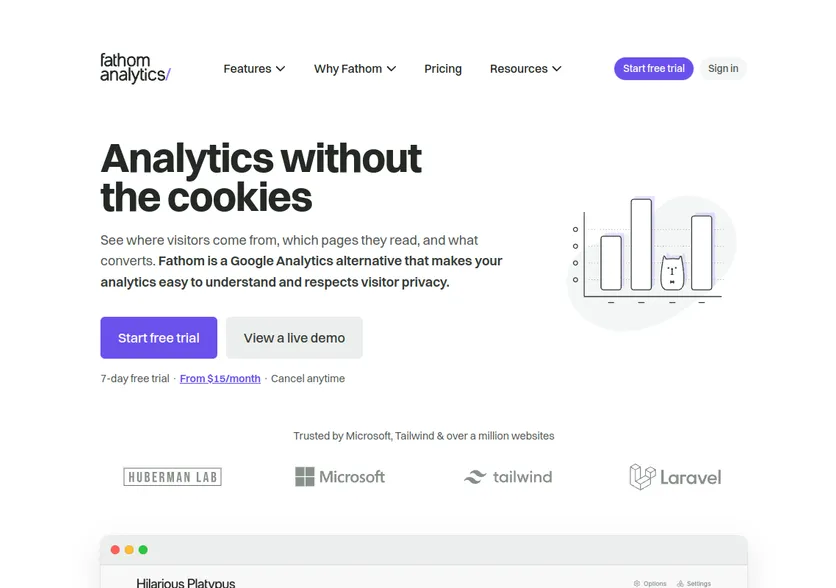
This Fathom plan costs fifteen dollars per user a month billed annually, and it is the best call-capture tool in this list for a project manager who needs reliable notes after the meeting. Team adds a shared call library, global search across team calls, playlists, comments and folders, plus HIPAA compliance with a standard business associate agreement. Fathom records, transcribes and summarizes Zoom, Google Meet and Teams calls with instant AI summaries and action items, and the free plan already includes unlimited recordings. The gap is planning: Fathom captures meetings well but does not build agendas beforehand.
What we like
- Unlimited recordings and transcriptions on the free plan
- Shared call library with search across all team calls
- HIPAA compliance with a standard agreement on Team
Watch out for
- No agenda planning features before the meeting
- Team plan needs at least two users to buy
How to try it
- Connect Fathom to Zoom, Meet or Teams
- Let it record and summarize your next project meeting
- Share the summary and action items with the team
Prices above were checked on each vendor’s own website on Nov 28, 2026 and can change — the vendor’s page is the final word. Vendor links are editorial: nobody paid to be listed or ranked here. Vendors who want a featured listing can see how it works on our Get listed page.
How to run meetings where the agenda actually gets followed
Start with the agenda, not the invite. A meeting without a written agenda and named owners will drift, so send topics and decisions needed at least a day ahead and let the team add items before the call. Assign one owner to every action item in the meeting itself, with a due date, and write the decision next to the topic so nobody re-argues it next week. Keep the notes where the work lives, whether that is the project board or the shared call library, so follow-ups are visible without a separate email. Finally, review open action items at the start of the next meeting and close the ones that are done.
Before you buy
- Check whether the tool integrates with your video and project apps
- Verify security and compliance features if you handle sensitive data
- Confirm the level of AI support for agendas, summaries and action items
- Assess whether the tool offers customizable agenda templates and workflows
- Review user permissions and collaboration features for your team size
Official websites
Official websites of the products reviewed above. Features and prices were checked against these sites when this guide was written, and they can change, so confirm on the vendor site before you buy.
Frequently asked questions
What is the best meeting agenda software for project managers?
Fellow is the strongest all-round pick, because it combines structured agendas, AI meeting notes and automatic action items from seven dollars a user a month. Fathom is the best choice when the priority is capturing and summarizing calls, while ClickUp suits managers who want agendas inside a full project platform from nine dollars a user a month.
How much does Fellow cost for a project team?
Fellow costs seven dollars per user per month on the Team plan billed annually, or eleven dollars month to month. Business is fifteen dollars billed annually with unlimited AI notes and recordings, and Enterprise is twenty-five dollars billed annually. The free plan includes five AI notes and five AI recordings per user for life.
Can I use meeting agenda software for free?
Yes, Fellow, Notion, Asana, ClickUp, monday.com and Fathom all have free plans, and Spinach AI has a free Starter plan. ClickUp has the most generous free plan with unlimited tasks and members, while Fathom gives unlimited recordings and transcriptions free with advanced summaries capped at five calls a month.
What happened to Hypercontext?
Hypercontext rebranded as Spinach AI, and the product now sells at spinach.ai with the same meeting assistant approach. Pro costs two dollars ninety per meeting hour with unlimited users, while Business is nineteen dollars per user per month billed annually with a fifty-seat minimum. The free Starter plan covers recording and basic summaries.
Do I need a separate AI note taker if I use Asana or ClickUp?
Probably yes, because Asana and ClickUp are project platforms first and neither records or transcribes meetings natively. Pair either one with Fellow or Fathom for capture and summaries, then push the action items into the project tool. That combination costs more than one subscription, but it covers both planning and documentation properly.
Compare the seven tools above, then start with the free plan or free trial on the tool that matches how your team already meets before you pay for a full year.
Browse Productivity Tools tools


