
On this page
Remote teams need more than a video window: scheduling, agendas, notes and follow-ups all shape whether a meeting was worth holding. The seven tools below cover that job for distributed teams of different sizes, from a small group running client calls to a regulated organization with hybrid offices. Zoom Workplace leads the list because it bundles video meetings, chat and whiteboards in one platform for fourteen dollars and sixteen cents a user a month, and the other six are judged on the same practical test: how much of the remote meeting workflow they cover for the price.
How we researched this
We checked every price on the vendor pricing page on November 28, 2026, and only included tools with a published US dollar list price. Webex is the one exception to a clean annual figure, because its US pricing page prints no annual dollar amount, so its priceNote explains the sourcing. Prices change, so confirm the current figure on the vendor site before you buy.
Compare the tools
| Name | Best for | Starting price | Free plan | |
|---|---|---|---|---|
 Zoom Workplace | Remote teams that run most of their day in video calls and want one platform | $14.16/user/month | Free Basic plan | Visit |
 Microsoft Teams | Remote teams already using Microsoft 365 for email, files and chat | $4/user/month | Free plan | Visit |
 Cisco Webex | Regulated remote teams that need security, devices and enterprise controls | $12/user/month | Free plan | Visit |
 GoTo Meeting | Remote teams that want focused web conferencing priced per host, not per user | $12/organizer/month | 14-day free trial | Visit |
| Zoho Meeting | Small remote teams and Zoho users who want the cheapest paid meetings | $1/host/month | Free plan | Visit |
 Whereby | Remote teams that run client sessions and want frictionless browser rooms | $10.99/host/month | Free plan (1 room) | Visit |
 Fellow | Remote teams that have a video platform but lose track of decisions and follow-ups | $7/user/month | Free plan | Visit |
The meeting management software for remote teams, compared
1. Zoom Workplace
Best for: Remote teams that run most of their day in video calls and want one platform
Paid tool Starting price: $14.16/user/month · Fourteen dollars and sixteen cents per user per month billed annually on the Pro plan, or $15.99 month to month ($169.92 a year); Business is $18.33 billed annually and Business Plus is higher still. The free Basic plan allows meetings of up to forty minutes with up to one hundred participants. AI Companion is included on paid plans.
Free plan: Free Basic plan
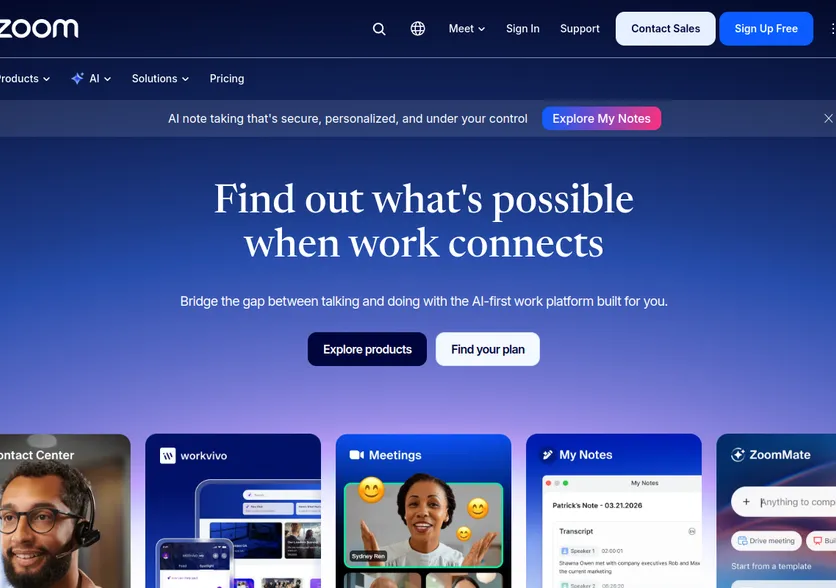
This Zoom Workplace plan costs fourteen dollars and sixteen cents per user a month billed annually, and it is the most complete meeting platform in this list for a remote team that lives in calls. Pro bundles video meetings with chat, whiteboard, mail and calendar, plus cloud recording, transcription and AI Companion summaries, so most of the meeting workflow sits in one account. Meetings run up to thirty hours with one hundred participants, which covers everything from a daily standup to an all-hands. The breadth is also the cost: a team that only needs video calls pays for a suite it may never open.
What we like
- Meetings, chat, whiteboard and calendar in one platform
- Thirty-hour meetings with cloud recording and AI summaries
- Strong fit for webinars and large events too
Watch out for
- Paid plans bundle a suite many small teams never use
- Advanced admin controls need the Business plan or higher
How to try it
- Sign up for the free Basic plan and test a team meeting
- Move to Pro and set up recording and AI Companion
- Add chat and whiteboard channels for the team
2. Microsoft Teams
Best for: Remote teams already using Microsoft 365 for email, files and chat
Paid tool Starting price: $4/user/month · Four dollars per user per month billed annually on the Teams Essentials plan, or $4.80 month to month; Teams is also included in Microsoft 365 Business Basic at $7 a user a month and Business Standard at $14.40. The free plan covers unlimited group meetings for up to sixty minutes with one hundred participants.
Free plan: Free plan
This Microsoft Teams plan costs four dollars per user a month billed annually, and it is the cheapest entry in this list for a team already living in Microsoft 365. Essentials keeps chat, meetings, calling and files in one workspace, with meetings flowing straight into channels, documents and shared files rather than sitting in a separate app. The free plan covers unlimited group meetings of up to sixty minutes, which is enough for many small teams to start without paying. Outside the Microsoft ecosystem the value is thinner, and the experience varies by licensing tier.

What we like
- Chat, meetings, calling and files in one workspace
- Cheapest paid entry in this list at four dollars a user
- Deep ties to Word, Excel, SharePoint and OneDrive
Watch out for
- Experience varies across licensing tiers and add-ons
- Can feel heavy for teams that only need simple video calls
How to try it
- Sign up free and create channels for each team
- Schedule meetings from the calendar and share files in chat
- Move to Essentials for unlimited meeting length and support
3. Cisco Webex
Best for: Regulated remote teams that need security, devices and enterprise controls
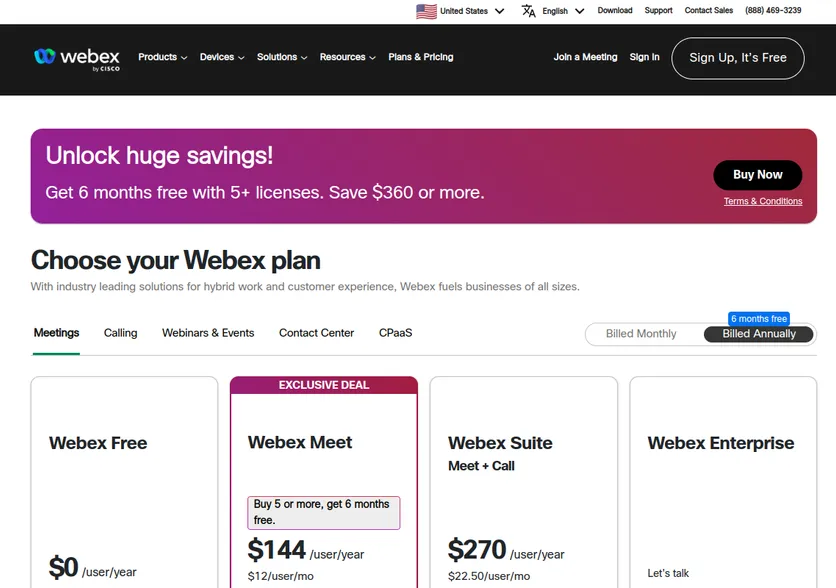
Paid tool Starting price: $12/user/month · Twelve dollars per user per month billed annually on the Meet plan, or $14.50 month to month; Suite, which adds calling, is $22.50 billed annually ($25 monthly). The vendor US pricing page shows the monthly figures with no annual dollar figure printed, so the annual figure comes from corroborating November 2026 reads. The free plan allows unlimited meetings of up to forty minutes with one hundred attendees.
Free plan: Free plan
This Cisco Webex plan costs twelve dollars per user a month billed annually, and it is the strongest pick in this list for a regulated remote team that needs security proof. Meet lifts meetings to twenty-four hours with up to two hundred attendees, and the platform pairs AI-assisted collaboration with meeting devices and room hardware for hybrid offices. Webex is built for organizations where compliance, encryption and enterprise administration are non-negotiable rather than nice to have. The trade-off is weight: a small team that just wants quick calls will find the platform deeper than it needs.
What we like
- Strong security story with enterprise administration built in
- Meeting devices and room hardware options for hybrid offices
- AI-assisted collaboration across meetings and messaging
Watch out for
- The vendor US page prints no annual dollar figure for Meet
- Full value assumes some Cisco device and service adoption
How to try it
- Start with the free plan and test a forty-minute meeting
- Move to Meet for twenty-four-hour meetings and two hundred attendees
- Add Suite when the team also needs a business phone number
4. GoTo Meeting
Best for: Remote teams that want focused web conferencing priced per host, not per user
Paid tool Starting price: $12/organizer/month · Twelve dollars per organizer per month billed annually on the Professional plan, or $14 month to month; Business is $16 billed annually ($19 monthly) for up to two hundred and fifty participants. Only organizers need a license, so participants join free. There is no permanent free plan, only a fourteen-day trial.
Free plan: 14-day free trial
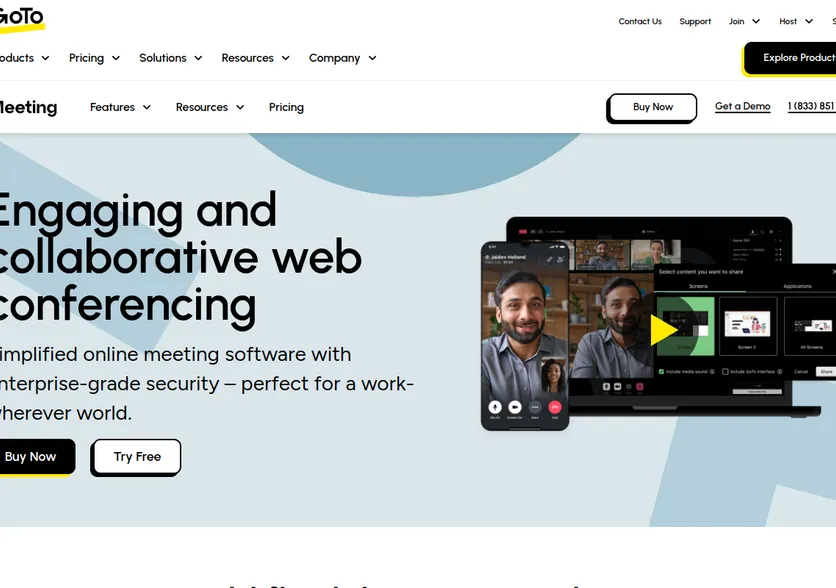
This GoTo Meeting plan costs twelve dollars per organizer a month billed annually, and it is the most focused conferencing tool in this list for a remote team that wants reliable meetings without a sprawling workspace. Professional covers unlimited meetings with no time limit, unlimited cloud recording, an AI meeting summary, transcription, breakout rooms and closed captioning for up to one hundred and fifty participants. Because only organizers pay, a forty-person company with five hosts buys five licenses and everyone else joins free. The narrow scope is the trade-off: chat, files and meeting notes need other tools.
What we like
- Only organizers pay, so participants join free
- Unlimited meetings with no time limit on every paid plan
- AI summaries, transcription and breakout rooms included
Watch out for
- No permanent free plan, only a fourteen-day trial
- Narrower scope than full collaboration suites
How to try it
- Start the fourteen-day trial and host a real team meeting
- Set up personal meeting rooms for each organizer
- Turn on cloud recording and AI summaries for every call
5. Zoho Meeting
Best for: Small remote teams and Zoho users who want the cheapest paid meetings
Paid tool Starting price: $1/host/month · One dollar per host per month billed annually on the Standard plan for meetings of up to ten participants; Professional is $3 billed annually for the same ten participants and adds breakout rooms, transcripts and a custom domain. Larger rooms cost more per host. The free plan allows meetings with up to one hundred participants for sixty minutes.
Free plan: Free plan
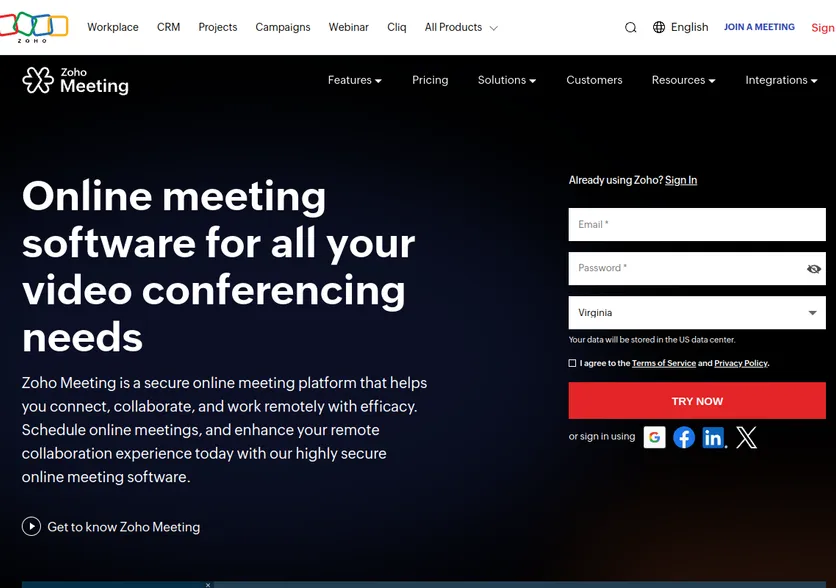
This Zoho Meeting plan costs one dollar per host a month billed annually, and it is the cheapest paid meeting tool in this list for a small remote team. Standard covers twenty-four-hour meetings, five gigabytes of cloud recording storage, polls, recording and integrations for a team that mostly meets in small groups. The price rises with the participant count you select, so the one-dollar figure applies to ten-participant meetings and larger rooms cost more. Zoho Meeting fits naturally inside the wider Zoho family, which makes it an easy pick for teams already using Zoho for email, CRM or projects.
What we like
- Cheapest paid plan in this list at one dollar a host
- Free plan covers one hundred participants for sixty minutes
- Fits naturally with Zoho email, CRM and projects
Watch out for
- One-dollar price applies only to ten-participant meetings
- Best experience assumes adoption of the wider Zoho family
How to try it
- Sign up free and host a meeting with up to one hundred people
- Move to Standard for recording and twenty-four-hour meetings
- Add Professional for breakout rooms and transcripts
6. Whereby
Best for: Remote teams that run client sessions and want frictionless browser rooms
Paid tool Starting price: $10.99/host/month · Ten dollars and ninety-nine cents per host per month on the Pro plan billed monthly; Business is $11.99 per host per month with a three-host minimum. Some November 2026 reads show Pro at $9.99 a month, so the price may have risen during the month — confirm it at checkout. The free plan covers one room with up to four attendees and no time limit.
Free plan: Free plan (1 room)
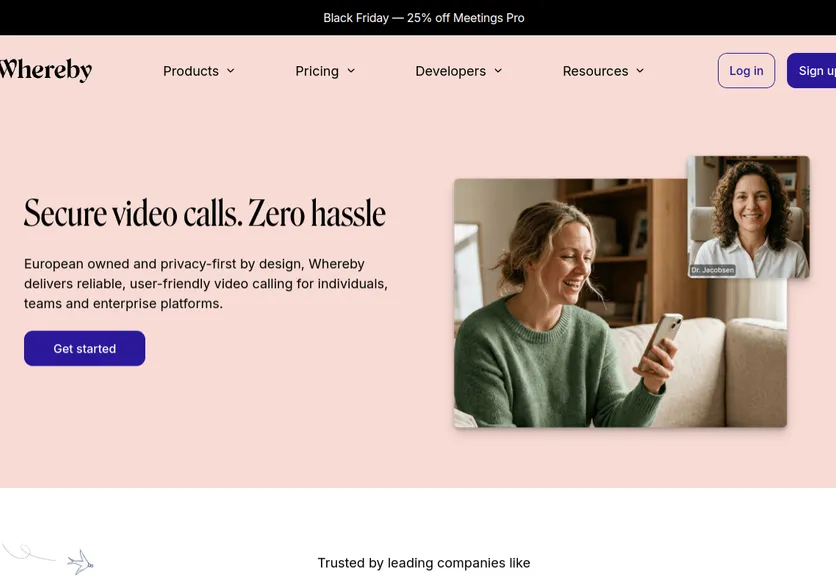
This Whereby plan costs ten dollars and ninety-nine cents per host a month, and it is the simplest meeting tool in this list for client-facing calls. Whereby gives each host a permanent branded room link, so guests join from a browser with no download and no account, which removes the friction that kills external meetings. Pro adds custom branding, recording and breakout rooms for up to one hundred attendees with no time limit. The trade-off is scope: Whereby is a video room, not a full meeting management suite, so agendas and action tracking need other tools.
What we like
- Guests join from a browser with no download or account
- Permanent branded room link for every host
- No time limit on meetings, even on the free plan
Watch out for
- Not a full meeting management suite on its own
- Business plan needs at least three hosts to buy
How to try it
- Claim your permanent room link and brand it
- Share the link with clients for instant browser joins
- Move to Pro for recording and breakout rooms
7. Fellow
Best for: Remote teams that have a video platform but lose track of decisions and follow-ups
Paid tool Starting price: $7/user/month · Seven dollars per user per month billed annually on the Team plan, or $11 month to month; Business is $15 billed annually ($23 monthly) and Enterprise is $25 billed annually. The free plan includes five AI notes and five AI recordings per user for life. Solo is $19 a month for one person.
Free plan: Free plan
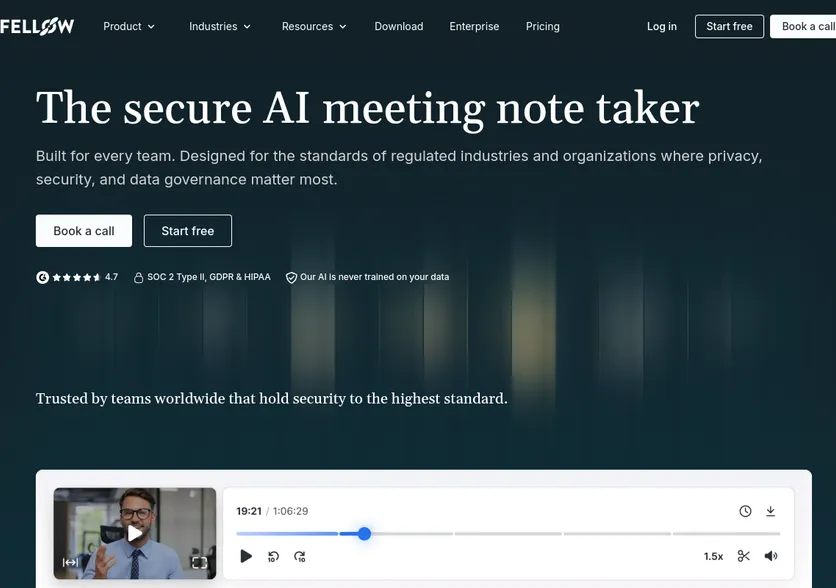
This Fellow plan costs seven dollars per user a month billed annually, and it is the best meeting-notes companion in this list for a remote team that already has a video platform. Fellow records, transcribes and summarizes meetings with automatic action items, and it states plainly that it does not train AI models on your data. Team adds meeting automations, project-management integrations and API access, so decisions flow into the tools the team already uses. Fellow complements rather than replaces a meeting host, so a team still needs Zoom, Teams or another conferencing tool alongside it.
What we like
- Records, transcribes and summarizes meetings automatically
- Action items flow into project tools through integrations
- No AI training on your meeting data
Watch out for
- Does not host calls, so you still need a video platform
- Team plan caps AI notes at ten per user each month
How to try it
- Connect Fellow to your calendar and video platform
- Let it record the next meeting and draft the summary
- Review action items and assign owners before the next call
Prices above were checked on each vendor’s own website on Nov 28, 2026 and can change — the vendor’s page is the final word. Vendor links are editorial: nobody paid to be listed or ranked here. Vendors who want a featured listing can see how it works on our Get listed page.
How to keep remote meetings consistent across time zones
Start with one home for meetings, not five. A remote team that splits calls across tools loses recordings, notes and decisions, so pick one host platform and one note taker and make them the default for every meeting. Standardize agendas before the call and assign one owner for notes and follow-ups, because an AI summary nobody reviews is no better than no notes at all. Test the join experience from a phone and a browser with a small pilot group, since guests and clients judge the whole company on the first minute of a call. Finally, store notes where the team already works so they are found again next week.
Before you buy
- Check which meeting, chat and recording features sit at the tier you buy
- Confirm integrations with your calendar, file storage and project tools
- Review security and compliance for meeting recordings and AI features
- Test join experience and browser support with a small pilot group
- Verify administrator controls and guest access for external participants
Official websites
Official websites of the products reviewed above. Features and prices were checked against these sites when this guide was written, and they can change, so confirm on the vendor site before you buy.
Frequently asked questions
What is the best meeting management software for remote teams?
Zoom Workplace is the strongest all-round pick, because it bundles video meetings, chat, whiteboard and AI summaries from fourteen dollars sixteen per user a month billed annually. Microsoft Teams suits organizations already in Microsoft 365 at four dollars a user a month, while Fellow is the best companion when the priority is notes, transcripts and action items.
How much does Zoom Workplace Pro cost?
Zoom Workplace Pro costs fourteen dollars sixteen per user per month billed annually, or fifteen dollars ninety-nine month to month. Business is eighteen dollars thirty-three billed annually with three hundred participants and single sign-on. The free Basic plan allows meetings of up to forty minutes with one hundred participants.
Can remote teams meet for free?
Yes, Zoom, Microsoft Teams, Webex, Zoho Meeting, Whereby and Fellow all have free plans. Zoho Meeting is the most generous free option with one hundred participants for sixty minutes, while Teams offers unlimited group meetings of up to sixty minutes. GoTo Meeting is the only tool here with no permanent free plan.
Do I need a separate AI meeting assistant?
Not necessarily, because Zoom includes AI Companion summaries on paid plans and Teams and Webex have their own AI features. A dedicated assistant such as Fellow goes deeper on transcripts, action items and compliance controls, so add one when your video platform leaves follow-ups inconsistent. Running both can create overlapping notes if ownership is unclear.
Which tool is best for meetings with external clients?
Whereby is the best pick for external calls, because guests join from a browser with no download and no account through a permanent branded room link. GoTo Meeting is the strongest focused option when only organizers should pay, and Zoom Workplace suits client calls that need recording, transcription and a professional polish.
Compare the seven tools above, then start with the free plan or free trial on the tool that matches how your team already meets before you pay for a full year.
Browse Productivity Tools tools


