
On this page
Notability made lecture notes with synced audio famous, but its subscription keeps climbing and its best features stay locked to Apple devices. Goodnotes is the pick that replaces it most directly, with the same notebook feel, better PDF markup and a plan from 12 dollars a year. This guide compares eight Notability alternatives, from a 8 dollar a year handwriting converter to a 15 dollar a month all round note system, with live 2026 prices and free plans, so you can pick by device, handwriting and budget.
How we researched this
We checked the pricing page of every vendor on this list on November 26, 2026, and kept only apps that publish a real dollar price. Each app had to take handwritten or typed notes with search and sync, and we compared entry prices, free plans, platform support and whether handwriting converts to text.
Compare the tools
| Name | Best for | Starting price | Free plan | |
|---|---|---|---|---|
| Goodnotes | iPad users who want the closest Notability replacement | $11.99/year | Free plan (up to 3 files) | Visit |
| MyScript Notes | Students who need handwriting turned into typed text live | $7.99/year | Free plan with limited notebooks, 7-day trial | Visit |
| Noteshelf | Users who want to pay once and own the app forever | $14.99 one-time | Free plan (up to 3 notebooks) | Visit |
 Bear | Writers who want beautiful typed notes on Apple devices | $2.99/month | Free plan (notes on one device) | Visit |
 Obsidian | Note takers who want local files and linked thinking | $4/user/month | Free app, no account needed | Visit |
| Craft | People who want beautiful documents that also take notes | $9.99/month | Free plan for basic documents | Visit |
 Notion | Teams that want notes, docs and databases in one place | $10/user/month | Free plan for individuals | Visit |
 Evernote | Researchers who clip the web and search everything | $14.99/month | Free plan (50 notes, 1 notebook) | Visit |
The Notability alternatives, compared
1. Goodnotes
Best for: iPad users who want the closest Notability replacement
Paid tool Starting price: $11.99/year · Essential is $11.99 a year; Pro is $35.99 a year; Special Edition is $35.99 one-time for Apple devices
Free plan: Free plan (up to 3 files)
Goodnotes is the closest thing to Notability without the Notability price, with notebooks, covers, templates and some of the best Apple Pencil writing on the iPad. This Goodnotes Essential plan costs 12 dollars a year and unlocks unlimited files and unlimited audio recording. It is the default answer for a student or professional who lives in handwritten notes.
What we like
- Best Apple Pencil writing feel on iPad
- Unlimited files and audio on Essential
- Works on Apple, Android, Windows and web
Watch out for
- Pro features need the 36 dollar a year plan
- No real time collaboration on Essential
How to try it
- Open the Goodnotes pricing page and start the free plan
- Create a notebook and pick a paper template
- Import a PDF and mark it up with the Apple Pencil
2. MyScript Notes
Best for: Students who need handwriting turned into typed text live
Paid tool Starting price: $7.99/year · Full Access is $7.99 a year or $1.99 a month; lifetime purchase is listed at $24.99
Free plan: Free plan with limited notebooks, 7-day trial
MyScript Notes, formerly Nebo, converts handwriting to typed text as you write, which no other app on this list does as accurately. This MyScript Notes Full Access plan costs 8 dollars a year and adds unlimited boards, PDF import and sync across ten devices. It is the pick when notes must leave the iPad as clean typed text.
What we like
- Best live handwriting to text conversion
- Cheapest paid plan on this list
- Syncs across ten devices
Watch out for
- Notebook design is plainer than Goodnotes
- Audio recording is not a strength
How to try it
- Open the MyScript Notes page and start the 7-day trial
- Write a page and watch it convert to typed text
- Export the note as text, PDF or Word
3. Noteshelf
Best for: Users who want to pay once and own the app forever
Paid tool Starting price: $14.99 one-time · Lifetime Premium is $14.99 one-time; yearly Premium plans are listed from $19.99 a year
Free plan: Free plan (up to 3 notebooks)
Noteshelf is the buy once option in a category full of subscriptions, and its lifetime licence is the cheapest way to own a premium handwriting app. This Noteshelf Lifetime Premium costs 15 dollars once and unlocks unlimited notebooks, handwriting recognition and automatic backup. It suits anyone who hates renting software year after year.
What we like
- One time payment, no subscription
- Works on Apple, Android and Windows
- Handwriting search in 65 languages
Watch out for
- Weekly and monthly plans look cheap but are not
- Fewer templates than Goodnotes
How to try it
- Open the Noteshelf pricing page and pick Lifetime Premium
- Create notebooks with custom covers and paper
- Turn on automatic backup to your cloud of choice
4. Bear
Best for: Writers who want beautiful typed notes on Apple devices
Paid tool Starting price: $2.99/month · Bear Pro is $2.99 a month or $29.99 a year, with sync and export included
Free plan: Free plan (notes on one device)
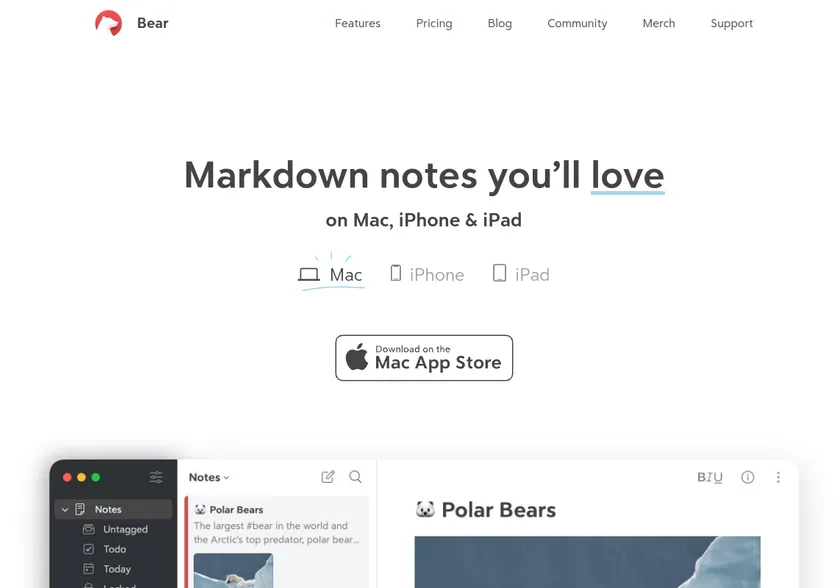
Bear is the prettiest typed note app on this list, with clean Markdown writing, tags instead of folders, and a focus mode that gets out of the way. This Bear Pro plan costs about three dollars a month and adds sync across devices plus export to PDF, Word and HTML. It fits a writer who takes typed notes and wants them to look good.
What we like
- Beautiful Markdown writing experience
- Tags keep notes organised without folders
- Cheap Pro plan with full export
Watch out for
- Apple devices only, no Android or Windows
- No handwriting or drawing tools
How to try it
- Open the Bear site and download the free app
- Write a note in Markdown and tag it
- Upgrade to Pro to sync it to your other devices
5. Obsidian
Best for: Note takers who want local files and linked thinking
Paid tool Starting price: $4/user/month · Sync is $4 per user a month billed annually; Publish is $10 per site a month; the app itself is free
Free plan: Free app, no account needed
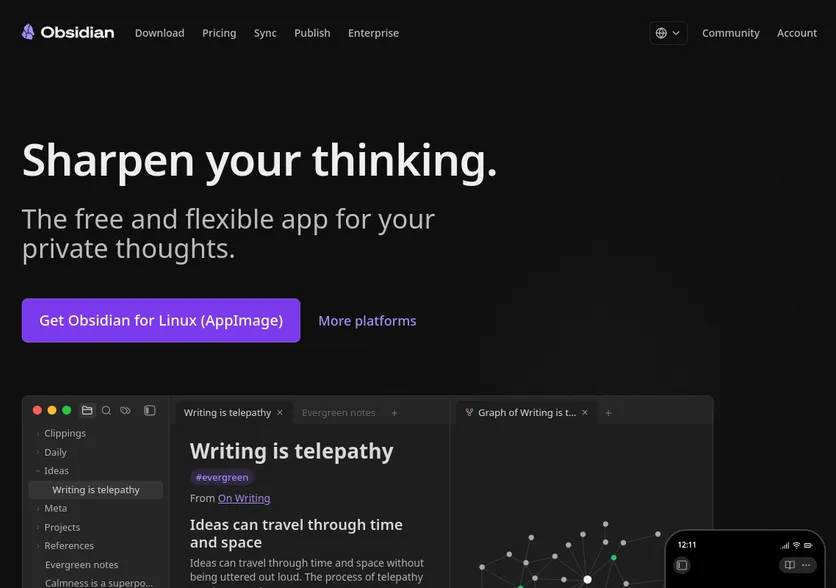
Obsidian stores notes as plain Markdown files on your own device, so nothing is locked in a vendor cloud and notes link together into a personal knowledge graph. This Obsidian Sync plan costs four dollars per user a month and keeps those files synced across devices with version history. It is the pick for a note taker who values ownership over polish.
What we like
- Notes are plain files you own forever
- Powerful linking and graph view
- Huge free plugin community
Watch out for
- No handwriting support at all
- Sync and Publish cost extra
How to try it
- Open the Obsidian pricing page and download the free app
- Create a vault and link notes together
- Add Sync to keep the vault on every device
6. Craft
Best for: People who want beautiful documents that also take notes
Paid tool Starting price: $9.99/month · Personal Pro is $9.99 a month or $95.99 a year; a free plan covers basic documents
Free plan: Free plan for basic documents
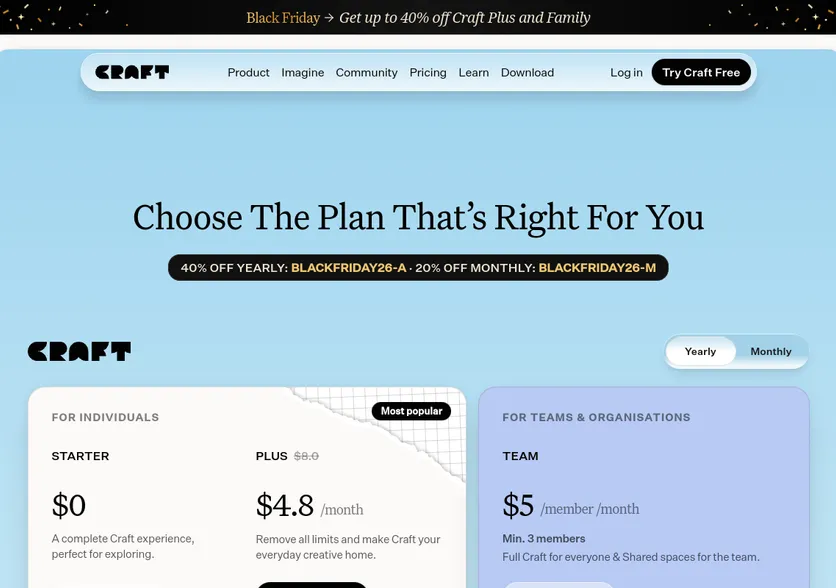
Craft turns notes into beautiful documents, with inline images, tables and pages that look designed without any design work. This Craft Personal Pro plan costs about ten dollars a month and adds unlimited documents, custom styles and daily notes. It suits someone who writes meeting notes that later become shared documents.
What we like
- Documents look designed with no effort
- Works on Apple, Windows and web
- Daily notes and backlinks included
Watch out for
- Handwriting is limited, typing is the focus
- Pricier than Bear for similar writing
How to try it
- Open the Craft pricing page and start the free plan
- Create a document and add images inline
- Share it with a link or export as PDF
7. Notion
Best for: Teams that want notes, docs and databases in one place
Paid tool Starting price: $10/user/month · Plus is $10 per user a month billed annually ($12 billed monthly); Business is $20 per user a month
Free plan: Free plan for individuals
Notion is the biggest step up from a notebook app, because notes become databases, wikis and project trackers in the same workspace. This Notion Plus plan costs ten dollars per user a month on annual billing and adds unlimited file uploads and 30 day page history. It fits a team that outgrew simple notes and needs structure.

What we like
- Notes, docs and databases in one tool
- Huge template library for every use
- Free plan is generous for individuals
Watch out for
- Overkill for simple handwritten notes
- Offline use is limited
How to try it
- Open the Notion pricing page and start the free plan
- Create a page and add a database view
- Invite the team and set permissions
8. Evernote
Best for: Researchers who clip the web and search everything
Paid tool Starting price: $14.99/month · Personal is $14.99 a month or $129.99 a year; Professional adds more AI features and automation
Free plan: Free plan (50 notes, 1 notebook)
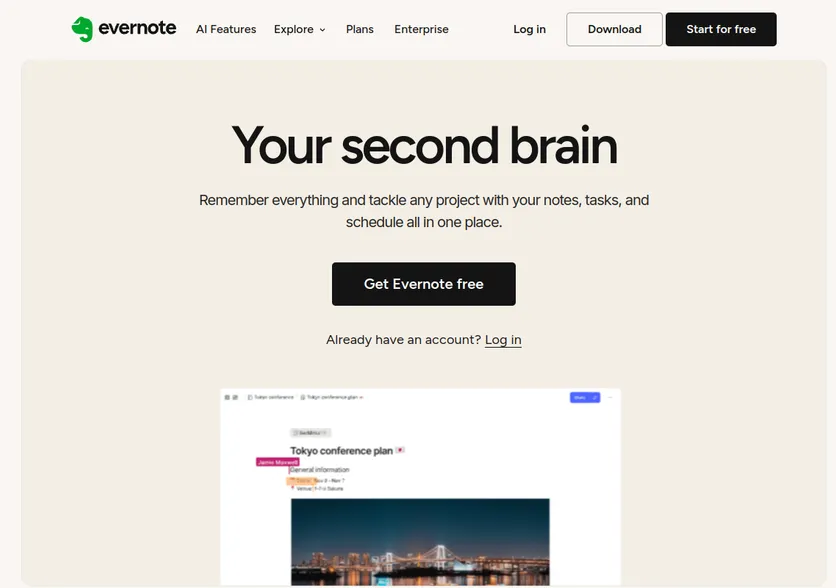
Evernote is the veteran of this list, and its web clipper plus full text search still beat every handwriting app for research. This Evernote Personal plan costs about 15 dollars a month and lifts the free plan limits on notes, notebooks and devices. It fits someone who collects articles, PDFs and scans and needs to find them again in seconds.
What we like
- Best web clipper on this list
- Search finds text inside images and PDFs
- Works on every platform
Watch out for
- Most expensive pick here per month
- Free plan is heavily limited
How to try it
- Open the Evernote pricing page and start the free plan
- Clip a web page with the browser extension
- Search the notebook by keyword, tag or image text
Prices above were checked on each vendor’s own website on Nov 26, 2026 and can change — the vendor’s page is the final word. Vendor links are editorial: nobody paid to be listed or ranked here. Vendors who want a featured listing can see how it works on our Get listed page.
How to read the price before you commit
Note apps hide their real cost in the billing model, so read the plan before the price. Goodnotes and MyScript Notes charge once a year, Noteshelf sells a lifetime licence for less than one year of Evernote, and Bear and Obsidian charge a small monthly fee that adds up quietly. Before paying, check which devices are covered, whether handwriting converts to text, and whether the free plan limits files, notebooks or sync, because those limits decide the upgrade, and a limit you hit in week two costs more than a plan you picked carefully on day one.
Before you buy
- Check which devices the plan covers, because some apps are Apple only.
- Confirm handwriting converts to text if typed notes are the goal.
- Compare yearly totals, not monthly prices, since most plans bill annually.
- Test the free plan with real notes before paying for a year.
- Check whether sync and backup are included or sold as extras.
Official websites
Official websites of the products reviewed above. Features and prices were checked against these sites when this guide was written, and they can change, so confirm on the vendor site before you buy.
Frequently asked questions
What is the best free Notability alternative?
Goodnotes is the best free start, with up to 3 files, basic note tools and 20 minutes of audio recording at no cost. Noteshelf also gives 3 free notebooks, and Obsidian is free as an app with no account needed. The free plans all limit files or notebooks, so a heavy note taker will hit the paid tier within weeks.
Which app converts handwriting to text best?
MyScript Notes converts handwriting to typed text live as you write, with the best accuracy on this list, and it costs $7.99 a year for full access. Goodnotes and Noteshelf also convert handwriting to text, but as a separate step rather than live. If typed notes are the main output, MyScript Notes is the clear pick.
Can I use these apps on Android or Windows?
Yes, most of them. Goodnotes, Noteshelf, Obsidian, Craft, Notion and Evernote all run on Android, Windows or the web as well as Apple devices. Bear is Apple only, and MyScript Notes covers iPad, iPhone, Mac, Android and Windows. Check the plan page, because some features such as handwriting sensitivity stay iOS only.
Is a one-time purchase better than a subscription?
It depends on how long you keep the app. Noteshelf Lifetime costs $14.99 once, which is less than two months of Evernote Personal at $14.99 a month, so it pays for itself fast. Subscriptions such as Goodnotes at $11.99 a year fund new features and sync, so they suit users who want steady updates. A lifetime licence wins for a settled workflow.
Which Notability alternative is best for students?
Goodnotes is the best student pick, with unlimited files and audio recording at $11.99 a year and the best Apple Pencil feel. MyScript Notes is the budget pick at $7.99 a year for students who need typed notes from handwriting. Noteshelf Lifetime at $14.99 once is the cheapest long term option for a student who keeps the same app for years.
Taking notes on paper still? Try free note, PDF and productivity tools on Toolsvine right in your browser.
Browse Productivity Tools tools


