
On this page
Freelance work means you are the planner, the worker and the deadline-keeper all at once, and a scattered to-do list is how billable hours slip away. Personal productivity software gives you one place for tasks, focus time and the plan for the day, so nothing depends on memory. The eight tools below cover three styles: list-first task managers, calendars that schedule your work for you, and focus apps that keep you on one thing at a time. Todoist is our first pick — a simple five-dollar-a-month task manager that fits freelance work without ceremony.
How we researched this
We started with the productivity tools freelancers actually keep using after the first month, then read each price on the vendor pricing page on November 26, 2026 and noted what the free plan really covers. We judged them for a freelancer who plans the day alone, tracks the work alone, and needs the tool to stay out of the way. We kept only tools with a published price, and we dropped any tool whose price we could not verify; Todoist Pro costs five dollars a month on the vendor page, higher than the four-dollar figure in some older posts, and that newer figure is the one we use.
Compare the tools
| Name | Best for | Starting price | Free plan | |
|---|---|---|---|---|
 Todoist | Freelancers who want a simple list that always works | $5/month | Beginner plan free up to 5 projects | Visit |
 Notion | Freelancers who want tasks, notes and clients in one workspace | $10/user/month | Free plan for individuals | Visit |
 TickTick | Freelancers who want tasks, calendar and focus timer in one app | $49.99/year | Free plan up to 9 lists | Visit |
 Motion | Freelancers whose days change constantly and need auto-scheduling | $19/seat/month | 7-day free trial; no free plan | Visit |
 Sunsama | Freelancers who want one realistic plan for each day | $20/month | 14-day free trial; no free plan | Visit |
 Akiflow | Freelancers whose tasks live in email and chat apps | $19/month | 7-day free trial; no free plan | Visit |
 Things 3 | Apple-only freelancers who want a calm task list | $49.99 one-time | No free plan; 15-day free trial on Mac | Visit |
 Any.do | Freelancers who want a gentle daily planning routine | $4.99/month | Free Personal plan | Visit |
The personal productivity software for freelancers, compared
1. Todoist
Best for: Freelancers who want a simple list that always works
Paid tool Starting price: $5/month · Pro plan, $5 a month billed annually ($60 a year) or $7 a month billed monthly; the Beginner plan is free for up to 5 projects
Free plan: Beginner plan free up to 5 projects
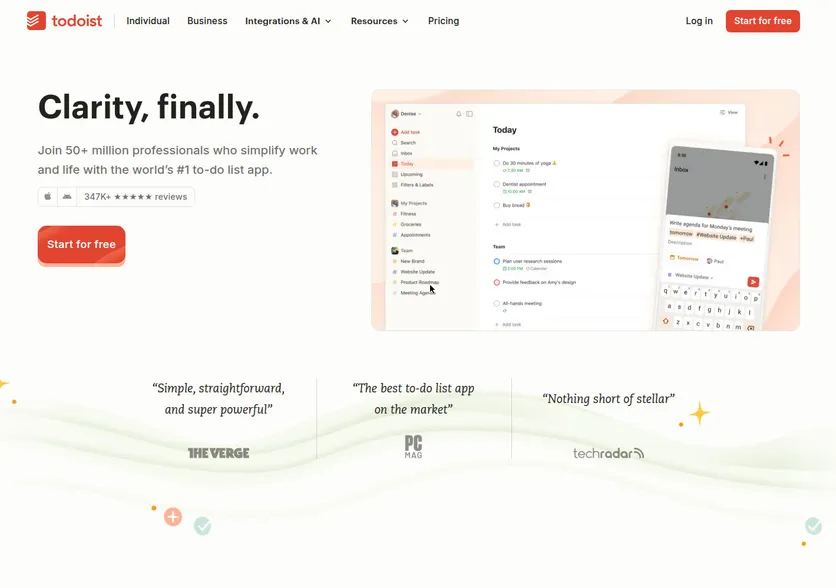
Todoist is the task manager freelancers reach for when they want a list that just works and stays out of the way. This Todoist Pro plan covers unlimited tasks, projects, reminders, filters and calendar sync for five dollars a month. A freelancer can capture a task in two taps, see the whole day at a glance, and never lose a deadline to a forgotten sticky note.
What we like
- Clean lists that stay out of the way
- Reminders and filters on Pro
- Syncs to every device a freelancer owns
Watch out for
- Pro costs five dollars a month billed annually
- No built-in time blocking on the list view
How to try it
- Open the Todoist pricing page and create a free account
- Add your tasks and set a due date for each one
- Open the today view each morning and work through it
2. Notion
Best for: Freelancers who want tasks, notes and clients in one workspace
Paid tool Starting price: $10/user/month · Plus plan, $10 a user a month billed annually or $12 a user a month billed monthly
Free plan: Free plan for individuals
Notion is the flexible workspace where a freelancer can keep tasks, notes, clients and invoices in one place. This Notion Plus plan covers unlimited blocks, file uploads, version history and guest collaborators for ten dollars a user a month. A freelancer who likes to design their own system can build a client dashboard, a content calendar and a reading list side by side.

What we like
- One workspace for tasks, notes and clients
- Templates for almost any freelance system
- Guests collaborate without a paid seat
Watch out for
- Plus costs ten dollars a user a month billed annually
- The blank page can feel overwhelming at first
How to try it
- Open the Notion pricing page and create a free account
- Pick a template for tasks or clients
- Build your own dashboard from blocks
3. TickTick
Best for: Freelancers who want tasks, calendar and focus timer in one app
Paid tool Starting price: $49.99/year · Premium plan, $49.99 a year (under $4.17 a month); the free plan covers up to 9 lists
Free plan: Free plan up to 9 lists
TickTick is the task manager that packs a calendar, a habit tracker and a Pomodoro timer into one cheap app. This TickTick Premium plan covers unlimited lists, subtasks, reminders, custom views and a built-in focus timer for about four dollars a month. A freelancer who wants one app for tasks, habits and timed work sessions gets all three without paying for three tools.

What we like
- Calendar, habits and timer in one app
- Premium costs about four dollars a month
- Clean mobile app for on-the-go capture
Watch out for
- Premium is billed annually at forty nine dollars ninety nine cents
- The free plan caps you at nine lists
How to try it
- Open the TickTick pricing page and create a free account
- Add your tasks and turn on the calendar view
- Start a focus timer and work one task at a time
4. Motion
Best for: Freelancers whose days change constantly and need auto-scheduling
Paid tool Starting price: $19/seat/month · Pro AI plan, $19 a seat a month billed annually; Business AI is $29 a seat a month
Free plan: 7-day free trial; no free plan
Motion is the calendar that plans your day for you, moving tasks into open slots the moment priorities change. This Motion Pro AI plan covers automatic scheduling, task management, calendar sync and project management for nineteen dollars a seat a month. A freelancer juggling clients and deadlines can let the calendar rebuild the day after every new request instead of doing it by hand.
What we like
- The calendar rebuilds itself as priorities change
- Tasks and projects live in the same place
- AI scheduling saves an hour of planning a day
Watch out for
- Pro AI costs nineteen dollars a seat a month
- No free plan, only a seven-day trial
How to try it
- Open the Motion pricing page and start the 7-day trial
- Add your tasks and connect your calendar
- Let Motion auto-schedule the day and follow the plan
5. Sunsama
Best for: Freelancers who want one realistic plan for each day
Paid tool Starting price: $20/month · Pro plan, $20 a month billed annually or $25 a month billed monthly
Free plan: 14-day free trial; no free plan
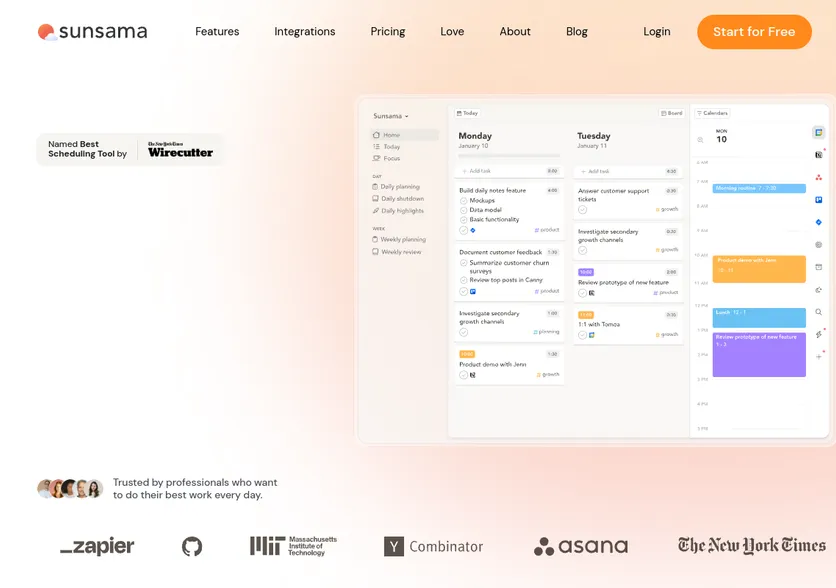
Sunsama is the daily planner that turns a long task list into one realistic day, then guides you through it step by step. This Sunsama Pro plan covers guided planning, focus mode, calendar integration and task imports for twenty dollars a month. A freelancer who ends the day with a full list and no sense of progress can plan one day at a time and finish it.
What we like
- Guided daily planning that actually ends
- Focus mode keeps you on one task
- Imports tasks from the tools you already use
Watch out for
- Pro costs twenty dollars a month billed annually
- No free plan, only a fourteen-day trial
How to try it
- Open the Sunsama pricing page and start the 14-day trial
- Pull in your tasks and drag them into today
- Use focus mode to work through one task at a time
6. Akiflow
Best for: Freelancers whose tasks live in email and chat apps
Paid tool Starting price: $19/month · Pro plan, $19 a month billed annually or $34 a month billed monthly
Free plan: 7-day free trial; no free plan
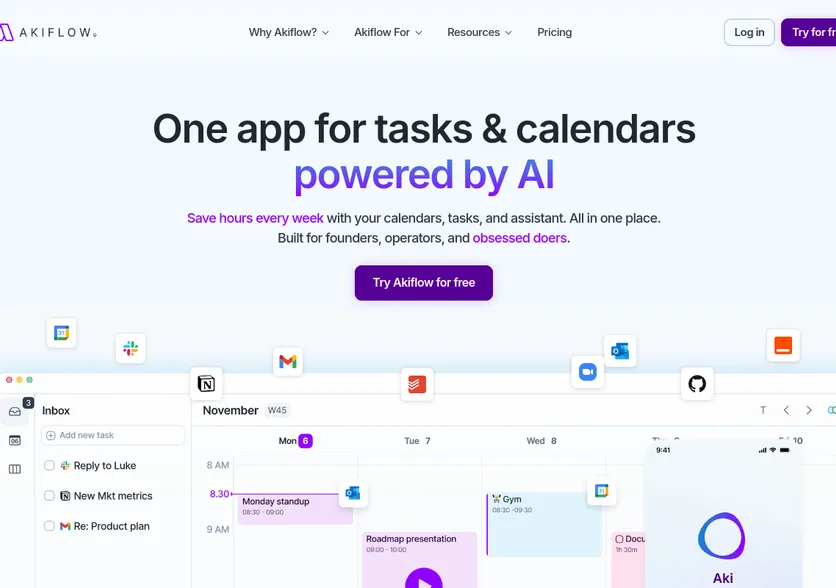
Akiflow is the command center that pulls tasks from email, Slack and other tools into one daily plan. This Akiflow Pro plan covers universal inbox, time blocking, focus mode and calendar sync for nineteen dollars a month. A freelancer drowning in tasks spread across five apps can see everything in one place and block the day in minutes.
What we like
- Universal inbox pulls tasks from every app
- Time blocking built into the plan
- Keyboard-first design for fast capture
Watch out for
- Pro costs nineteen dollars a month billed annually
- No free plan, only a seven-day trial
How to try it
- Open the Akiflow pricing page and start the 7-day trial
- Connect email and Slack to the universal inbox
- Drag tasks into time blocks on your calendar
7. Things 3
Best for: Apple-only freelancers who want a calm task list
Paid tool Starting price: $49.99 one-time · One-time purchase, $49.99 for Mac, $9.99 for iPhone and $19.99 for iPad; priced on the Apple App Store
Free plan: No free plan; 15-day free trial on Mac
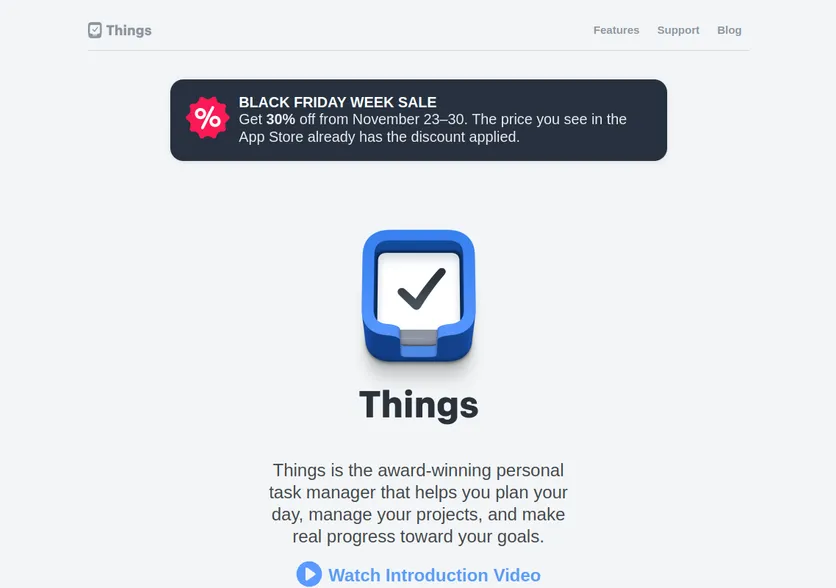
Things 3 is the beautifully simple task manager for Apple users who want a list that feels calm instead of busy. This Things 3 one-time purchase covers the Mac app for about fifty dollars, with no monthly bill ever again. A freelancer who lives on Apple devices can keep today, upcoming and someday lists in one quiet app that never nags.
What we like
- One-time purchase, no subscription
- Beautifully calm design on Apple devices
- Someday list keeps ideas without clutter
Watch out for
- Mac app costs about fifty dollars one time
- Apple only, no Windows or Android app
How to try it
- Open the Things page and buy the Mac app
- Add your tasks and sort them into today and upcoming
- Check the today view each morning
8. Any.do
Best for: Freelancers who want a gentle daily planning routine
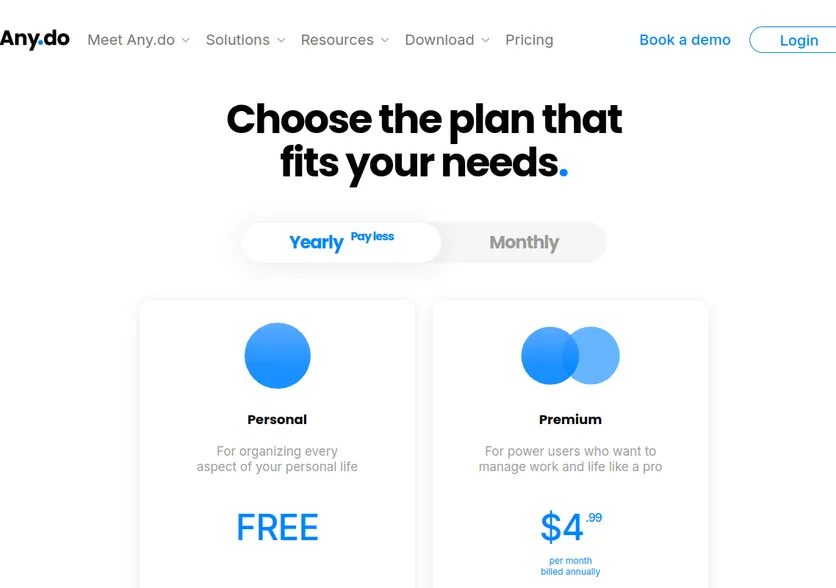
Paid tool Starting price: $4.99/month · Premium plan, $4.99 a month billed annually or $7.99 a month billed monthly
Free plan: Free Personal plan
Anydo is the friendly task manager that pairs a simple list with a calendar and a daily planning ritual. This Anydo Premium plan covers unlimited tasks, reminders, custom themes and calendar sync for about five dollars a month. A freelancer who wants a gentle daily routine can plan the morning in the app, check tasks off as they go, and end the day with a clean list.
What we like
- Simple list plus calendar in one app
- Daily planning moment builds a routine
- Premium costs about five dollars a month
Watch out for
- Premium is about five dollars a month billed annually
- Some features vary between platforms
How to try it
- Open the Any.do pricing page and create a free account
- Add your tasks and set reminders
- Run the daily planning moment each morning
Prices above were checked on each vendor’s own website on Nov 26, 2026 and can change — the vendor’s page is the final word. Vendor links are editorial: nobody paid to be listed or ranked here. Vendors who want a featured listing can see how it works on our Get listed page.
What personal productivity software costs a freelancer in 2026
Most of these tools cost less than a lunch a month, and the range is honest: Todoist Pro is five dollars, Anydo Premium about five, TickTick Premium about three, and Notion Plus ten. The calendar planners cost more because they do more: Motion is nineteen dollars a seat a month and Sunsama twenty, while Akiflow matches Motion at nineteen. Things 3 is the outlier with a one-time payment of about fifty dollars for the Mac app and no bill ever again.
Start with the free plan on Todoist or Notion, add a calendar planner only if your days keep changing, and cancel anything you have not opened in a week.
Before you buy
- Start with the free plan, because Todoist and Notion both cover the basics at no cost.
- Pick list-first or calendar-first, because a list manager and an auto-scheduler solve different problems.
- Check the device support, because Things works only on Apple devices.
- Compare the annual price, because monthly billing costs roughly a third more on most of these tools.
- Watch the task limit on free plans, because Todoist caps free users at five projects.
Official websites
Official websites of the products reviewed above. Features and prices were checked against these sites when this guide was written, and they can change, so confirm on the vendor site before you buy.
Frequently asked questions
What is the best personal productivity software for a freelancer in 2026?
Todoist Pro, at five dollars a month billed annually, is the best default for most freelancers because it stays simple, syncs everywhere and covers reminders and filters. Motion is the pick when your days keep changing and you want the calendar to rebuild itself, while Notion wins when you want tasks, notes and clients in one workspace.
How much does productivity software cost a freelancer?
Most list-first tools cost three to ten dollars a month, and the free plans on Todoist and Notion cover the basics at no cost. Calendar planners run higher: Motion and Akiflow cost nineteen dollars a month, Sunsama twenty. Things 3 is a one-time purchase of about fifty dollars for the Mac app, with no monthly bill at all.
Is Notion good for freelancers?
Yes, for freelancers who like to design their own system. Notion Plus costs ten dollars a user a month billed annually and covers unlimited blocks, guests and version history. It works best when you build a simple dashboard for clients, tasks and invoices and resist the urge to overbuild it. If you want a plain list instead, Todoist fits better.
What is the cheapest productivity app for freelancers?
TickTick Premium, at forty nine dollars ninety nine cents a year, is one of the cheapest paid plans here at about four dollars a month, and it bundles a calendar, a habit tracker and a focus timer. Todoist Beginner is free for up to five projects, and Anydo Premium costs about five dollars a month. Any of the three is a safe cheap start.
Do I need a calendar planner like Motion, or is a list enough?
A list is enough when your days are mostly yours to plan, and Todoist or TickTick will serve you well. A calendar planner earns its price when clients interrupt your day, because Motion rebuilds your schedule the moment priorities change. Try a list first, and add Motion only if you keep re-planning the day by hand.
Want more ways to work smarter? Explore Toolsvine's free productivity tools right in your browser.
Browse Productivity Tools tools


