
On this page
Freelancers sell hours, so time tracking is not admin work, it is the record of what you earn. Clockify leads this list on price at just under $4 a month, but the best pick depends on whether you need invoices, team oversight or automatic tracking. These seven paid tools cover time tracking from $4 a month, with prices verified on each vendor site in November 2026.
How we researched this
We picked tools with published per-user prices, a plan a solo freelancer can afford, and time tracking that works on real client projects rather than demo data. Every price below was read on the vendor pricing page and checked against a second source where the page was hard to read. Tools with quote-only pricing were left out.
Compare the tools
| Name | Best for | Starting price | Free plan | |
|---|---|---|---|---|
 Clockify | Freelancers who want the cheapest paid time tracking with a generous free tier | $3.99/month | Free plan for up to 5 users | Visit |
 Toggl Track | Freelancers who want simple time tracking with a clean timer | $9/month | Free plan for up to 3 users | Visit |
 Harvest | Freelancers who bill by the hour and need invoices from tracked time | $9/month | Free plan with 1 seat and 2 projects | Visit |
 Everhour | Freelancers who track time inside project tools like Asana or Trello | $8.50/month | Free plan for up to 5 seats | Visit |
 Time Doctor | Freelancers who manage remote teams and need productivity insights | $6.67/month | No free plan; 14-day free trial | Visit |
 Hubstaff | Freelancers who run small remote teams and need scheduling plus tracking | $4.99/month | No free plan; 14-day free trial | Visit |
 Timely | Freelancers who want automatic time tracking without starting a timer | $9/month | No free plan; 14-day free trial | Visit |
The 7 best time tracking tools for freelancers
1. Clockify
Best for: Freelancers who want the cheapest paid time tracking with a generous free tier
Paid tool Starting price: $3.99/month · Basic $3.99 per seat a month billed annually, $4.99 monthly; Standard $5.49, Pro $7.99
Free plan: Free plan for up to 5 users
Clockify is the budget champion of time tracking, with a free plan that covers most solo work and a paid tier that costs less than a coffee. This Clockify Basic plan costs just under $4 per seat a month on annual billing and adds time off, invoicing and more projects over the free tier. The free plan covers up to five users, so many freelancers never need to pay at all.

What we like
- Lowest paid entry on this list
- Free plan covers up to five users
- Simple timer with strong reports
Watch out for
- Advanced features sit on higher tiers
- Interface is plain next to rivals
How to try it
- Start the free plan and create one project per client
- Track time with the timer or enter hours manually each day
- Upgrade to Basic when you need invoicing or time off tracking
2. Toggl Track
Best for: Freelancers who want simple time tracking with a clean timer
Paid tool Starting price: $9/month · Starter $9 per user a month billed annually, $12 monthly; Premium $16 annual
Free plan: Free plan for up to 3 users
Toggl Track is the timer-first tool that freelancers recommend to each other, and its simplicity is the point. This Toggl Track Starter plan costs $9 per user a month on annual billing and adds billable rates, project templates and time audits over the free tier. The free plan covers up to three users, which is enough for a solo freelancer and a client or two.

What we like
- Timer is fast and distraction-free
- Reports are clean and client-ready
- Free plan covers up to three users
Watch out for
- Invoicing needs a separate tool or integration
- Premium tier is a big jump from Starter
How to try it
- Start free and create one project per client with hourly rates
- Run the timer while you work, or log time at the end of the day
- Upgrade to Starter for billable rates and project templates
3. Harvest
Best for: Freelancers who bill by the hour and need invoices from tracked time
Paid tool Starting price: $9/month · Teams $9 per seat a month billed annually, $11 monthly; Enterprise $14
Free plan: Free plan with 1 seat and 2 projects
Harvest turns tracked hours into invoices with the least friction, which is why hourly freelancers keep coming back to it. This Harvest Teams plan costs $9 per seat a month on annual billing and covers unlimited projects, invoicing and expense tracking. The free plan covers one seat and two projects, so a freelancer can trial it on real client work before paying.

What we like
- Invoices flow straight from tracked time
- Expense tracking included in the same tool
- Clean reports clients understand at a glance
Watch out for
- Usage-based fees can stack on top for extra invoices
- Free plan caps at one seat and two projects
How to try it
- Start free and set up one client project with its hourly rate
- Track time daily and add expenses as they happen
- Send the first invoice from Harvest and check the payment flow
4. Everhour
Best for: Freelancers who track time inside project tools like Asana or Trello
Paid tool Starting price: $8.50/month · Team $8.50 per user a month billed annually, $10 monthly; 5-seat minimum
Free plan: Free plan for up to 5 seats
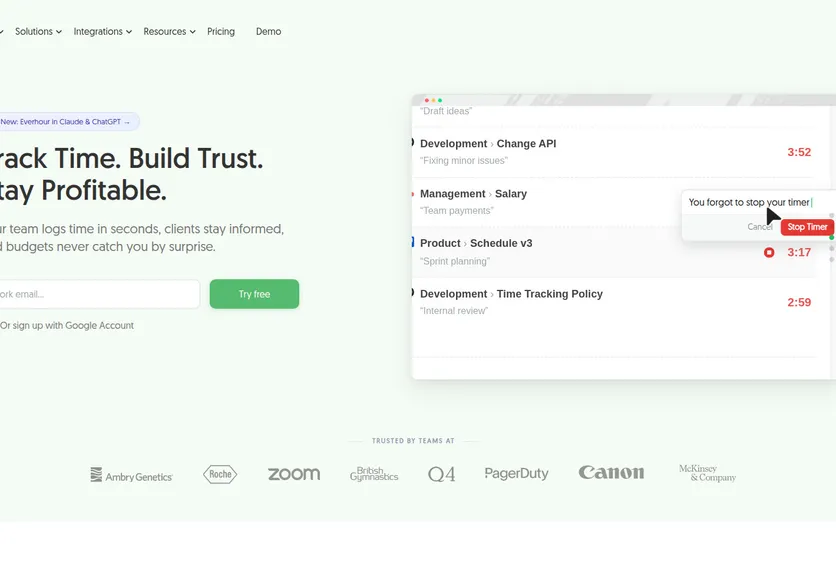
Everhour lives inside the project tools freelancers already use, adding time tracking to Asana, Trello and similar boards. This Everhour Team plan costs about $8 a month per user on annual billing, with a five-seat minimum that sets the real floor near $42 a month. The free plan covers up to five seats, so a small team can test the integration before paying.
What we like
- Lives inside Asana, Trello and other tools
- Budgets and estimates built in
- Free plan covers up to five seats
Watch out for
- Five-seat minimum lifts the real floor
- Works best inside another project tool
How to try it
- Connect Everhour to the project tool you already use
- Add time estimates to tasks and track against them
- Upgrade to Team when you need budgets and invoicing
5. Time Doctor
Best for: Freelancers who manage remote teams and need productivity insights
Paid tool Starting price: $6.67/month · Basic $6.67 per user a month billed annually, $8 monthly; Standard $11.67, Premium $16.70
Free plan: No free plan; 14-day free trial
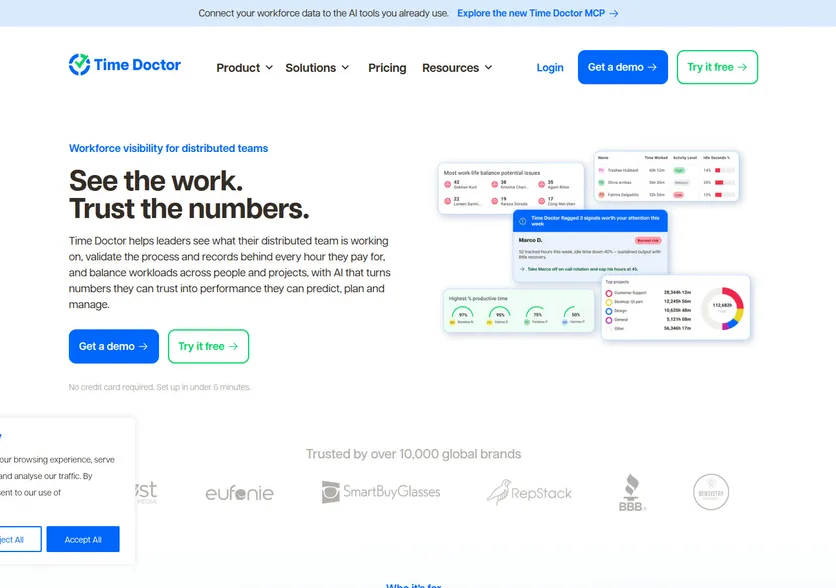
Time Doctor adds screenshots and activity tracking to time tracking, which suits freelancers who manage remote helpers and need proof of work. This Time Doctor Basic plan costs about $7 per user a month on annual billing and covers time tracking, screenshots and basic reports. There is no free plan, but the 14-day trial is long enough to test it on a real project.
What we like
- Screenshots and activity tracking built in
- Payroll integrations save admin time
- Reports show where hours actually go
Watch out for
- No free plan, only a 14-day trial
- Screenshot monitoring needs team trust
How to try it
- Start the 14-day trial and invite the people you manage
- Set screenshot and activity rules the team agrees to
- Review the weekly report and adjust the plan if needed
6. Hubstaff
Best for: Freelancers who run small remote teams and need scheduling plus tracking
Paid tool Starting price: $4.99/month · Starter $4.99 per seat a month billed annually, $7 monthly; Grow $7.50, Team $10; 2-seat minimum
Free plan: No free plan; 14-day free trial
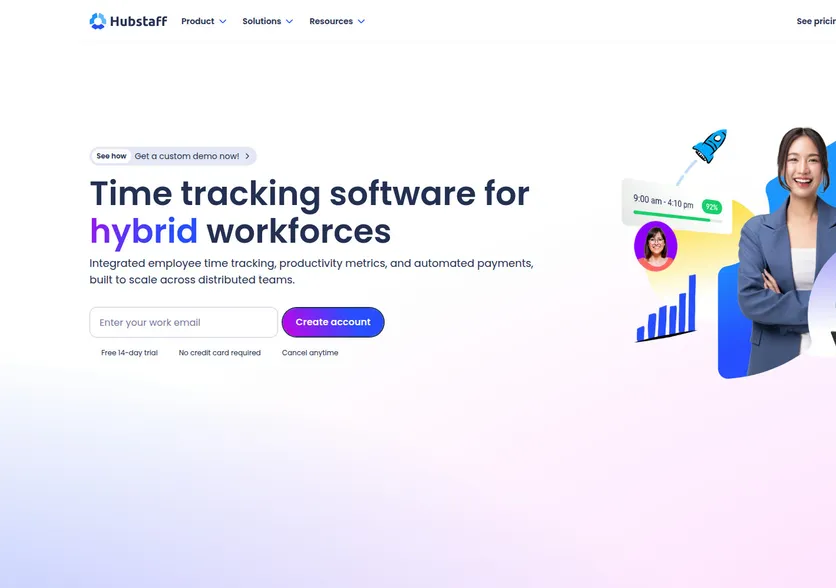
Hubstaff combines time tracking with scheduling and payroll, which makes it a good fit for freelancers who coordinate a small remote team. This Hubstaff Starter plan costs about $5 per seat a month on annual billing, with a two-seat minimum. The free trial covers two weeks, so a freelancer can test the scheduling and tracking together before committing.
What we like
- Scheduling and tracking in one tool
- Payroll integrations included
- Low starting price per seat
Watch out for
- Two-seat minimum lifts the floor
- No free plan, only a trial
How to try it
- Start the trial and add the team members you manage
- Build the weekly schedule and set time tracking rules
- Check the payroll report at the end of the first week
7. Timely
Best for: Freelancers who want automatic time tracking without starting a timer
Paid tool Starting price: $9/month · Starter $9 per user a month billed annually, $11 monthly; Premium $16, Unlimited $22
Free plan: No free plan; 14-day free trial
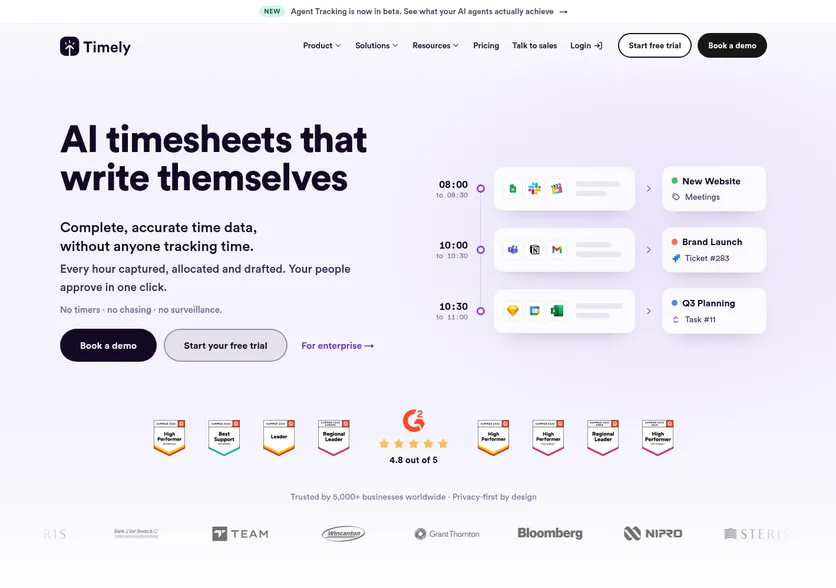
Timely watches what you work on and builds your timesheet automatically, which suits freelancers who hate starting and stopping a timer. This Timely Starter plan costs $9 per user a month on annual billing and covers up to five users and twenty projects. There is no free plan, but the 14-day trial shows whether automatic tracking fits your working style.
What we like
- Automatic tracking with no manual timer
- Memory feature recalls what you worked on
- Clean timesheets clients can read easily
Watch out for
- Starter caps at five users and twenty projects
- No free plan, only a trial
How to try it
- Start the 14-day trial and install the tracker on your computer
- Let it record a week of work, then review the suggested entries
- Approve the timesheet and send it to the client
Prices above were checked on each vendor’s own website on Nov 26, 2026 and can change — the vendor’s page is the final word. Vendor links are editorial: nobody paid to be listed or ranked here. Vendors who want a featured listing can see how it works on our Get listed page.
How to track time without it eating your day
Set one project per client with the right hourly rate, then track time in the moment instead of reconstructing it on Friday night. Review the week every Friday, fix the gaps while you still remember the work, and send the invoice the same day, because tracked hours that never become invoices are just a diary. Keep the timer running while you work, and pause it for every break, so the hours you bill match the hours you actually spent.
Before you buy
- Count the seats you will pay for, because per-user pricing turns a five-person team into a real monthly bill.
- Check the seat minimum, since some tools charge for five seats even when you work alone.
- Confirm invoicing is included or sold separately, because time tracking without invoices is only half the job.
- Ask whether idle-time detection and screenshots are on your plan, since privacy features vary by tier.
- Track one real client project on the free plan for two weeks to learn the workflow before paying.
Official websites
Official websites of the products reviewed above. Features and prices were checked against these sites when this guide was written, and they can change, so confirm on the vendor site before you buy.
Frequently asked questions
What is the cheapest time tracking tool for freelancers?
Clockify starts at just under $4 per seat a month on annual billing, the lowest paid entry here, and its free plan covers up to five users. Hubstaff starts near $5 and Time Doctor near $7, while Toggl Track, Harvest and Timely all start at $9. For most solo freelancers, Clockify free or Toggl Track free covers the whole workload.
Can freelancers track time for free?
Yes, Clockify, Toggl Track, Harvest and Everhour all offer free plans that cover solo work or small teams. Paid tiers add invoicing, budgets, time off and more seats. Start free, and pay only when a limit you actually hit forces the upgrade, such as the number of projects or the need for invoices.
Which time tracker is best for invoicing clients?
Harvest is the strongest pick, because invoices flow straight from tracked hours with expenses included. Clockify adds invoicing on its Basic plan, and Everhour offers budgets and invoicing for teams. If invoicing is the main job, pick Harvest and skip the separate invoicing tool.
Is automatic time tracking better than a manual timer?
Automatic tracking, like Timely, records what you work on without a timer and builds the timesheet for you. Manual timers, like Toggl Track and Clockify, need you to start and stop them but give you exact control. Automatic tracking suits busy freelancers who forget timers; manual suits anyone who bills precise hours.
Can one time tracker handle several clients?
Yes, every tool here supports multiple clients and projects, and most let you set a different hourly rate per project. The limit to watch is the project cap on the free plan: Harvest free covers two projects, while Clockify free has no project limit. Pick the plan that fits your client count with room to grow.
Keep the rest of your toolkit free — try Toolsvine's browser tools for invoices, budgets and time right now.
Browse Productivity Tools tools


