
On this page
Freelance time is money in the most literal sense, because every untracked hour is an hour you cannot bill. The eight tools below run from about five dollars a user a month to about nine dollars a user a month, and every price was checked on the vendor site on November 26, 2026. Most offer a free plan or a trial, so you can track a real week of work before paying. Toggl Track is our first pick — simple timers and clean reports from nine dollars a user a month.
How we researched this
We started with the remote time tracking tools freelancers actually buy, then read each price on the vendor pricing page on November 26, 2026 and noted the free plan or trial each one carries. We judged them for a solo worker who bills by the hour, manages a small team and needs clean reports at invoicing time. We kept only tools with a published price and dropped any tool whose price we could not verify on the vendor site.
Compare the tools
| Name | Best for | Starting price | Free plan | |
|---|---|---|---|---|
 Toggl Track | Freelancers who bill by the hour and want simple timers | $9/user/month | Free plan for up to 5 users | Visit |
 Harvest | Freelancers who turn logged hours into invoices | $9/user/month | Free plan for 1 user and 2 projects | Visit |
 Clockify | Freelancers who want a full tracker that starts free | $5.49/user/month | Free plan with unlimited users | Visit |
 Hubstaff | Freelancers who pay subcontractors by the hour | $4.99/seat/month | Free plan for 1 user | Visit |
 Time Doctor | Freelancers who manage a remote team and need accountability | $6.67/user/month | 14-day free trial; no free plan | Visit |
 Timely | Freelancers who forget to start the timer | $9/user/month | 14-day free trial; no free plan | Visit |
 Everhour | Freelancers who track time inside their project tool | $5/user/month | 14-day free trial; no free plan | Visit |
 TrackingTime | Small teams that want clean timesheets fast | $6.50/user/month | Free plan for up to 3 users | Visit |
The remote time tracking software, compared
1. Toggl Track
Best for: Freelancers who bill by the hour and want simple timers
Paid tool Starting price: $9/user/month · Starter plan, $9 a user a month billed annually; $12 billed monthly; Toggl Track rebranded to Toggl in September 2026
Free plan: Free plan for up to 5 users
Toggl Track is the timer most freelancers reach for first, because starting and stopping a timer takes one click and the reports write themselves. This Toggl Track Starter plan tracks time across projects and clients, builds billable reports and syncs with your calendar. A freelancer who bills by the hour can start the timer in the morning and send an accurate invoice at the end of the week.

What we like
- One-click timer that is hard to forget
- Clean billable reports for clients
- Free plan covers up to five users
Watch out for
- Starter costs nine dollars a user a month
- Advanced reporting needs the higher plans
How to try it
- Open the Toggl pricing page and start the free plan
- Start the timer when work begins and stop it when done
- Review the weekly report and send the invoice
2. Harvest
Best for: Freelancers who turn logged hours into invoices
Paid tool Starting price: $9/user/month · Teams plan, $9 a user a month billed annually; $11 billed monthly; Flex billing adds usage fees for active projects, clients, tasks and invoicing
Free plan: Free plan for 1 user and 2 projects
Harvest pairs time tracking with invoicing, so the hours you log become the invoice you send without retyping anything. This Harvest Teams plan tracks time and expenses, builds invoices from logged hours and shows whether a project is making money. A freelancer who bills clients by the hour can see the profit on every project before the month ends.

What we like
- Hours become invoices with no retyping
- Shows profit on every project
- Expenses tracked beside time
Watch out for
- Teams costs nine dollars a user a month
- Flex billing adds fees for active projects
How to try it
- Open the Harvest pricing page and start the free plan
- Log time and expenses against a client project
- Build the invoice from the logged hours and send it
3. Clockify
Best for: Freelancers who want a full tracker that starts free
Paid tool Starting price: $5.49/user/month · Standard plan, $5.49 a user a month billed annually; $6.99 billed monthly; Basic is $3.99
Free plan: Free plan with unlimited users
Clockify is the free-first time tracker that still covers teams, with unlimited users on the free plan and paid features that stay cheap. This Clockify Standard plan adds invoicing, approvals and project templates to the free timer. A freelancer who wants a full time tracker without a big bill can start free and upgrade only when the team grows.

What we like
- Free plan covers unlimited users
- Standard adds invoicing and approvals
- Cheap upgrade when the team grows
Watch out for
- Standard costs about five dollars fifty a user a month
- Interface is plainer than Toggl Track
How to try it
- Open the Clockify pricing page and start the free plan
- Track time by project and invite your team
- Upgrade to Standard for invoicing and approvals
4. Hubstaff
Best for: Freelancers who pay subcontractors by the hour
Paid tool Starting price: $4.99/seat/month · Starter plan, $4.99 a seat a month billed annually; $7 billed monthly; 2-seat minimum
Free plan: Free plan for 1 user
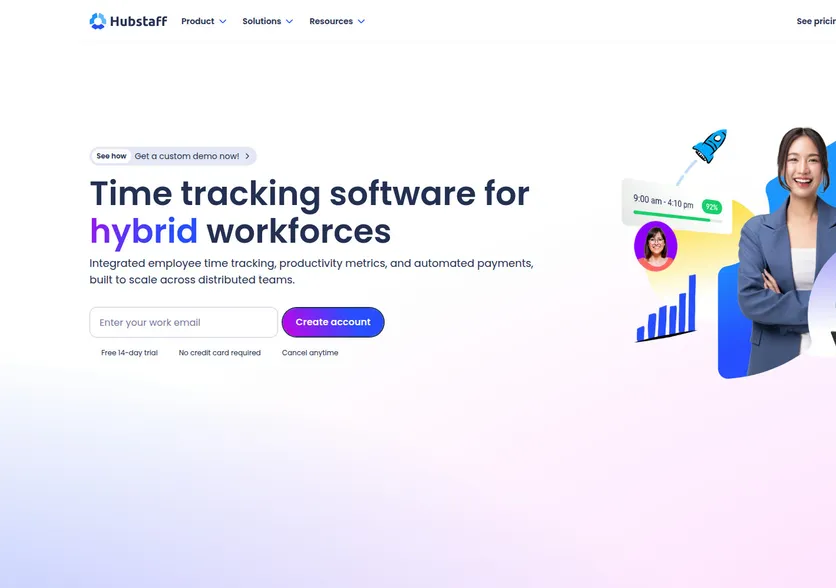
Hubstaff is the time tracker for freelancers who manage remote workers, with screenshots and activity levels that show what the team actually did. This Hubstaff Starter plan tracks time, captures screenshots and builds payroll from logged hours. A freelancer who pays subcontractors by the hour can prove the work happened and pay for exactly what was done.
What we like
- Screenshots show what the team actually did
- Payroll built from logged hours
- Activity levels flag idle time
Watch out for
- Starter needs a two-seat minimum
- Screenshots can feel intrusive to staff
How to try it
- Open the Hubstaff pricing page and start the free plan
- Invite your team and set the screenshot schedule
- Review the hours and run payroll from the logs
5. Time Doctor
Best for: Freelancers who manage a remote team and need accountability
Paid tool Starting price: $6.67/user/month · Basic plan, $6.67 a user a month billed annually; $8 billed monthly
Free plan: 14-day free trial; no free plan
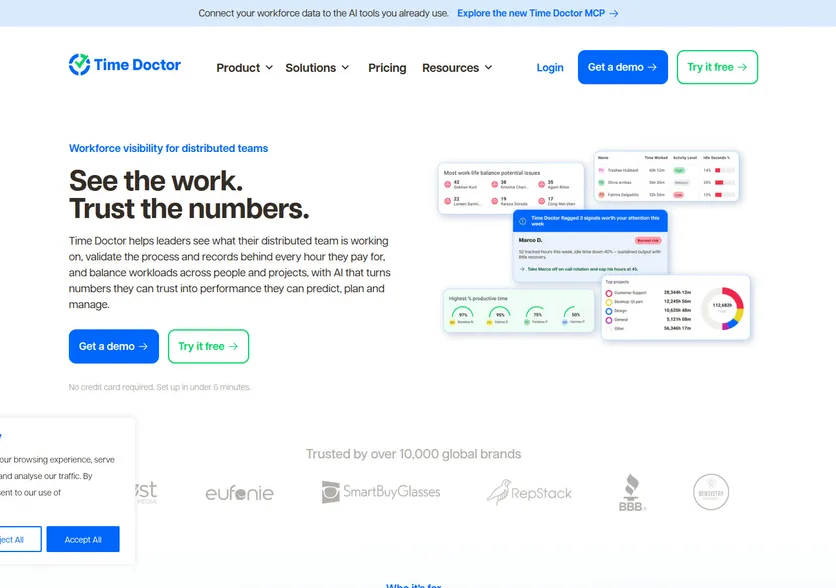
Time Doctor is the accountability tracker, built for teams that need to know how work time is actually spent. This Time Doctor Basic plan tracks time, records app and website use and builds productivity reports. A freelancer who manages a remote team can spot distractions early and keep the project on schedule.
What we like
- Shows how work time is actually spent
- App and website tracking included
- Productivity reports for every team member
Watch out for
- Basic costs about six dollars sixty-seven a user a month
- No free plan, only a trial before paying
How to try it
- Open the Time Doctor pricing page and start the free trial
- Invite the team and install the tracker
- Review the productivity reports each week
6. Timely
Best for: Freelancers who forget to start the timer
Paid tool Starting price: $9/user/month · Starter plan, $9 a user a month billed annually; $11 billed monthly; max 5 users and 20 projects
Free plan: 14-day free trial; no free plan
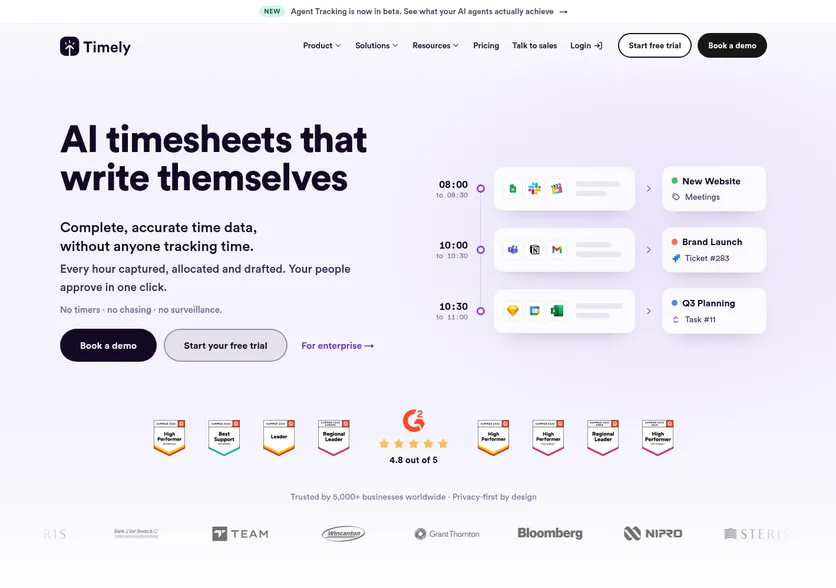
Timely is the automatic time tracker that fills in your timesheet from your calendar, apps and documents instead of asking you to remember. This Timely Starter plan captures work automatically, drafts timesheets for review and reports on project hours. A freelancer who forgets to start the timer can still bill every hour, because Timely remembers what you did.
What we like
- Timesheets fill themselves from your apps
- No timer to remember starting
- Drafts stay editable before billing
Watch out for
- Starter caps at five users and twenty projects
- No free plan, only a trial before paying
How to try it
- Open the Timely pricing page and start the free trial
- Connect your calendar and apps for automatic capture
- Review the drafted timesheet and send it to the client
7. Everhour
Best for: Freelancers who track time inside their project tool
Paid tool Starting price: $5/user/month · Lite plan, $5 a user a month billed annually; $6 billed monthly; 2-seat minimum and caps at 10 users; Team is $8.50
Free plan: 14-day free trial; no free plan
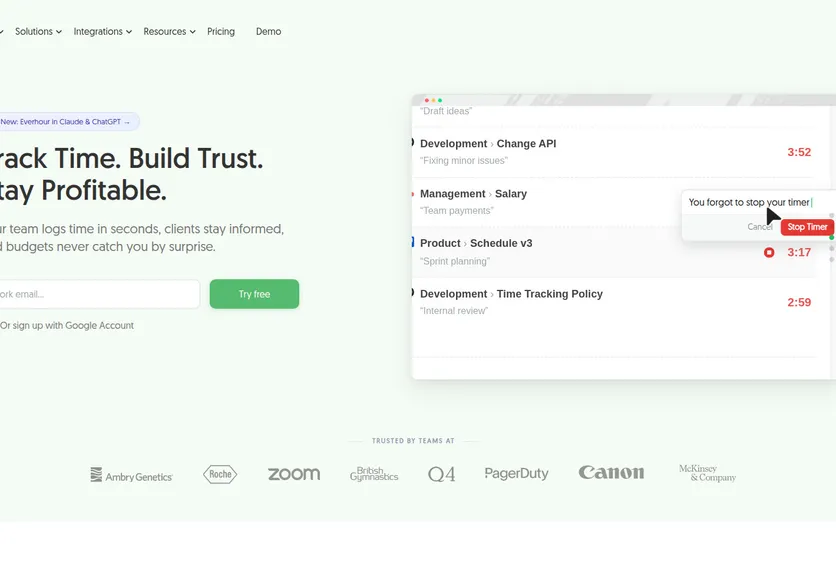
Everhour lives inside the tools freelancers already use, adding time tracking to project boards instead of asking for another app. This Everhour Lite plan tracks time against tasks, builds estimates and reports, and syncs with popular project tools. A freelancer who manages work in another app can track time there instead of switching windows all day.
What we like
- Timer lives inside your project tool
- Estimates and reports built in
- No extra app to open each day
Watch out for
- Lite needs a two-seat minimum
- Lite caps at ten users
How to try it
- Open the Everhour pricing page and start the free trial
- Connect your project tool and add the timer
- Track time on tasks and review the estimates
8. TrackingTime
Best for: Small teams that want clean timesheets fast
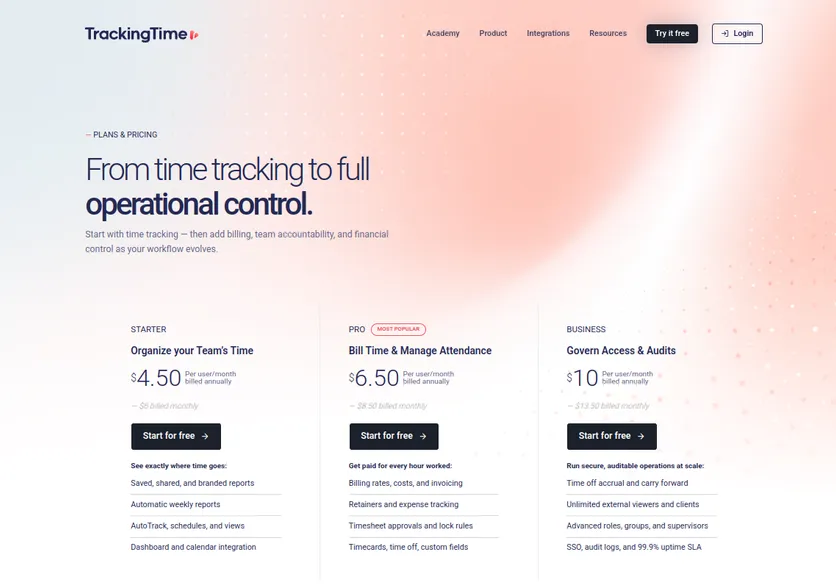
Paid tool Starting price: $6.50/user/month · Pro plan, $6.50 a user a month billed annually; $8.50 billed monthly; 2-seat minimum; prices changed in November 2026
Free plan: Free plan for up to 3 users
TrackingTime is the simple tracker for small teams that want clean timesheets without a learning curve. This TrackingTime Pro plan tracks time by project and task, approves timesheets and reports on team hours. A freelancer who needs a straightforward tracker for a small team can set it up in an afternoon and start billing.
What we like
- Simple setup with no learning curve
- Timesheet approvals built in
- Free plan covers up to three users
Watch out for
- Pro needs a two-seat minimum
- Prices changed in November 2026, so confirm at checkout
How to try it
- Open the TrackingTime pricing page and start the free plan
- Set up projects and invite your small team
- Approve the timesheets and report on team hours
Prices above were checked on each vendor’s own website on Nov 26, 2026 and can change — the vendor’s page is the final word. Vendor links are editorial: nobody paid to be listed or ranked here. Vendors who want a featured listing can see how it works on our Get listed page.
What remote time tracking software costs a freelancer in 2026
Most freelancers pay for one or two seats, so the per-user price is the whole budget and the cheapest plan is not always the cheapest deal. This list runs from about five dollars a user a month for Clockify Standard and Everhour Lite to about nine dollars a user a month for Toggl Track, Harvest and Timely, and every figure is the list price on the vendor site, checked on November 26, 2026. Free plans cover small teams on Clockify, Toggl Track, Harvest and TrackingTime, while the rest offer trials, so you can track a real week before paying.
Start with two tools on the same week of work and compare which timesheet your clients accept without questions. The tool that makes invoicing boring is the one worth paying for, even when it is not the cheapest on the list.
Before you buy
- Count the seats first, because most plans here charge per user and a freelancer feels every extra seat on the invoice.
- Check the seat minimums, because Hubstaff, Everhour and TrackingTime all need at least two seats to start.
- Test the timer on a real day, because a tracker you forget to start is just a blank timesheet.
- Ask whether the tool invoices, because Harvest and Clockify turn logged hours into bills while the rest only track.
- Add up the hours recovered, because a tool that catches one unbilled hour a week pays for itself.
Official websites
Official websites of the products reviewed above. Features and prices were checked against these sites when this guide was written, and they can change, so confirm on the vendor site before you buy.
Frequently asked questions
Which remote time tracking software is best for a freelancer in 2026?
Toggl Track, at nine dollars a user a month on Starter, is the safest default because the timer takes one click and the reports write themselves. Clockify is better on price, with a free plan for unlimited users and Standard at five dollars forty-nine cents. Harvest wins when you need logged hours to become invoices without retyping.
What is the cheapest time tracking software for freelancers?
Clockify Standard, at five dollars forty-nine cents a user a month billed annually, is the cheapest paid plan here, and its free plan covers unlimited users. Everhour Lite, at five dollars a user a month, is the cheapest per-user paid plan for small teams. Hubstaff Starter, at four dollars ninety-nine cents a seat a month, is the cheapest seat price but needs two seats.
Can I track time for free as a freelancer?
Yes, on four of these eight tools. Clockify offers a free plan with unlimited users, Toggl Track offers a free plan for up to five users, Harvest offers a free plan for one user and two projects, and TrackingTime offers a free plan for up to three users. The other four tools offer free trials, so you can track a real week before paying.
Which time tracker is best for invoicing?
Harvest is the strongest pick for invoicing, because logged hours become invoices with no retyping and the project profit shows before the month ends. Clockify Standard also adds invoicing on top of its free timer. Toggl Track builds billable reports, but you still need another tool to send the invoice.
Do time trackers work for remote teams?
Yes, all eight tools here work for remote teams, but they differ in how they watch the work. Hubstaff and Time Doctor add screenshots and activity tracking, which suit teams that need accountability. Toggl Track, Clockify and Timely suit teams that trust their people and just need clean timesheets and reports.
Need everyday productivity help too? Try Toolsvine's free productivity tools right in your browser.
Browse Productivity Tools tools


