
On this page
Source control is where every change to your code begins, and the tool you pick decides how a team branches, reviews and ships. The seven tools below run from about four dollars a user a month to thirty-nine dollars, and every price was checked on the vendor site on November 26, 2026. Most offer a free plan or trial, so you can move a real project before paying. GitHub is our first pick — the home of open source, with a Team plan at four dollars a user a month that works from day one.
How we researched this
We started with the source control tools that development teams actually buy, then read each price on the vendor pricing page on November 26, 2026 and noted the free plan or trial each one carries. We judged them for a team that needs private repositories, code review and a smooth path to deployment. We kept only tools with a published price, and we dropped AWS CodeCommit because its status for new customers is uncertain after AWS closed it to new sign-ups in July 2024.
Compare the tools
| Name | Best for | Starting price | Free plan | |
|---|---|---|---|---|
 GitHub | Teams that want the largest community and the best integrations | $4/user/month | Free plan available | Visit |
 GitLab | Teams that want code, CI and security in one platform | $29/user/month | Free plan available | Visit |
 Bitbucket | Teams that already use Atlassian tools and want tight Jira integration | $3.65/user/month | Free for up to 5 users | Visit |
 Azure DevOps | Teams that build on Microsoft tools and Azure cloud | $6/user/month | Free for the first 5 users | Visit |
 Perforce P4 | Game studios and teams with huge binary files and large repositories | $39/user/month | Free for up to 5 users and 20 workspaces | Visit |
 Assembla | Teams that want private repositories with per-branch permissions | $12.50/user/month | No free tier published on the pricing page | Visit |
 Beanstalk | Small teams that want simple hosted Git and Subversion with code review | $15/month | Free for 1 user, 1 repository and 100 MB | Visit |
The software configuration management SCM tools, compared
1. GitHub
Best for: Teams that want the largest community and the best integrations
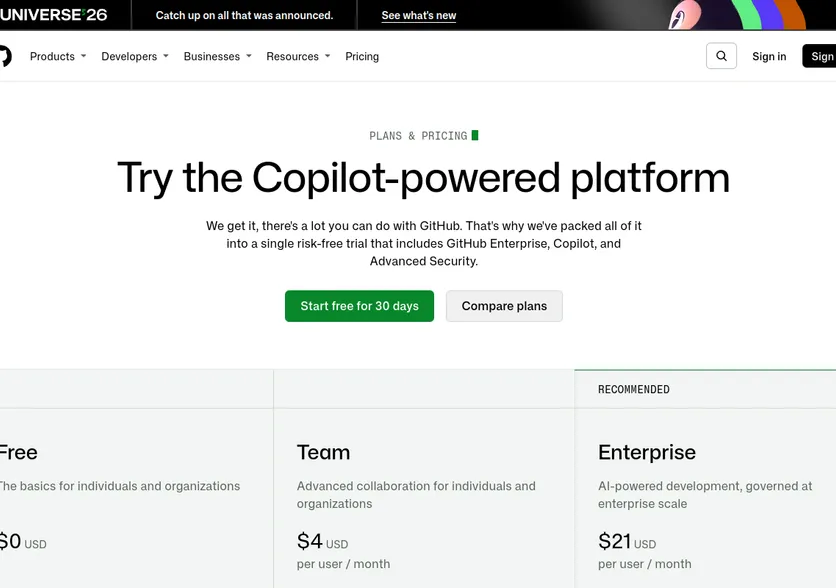
Paid tool Starting price: $4/user/month · Team plan, $4 a user a month; Enterprise $21
Free plan: Free plan available
GitHub is where most of the world's open-source code lives, and its Team plan turns that same platform into a private workspace for your team. This GitHub Team plan adds protected branches, code review tools and draft pull requests on top of unlimited private repositories. A development team can host code, review changes and run automation in the place where its developers already spend the day.
What we like
- Largest developer community and integration library
- Protected branches and draft pull requests
- Unlimited private repositories on Team
Watch out for
- Team costs four dollars a user a month
- Advanced security needs the Enterprise plan
How to try it
- Open the GitHub pricing page and start a trial
- Create a private repository and invite your team
- Open a pull request and try the code review tools
2. GitLab
Best for: Teams that want code, CI and security in one platform
Paid tool Starting price: $29/user/month · Premium plan, $29 a user a month billed annually; self-managed $19; Ultimate $99
Free plan: Free plan available
GitLab Premium is the all-in-one option, combining source control, continuous integration and security scanning in a single application. This GitLab Premium plan adds code review analytics, merge request approvals and advanced CI features to the free core. A team can move from commit to deployment without leaving GitLab or stitching together five tools.

What we like
- Code, CI and security in one application
- Merge request approvals built in
- Strong pipeline and release features
Watch out for
- Premium costs twenty-nine dollars a user a month billed annually
- Self-managed Premium is nineteen dollars a user a month
How to try it
- Open the GitLab pricing page and start a trial
- Import a repository and set up a pipeline
- Enable merge request approvals for your team
3. Bitbucket
Best for: Teams that already use Atlassian tools and want tight Jira integration
Paid tool Starting price: $3.65/user/month · Standard plan, $3.65 a user a month; Premium $8; free for up to 5 users
Free plan: Free for up to 5 users
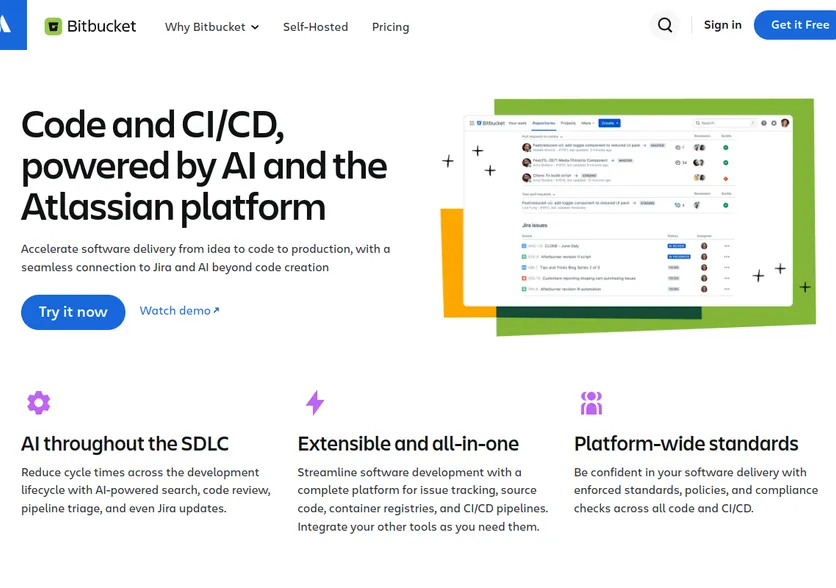
Bitbucket is Atlassian's code host, and it shines for teams that already plan work in Jira and track it in Confluence. This Bitbucket Standard plan adds branch permissions, merge checks and deployment permissions to the free core. A team can link every commit to a Jira issue and see the whole story from ticket to deployment.
What we like
- Deep integration with Jira and Confluence
- Branch permissions and merge checks on Standard
- Free for up to five users
Watch out for
- Standard costs about four dollars a user a month
- Smaller community than GitHub
How to try it
- Open the Bitbucket pricing page and start a trial
- Create a repository and link it to a Jira project
- Set up branch permissions and merge checks
4. Azure DevOps
Best for: Teams that build on Microsoft tools and Azure cloud
Paid tool Starting price: $6/user/month · Basic plan, $6 a user a month; first 5 users free
Free plan: Free for the first 5 users
Azure DevOps is Microsoft's answer to the whole development lifecycle, with repositories, pipelines and boards in one service. This Azure DevOps Basic plan covers private repositories, build pipelines and agile boards, with the first five users free. A team running on Azure can keep code, builds and releases in the same cloud account without extra vendors.
What we like
- First five users free
- Repositories, pipelines and boards in one service
- Deep integration with Azure cloud
Watch out for
- Basic costs six dollars a user a month
- Best for teams already using Microsoft tools
How to try it
- Open the Azure DevOps pricing page and create a project
- Import a repository and set up a build pipeline
- Create a board and track work from backlog to release
5. Perforce P4
Best for: Game studios and teams with huge binary files and large repositories
Paid tool Starting price: $39/user/month · P4 Cloud, $39 a user a month for hosted plans up to 100 users; free for up to 5 users and 20 workspaces; self-hosted Scale and Platform plans are quoted
Free plan: Free for up to 5 users and 20 workspaces
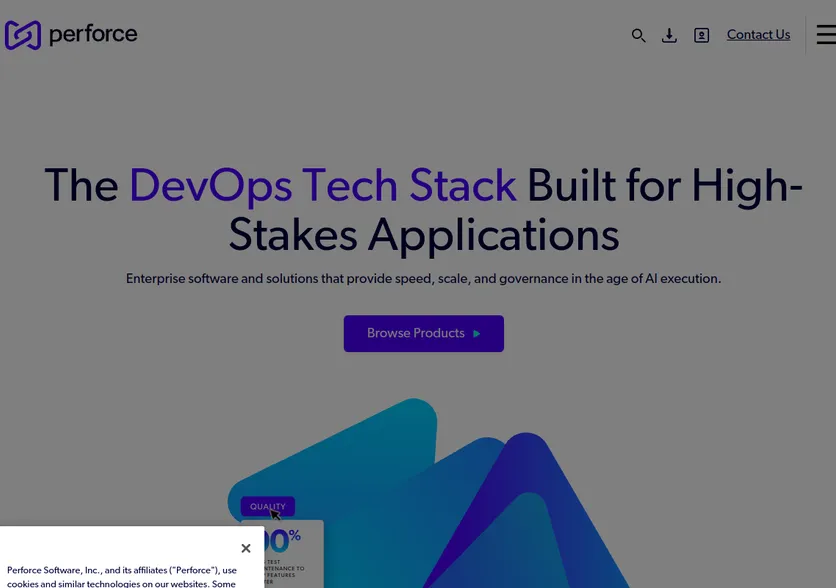
Perforce P4 is the version control system for teams whose files are too big for Git, from game studios to chip designers. This Perforce Cloud plan hosts your depot in the cloud, with fast handling of large binaries and fine-grained access control. A team working with gigabytes of assets can version them properly instead of passing hard drives around the office.
What we like
- Handles huge binary files that Git struggles with
- Fine-grained access control per file
- Hosted cloud option with no server to run
Watch out for
- Cloud costs thirty-nine dollars a user a month
- Free plan is capped at five users and twenty workspaces
How to try it
- Open the Perforce site and start a trial
- Create a cloud depot and invite your team
- Import your large binary files and set up access rules
6. Assembla
Best for: Teams that want private repositories with per-branch permissions
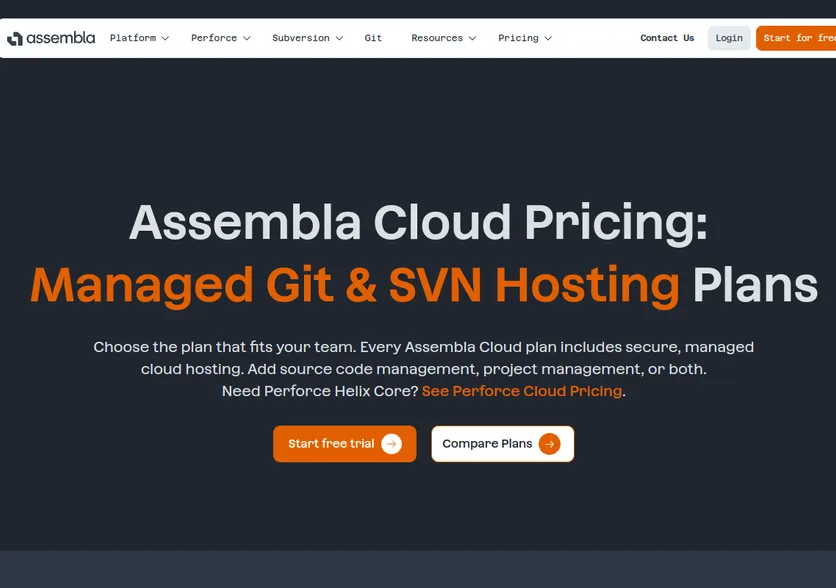
Paid tool Starting price: $12.50/user/month · Cloud plan, $12.50 a user a month billed annually; older trackers list $10.35 a year-billed and $11.50 monthly, superseded by the November 2026 vendor-page read
Free plan: No free tier published on the pricing page
Assembla is the quiet workhorse of private code hosting, built for teams that need strict access control on every branch. This Assembla plan covers unlimited private repositories, code review and task management, with permissions down to the branch level. A team handling client code can give each client access to exactly what they need and nothing more.
What we like
- Permissions down to the branch level
- Unlimited private repositories
- Code review and tasks in one place
Watch out for
- Cloud costs twelve dollars and fifty cents a user a month billed annually
- Smaller community than GitHub or GitLab
How to try it
- Open the Assembla pricing page and start a trial
- Create a private repository and invite your team
- Set branch permissions for each client project
7. Beanstalk
Best for: Small teams that want simple hosted Git and Subversion with code review
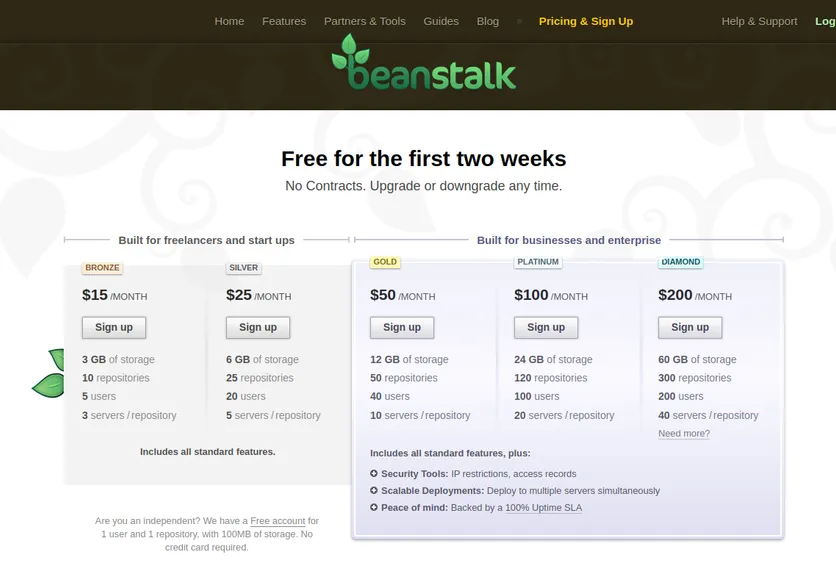
Paid tool Starting price: $15/month · Bronze plan, $15 a month flat for 5 users, 10 repositories and 3 GB; Silver $25, Gold $50, Platinum $100, Diamond $200; free for 1 user, 1 repository and 100 MB
Free plan: Free for 1 user, 1 repository and 100 MB
Beanstalk is the simplest host on this list, a friendly place to keep Git and Subversion repositories with code review built in. This Beanstalk Bronze plan covers five users, ten repositories and three gigabytes of storage, with deployment tools included. A small team can host its code, review changes and deploy from one calm interface without learning a platform.
What we like
- Simple interface with no learning curve
- Supports both Git and Subversion
- Deployment tools included on Bronze
Watch out for
- Bronze costs fifteen dollars a month flat
- Bronze is capped at five users and ten repositories
How to try it
- Open the Beanstalk pricing page and start a trial
- Create a repository and invite your team
- Set up a deployment to your staging server
Prices above were checked on each vendor’s own website on Nov 26, 2026 and can change — the vendor’s page is the final word. Vendor links are editorial: nobody paid to be listed or ranked here. Vendors who want a featured listing can see how it works on our Get listed page.
What source control software costs in 2026
Most source control tools charge per user, so the size of your team is the whole budget and the cheapest plan is usually the best deal. This list runs from four dollars a user a month for GitHub Team to thirty-nine dollars for Perforce Cloud, with Bitbucket and Azure DevOps in between and Beanstalk at a flat fifteen dollars a month. The headline plan each vendor shows on its own pricing page is the number in the table above, checked on November 26, 2026.
Start with the free plan on two hosts and move a real project to each one. Compare how code review feels, how fast the pipeline runs, and how easily a new developer gets set up. A four-dollar host your team loves beats a twenty-nine-dollar platform that slows every merge.
Before you buy
- Count the developers first, because most plans charge per user and a team feels every extra seat.
- Check the free plan limits, because a five-user cap means paying the moment your team grows.
- Test code review on a real pull request, because a clunky review flow slows every merge.
- Ask whether you need CI built in: GitLab and Azure DevOps include it, while GitHub charges for advanced features.
- Add up the binary files, because Git struggles with gigabytes of assets and Perforce handles them natively.
Official websites
Official websites of the products reviewed above. Features and prices were checked against these sites when this guide was written, and they can change, so confirm on the vendor site before you buy.
Frequently asked questions
What is the best source control software in 2026?
GitHub Team, at four dollars a user a month, is the safest default because it has the largest community, the most integrations and a free plan to start. GitLab Premium is better when you want code, CI and security in one platform, at twenty-nine dollars a user a month billed annually. Bitbucket wins for Atlassian teams, since it links every commit to a Jira issue.
What is the cheapest source control software?
Bitbucket Standard, at about four dollars a user a month, is the cheapest per-user plan here and it is free for up to five users. GitHub Team costs the same four dollars a user a month with a free plan available. Beanstalk Bronze, at fifteen dollars a month flat for five users, is the cheapest flat-rate option for a small team.
Can I use source control for free?
Yes, on most tools here. GitHub and GitLab both offer free plans, Bitbucket is free for up to five users, and Azure DevOps is free for the first five users. Perforce is free for up to five users and twenty workspaces, and Beanstalk is free for one user and one repository. Start free and pay only when your team outgrows the limits.
Which source control tool is best for large binary files?
Perforce P4 is the strongest pick for large binaries, because it was built for game studios and chip designers with gigabytes of assets. GitHub and GitLab both struggle with very large files, though Git LFS helps. If your repository is mostly code, GitHub or GitLab is enough, but for heavy assets Perforce is worth thirty-nine dollars a user a month.
Do I need GitLab Premium or is the free plan enough?
The free plan covers private repositories, CI and basic code review, which is enough for many small teams. Premium, at twenty-nine dollars a user a month billed annually, adds merge request approvals, code review analytics and advanced CI features. Upgrade when your team needs approval rules or better pipeline visibility, not before.
Need everyday developer help too? Try Toolsvine's free developer tools for small teams right in your browser.
Browse Developer Tools tools


