
On this page
A remote team debugs across timezones, so the analytics tool has to carry the context that a hallway conversation used to provide. This roundup covers error tracking, observability and session replay for distributed engineering teams. Sentry leads because an issue arrives with the full story attached, and a teammate in another timezone can fix it without a call. We compared eight tools and checked every price on the vendor site on November 26, 2026.
How we researched this
We started with the dev analytics tools remote teams actually open every day, then read each price on the vendor site on November 26, 2026 and noted the free plan each one carries. We judged them for a distributed team that debugs async across timezones and needs shared dashboards everyone can open. We kept only tools with a published price, and dropped Jellyfish, Waydev and Code Climate because their pricing pages are quote-only.
Compare the tools
| Name | Best for | Starting price | Free plan | |
|---|---|---|---|---|
 Datadog | Teams that want infrastructure, logs and traces in one platform | $15/host/month | No free plan | Visit |
 New Relic | Teams that want full-stack observability with per-user pricing | $49/user/month | Free tier (100 GB data ingest a month included) | Visit |
 Sentry | Teams that want error tracking developers actually open | $26/month | Free Developer plan ($0) | Visit |
 Honeycomb | Teams that debug with wide events and traces, not just metrics | $150/month | Free plan (up to 20M events a month) | Visit |
 SonarQube | Teams that want code quality and security checked on every pull request | $34/month | Free tier (up to 50,000 lines of code) | Visit |
 LogRocket | Teams that want to replay exactly what users saw before a bug | $83/month | Free plan (1,000 sessions a month) | Visit |
 Grafana Cloud | Teams that want open observability with dashboards they control | $19/month | Free tier (10k active series a month) | Visit |
 Rollbar | Teams that want error monitoring with session replays included | $29/month | Free plan (5,000 occurrences a month) | Visit |
The dev analytics tools for remote teams, compared
1. Datadog
Best for: Teams that want infrastructure, logs and traces in one platform
Paid tool Starting price: $15/host/month · Infrastructure Monitoring Pro from $15 per host a month with an annual commitment
Free plan: No free plan
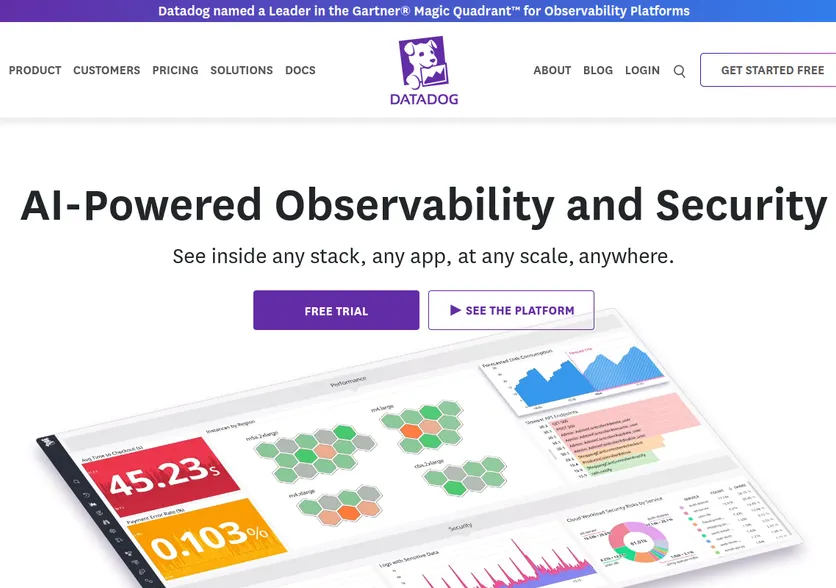
Datadog fits a remote team because everyone sees the same infrastructure picture no matter where they sit. This Datadog platform puts metrics, logs and traces in one shared view, so an engineer in another timezone can pick up an incident without a handover call. The integration library is huge, though costs climb with hosts and data, so keep an eye on the bill.
What we like
- Huge integration library
- Logs, metrics and traces in one view
- Powerful alerting and dashboards
Watch out for
- Costs scale fast with hosts and data
- So many products it takes time to learn
How to try it
- Install the Datadog agent on your hosts.
- Turn on the integrations for your stack.
- Build dashboards and set alerts on key metrics.
2. New Relic
Best for: Teams that want full-stack observability with per-user pricing
Paid tool Starting price: $49/user/month · Core user at $49 a month; full platform users from $349 a month on annual billing
Free plan: Free tier (100 GB data ingest a month included)
New Relic works well for remote teams because its per-user pricing maps cleanly onto a distributed headcount. This New Relic tool gives every engineer the same full-stack view of transactions and errors, with tracing that follows a request across services. Core seats are affordable, but full platform seats cost much more, so assign them where they earn their keep.

What we like
- Full-stack view from one agent
- Per-user pricing is easy to forecast
- Strong APM with distributed tracing
Watch out for
- Full platform seats cost much more
- Data ingest overages add up
How to try it
- Install the New Relic agent on your app.
- Open APM to see transactions and slow queries.
- Set alerts on errors and response times.
3. Sentry
Best for: Teams that want error tracking developers actually open
Paid tool Starting price: $26/month · Team plan at $26 a month; Business at $80 a month
Free plan: Free Developer plan ($0)
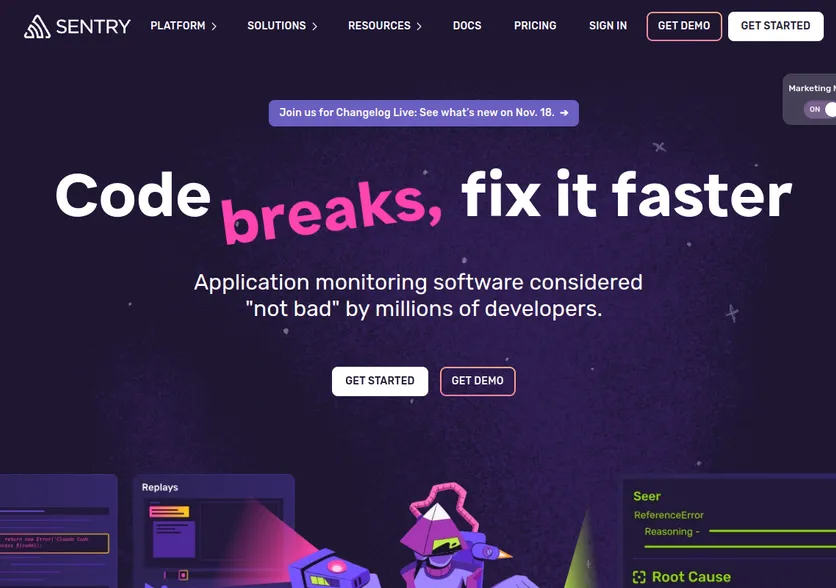
Sentry is the error tracker remote teams live in, because an issue arrives with the full context needed to fix it async. This Sentry service groups errors, attaches stack traces and user data, and adds session replays so nobody has to reproduce the bug over a call. The free Developer plan covers small teams, while event volume sets the price as traffic grows.
What we like
- Errors arrive with full context
- Free Developer plan is genuinely useful
- Replays show what the user did
Watch out for
- Event volume drives the bill up
- Advanced features need Business
How to try it
- Add the Sentry SDK to your app.
- Trigger a test error and confirm it arrives.
- Assign issues and track them to a fix.
4. Honeycomb
Best for: Teams that debug with wide events and traces, not just metrics
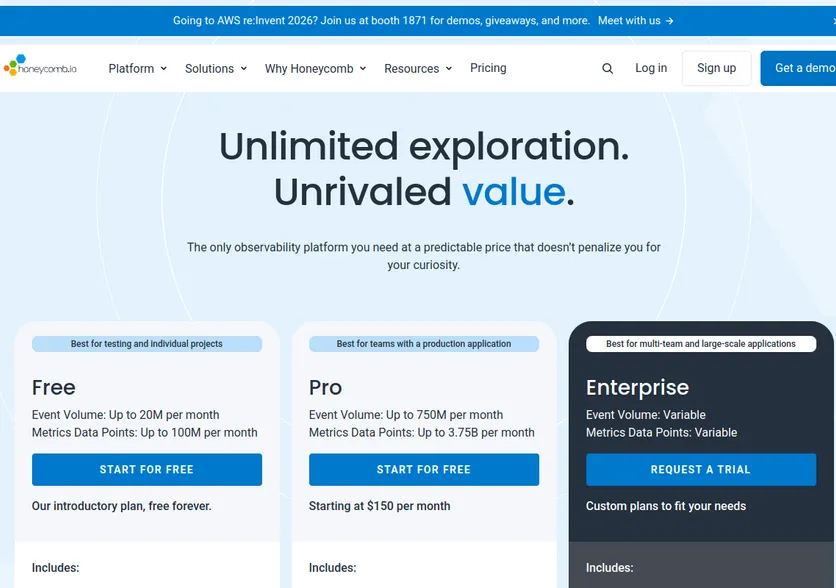
Paid tool Starting price: $150/month · Pro plan from $150 a month, up to 750M events a month
Free plan: Free plan (up to 20M events a month)
Honeycomb suits a remote team because its wide-event queries let any engineer investigate without waiting for the on-call expert. This Honeycomb platform accepts OpenTelemetry data, slices events by any field, and highlights the outliers with BubbleUp. Unlimited seats mean the whole team can dig in, though the query style takes some learning.
What we like
- Wide events make debugging fast
- Unlimited seats on every plan
- BubbleUp finds the odd ones out
Watch out for
- Event-based pricing needs care at scale
- Learning curve for new query habits
How to try it
- Send telemetry with OpenTelemetry to Honeycomb.
- Run a query to slice events by any field.
- Save the query as a board for your team.
5. SonarQube
Best for: Teams that want code quality and security checked on every pull request
Paid tool Starting price: $34/month · Team plan from $34 a month for up to 100,000 lines of code
Free plan: Free tier (up to 50,000 lines of code)
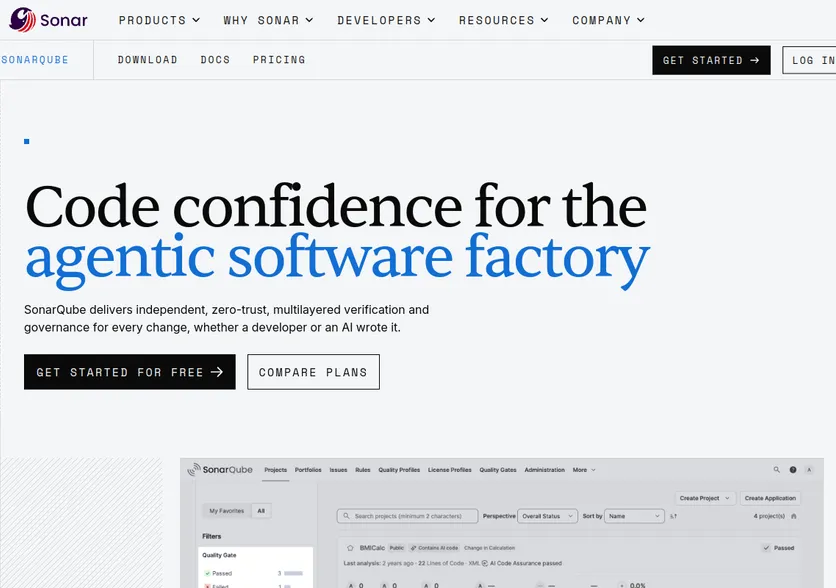
SonarQube is the quality gate remote teams rely on when code review happens async across timezones. This SonarQube check runs on every pull request, flags bugs and security hotspots, and leaves the findings in the code for the next reviewer. The free tier covers small projects, while paid plans are priced by lines of code.
What we like
- Catches bugs before they ship
- Covers 35-plus languages
- Free tier covers small projects
Watch out for
- Paid plans are priced by lines of code
- Enterprise features need a sales call
How to try it
- Connect your repository to SonarQube.
- Run an analysis on your next pull request.
- Fix the bugs and hotspots it flags before merging.
6. LogRocket
Best for: Teams that want to replay exactly what users saw before a bug
Paid tool Starting price: $83/month · Core plan from $83 a month for 10,000 sessions (billed annually)
Free plan: Free plan (1,000 sessions a month)
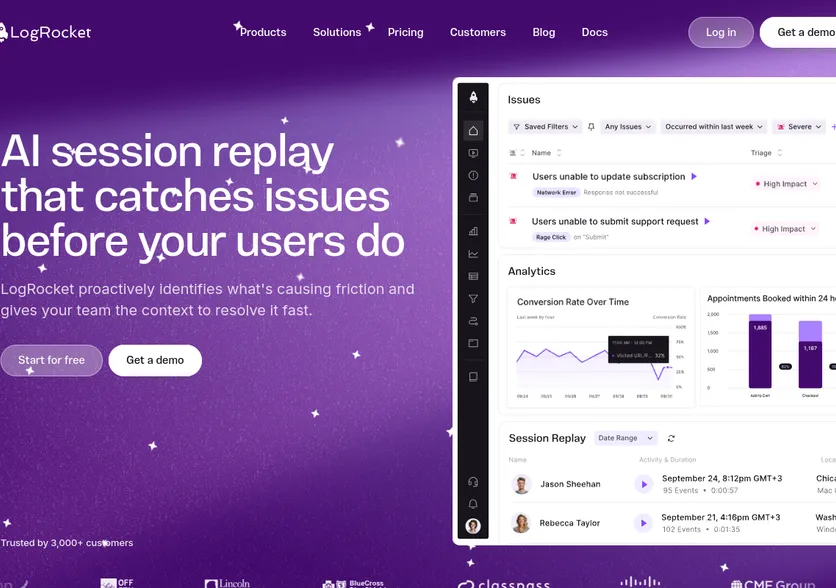
LogRocket helps a remote team because a session replay answers the support question without a screen-share call. This LogRocket tool records what users saw, links replays to errors, and adds AI summaries on Pro so triage happens async. The free plan covers a thousand sessions a month, and the price scales with the sessions you capture.
What we like
- Session replay shows the real bug
- Unlimited analytics events on every plan
- Galileo AI summarizes sessions on Pro
Watch out for
- Price scales with sessions captured
- Pro costs much more than Core
How to try it
- Add the LogRocket script to your app.
- Record sessions and link them to errors.
- Watch a replay to see the bug happen.
7. Grafana Cloud
Best for: Teams that want open observability with dashboards they control
Paid tool Starting price: $19/month · Pro platform fee from $19 a month, including 10k active series and 50 GB of logs
Free plan: Free tier (10k active series a month)
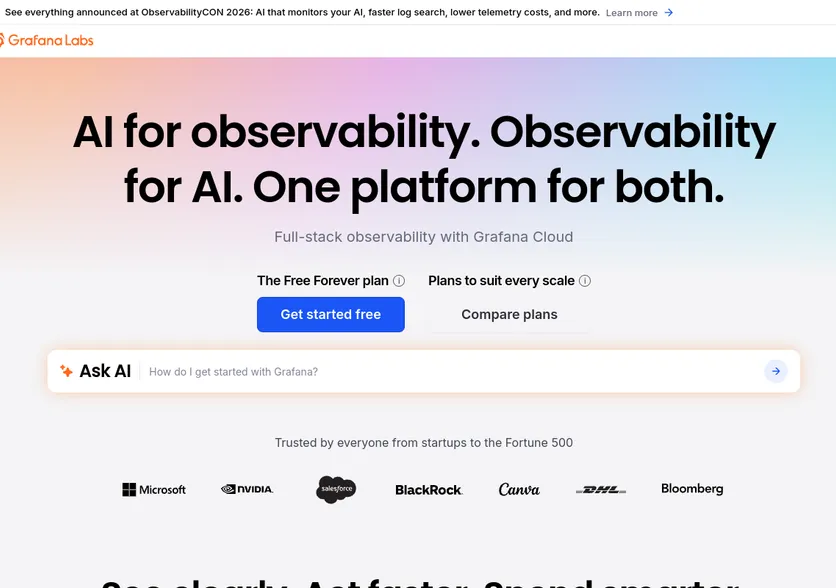
Grafana Cloud is the shared observability home for a remote team that wants one dashboard everyone can open. This Grafana Cloud platform brings metrics, logs and traces together, and its plugin library covers nearly every stack a distributed team runs. The free tier is useful for trying it out, though usage pricing needs a monthly check.
What we like
- Open ecosystem with huge plugin library
- Free tier is actually useful
- One platform for metrics, logs and traces
Watch out for
- Usage pricing takes monitoring to budget
- Setup is more hands-on than rivals
How to try it
- Send metrics, logs and traces to Grafana Cloud.
- Build a dashboard from your data sources.
- Set alerts and share panels with your team.
8. Rollbar
Best for: Teams that want error monitoring with session replays included
Paid tool Starting price: $29/month · Essentials plan from $29 a month at 50,000 events a month, per the vendor pricing FAQ
Free plan: Free plan (5,000 occurrences a month)
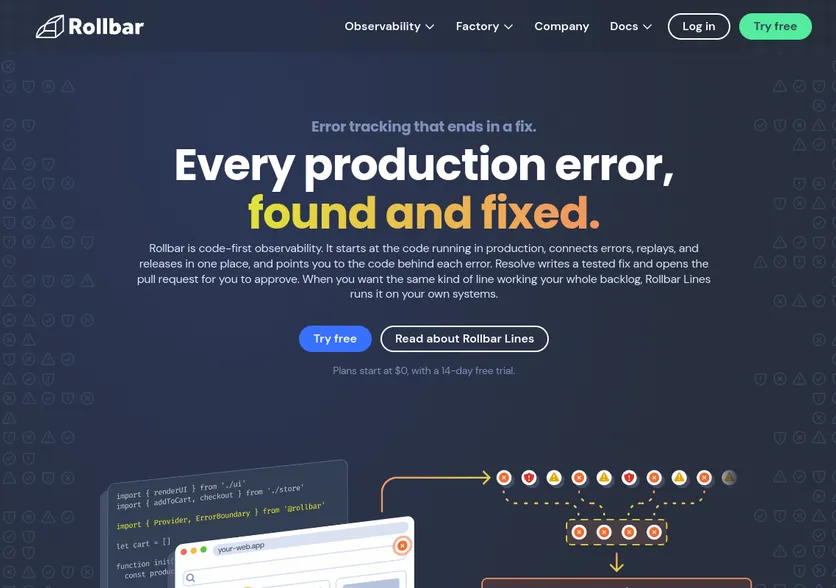
Rollbar fits a remote team because errors arrive with a replay attached, so the fixer sees the bug without asking the reporter for steps. This Rollbar service groups occurrences, adds AI credits for triage, and caps overages so the bill never surprises a distributed team. The free plan covers five thousand occurrences a month, which suits small products.
What we like
- Session replays on every plan
- AI credits help triage errors
- Overage controls stop surprise bills
Watch out for
- Prices are set by event volume
- Advanced features need the higher plan
How to try it
- Add the Rollbar SDK to your app.
- Send a test error and check it arrives.
- Turn on replays to see errors in context.
Prices above were checked on each vendor’s own website on Nov 26, 2026 and can change — the vendor’s page is the final word. Vendor links are editorial: nobody paid to be listed or ranked here. Vendors who want a featured listing can see how it works on our Get listed page.
What remote teams pay for dev analytics
Remote teams pay for analytics by users or by events, and the two models feel very different. New Relic Core users are $49 a month each, while Honeycomb charges $150 a month for events with unlimited seats, so a large distributed team pays less per head on Honeycomb. Sentry Team is $26 a month, SonarQube Team is $34, and Grafana Cloud Pro is $19. Datadog at $15 per host suits teams with a small fleet and many engineers.
Shared access matters more than the price tag for a remote team. Pick the tool every engineer can open without a license request, and confirm that alerts and dashboards work async across timezones.
Before you buy
- Pick a tool every engineer can open without a license request, because a seat limit blocks the teammate who needs it at 2am.
- Check that alerts and dashboards work async, since a remote team cannot rely on someone shouting across the room.
- Confirm errors arrive with full context, because asking the reporter for steps wastes a whole timezone of delay.
- Compare per-user and per-event pricing on your real headcount, since the cheaper model flips as the team grows.
- Test the mobile and notification options, because the on-call engineer is rarely at a desk when things break.
Official websites
Official websites of the products reviewed above. Features and prices were checked against these sites when this guide was written, and they can change, so confirm on the vendor site before you buy.
Frequently asked questions
Which dev analytics tool is best for remote teams?
Sentry leads for remote teams because an error arrives with the full context, and a teammate in another timezone can fix it without a call. Honeycomb is the pick when the team debugs with wide events, and Grafana Cloud suits teams that want one shared dashboard. The best tool is the one the whole team actually opens, so trial the workflow before you commit.
How does Sentry help a distributed team?
Sentry groups errors with stack traces, user data and session replays, so the fixer sees the whole story without asking the reporter for steps. Issues can be assigned and tracked async, which fits a team spread across timezones. The free Developer plan covers small teams, and the Team plan is twenty-six dollars a month when volume grows.
What does Honeycomb cost?
Honeycomb Pro starts at a hundred and fifty dollars a month, covering up to seven hundred and fifty million events a month, with a free plan up to twenty million events. Seats are unlimited on every plan, so a remote team pays for events, not headcount. Watch the event volume, because a noisy service can push the bill up faster than expected.
Can Grafana Cloud replace Datadog for a remote team?
For many teams, yes. Grafana Cloud covers metrics, logs and traces with a free tier that works for real usage and a Pro fee from nineteen dollars a month. Datadog has a bigger integration library and more turnkey products, but Grafana costs less and avoids lock-in. Teams that want an open stack usually pick Grafana, while teams that want everything done for them pick Datadog.
Do session replays really help remote debugging?
Yes, because a replay shows exactly what the user saw before the bug, which removes the guesswork from a support ticket. LogRocket links replays to errors and analytics, and Rollbar includes replays on every plan, so the fixer watches the failure instead of reconstructing it. For a remote team, that async evidence is worth more than another status meeting.
Try the free developer tools with your team first — shared dashboards beat another status meeting.
Browse Developer Tools tools


