
On this page
Every development team ends up with the same question: which tools are worth paying for, and which free tiers are enough? The eight tools below cover code hosting, issue tracking, CI and error monitoring, and every price was checked on the vendor site on November 26, 2026. Most include a free plan, so a small team can start without a credit card. GitHub is our first pick — the default home for code at four dollars a user a month.
How we researched this
We started with the development tools teams actually buy, then read each price on the vendor pricing page on November 26, 2026 and noted the free plan or trial each one carries. We judged them for a team that writes code every day and needs tools that stay out of the way. We kept only tools with a published dollar price, and we dropped any tool whose price we could not verify on the vendor site.
Compare the tools
| Name | Best for | Starting price | Free plan | |
|---|---|---|---|---|
 GitHub | Teams that want code hosting, reviews and CI in one place | $4/user/month | Free plan with unlimited public and private repositories | Visit |
 GitLab | Teams that want code, CI and security in one self-hosted platform | $29/user/month | Free plan with 5 seats per top-level group and 400 CI minutes a month | Visit |
 IntelliJ IDEA Ultimate | Java and Kotlin developers who want the deepest IDE | $19.90/user/month | Community edition free for Java and Kotlin development | Visit |
 Linear | Product teams that want fast, opinionated issue tracking | $10/user/month | Free plan for up to 10 members | Visit |
 Bitbucket | Teams already in the Atlassian ecosystem who need private repositories | $3.65/user/month | Free plan for up to 5 users with 50 build minutes a month | Visit |
 CircleCI | Teams that want cloud CI with strong scaling controls | from $15/month | Free plan with 6,000 build credits a week | Visit |
 Postman | Teams that design, test and document APIs together | $19/user/month | Free plan with unlimited personal workspaces | Visit |
 Sentry | Teams that need to find and fix production errors fast | $26/month | Developer plan free with 5,000 errors a month | Visit |
The software development tools, compared
1. GitHub
Best for: Teams that want code hosting, reviews and CI in one place
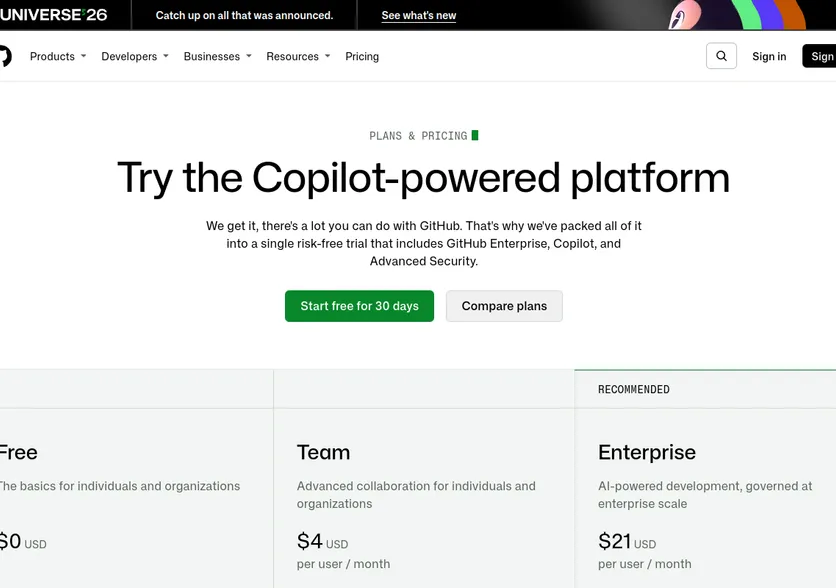
Paid tool Starting price: $4/user/month · Team plan, $4 a user a month; Enterprise Cloud is $21 a user a month
Free plan: Free plan with unlimited public and private repositories
GitHub is the default home for most code on this list, and its Team plan is the cheapest paid step up from the free tier. This GitHub Team plan adds branch protection, code owners and required reviewers, so a growing team can ship with guardrails instead of hope. A startup can host private repositories, review pull requests and run actions from one account.
What we like
- Largest developer community anywhere
- Actions CI built into every repository
- Free plan covers unlimited repositories
Watch out for
- Team costs four dollars a user a month
- Enterprise features need the pricier plan
How to try it
- Open the GitHub pricing page and create a free account
- Create your first private repository and push code
- Upgrade to Team when you need branch protection and code owners
2. GitLab
Best for: Teams that want code, CI and security in one self-hosted platform
Paid tool Starting price: $29/user/month · Premium plan, $29 a user a month; Ultimate is $99 a user a month
Free plan: Free plan with 5 seats per top-level group and 400 CI minutes a month
GitLab is the all-in-one of this list, combining repositories, pipelines, issues and security scanning without bolting on extra vendors. This GitLab Premium plan adds merge request approvals, code review analytics and advanced CI, so a team can run its whole delivery pipeline in one place. A team that self-hosts gets the same platform on its own servers with full control over the code.

What we like
- Repositories, CI and security in one platform
- Self-hosting available with no vendor lock-in
- Free plan includes 400 CI minutes a month
Watch out for
- Premium costs twenty nine dollars a user a month
- Free plan caps groups at five seats
How to try it
- Open the GitLab pricing page and create a free group
- Import your repositories and set up a pipeline
- Start a Premium trial to test approvals and analytics
3. IntelliJ IDEA Ultimate
Best for: Java and Kotlin developers who want the deepest IDE
Paid tool Starting price: $19.90/user/month · Individual licence, $19.90 a user a month or $199 for the first year; organization licences are $71.90 a user a month
Free plan: Community edition free for Java and Kotlin development
IntelliJ IDEA Ultimate is the deepest IDE on this list, with smart code completion and refactoring that understands Java and Kotlin code. This IntelliJ IDEA Individual licence gives one developer the full Ultimate edition, including database tools, profilers and framework support. A professional developer can work in a large codebase all day and lean on the IDE to find errors before the build does.
What we like
- Best-in-class refactoring for Java and Kotlin
- Database tools and profilers included
- Community edition covers basic work free
Watch out for
- Individual licence costs under twenty dollars a user a month
- Organization licences cost much more
How to try it
- Open the JetBrains pricing page and pick the Individual licence
- Download IntelliJ IDEA Ultimate and open your project
- Try the database tools and profiler during the trial
4. Linear
Best for: Product teams that want fast, opinionated issue tracking
Paid tool Starting price: $10/user/month · Basic plan, $10 a user a month billed annually ($12 billed monthly); Business $16 a user a month billed annually
Free plan: Free plan for up to 10 members
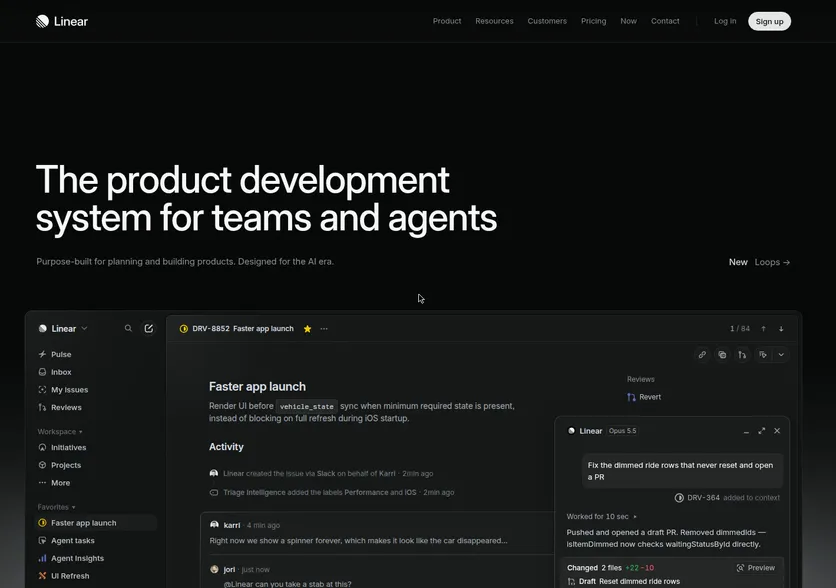
Linear is the fastest issue tracker on this list, built for teams that hate slow boards and want a tool that gets out of the way. This Linear Basic plan adds unlimited teams and projects, guests and integrations, so a product team can plan sprints without fighting the tool. A team that moves quickly gets keyboard-first workflows, cycles and a triage queue that keeps the backlog honest.
What we like
- Fast keyboard-first interface
- Cycles and triage built in
- Integrations with GitHub and Slack
Watch out for
- Basic costs ten dollars a user a month
- Free plan caps workspaces at ten members
How to try it
- Open the Linear pricing page and create a free workspace
- Create your first team and import existing issues
- Upgrade to Standard when you pass ten members or need guests
5. Bitbucket
Best for: Teams already in the Atlassian ecosystem who need private repositories
Paid tool Starting price: $3.65/user/month · Standard plan, $3.65 a user a month; Premium is $6 a user a month
Free plan: Free plan for up to 5 users with 50 build minutes a month
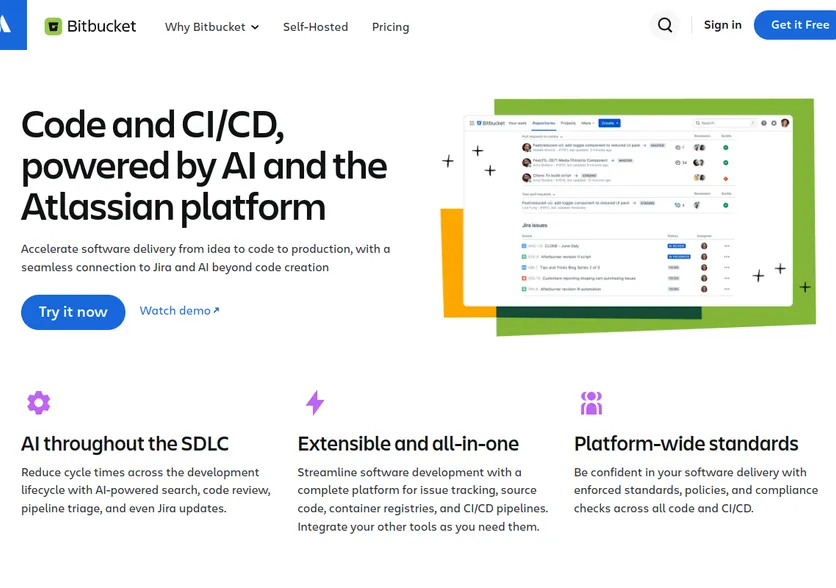
Bitbucket is the Atlassian answer to code hosting, and it fits teams that already live in Jira and Confluence. This Bitbucket Standard plan adds merge checks, deployment permissions and three thousand build minutes, so a small team gets a complete pipeline without leaving Atlassian. A team on Jira can link commits to issues and see code progress right in the board.
What we like
- Tight Jira and Confluence integration
- Free plan covers five users
- Branch permissions on Standard
Watch out for
- Standard costs under four dollars a user a month
- Free plan caps workspaces at five users
How to try it
- Open the Bitbucket pricing page and create a free workspace
- Create your first repository and connect it to Jira
- Upgrade to Standard when you need merge checks and more minutes
6. CircleCI
Best for: Teams that want cloud CI with strong scaling controls
Paid tool Starting price: from $15/month · Performance plan from $15 a month including 30,000 credits; extra users consume 25,000 credits each
Free plan: Free plan with 6,000 build credits a week
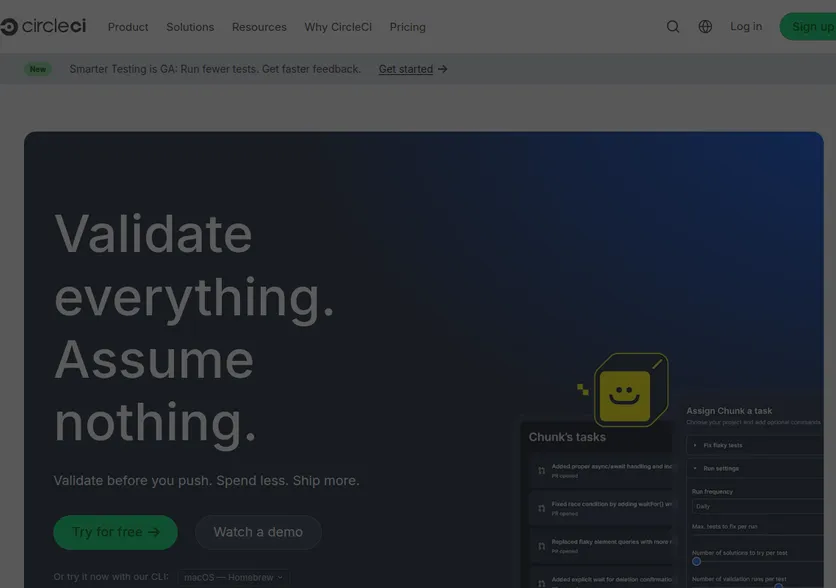
CircleCI is the CI specialist on this list, running builds and tests in the cloud with fine control over concurrency and cost. This CircleCI Performance plan starts with thirty thousand credits a month, so a team can scale builds without paying for idle runners. A team with a heavy test suite gets parallelism, caching and insights that show exactly where build time goes.
What we like
- Credits scale with real usage
- Strong caching cuts build times
- Insights show where builds slow down
Watch out for
- Performance starts at fifteen dollars a month
- Extra users consume credits fast
How to try it
- Open the CircleCI pricing page and create a free account
- Connect a repository and add a config file
- Start a Performance trial to test parallelism and insights
7. Postman
Best for: Teams that design, test and document APIs together
Paid tool Starting price: $19/user/month · Team plan, $19 a user a month billed annually; Solo is $9 a month; Basic and Professional closed to new customers in March 2026
Free plan: Free plan with unlimited personal workspaces
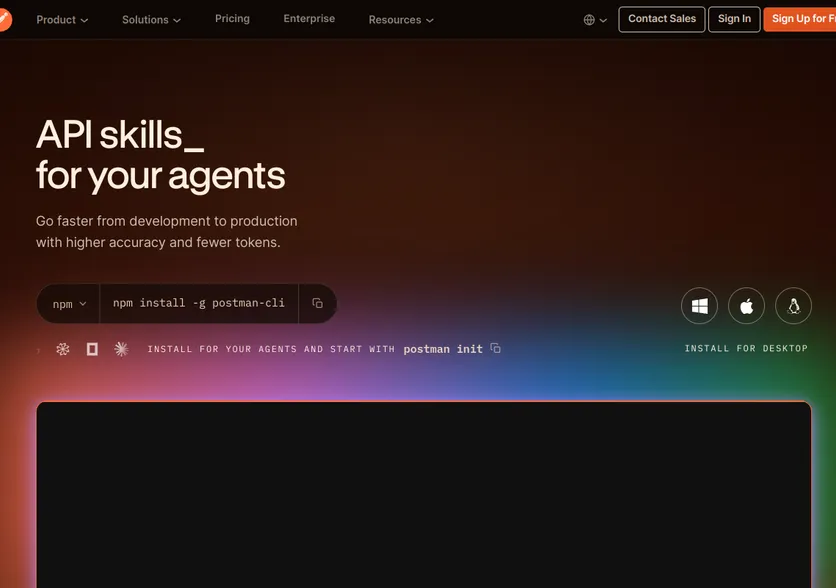
Postman is the API platform on this list, where teams design, test and share APIs instead of trading screenshots of requests. This Postman Team plan adds shared workspaces, role-based access and reporting, so a whole team can work on one API collection. An API team can mock endpoints, run contract tests and publish docs from the same workspace.
What we like
- Mocking and contract testing built in
- Shared workspaces for teams
- API documentation from collections
Watch out for
- Team costs nineteen dollars a user a month billed annually
- Free plan has no shared workspaces
How to try it
- Open the Postman pricing page and create a free account
- Create a collection and add your first API requests
- Upgrade to Team when you need shared workspaces and roles
8. Sentry
Best for: Teams that need to find and fix production errors fast
Paid tool Starting price: $26/month · Team plan, $26 a month billed annually or $29 billed monthly, with 50,000 errors included
Free plan: Developer plan free with 5,000 errors a month
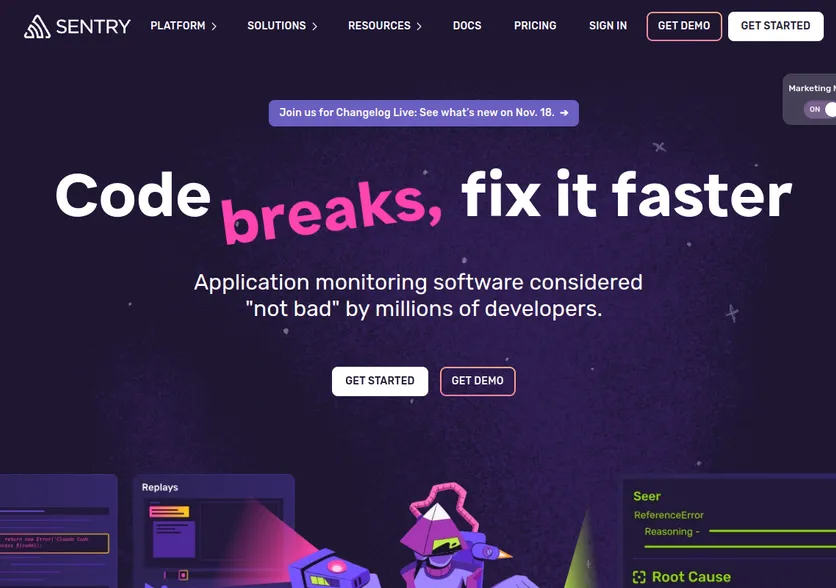
Sentry is the error watcher on this list, catching crashes in production and grouping them so developers fix the real problem first. This Sentry Team plan includes fifty thousand errors a month, plus unlimited projects and team members, so a growing product gets full visibility without per-seat billing. A team can trace an error from the alert back to the exact release and commit that caused it.
What we like
- Per-seat billing does not apply to Team
- Release tracking ties errors to commits
- Free Developer plan covers small apps
Watch out for
- Team costs twenty six dollars a month billed annually
- High-error apps burn through the quota
How to try it
- Open the Sentry pricing page and create a free account
- Install the SDK in your app and trigger a test error
- Upgrade to Team when you pass five thousand errors a month
Prices above were checked on each vendor’s own website on Nov 26, 2026 and can change — the vendor’s page is the final word. Vendor links are editorial: nobody paid to be listed or ranked here. Vendors who want a featured listing can see how it works on our Get listed page.
What software development tools cost in 2026
Most development tools charge per user, so the seat count is the budget. This list runs from about four dollars a user a month for GitHub Team to twenty nine dollars a user a month for GitLab Premium, with flat monthly plans for CI and error monitoring in between. The headline plan each vendor shows on its own pricing page is the number in the table above, checked on November 26, 2026.
Start with the free plan on the two tools you will use daily, and put a real project through both. Watch how the free limits behave when the team grows, then pay for the tool that saves the most time. A tool that slows the team down costs far more than its monthly price.
Before you buy
- Count the whole team before pricing, because most development tools charge per user and small teams grow fast.
- Check the free plan limits, because free tiers cap private repositories, users or build minutes.
- Match the tool to your workflow: GitHub and GitLab host code, Linear tracks work, Sentry watches errors.
- Read what the annual billing saves, because most vendors discount yearly billing by about a fifth.
- Try the tool on a real project first, because a demo never shows how it handles your slowest build.
Official websites
Official websites of the products reviewed above. Features and prices were checked against these sites when this guide was written, and they can change, so confirm on the vendor site before you buy.
Frequently asked questions
Which software development tool is best in 2026?
GitHub Team, at four dollars a user a month, is the safest default for most teams because it combines hosting, reviews and CI in one place. GitLab Premium, at twenty nine dollars a user a month, is the better all-in-one when you want CI and security scanning without extra vendors. Linear, at ten dollars a user a month, is the best tracker for teams that hate slow boards.
What is the cheapest software development tool?
GitHub Team, at four dollars a user a month, is the cheapest paid plan here. Bitbucket Standard follows at three dollars and sixty five cents a user a month, and Linear Basic at ten dollars a user a month. GitHub, GitLab and Bitbucket all have free plans, so a small team can start without paying anything.
Can I use software development tools for free?
GitHub Free gives unlimited public and private repositories, Bitbucket Free covers five users, and GitLab Free gives five seats with four hundred CI minutes a month. IntelliJ IDEA has a free Community edition, and Sentry has a free Developer plan with five thousand errors a month. The free tiers suit small teams and side projects well.
Should I choose GitHub or GitLab?
GitHub and GitLab both host code and run CI, but GitHub is the wider ecosystem with the largest community and the most integrations. GitLab packs more into one platform, including security scanning and issue tracking, and it can be self-hosted. Teams that want one vendor for everything tend to pick GitLab, while teams that want the broadest ecosystem pick GitHub.
Did Postman change its pricing in 2026?
Yes, Postman closed its Basic and Professional plans to new customers in March 2026. The current paid plans are Solo at nine dollars a month and Team at nineteen dollars a user a month, billed annually. Older articles still quote the old fourteen-dollar Basic price, so check the Postman pricing page rather than a roundup.
Want more developer tools? Browse Toolsvine's free developer tools right in your browser.
Browse Developer Tools tools


