
On this page
Anime takes patience, and the right software removes the busywork between a sketch and a finished scene. The seven tools below run from a sixty-three-dollar one-time license to a full studio pipeline, and every price was checked on the vendor site on November 26, 2026. Some charge once and let you keep the app, while others bill monthly for rigging and compositing power. Compare the animation style you draw with the license model you can live with. Clip Studio Paint is our first pick — the best one-time buy for anime-style drawing and animation.
How we researched this
We started with the animation tools anime creators actually buy, then read each price on the vendor pricing page on November 26, 2026 and noted the free trial each plan carries. We judged them for an animator who draws characters, rigs them for movement and finishes scenes for video, and we kept only tools with a published price in US dollars. We left out TVPaint, because it lists prices in euros only, and we left out free apps, because this comparison covers paid tools.
Compare the tools
| Name | Best for | Starting price | Free plan | |
|---|---|---|---|---|
 Clip Studio Paint | Anime and manga artists who want pro drawing and animation tools in one purchase | $63 one-time | No free plan; 30-day free trial | Visit |
 Toon Boom Harmony | Studios and serious animators who want the industry-standard anime pipeline | $31/month | No free plan; 14-day free trial | Visit |
 Moho | Animators who want bone rigging and vector animation for a single payment | $59.99 one-time | No free plan; 30-day free trial | Visit |
 Adobe Animate | Animators who already work in Adobe apps and want vector animation with web export | $22.99/month | No free plan; 7-day free trial | Visit |
 Cartoon Animator 5 | Creators who want 2D character animation from photos and motion capture | $149 one-time | No free plan; 30-day free trial | Visit |
 Spine | Game developers who need skeletal animation for anime-style characters | $99 one-time | No free plan; free trial version available | Visit |
 Adobe After Effects | Animators who need motion graphics, compositing and effects for anime scenes | $22.99/month | No free plan; 7-day free trial | Visit |
The anime video editing software, compared
1. Clip Studio Paint
Best for: Anime and manga artists who want pro drawing and animation tools in one purchase
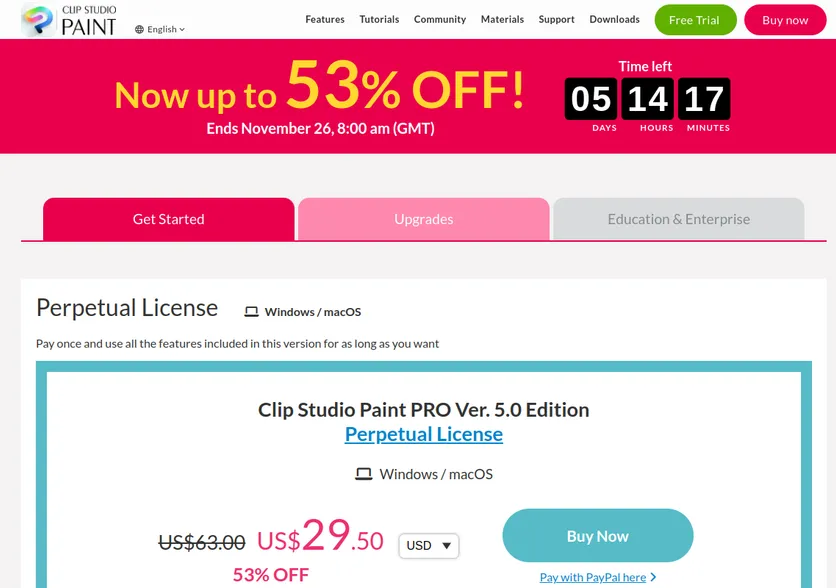
Paid tool Starting price: $63 one-time · PRO plan, $63 one-time for Windows and macOS; EX costs $277; an Update Pass costs $10.99 a year
Free plan: No free plan; 30-day free trial
Clip Studio Paint PRO is the drawing and animation app behind much of the anime-style art made outside Japan, with brushes, timelines and cel tools built for frame-by-frame work. This Clip Studio Paint PRO license costs sixty-three dollars once for Windows and macOS, with no subscription, and later features arrive through a yearly Update Pass. A solo animator can sketch, ink, color and export a short scene without leaving the app or paying a monthly fee.
What we like
- One-time purchase with no subscription to maintain
- Cel animation timelines and onion skinning built in
- Huge brush and asset library for anime styles
Watch out for
- Tablet plans are subscription-only, unlike the desktop license
- New features after version five need the yearly Update Pass
How to try it
- Open the Clip Studio Paint purchase page and pick the PRO license
- Install the app and set up a new animation file with your frame rate
- Sketch the key frames, then add in-betweens on the timeline
2. Toon Boom Harmony
Best for: Studios and serious animators who want the industry-standard anime pipeline
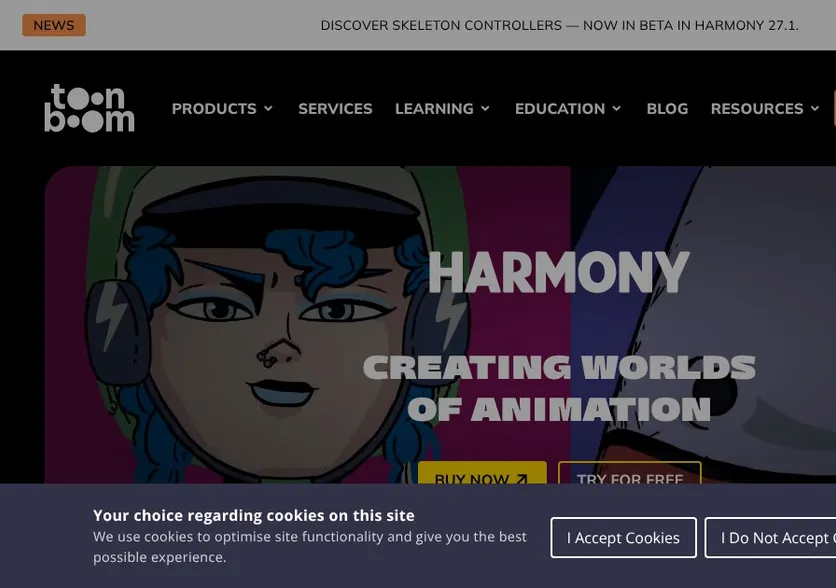
Paid tool Starting price: $31/month · Essentials plan, $31 a month billed monthly or $259 billed annually; Advanced $79 and Premium $143 a month
Free plan: No free plan; 14-day free trial
Toon Boom Harmony is the animation software behind most professional television anime pipelines, with rigging, deformers and compositing in one timeline. This Toon Boom Harmony Essentials plan costs thirty-one dollars a month billed monthly, or two hundred fifty-nine dollars billed annually, with a fourteen-day trial to test the rigging tools. A small studio can build reusable character rigs and produce broadcast-ready episodes without a second compositing app.
What we like
- Industry-standard rigging and deformers for character work
- Compositing and effects inside the same timeline
- Used by professional anime and television studios
Watch out for
- Essentials is thirty-one dollars a month with no free plan
- Advanced rigging features need the higher-priced plans
How to try it
- Start the fourteen-day trial from the Toon Boom pricing page
- Build a simple character rig with bones and deformers
- Animate a walk cycle and export the scene to video
3. Moho
Best for: Animators who want bone rigging and vector animation for a single payment
Paid tool Starting price: $59.99 one-time · Debut 14, $59.99 one-time; Pro 14 costs $399.99 one-time
Free plan: No free plan; 30-day free trial
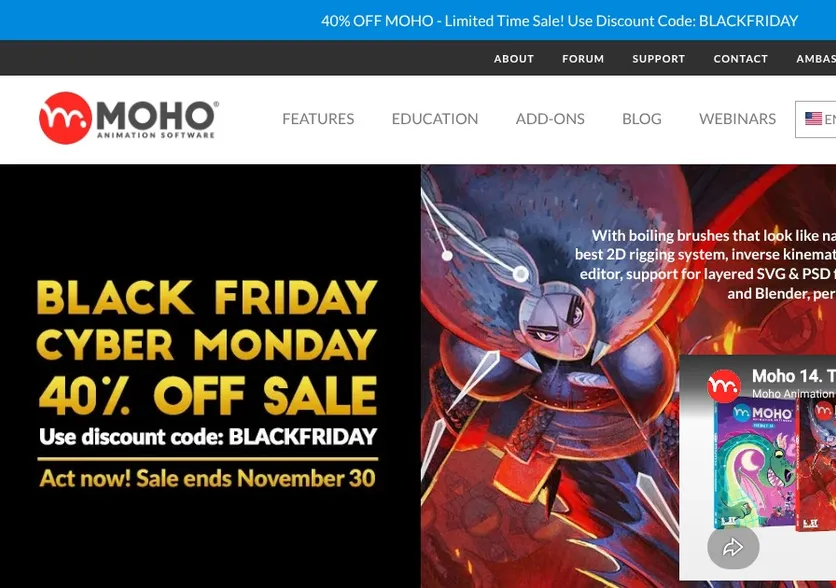
Moho is a vector animation app built around bone rigging, so one drawn character can walk, talk and emote across a whole episode. This Moho Debut license costs fifty-nine dollars and ninety-nine cents once, with a thirty-day trial before you buy. A solo creator can rig a cast of characters and animate dialogue scenes without a monthly subscription.
What we like
- Bone rigging that reuses one character across scenes
- One-time price with no monthly subscription
- Smart bones automate lip sync and head turns
Watch out for
- Debut is fifty-nine dollars and ninety-nine cents with no free plan
- Pro features like physics and 3D objects cost much more
How to try it
- Download the thirty-day trial from the Moho site
- Draw a character and add bones to the arms and legs
- Set keyframes for a walk cycle and preview the motion
4. Adobe Animate
Best for: Animators who already work in Adobe apps and want vector animation with web export
Paid tool Starting price: $22.99/month · Single app, $22.99 a month on an annual plan billed monthly; $34.49 month to month
Free plan: No free plan; 7-day free trial
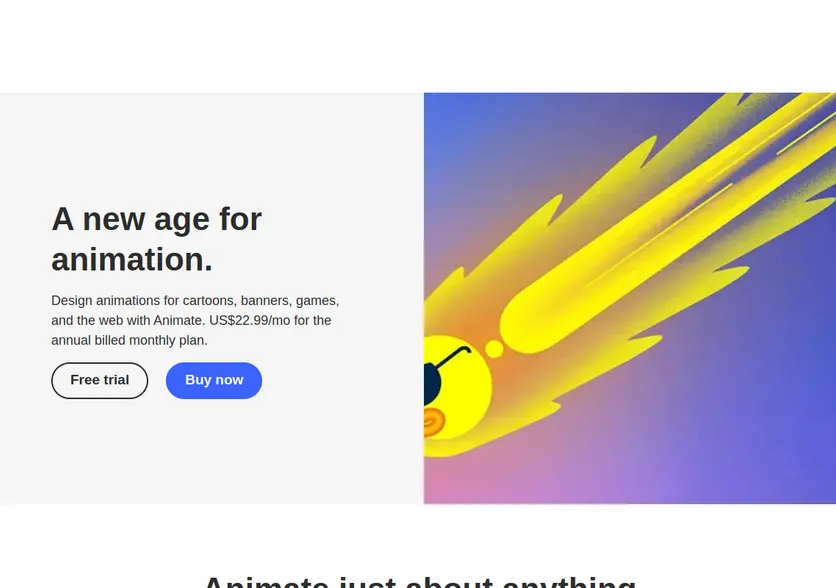
Adobe Animate is the vector animation app for cartoons, web banners and interactive scenes, with drawing tools that feed straight into Adobe workflows. This Adobe Animate single-app plan costs twenty-two dollars and ninety-nine cents a month on an annual plan billed monthly, with a seven-day trial. An animator who already uses Photoshop or Illustrator can move artwork between apps without exporting files.
What we like
- Vector drawing with clean lines at any scale
- Exports for web, video and interactive content
- Shares artwork easily with other Adobe apps
Watch out for
- Adobe has put Animate in maintenance mode with no major new features
- Twenty-two dollars and ninety-nine cents a month needs an annual commitment
How to try it
- Start the seven-day trial from the Adobe Animate page
- Draw a character with the brush tool and convert it to a symbol
- Build a short loop on the timeline and export it as video
5. Cartoon Animator 5
Best for: Creators who want 2D character animation from photos and motion capture
Paid tool Starting price: $149 one-time · Cartoon Animator 5, $149 one-time list price; a 365-day subscription costs $4.92 a month billed annually
Free plan: No free plan; 30-day free trial
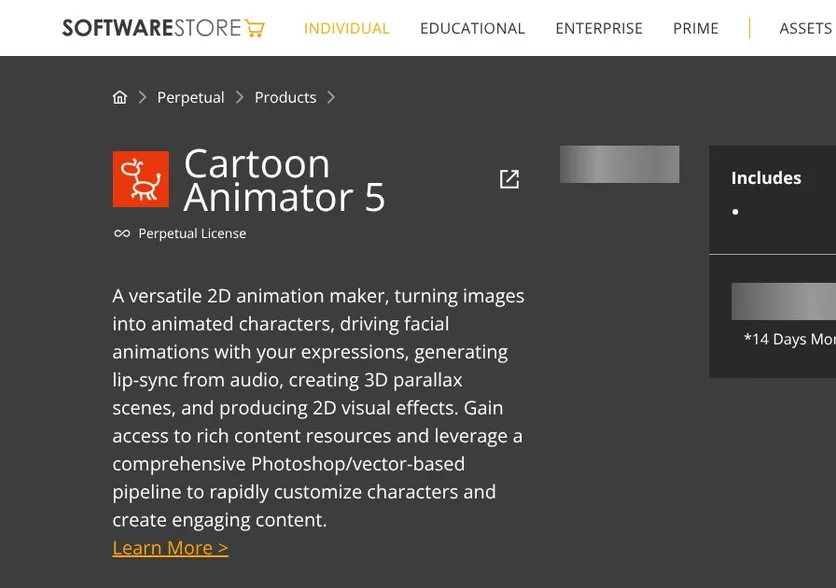
Cartoon Animator 5 turns drawings and photos into animated 2D characters, with motion capture and lip sync that speed up dialogue scenes. This Cartoon Animator 5 license costs one hundred forty-nine dollars once as the list price, with a thirty-day trial to test the rigging. A YouTube creator can animate a talking character in an afternoon without drawing every frame by hand.
What we like
- Turns a photo or drawing into an animated character
- Motion capture and lip sync speed up dialogue
- One-time license with no monthly subscription
Watch out for
- One hundred forty-nine dollars once is the list price, not the sale price
- Advanced motion tools need paid add-on packs
How to try it
- Download the thirty-day trial from the Reallusion site
- Import a character drawing and rig it with bones
- Record a voice line and let lip sync drive the mouth
6. Spine
Best for: Game developers who need skeletal animation for anime-style characters
Paid tool Starting price: $99 one-time · Essential, $99 one-time list price; Professional costs $449 one-time
Free plan: No free plan; free trial version available
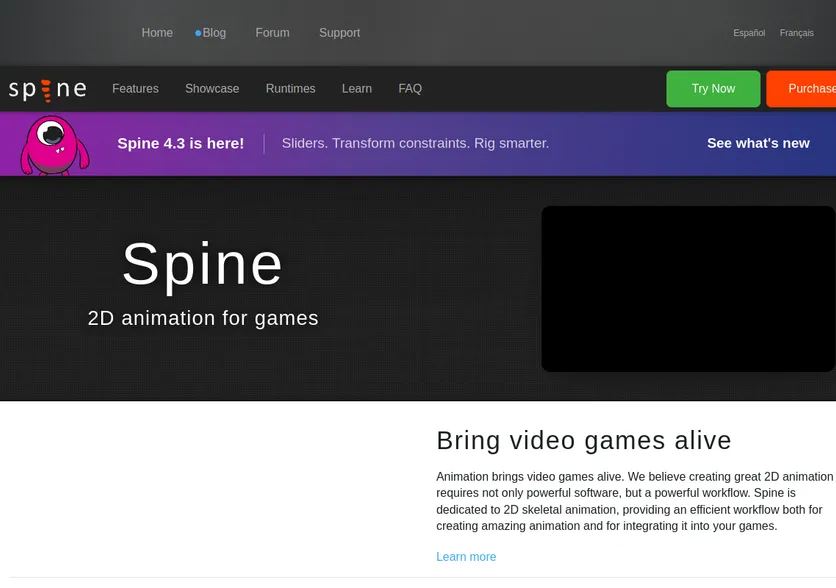
Spine is the skeletal animation tool behind many 2D games, letting one anime character share a rig across idle, walk and attack moves. This Spine Essential license lists at ninety-nine dollars once, with a free trial version to test the editor. A game developer can animate a full cast and export the data straight into a game engine.
What we like
- One rig drives every animation for a character
- Exports directly into popular game engines
- Lightweight runtime keeps games running fast
Watch out for
- Essential lists at ninety-nine dollars once with no free plan
- Meshes and advanced constraints need the Professional license
How to try it
- Download the free trial version from the Esoteric Software site
- Import a character image and build a bone rig
- Create an idle animation and export it for your game
7. Adobe After Effects
Best for: Animators who need motion graphics, compositing and effects for anime scenes
Paid tool Starting price: $22.99/month · Single app, $22.99 a month on an annual plan billed monthly; $34.49 month to month; $263.88 prepaid a year
Free plan: No free plan; 7-day free trial
Adobe After Effects is the compositing and motion graphics app where anime scenes gain titles, glow effects and camera moves. This Adobe After Effects single-app plan costs twenty-two dollars and ninety-nine cents a month on an annual plan billed monthly, with a seven-day trial. An editor can layer effects over animation, add animated typography and finish a trailer without a second app.
What we like
- Deep compositing and effects for finished scenes
- Animated titles and typography built in
- Huge template and preset library for motion design
Watch out for
- Twenty-two dollars and ninety-nine cents a month needs an annual commitment
- Subscription only, so stopping payment ends access
How to try it
- Start the seven-day trial from the Adobe After Effects page
- Import an animation clip and add a glow effect
- Animate a title card and export the finished scene
Prices above were checked on each vendor’s own website on Nov 26, 2026 and can change — the vendor’s page is the final word. Vendor links are editorial: nobody paid to be listed or ranked here. Vendors who want a featured listing can see how it works on our Get listed page.
What anime video editing software costs in 2026
Most anime tools charge in one of two ways, and the model matters more than the sticker price. One-time licenses like Clip Studio Paint and Moho cost once and stay yours, while subscriptions like Toon Boom Harmony and Adobe Animate bill every month for as long as you use them. A one-time buy looks cheaper in year one, but a subscription can win if you need studio rigging for a single project and then stop. Check whether the plan you buy includes the rigging, compositing and export tools your scenes need, because entry plans often leave them out.
Start with the free trial on two tools and animate the same short scene in each, from sketch to export. Compare how fast you can rig a character, how clean the lines stay at full size, and whether the export settings match your video editor. Pick the tool that fits the way you draw, because the best animation app is the one you open every day.
Before you buy
- Check whether the license is one-time or monthly, because Clip Studio Paint costs once while Toon Boom Harmony bills every month.
- Count the trial days first, because Toon Boom Harmony gives fourteen days while Clip Studio Paint gives thirty.
- Confirm the plan includes rigging, because entry plans often reserve bone tools and deformers for higher tiers.
- Compare annual and monthly billing, because Adobe Animate costs less on the annual plan than month to month.
- Test the export formats, because a tool that cannot export video cleanly will slow down every finished scene.
Official websites
Official websites of the products reviewed above. Features and prices were checked against these sites when this guide was written, and they can change, so confirm on the vendor site before you buy.
Frequently asked questions
Which anime video editing software is best in 2026?
Clip Studio Paint, at sixty-three dollars once, is the safest default because it covers drawing and frame-by-frame animation in one purchase with no subscription. Toon Boom Harmony wins for studio pipelines at thirty-one dollars a month, with rigging and compositing that small teams need for broadcast work. Moho is the cheapest rigging route at fifty-nine dollars and ninety-nine cents once, for animators who reuse one character across scenes.
How much does anime video editing software cost?
Prices here run from sixty-three dollars once for Clip Studio Paint to one hundred forty-nine dollars once for Cartoon Animator, with monthly plans from twenty-two dollars and ninety-nine cents to thirty-one dollars a month. One-time licenses suit animators who keep the same tool for years, while subscriptions suit short projects. Expect to pay more once you need studio rigging, compositing or team seats.
Is there a free anime video editing software?
Every tool here offers a free trial instead of a permanent free plan, with trials from seven days for Adobe apps to thirty days for Clip Studio Paint and Moho. A trial is long enough to draw a character, rig it and export a test scene before you pay. Free apps exist for anime drawing, but they sit outside this paid comparison.
What should I look for in anime video editing software?
Look for frame-by-frame drawing, bone rigging and onion skinning first, because those three features carry most anime work. Check the export formats, the license model and whether the trial covers the features you need. Test the drawing feel with your own tablet, because a brush engine that fights your hand will slow every scene.
Can I use Clip Studio Paint for anime?
Yes, Clip Studio Paint PRO is built for anime-style work, with cel animation timelines, onion skinning and a brush library tuned for manga and anime art. The sixty-three-dollar one-time license covers Windows and macOS, and the app exports finished scenes as video. Later features arrive through a yearly Update Pass, so the app stays current without a subscription.
Need everyday video help too? Try Toolsvine's free video tools right in your browser.
Browse Video Tools tools


