
On this page
A video podcast needs two jobs done well: clean recording from every guest and fast editing that turns hours of footage into a watchable episode. The eight tools below run from fifteen dollars a month to about three hundred dollars once, and every price was checked on the vendor site on November 27, 2026. Some charge per person and cap monthly hours, while others sell a one-time license with no meter at all. Descript is our first pick — transcript editing that saves hours on every episode.
How we researched this
We started with the editors and recorders video podcasters actually use, then read each price on the vendor pricing page on November 27, 2026 and noted the trial or free plan each one carries. We judged them for a weekly show that records remote guests, edits for video and audio, and publishes clips alongside full episodes. We dropped OpusClip because it clips rather than edits, and we dropped Zencastr and SquadCast because their published prices changed too often in 2026 to verify with confidence.
Compare the tools
| Name | Best for | Starting price | Free plan | |
|---|---|---|---|---|
 Descript | Podcasters who edit video by editing the transcript instead of the timeline | $24/person/month | Free plan, 1 media hour a month | Visit |
 Riverside | Remote interview shows that need studio-quality recording from every guest | $15/month | Free plan, 2 hours of multitrack recording | Visit |
 Adobe Premiere Pro | Professional editors who need the industry-standard timeline for client work | $22.99/month | No free plan; 7-day free trial | Visit |
 CapCut Pro | Short-form creators who cut vertical video fast on desktop and phone | $179.99/year | Free plan exists, with watermarked exports | Visit |
 Camtasia | Course creators and podcasters who record their screen beside the camera | $179.88/year | No free plan; free trial available | Visit |
 Filmora | Beginners who want a friendly editor with templates and AI tools for under fifty dollars a year | $49.99/year | Free plan exists, with watermarked exports | Visit |
 DaVinci Resolve Studio | Editors who want professional color and AI tools for one payment and no subscription | $295 one-time | Free version exists, with most editing tools included | Visit |
 Final Cut Pro | Mac editors who want the fastest export and a magnetic timeline | $299.99 one-time | No free plan; 90-day free trial | Visit |
The video podcast editing software, compared
1. Descript
Best for: Podcasters who edit video by editing the transcript instead of the timeline
Paid tool Starting price: $24/person/month · Creator plan, twenty-four dollars per person a month billed annually, or thirty-five dollars month to month; thirty media hours and eight hundred AI credits a month
Free plan: Free plan, 1 media hour a month
Descript turns a video podcast into a text document, so deleting a sentence from the transcript deletes the matching clip from the timeline. This Descript Creator plan costs twenty-four dollars per person a month billed annually, or thirty-five dollars month to month, with thirty media hours and eight hundred AI credits a month. A weekly podcaster gets 4K export and filler-word removal, though every seat bills separately and heavy months can run past the media-hour cap.

What we like
- Edit video by editing the transcript text
- Thirty media hours and 4K export on Creator
- Filler-word removal and AI cleanup built in
Watch out for
- Per-person pricing multiplies quickly with a team
- Media hours cap means long episodes cost extra
How to try it
- Open the Descript pricing page and start with the free plan
- Import a recorded episode and edit it by deleting transcript text
- Upgrade to Creator once the free hour runs out
2. Riverside
Best for: Remote interview shows that need studio-quality recording from every guest
Paid tool Starting price: $15/month · Standard plan, fifteen dollars a month billed annually, or nineteen dollars month to month; five hours of multitrack recording a month
Free plan: Free plan, 2 hours of multitrack recording
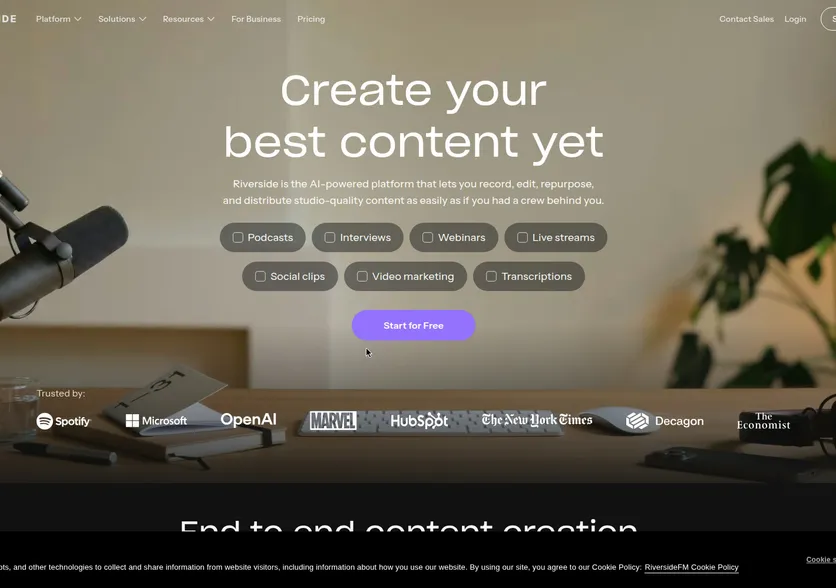
Riverside records each guest locally in the browser, so the audio and video stay clean even when the internet connection wobbles mid-interview. This Riverside Standard plan costs fifteen dollars a month billed annually, or nineteen dollars month to month, with five hours of multitrack recording a month. A remote interview show gets separate tracks for every guest and 4K video, though Riverside records rather than edits, so a real editor is still needed after the session.
What we like
- Local recording keeps every guest track clean
- Separate audio and video tracks for each guest
- 4K video with no watermark on Standard
Watch out for
- Five-hour monthly cap suits a weekly show and little more
- Records rather than edits, so a second tool is needed
How to try it
- Open the Riverside pricing page and start the free plan
- Record a test interview with two guests in separate tracks
- Download the tracks and edit them in your editor of choice
3. Adobe Premiere Pro
Best for: Professional editors who need the industry-standard timeline for client work
Paid tool Starting price: $22.99/month · Twenty-two dollars and ninety-nine cents a month on the annual plan billed monthly; month-to-month costs about thirty-four dollars and forty-nine cents; the listed rate is marked first year only for new subscribers
Free plan: No free plan; 7-day free trial
Adobe Premiere Pro is the timeline editor most clients and collaborators already use, with deep color, audio and transcription tools in one subscription. This Adobe Premiere Pro single-app plan costs twenty-two dollars and ninety-nine cents a month on the annual plan billed monthly, with a seven-day free trial. A professional editor gets Premiere on desktop and mobile and one hundred GB of cloud storage, though the listed rate is marked as a first-year price for new subscribers, so the renewal rate deserves a check before you budget.
What we like
- Industry-standard timeline that clients expect
- Transcription, audio cleanup and color tools built in
- Frame review and cloud storage included
Watch out for
- Listed rate is marked first year only, so renewal may cost more
- Subscription only, with no one-time purchase option
How to try it
- Open the Adobe site and start the Premiere trial
- Cut a real episode on the timeline and test the audio tools
- Check the renewal rate before the trial ends
4. CapCut Pro
Best for: Short-form creators who cut vertical video fast on desktop and phone
Paid tool Starting price: $179.99/year · Pro plan, one hundred seventy-nine dollars and ninety-nine cents a year, or nineteen dollars and ninety-nine cents a month; repriced in 2026 from a lower rate
Free plan: Free plan exists, with watermarked exports
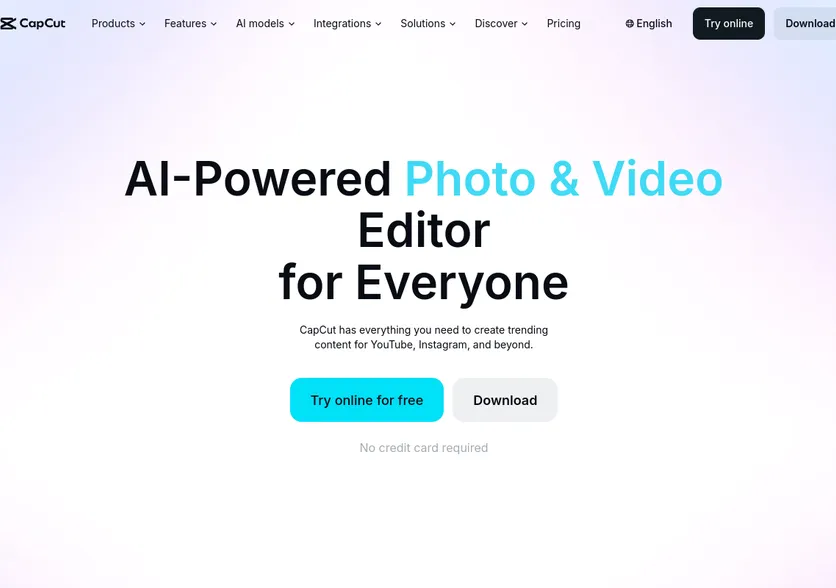
CapCut Pro is the fast editor for vertical video, with templates, captions and effects that turn a long podcast into clips in minutes. This CapCut Pro plan costs one hundred seventy-nine dollars and ninety-nine cents a year, or nineteen dollars and ninety-nine cents a month, after a 2026 repricing that replaced the old lower rate. A creator cutting Shorts and Reels from podcast episodes gets no watermark, though the desktop app is lighter than a full timeline editor and long-form work can feel cramped.
What we like
- Fastest path from a long episode to vertical clips
- Auto captions and templates built in
- Works on desktop and phone with the same project
Watch out for
- Lighter than a full timeline editor for long-form work
- Annual price rose in 2026, so old guides quote a stale rate
How to try it
- Open the CapCut site and start with the free plan
- Cut a vertical clip from a podcast episode with auto captions
- Upgrade to Pro once the watermark starts to matter
5. Camtasia
Best for: Course creators and podcasters who record their screen beside the camera
Paid tool Starting price: $179.88/year · Essentials plan, one hundred seventy-nine dollars and eighty-eight cents a year; Starter at thirty-nine dollars a year is a watermarked editor only
Free plan: No free plan; free trial available
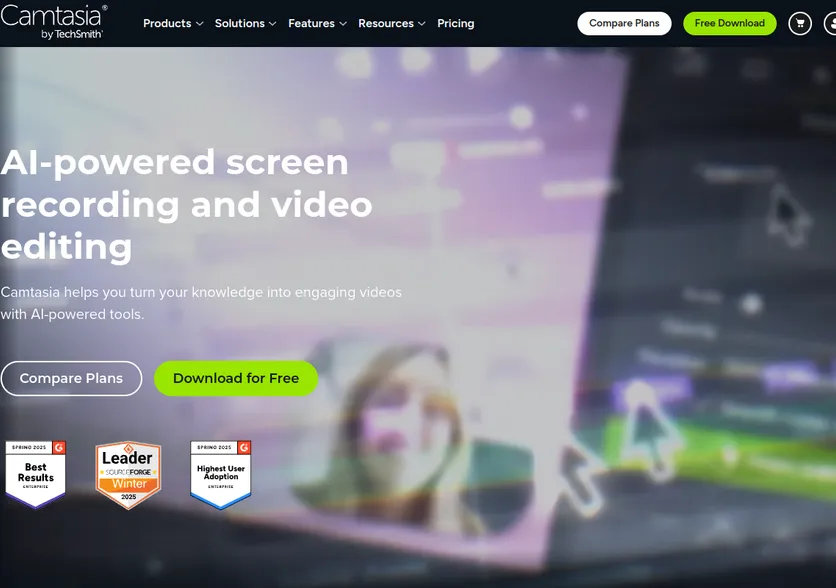
Camtasia pairs screen recording with a full editor, so a podcaster who shows slides or software can capture both feeds and cut them together. This Camtasia Essentials plan costs one hundred seventy-nine dollars and eighty-eight cents a year and includes the editor, Audiate and Snagit. A creator who teaches on camera gets text-based editing, captions and quiz export, though the cheaper Starter plan is only a watermarked editor and the real editing starts at Essentials.
What we like
- Screen and camera recording in one program
- Text-based editing with captions built in
- Audiate and Snagit bundled with Essentials
Watch out for
- Starter plan is a watermarked editor, not a real editor
- AI voiceovers and avatars need the dearer Create and Pro tiers
How to try it
- Open the TechSmith site and compare Essentials with Starter
- Record your screen and camera together in one session
- Edit with the transcript tools and export a finished episode
6. Filmora
Best for: Beginners who want a friendly editor with templates and AI tools for under fifty dollars a year
Paid tool Starting price: $49.99/year · Basic plan, forty-nine dollars and ninety-nine cents a year; perpetual license costs seventy-nine dollars and ninety-nine cents once; AI features use credits bought separately
Free plan: Free plan exists, with watermarked exports
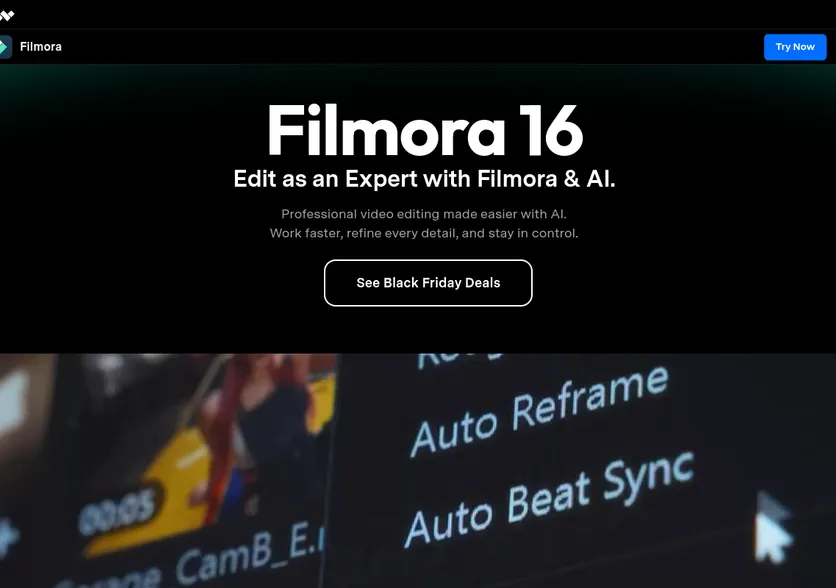
Filmora is the gentle editor for a creator who wants good-looking video without learning a professional timeline first. This Filmora Basic plan costs forty-nine dollars and ninety-nine cents a year, with watermark-free 4K export, one GB of cloud storage and continuous upgrades. A beginner podcaster gets templates and effects at the lowest yearly price here, though AI features run on credits bought separately and the Basic plan holds only one GB of cloud storage.
What we like
- Lowest yearly price here at forty-nine dollars and ninety-nine cents
- Templates and effects that beginners can use at once
- Perpetual license available at seventy-nine dollars and ninety-nine cents
Watch out for
- AI features cost extra credits on top of the plan
- Only one GB of cloud storage on Basic
How to try it
- Open the Filmora pricing page and start the free plan
- Cut an episode with a template and test the AI tools
- Upgrade to Basic once the watermark starts to matter
7. DaVinci Resolve Studio
Best for: Editors who want professional color and AI tools for one payment and no subscription
Paid tool Starting price: $295 one-time · Studio license, two hundred ninety-five dollars once, perpetual with free updates; the vendor runs occasional sale prices that are not the list price
Free plan: Free version exists, with most editing tools included
DaVinci Resolve Studio is the one-time purchase that professional editors compare against every subscription here, with color grading, Fusion effects and AI tools in a single license. This DaVinci Resolve Studio license costs two hundred ninety-five dollars once, with free updates and no monthly bill. A serious editor gets noise reduction, HDR grading and the Neural Engine toolset, though the free version already covers most work and the Studio extras matter most at higher resolutions.
What we like
- One payment of two hundred ninety-five dollars, no subscription
- Professional color grading and Fusion effects included
- Free version already covers most editing work
Watch out for
- Steep learning curve for beginners
- Studio extras matter most above standard resolution
How to try it
- Open the Blackmagic Design page and download the free version
- Cut an episode and check whether you need the Studio extras
- Buy the Studio license once if noise reduction or HDR matters
8. Final Cut Pro
Best for: Mac editors who want the fastest export and a magnetic timeline
Paid tool Starting price: $299.99 one-time · Mac license, two hundred ninety-nine dollars and ninety-nine cents once on the Mac App Store; also available through the Creator Studio subscription at twelve dollars and ninety-nine cents a month
Free plan: No free plan; 90-day free trial
Final Cut Pro is the Mac-only editor that exports faster than any rival here on Apple hardware, with a magnetic timeline that keeps clips in place as you cut. This Final Cut Pro Mac license costs two hundred ninety-nine dollars and ninety-nine cents once on the Mac App Store, with a ninety-day trial. A Mac podcaster gets background rendering, fast 4K export and free updates since launch, though the iPad version is subscription only and some premium content now sits behind the Creator Studio subscription.
What we like
- Fastest 4K export here on Apple hardware
- Magnetic timeline keeps clips tidy as you cut
- One payment with free updates since launch
Watch out for
- Mac only, so Windows editors cannot use it
- Some premium content needs the Creator Studio subscription
How to try it
- Open the Apple Final Cut Pro page and start the trial
- Cut a real episode on the magnetic timeline
- Buy the one-time license if the export speed wins you over
Prices above were checked on each vendor’s own website on Nov 27, 2026 and can change — the vendor’s page is the final word. Vendor links are editorial: nobody paid to be listed or ranked here. Vendors who want a featured listing can see how it works on our Get listed page.
What video podcast editing costs in 2026
The cheapest plan is rarely the cheapest bill, because most tools here meter something: media hours, recording hours, seats or AI credits. A fifteen-dollar Riverside plan covers five recording hours a month, while a twenty-four-dollar Descript seat covers thirty media hours, so a two-hour weekly show can fit one and burst the other. One-time licenses flip the math entirely, since two hundred ninety-five dollars once beats three years of rent for an editor who keeps the same tool.
Start with the free plan or trial on two tools and cut a real episode on each. Compare how long the edit takes, how clean the audio sounds after cleanup, and whether the export quality matches where you publish. Pick the tool that gets an episode out fastest, because a weekly show lives or dies on the edit, not the feature list.
Before you buy
- Count your monthly media hours first, because Descript and Riverside both cap recording and editing time per month.
- Check whether the price is per person, because Descript bills every seat separately and a team of three triples the bill.
- Confirm the export quality on your plan, because 4K export is locked to higher tiers on several tools here.
- Compare one-time licenses with subscriptions, because a two hundred ninety-five dollar license can beat three years of rent.
- Test the trial with a real episode, because a tool that feels fast on a short clip can crawl on a two-hour recording.
Official websites
Official websites of the products reviewed above. Features and prices were checked against these sites when this guide was written, and they can change, so confirm on the vendor site before you buy.
Frequently asked questions
Which video podcast editing software is best in 2026?
Descript is the best overall pick at twenty-four dollars per person a month billed annually, because editing by transcript saves hours on every episode. Riverside is the best recorder at fifteen dollars a month, with clean local tracks from every guest. DaVinci Resolve Studio is the best value for editors who want professional tools for two hundred ninety-five dollars once and no subscription.
How much does video podcast editing software cost?
Subscriptions in this list run from fifteen dollars a month for Riverside to twenty-four dollars a month for Descript, with Premiere Pro at twenty-two dollars and ninety-nine cents a month and CapCut Pro at one hundred seventy-nine dollars and ninety-nine cents a year. One-time licenses cost two hundred ninety-five dollars for DaVinci Resolve Studio and two hundred ninety-nine dollars and ninety-nine cents for Final Cut Pro. A weekly show can run on about fifteen to twenty-five dollars a month.
How many hours of podcast can I edit each month?
Descript and Riverside both cap monthly hours, so count your episodes before you buy. Descript Creator covers thirty media hours a month, which suits about six to eight weekly episodes, while Riverside Standard covers five hours of recording a month, which suits one weekly hour-long show. A show with longer episodes or daily publishing needs a higher tier or an editor with no hour cap.
Is there a free video podcast editor?
Yes, DaVinci Resolve, Filmora and CapCut all offer free versions that edit real video, and Descript and Riverside offer free plans with limited hours. The free versions watermark exports or cap hours and resolution, so they suit testing and short clips rather than a weekly show. A serious weekly podcast needs a paid plan within a month or two.
What should I look for in video podcast editing software?
Look for a recorder that captures clean local tracks, an editor that matches how you think, and an export quality that fits where you publish. Check the monthly hour cap, the per-seat pricing and whether 4K export is included on your plan. The best tool is the one that gets an episode from recording to published in the fewest steps, not the one with the longest feature list.
Need everyday video help too? Try Toolsvine's free video tools right in your browser.
Browse Video Tools tools


