
On this page
MOV files play fine on Apple devices and nowhere else, so a converter is the bridge to every other screen. The eight tools below run from six dollars and ninety-nine cents a month online to fifty-nine dollars and ninety-five cents a year on the desktop, and every price was checked on the vendor site on November 27, 2026. Some live in the browser, others on your computer, so match the tool to how often you convert. Movavi Video Converter is our first pick — fast, simple and built for weekly converts.
How we researched this
We started with the MOV to MP4 converters people actually buy, then checked each price on the vendor pricing page on November 27, 2026 and noted the free plan or trial each one offers. We judged them for a user who converts video regularly, weighing speed, quality and the price of the plan you actually need. We dropped VLC and HandBrake because both are free, and CloudConvert because it sells credits rather than a starting price.
Compare the tools
| Name | Best for | Starting price | Free plan | |
|---|---|---|---|---|
 Adobe Media Encoder | Adobe users who batch-convert MOV files inside a Creative Cloud workflow | $22.99/month | No free plan; 7-day free trial | Visit |
 Any Video Converter Ultimate | Users who convert many formats and want a free edition to start with | $59.95/year | Free edition available | Visit |
 Convertio | Occasional converters who want MOV to MP4 in the browser with no install | $6.99/month | Free tier, 10 conversions a day | Visit |
 Movavi Video Converter | Anyone who converts MOV files often and wants a fast desktop converter | $54.95/year | No free plan; 7-day free trial | Visit |
 VideoProc Converter AI | Users who want AI upscaling alongside fast MOV to MP4 conversion | $34.95/year | Free trial available | Visit |
 Winxvideo AI | Windows users who want a one-time converter with AI enhancement built in | $54.95 one-time | Free trial available | Visit |
 Wondershare UniConverter | Anyone who wants conversion plus editing, compression and downloads in one app | $49.99/year | No free plan; 7-day free trial | Visit |
 WonderFox HD Video Converter Factory Pro | Budget buyers who want the cheapest yearly desktop converter here | $29.95/year | No free plan; free trial with limits | Visit |
The MOV to MP4 conversion software, compared
1. Adobe Media Encoder
Best for: Adobe users who batch-convert MOV files inside a Creative Cloud workflow
Paid tool Starting price: $22.99/month · Annual plan billed monthly at twenty-two dollars and ninety-nine cents a month, the standard Adobe single-app rate
Free plan: No free plan; 7-day free trial
Adobe Media Encoder is the batch converter inside Creative Cloud, turning MOV files into MP4 with presets for every platform. This Adobe Media Encoder plan costs twenty-two dollars and ninety-nine cents a month on the annual plan, the standard Adobe single-app rate. It fits an Adobe user who converts video as part of a larger editing workflow.
What we like
- Batch conversion with presets for every platform
- Deep integration with Premiere Pro and After Effects
- Watch folders automate repeat conversions
Watch out for
- Only makes sense inside a Creative Cloud workflow
- Per-user subscription adds up for a team
How to try it
- Open Media Encoder and add your MOV files to the queue
- Pick an MP4 preset for your target platform
- Start the batch and check the converted files
2. Any Video Converter Ultimate
Best for: Users who convert many formats and want a free edition to start with
Paid tool Starting price: $59.95/year · Annual plan at fifty-nine dollars and ninety-five cents a year; the undiscounted figure is sixty-nine dollars and ninety-five cents, monthly is twenty-nine dollars and ninety-five cents
Free plan: Free edition available
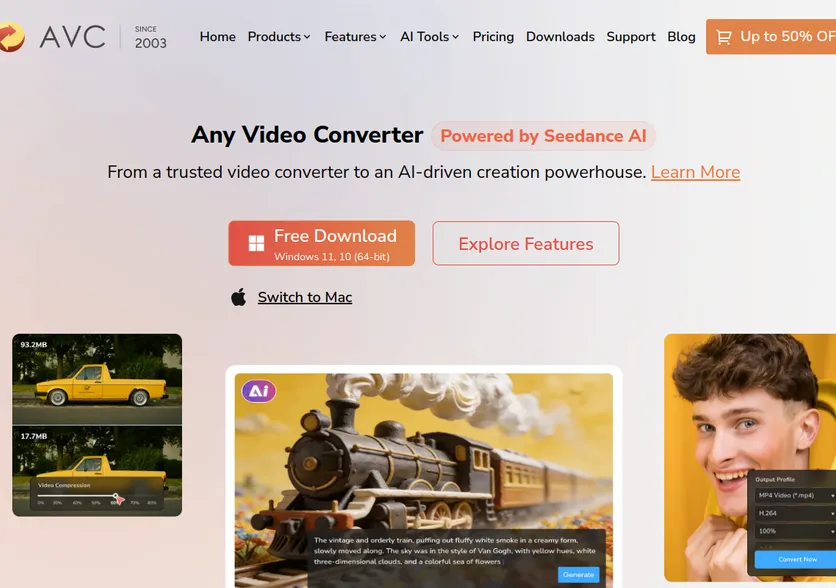
Any Video Converter Ultimate handles almost any format, turning MOV into MP4 and dozens of other combinations with a free edition to start. This Any Video Converter Ultimate annual plan costs fifty-nine dollars and ninety-five cents a year and adds faster conversion and more formats. A user with a messy library of old files will like its range.
What we like
- Free edition for basic conversion
- Handles almost any video format
- Simple interface for quick converts
Watch out for
- Highest yearly price in this comparison
- Interface looks dated next to newer converters
How to try it
- Open Any Video Converter and add your MOV files
- Pick MP4 as the output format
- Convert and check the files play everywhere
3. Convertio
Best for: Occasional converters who want MOV to MP4 in the browser with no install
Paid tool Starting price: $6.99/month · Lite plan at six dollars and ninety-nine cents a month billed annually; month-to-month is eleven dollars and ninety-nine cents a month
Free plan: Free tier, 10 conversions a day
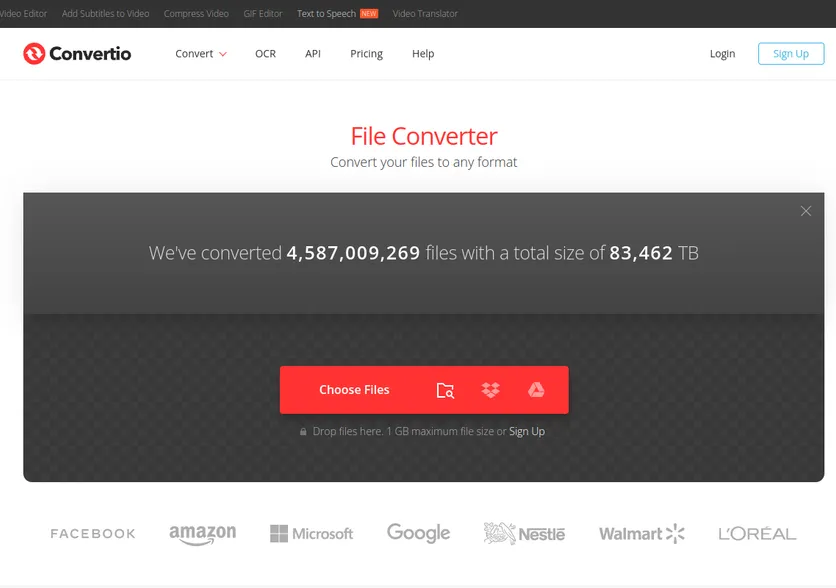
Convertio converts MOV to MP4 in the browser, with no install and no desktop app to keep updated. This Convertio Lite plan costs six dollars and ninety-nine cents a month billed annually and covers more conversions and larger files than the free tier. It is the best pick for occasional converts from any device.
What we like
- No install, works from any browser
- Free tier covers ten conversions a day
- Cheapest paid plan in this comparison
Watch out for
- Free tier caps file size at one hundred megabytes
- Uploading video takes time on slow connections
How to try it
- Open Convertio in your browser and upload a MOV file
- Pick MP4 as the output format
- Download the converted file when it is ready
4. Movavi Video Converter
Best for: Anyone who converts MOV files often and wants a fast desktop converter
Paid tool Starting price: $54.95/year · One-year plan at fifty-four dollars and ninety-five cents a year; one month is nineteen dollars and ninety-five cents, lifetime is sixty-nine dollars and ninety-five cents
Free plan: No free plan; 7-day free trial
Movavi Video Converter is a fast desktop converter that turns MOV files into MP4 with hardware acceleration and a simple drag-and-drop interface. This Movavi Video Converter one-year plan costs fifty-four dollars and ninety-five cents a year and adds editing, compression and device presets. A user who converts video every week will like its speed and clean interface.
What we like
- Hardware acceleration for fast conversion
- Clean drag-and-drop interface
- Editing and compression built in
Watch out for
- Promotional prices vary often, so check the list price
- Trial exports carry a watermark
How to try it
- Open Movavi Video Converter and drop in your MOV files
- Pick MP4 and a device preset
- Convert and check the output quality
5. VideoProc Converter AI
Best for: Users who want AI upscaling alongside fast MOV to MP4 conversion
Paid tool Starting price: $34.95/year · Premium 365 plan at thirty-four dollars and ninety-five cents a year for the first year, renewing at thirty-nine dollars and ninety-five cents a year; lifetime is fifty-four dollars and ninety-five cents
Free plan: Free trial available
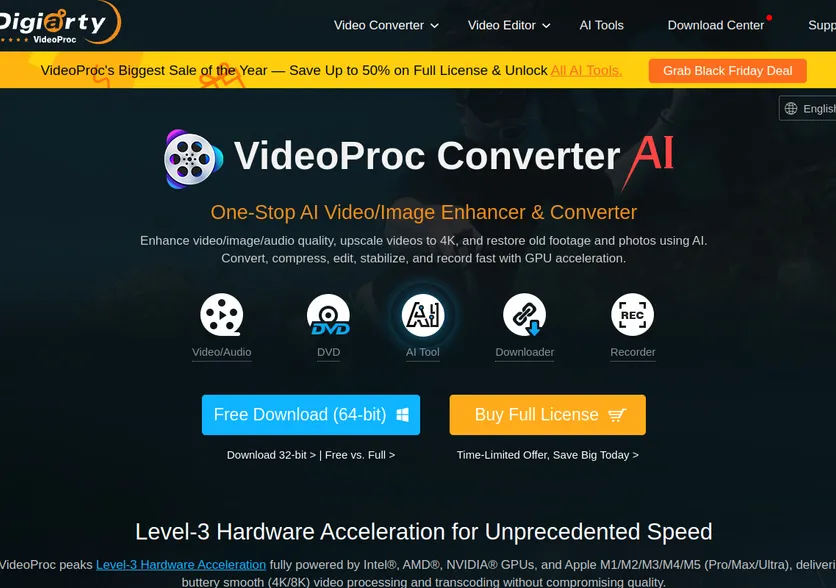
VideoProc Converter AI pairs fast MOV to MP4 conversion with AI upscaling and stabilization, so old phone clips come out sharper. This VideoProc Converter AI Premium plan costs thirty-four dollars and ninety-five cents a year for the first year and covers conversion, recording and downloads. It suits anyone who wants their converted video to look better, not just play everywhere.
What we like
- AI upscaling sharpens old footage
- Fast conversion with hardware acceleration
- Recording and downloads in the same app
Watch out for
- Renewal price is higher than the first-year price
- Promo prices appear often, so check the list price
How to try it
- Open VideoProc Converter AI and add your MOV files
- Pick MP4 and turn on AI enhancement if you want it
- Convert and compare the output with the original
6. Winxvideo AI
Best for: Windows users who want a one-time converter with AI enhancement built in
Paid tool Starting price: $54.95 one-time · One-time purchase at fifty-four dollars and ninety-five cents; formerly sold as WinX HD Video Converter Deluxe
Free plan: Free trial available
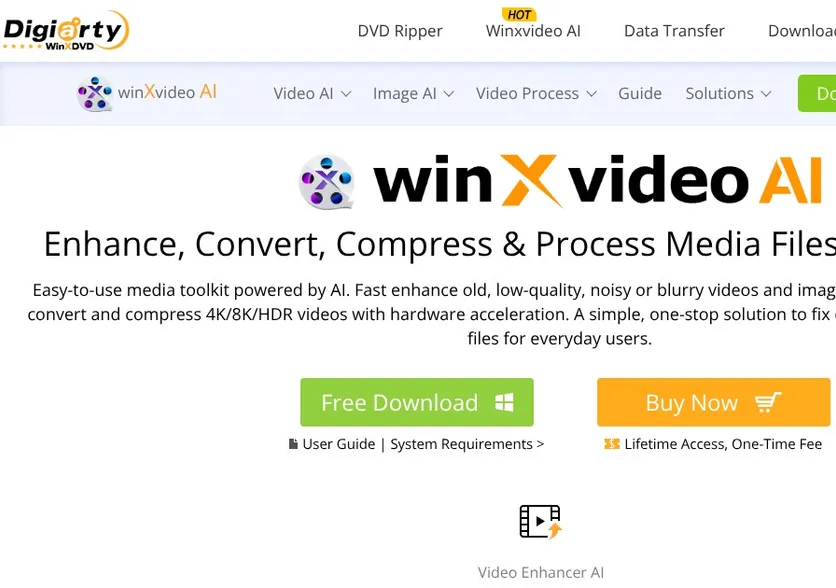
Winxvideo AI, formerly WinX HD Video Converter Deluxe, converts MOV to MP4 with hardware acceleration and adds AI enhancement for video and images. This Winxvideo AI license costs fifty-four dollars and ninety-five cents once, with no subscription to renew. It fits a Windows user who wants a one-time converter that also polishes old footage.
What we like
- One-time purchase with no renewal
- AI enhancement for video and images
- Hardware acceleration for fast conversion
Watch out for
- Rebranded in 2026, so older reviews use the old name
- Windows-focused, with a separate Mac edition
How to try it
- Open Winxvideo AI and add your MOV files
- Pick MP4 and choose an enhancement option
- Convert and check the output on your target device
7. Wondershare UniConverter
Best for: Anyone who wants conversion plus editing, compression and downloads in one app
Paid tool Starting price: $49.99/year · Yearly plan at forty-nine dollars and ninety-nine cents a year; perpetual is seventy-nine dollars and ninety-nine cents, monthly is nine dollars and ninety-nine cents
Free plan: No free plan; 7-day free trial
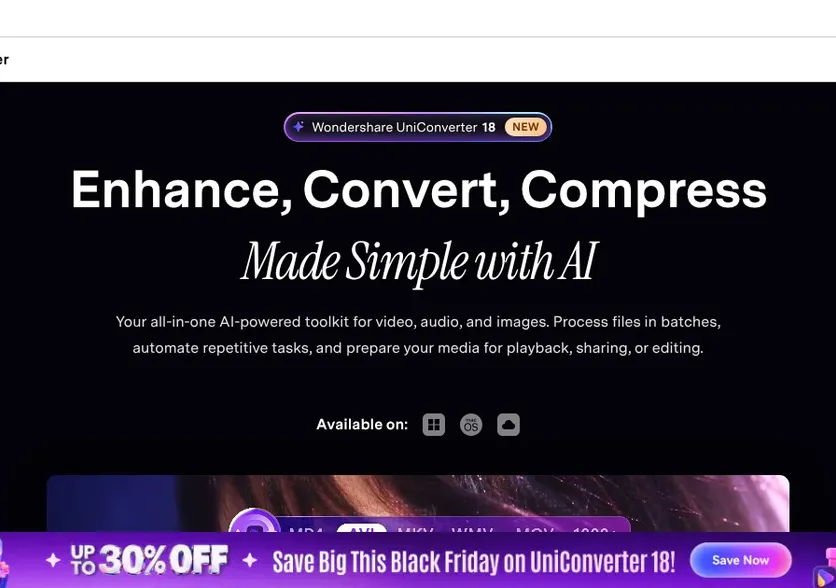
Wondershare UniConverter is an all-rounder that converts MOV to MP4 and then lets you edit, compress, burn and download video in the same app. This Wondershare UniConverter yearly plan costs forty-nine dollars and ninety-nine cents a year and covers conversion plus a full editing toolkit. A user who does more than convert will get the most from its breadth.
What we like
- Conversion, editing and compression in one app
- Device presets for phones, tablets and TVs
- Download tools for online video
Watch out for
- Mirror sites show lower prices, so use the official store
- Trial exports are limited to one third of the file length
How to try it
- Open UniConverter and add your MOV files
- Pick MP4 and trim or compress if needed
- Convert and save the file to your chosen folder
8. WonderFox HD Video Converter Factory Pro
Best for: Budget buyers who want the cheapest yearly desktop converter here
Paid tool Starting price: $29.95/year · One-year plan at twenty-nine dollars and ninety-five cents for one PC; lifetime is sixty-nine dollars and ninety-five cents
Free plan: No free plan; free trial with limits
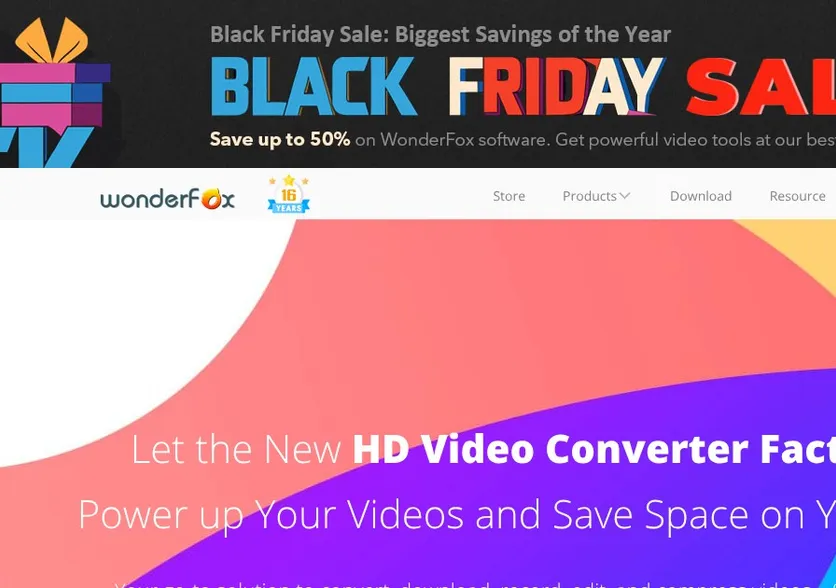
WonderFox HD Video Converter Factory Pro is the cheapest yearly desktop converter here, with fast MOV to MP4 conversion and a simple interface. This WonderFox HD Video Converter Factory Pro one-year plan costs twenty-nine dollars and ninety-five cents for one PC. It suits a budget buyer who converts video regularly and wants no frills.
What we like
- Cheapest yearly desktop plan in this comparison
- Fast conversion with a simple interface
- Device presets for common phones and tablets
Watch out for
- Trial limits exports to five minutes with a watermark
- One PC only on the yearly plan
How to try it
- Open WonderFox HD Video Converter Factory Pro and add a MOV file
- Pick MP4 and a quality preset
- Convert and check the file plays on your device
Prices above were checked on each vendor’s own website on Nov 27, 2026 and can change — the vendor’s page is the final word. Vendor links are editorial: nobody paid to be listed or ranked here. Vendors who want a featured listing can see how it works on our Get listed page.
What MOV to MP4 conversion software costs in 2026
MOV to MP4 tools split into browser converters and desktop converters, and the price follows the kind. Browser tools like Convertio charge a small monthly fee for convenience, while desktop tools like Movavi and UniConverter charge a yearly fee for speed and privacy. A one-time license like Winxvideo AI can be the cheapest route over three years, but only if you stay on one computer and never need the newest features.
Start with the free tier or trial on two tools and convert one real MOV file in each. Check the output quality on your target device, how long the conversion takes, and whether the plan covers the file sizes you actually convert. Pick the tool that makes your next convert boring, because a converter should disappear into your workflow.
Before you buy
- Check the file size limit, because online converters cap free conversions at one hundred megabytes.
- Confirm hardware acceleration is included, because it cuts conversion time on large files.
- Compare the yearly total, because a fifty-four-dollar yearly plan beats a monthly plan fast.
- Test the free trial on a real MOV file, because quality varies between converters.
- Decide online or desktop first, because browser tools suit occasional converts while desktop suits volume.
Official websites
Official websites of the products reviewed above. Features and prices were checked against these sites when this guide was written, and they can change, so confirm on the vendor site before you buy.
Frequently asked questions
Which MOV to MP4 converter is best in 2026?
Movavi Video Converter is the best overall pick, with hardware acceleration and a clean interface at fifty-four dollars and ninety-five cents a year. Wondershare UniConverter is the best all-rounder at forty-nine dollars and ninety-nine cents a year, adding editing and compression. Convertio is the best online option at six dollars and ninety-nine cents a month billed annually.
How much does MOV to MP4 software cost?
Prices in this list run from six dollars and ninety-nine cents a month for Convertio to fifty-nine dollars and ninety-five cents a year for Any Video Converter Ultimate, with Movavi at fifty-four dollars and ninety-five cents a year and WonderFox at twenty-nine dollars and ninety-five cents a year. One-time licenses like Winxvideo AI cost fifty-four dollars and ninety-five cents once.
Can I convert MOV to MP4 for free?
Yes, Convertio lets you convert ten files a day for free, and Any Video Converter has a free edition for basic conversion. Most desktop converters offer a free trial instead, with watermarks or length limits on exports. Free options suit occasional converts, while regular users save time with a paid plan.
Is online or desktop conversion better?
Online tools suit occasional converts, since nothing installs and any device works. Desktop tools suit regular converts, since they are faster, handle large files and keep your video off a server. If you convert video every week, a desktop converter pays for itself in speed alone.
Does converting MOV to MP4 lose quality?
It depends on the settings you pick. Converting with the same resolution and a high bitrate keeps quality close to the original, while a low bitrate or smaller frame size will soften the picture. Tools like VideoProc Converter AI and Winxvideo AI add AI enhancement that can sharpen older footage during conversion.
Need everyday video help too? Try Toolsvine's free video tools right in your browser.
Browse Video Converters tools


