
On this page
Movie clips pile up fast, and the right editor turns a folder of raw footage into a finished film without a week of learning. The eight tools below run from a free version to a one-time cinema license, and every price was checked on the vendor site on November 26, 2026. Most offer a free version or trial, so you can cut a real project before paying. Filmora is our first pick — the fastest way from clips to a finished movie.
How we researched this
We started with the video editors people actually use for movie clips, then read each price on the vendor pricing page on November 26, 2026 and noted the license type each one carries. We judged them for a creator who edits clips into finished movies and wants good exports without a steep learning curve. We kept only tools with a published price and dropped any tool whose price we could not verify on the vendor site.
Compare the tools
| Name | Best for | Starting price | Free plan | |
|---|---|---|---|---|
 Filmora | Quick movie clip edits with effects and music included | $49.99/year | Free version with watermarked exports | Visit |
 Adobe Premiere Pro | Professional clip edits with precise cutting and color tools | $22.99/month | 7-day free trial; no free plan | Visit |
 DaVinci Resolve Studio | Movie clips that need cinema color grading on a one-time license | $295 one-time | Free version with full editing and color tools | Visit |
 Pinnacle Studio | Windows users who want a solid desktop editor for movie clips | $59.99 one-time | Free trial available; no free plan | Visit |
 Magix Video Deluxe | Beginners who want a simple editor for family movies | $54.99 one-time | Free trial available; no free plan | Visit |
 Lightworks | Creators who want a free editor with a pro upgrade path | $27.99/month | Free plan with 720p exports | Visit |
 Corel VideoStudio Ultimate | Windows users who want a full-featured editor for one payment | $99.99 one-time | 30-day free trial; no free plan | Visit |
 VideoPad | Beginners who want a simple, cheap editor for home movies | $129 one-time | Free version for non-commercial use | Visit |
The software for movie clip editing, compared
1. Filmora
Best for: Quick movie clip edits with effects and music included
Paid tool Starting price: $49.99/year · Basic plan, $49.99 a year; Advanced $59.99 a year; Perpetual license $79.99 one-time
Free plan: Free version with watermarked exports
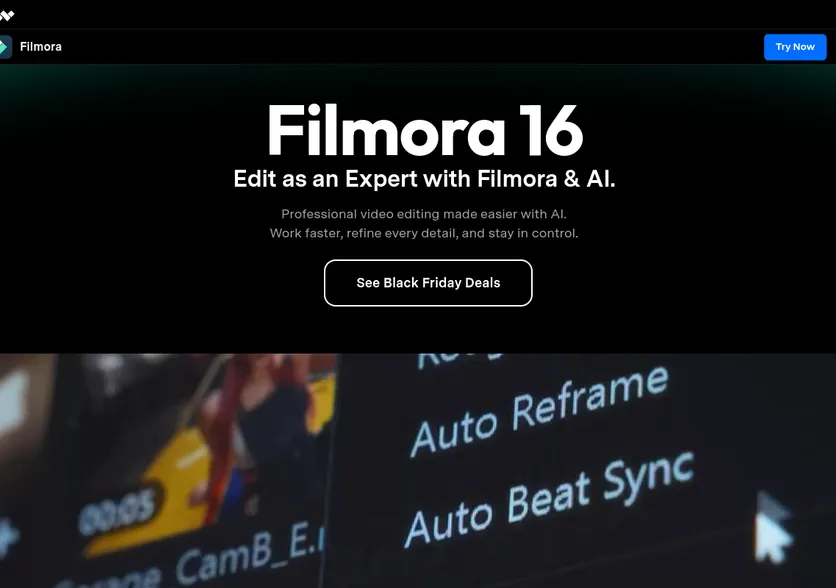
Filmora is the quickest route from a folder of clips to a finished movie, with a clean timeline, ready-made effects and a music library built in. This Filmora Basic plan adds the full effects pack, more music tracks and cloud storage for your projects. A creator who wants a good-looking edit without a week of learning will finish their first movie in an evening.
What we like
- Clean timeline that beginners learn fast
- Large effects and music library included
- Fast exports on modest computers
Watch out for
- Basic costs about fifty dollars a year
- Free exports carry a watermark
How to try it
- Open the Filmora pricing page and start a trial
- Drop your clips on the timeline and trim the best parts
- Add music and titles, then export the finished movie
2. Adobe Premiere Pro
Best for: Professional clip edits with precise cutting and color tools
Paid tool Starting price: $22.99/month · Single-app plan, $22.99 a month billed annually; $34.49 month-to-month; Adobe marks $22.99 as first-year pricing
Free plan: 7-day free trial; no free plan
Premiere Pro is the professional choice for movie clips, giving you frame-accurate cutting, strong color tools and the Adobe stock library in one timeline. This Adobe Premiere Pro single-app plan covers the full editor, with audio tools and effects that scale from a short clip to a feature film. A creator who wants their clips to look like a cinema edit will find Premiere Pro worth learning.
What we like
- Frame-accurate cutting and trimming
- Strong color and audio tools included
- Industry-standard format support
Watch out for
- Single-app plan costs about twenty-three dollars a month
- Needs a powerful computer for smooth playback
How to try it
- Open the Adobe plans page and start the Premiere Pro trial
- Import your clips and arrange them on the timeline
- Color grade the footage and export the final cut
3. DaVinci Resolve Studio
Best for: Movie clips that need cinema color grading on a one-time license
Paid tool Starting price: $295 one-time · Studio license, $295 one-time list price; Black Friday sale around two hundred thirty-six dollars is ignored
Free plan: Free version with full editing and color tools
DaVinci Resolve Studio is the colorist's editor, turning ordinary clips into cinematic footage with grading tools no rival matches at this price. This DaVinci Resolve Studio license unlocks the full effects library, noise reduction and advanced audio tools for one payment. A filmmaker who cares about the look of every frame will find Studio the best value in the whole list.
What we like
- Best color grading tools anywhere
- One-time payment with no subscription
- Free version covers most editing needs
Watch out for
- Studio license costs two hundred ninety-five dollars once
- Steep learning curve for beginners
How to try it
- Open the DaVinci Resolve product page and download the free version
- Import your clips and cut them on the timeline
- Grade the color and export the finished movie
4. Pinnacle Studio
Best for: Windows users who want a solid desktop editor for movie clips
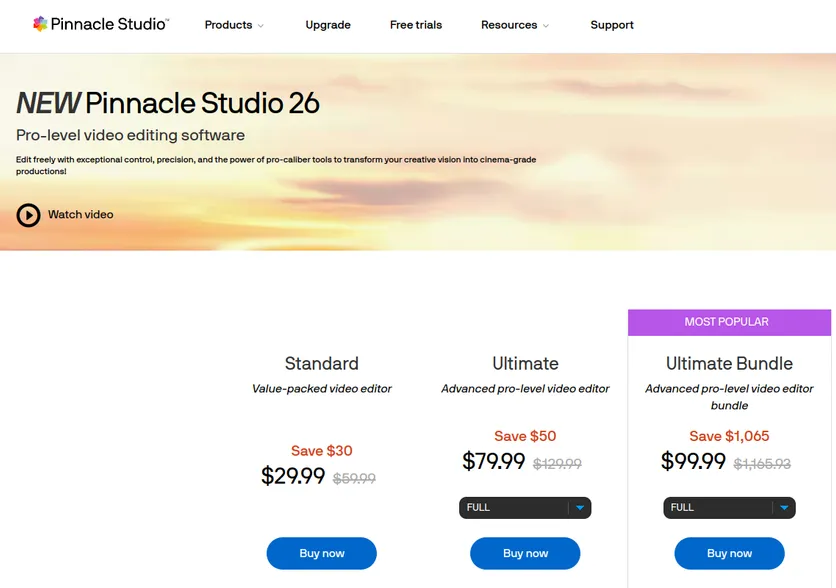
Paid tool Starting price: $59.99 one-time · Pinnacle Studio 26 Standard license, $59.99 one-time list price; promo prices around thirty to forty dollars are ignored; Ultimate $129.99 list
Free plan: Free trial available; no free plan
Pinnacle Studio is the long-running Windows editor for movie clips, with a friendly timeline, strong effects and disc authoring for family films. This Pinnacle Studio Standard license covers the full editor for a one-time payment, with no subscription to follow. A Windows user who wants a capable desktop editor without a monthly bill will find Pinnacle Studio a reliable pick.
What we like
- Friendly timeline for Windows users
- Good effects and disc authoring tools
- One-time payment with no subscription
Watch out for
- Standard license costs about sixty dollars paid once
- Fewer modern AI tools than newer rivals
How to try it
- Open the Pinnacle Studio product page and start a trial
- Import your clips and trim them on the timeline
- Add transitions and export the finished movie
5. Magix Video Deluxe
Best for: Beginners who want a simple editor for family movies
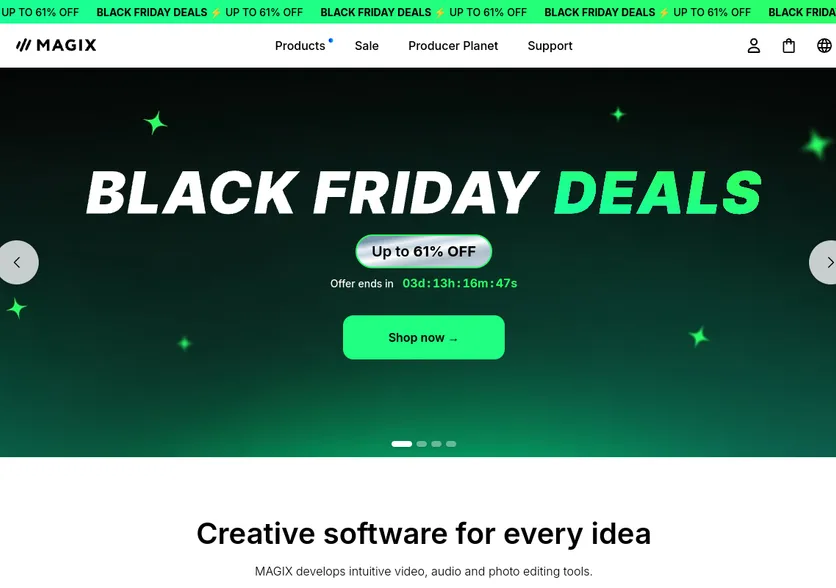
Paid tool Starting price: $54.99 one-time · Video Deluxe 2027 Plus license, $54.99 one-time list price; Black Friday sale around forty dollars is ignored; Premium $69.99, Ultimate $119.99; priceSource is the vendor homepage
Free plan: Free trial available; no free plan
Magix Video Deluxe is the straightforward editor for family movies, with a clear interface, automatic editing helpers and a good effects library. This Magix Video Deluxe Plus license covers the full editor for a one-time payment, with no subscription to follow. A beginner who wants to turn holiday clips into a watchable movie will find Video Deluxe the least intimidating tool here.
What we like
- Very clear interface for beginners
- Automatic editing helpers save time
- One-time payment with no subscription
Watch out for
- Plus license costs about fifty-five dollars paid once
- Fewer professional tools than rivals
How to try it
- Open the Magix site and download the trial
- Import your clips and let the wizard arrange them
- Add music and export the finished movie
6. Lightworks
Best for: Creators who want a free editor with a pro upgrade path
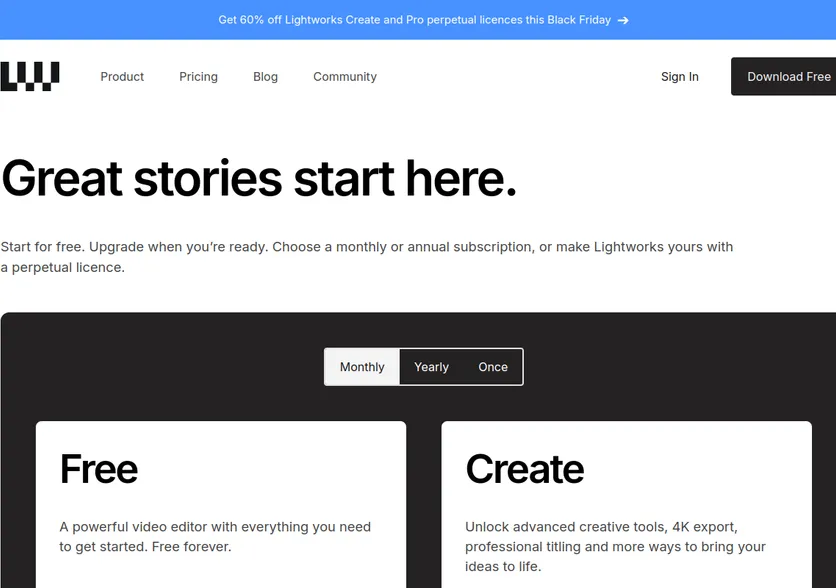
Paid tool Starting price: $27.99/month · Pro plan, $27.99 a month; Create plan $13.99 a month; Pro annual $279.99 a year, perpetual $419.99; some October 2026 reads cite $23.99 a month, the November reads confirm $27.99
Free plan: Free plan with 720p exports
Lightworks is the veteran editor behind real feature films, with a free version that covers most clip editing and a Pro plan that unlocks the full toolset. This Lightworks Pro plan adds higher export resolutions, more effects and the full format support professionals need. A creator who wants to learn on a free editor and upgrade later will find Lightworks the smartest path.
What we like
- Free version covers real editing work
- Used on real feature films
- Pro upgrade is straightforward when you need it
Watch out for
- Pro costs about twenty-eight dollars a month
- Free exports are limited to low resolution
How to try it
- Open the Lightworks pricing page and download the free version
- Import your clips and cut them on the timeline
- Upgrade to Pro when you need higher exports
7. Corel VideoStudio Ultimate
Best for: Windows users who want a full-featured editor for one payment
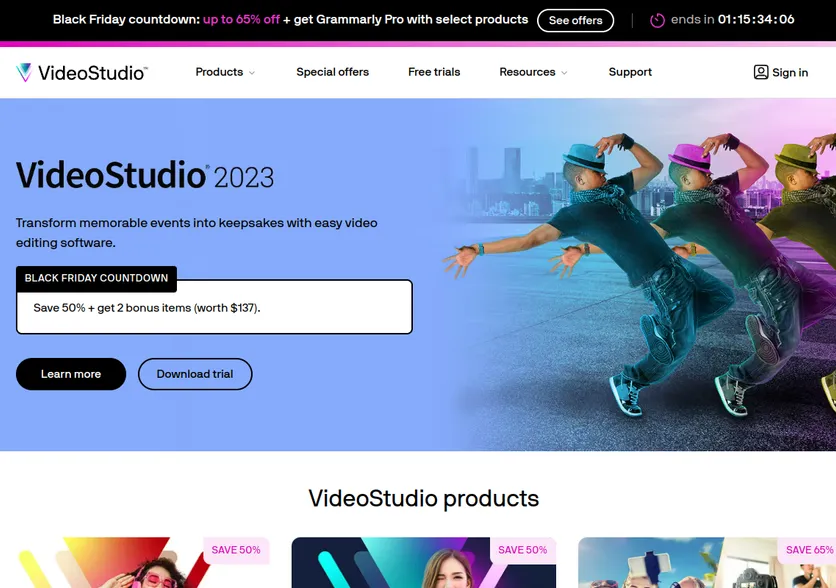
Paid tool Starting price: $99.99 one-time · VideoStudio Ultimate 2026 license, $99.99 one-time; Pro version $79.99
Free plan: 30-day free trial; no free plan
Corel VideoStudio Ultimate is the feature-packed Windows editor, with a huge effects library, screen recording and multi-camera editing in one package. This Corel VideoStudio Ultimate 2026 license covers the full editor for a one-time payment, with no subscription to follow. A Windows user who wants every feature for one price will find VideoStudio Ultimate the best value here.
What we like
- Huge effects and template library
- Multi-camera editing included
- One-time payment with no subscription
Watch out for
- Ultimate license costs about one hundred dollars paid once
- Windows only, so Mac users cannot use it
How to try it
- Open the VideoStudio product page and start a trial
- Import your clips and explore the effects library
- Edit the movie and export it in full quality
8. VideoPad
Best for: Beginners who want a simple, cheap editor for home movies
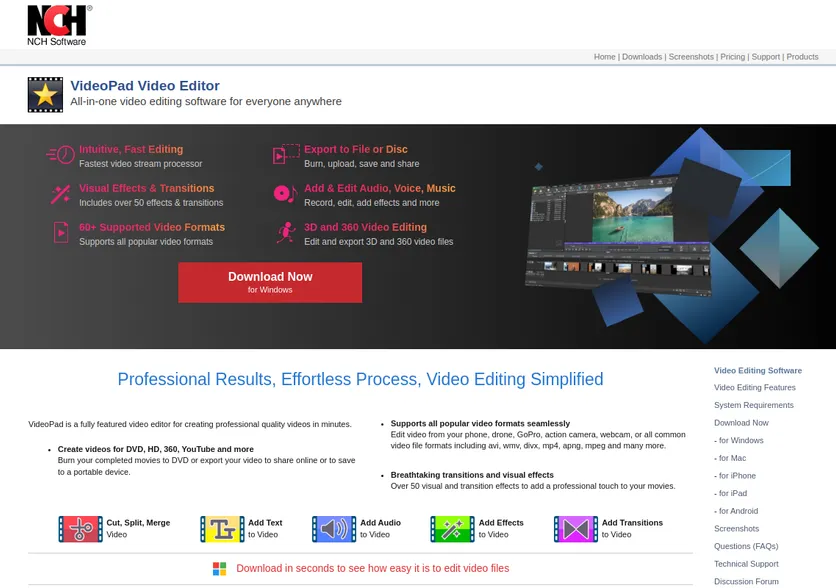
Paid tool Starting price: $129 one-time · Home Edition license, $129 one-time list price; November 2026 promo around eighty dollars is ignored; Master's Edition $195 list; quarterly plan $10.83 a month billed $32.49 a quarter
Free plan: Free version for non-commercial use
VideoPad is the budget editor for home movies, with a simple timeline, easy transitions and a price that undercuts most rivals. This VideoPad Home Edition license covers the full editor for a one-time payment, with no subscription to follow. A beginner who wants to edit family clips without learning a complex tool will find VideoPad the easiest start here.
What we like
- Very simple timeline for beginners
- Low one-time price with no subscription
- Handles common video formats well
Watch out for
- Home Edition costs one hundred twenty-nine dollars once
- Interface looks dated next to modern editors
How to try it
- Open the VideoPad product page and download the free version
- Import your clips and drag them onto the timeline
- Add transitions and export the finished movie
Prices above were checked on each vendor’s own website on Nov 26, 2026 and can change — the vendor’s page is the final word. Vendor links are editorial: nobody paid to be listed or ranked here. Vendors who want a featured listing can see how it works on our Get listed page.
What movie clip editing software costs in 2026
Most creators pay for one editor, so the yearly price or the one-time license is the whole budget, and the free versions cover a surprising amount of real work. This list runs from free versions of DaVinci Resolve and Lightworks to a one-time license near three hundred dollars for cinema tools, with yearly plans around fifty dollars in between. The headline plan each vendor shows on its own pricing page is the number in the table above, checked on November 26, 2026.
Start with the free version on two tools and edit the same clips in both. Compare how smooth the playback feels and how happy you are with the export, then pay for the one that gets out of your way. A fifty-dollar tool you use after every shoot beats a three-hundred-dollar suite you never open.
Before you buy
- Match the editor to your clips, because a phone clip and a four-K camera file need very different tools.
- Check the export limits first, because a free version that caps exports at low resolution wastes your best footage.
- Test the timeline on your own computer, because smooth playback matters more than any feature list.
- Ask whether the tool handles your file formats, because a converter step before every edit gets old fast.
- Try the free version on a real project, because a demo clip never shows how the editor handles your footage.
Official websites
Official websites of the products reviewed above. Features and prices were checked against these sites when this guide was written, and they can change, so confirm on the vendor site before you buy.
Frequently asked questions
What is the best software for movie clip editing in 2026?
Filmora Basic, at about fifty dollars a year, is the safest default because it is easy to learn and includes effects and music for quick movie edits. DaVinci Resolve is better when you care about color, since its free version covers most editing. Premiere Pro wins for professional work, at about twenty-three dollars a month for the full timeline and color tools.
What is the cheapest software for movie clip editing?
Filmora Basic, at about fifty dollars a year, is the cheapest paid plan here, and Magix Video Deluxe Plus matches it at about fifty-five dollars paid once. Lightworks offers a free plan with real editing tools, and DaVinci Resolve has a free version with full editing and color grading. Start free with either one before paying anything.
Can I edit movie clips for free?
Yes, DaVinci Resolve and Lightworks both offer free versions with real editing tools. DaVinci Resolve free covers full editing and color grading, while Lightworks free exports at lower resolution. Filmora and VideoPad also offer free versions with watermarked exports. Start free, edit a real project, and pay only when you need higher exports or more effects.
Is Filmora or Premiere Pro better for movie clips?
Filmora is better for most people because it is easier to learn and costs about fifty dollars a year. Premiere Pro is better when you need frame-accurate cutting, professional color tools and the Adobe stock library. Filmora suits quick edits and family movies, while Premiere Pro suits creators who edit every day and want the industry standard.
Which movie clip editor is the best value for a one-time purchase?
DaVinci Resolve Studio, at two hundred ninety-five dollars paid once, is the best value for cinema color grading because its tools beat editors costing far more. Corel VideoStudio Ultimate, at about one hundred dollars paid once, is the best value for Windows users who want every feature. Pinnacle Studio, at about sixty dollars paid once, is the cheapest full desktop editor here.
Want free video tools too? Try Toolsvine's free video tools right in your browser.
Browse Video Tools tools


