
On this page
Projection mapping turns a plain wall, stage or building into a moving canvas, so the software has to keep up with the show. The seven tools below run from nineteen dollars a year to a one-time six hundred dollars, and every price was checked on the vendor site on November 27, 2026. Some map video onto surfaces, others map light, so match the tool to the job before you pay. VDMX is our first pick — the most capable mapping tool at a one-time price.
How we researched this
We started with the projection mapping tools live-show teams actually buy, then read each price on the vendor pricing page on November 27, 2026 and noted the free trial each plan carries. We kept only tools with a published US dollar price and judged them for a team that maps video or light onto real surfaces. We dropped Screenberry because its site publishes no price, and Resolume Arena, MadMapper and HeavyM because their stores list euros, not dollars.
Compare the tools
| Name | Best for | Starting price | Free plan | |
|---|---|---|---|---|
 VDMX | Mac-based VJs and stage teams that want real-time video mixing at a one-time price | $199.99 one-time | No free plan; demo version available | Visit |
| TouchDesigner | Teams building custom installations with node-based visuals and sensor input | $600 one-time | Free Non-Commercial license available | Visit |
 Isadora | Theatre and dance companies that need scene-based cueing for live performance | $199/year | No free plan; demo available | Visit |
 Enttec ELM | Lighting teams that map LED fixtures and DMX universes from a timeline | $250 one-time | No free plan listed | Visit |
| Disguise Designer | Production teams running arena-scale shows with 3D previsualization | $159/month | No free plan; free trial available | Visit |
| ProPresenter | Churches and venues running mapped multi-projector shows from a presentation workflow | $399 one-time | No free plan; free trial available | Visit |
 LumaPlane | First-time mappers who want a browser-based tool at nineteen dollars a year | $19/year | Free plan available | Visit |
The projection mapping software, compared
1. VDMX
Best for: Mac-based VJs and stage teams that want real-time video mixing at a one-time price
Paid tool Starting price: $199.99 one-time · Standard, one hundred ninety-nine dollars and ninety-nine cents one-time; Plus costs three hundred forty-nine dollars
Free plan: No free plan; demo version available
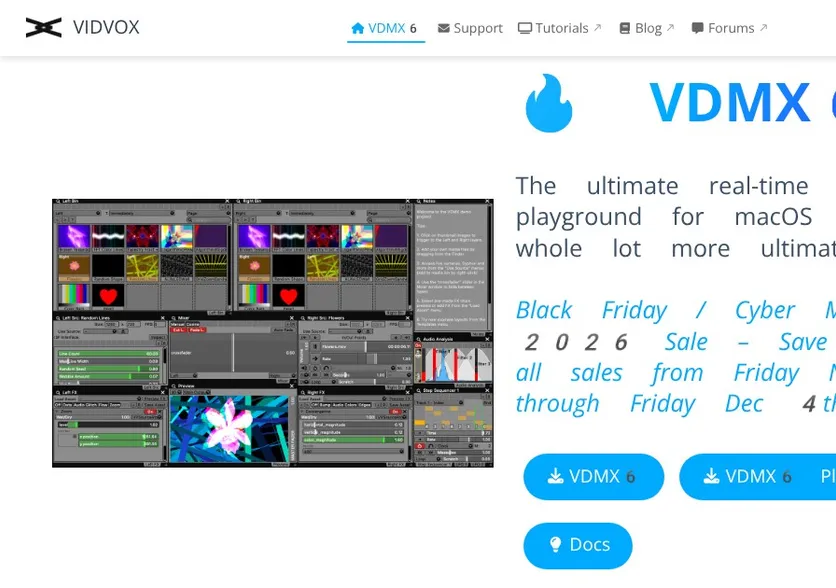
VDMX is the live-show workhorse here, mixing video in real time with MIDI and OSC control for VJs and stage teams. This VDMX Standard license costs one hundred ninety-nine dollars and ninety-nine cents one-time, which is the cheapest professional mapping license in this list. A Mac-based team gets Syphon and NDI output plus layers, effects and clock sync, though Windows users need a different tool.
What we like
- Real-time video mixing with layers and effects
- MIDI and OSC control for live performance
- Syphon and NDI output for multi-app workflows
Watch out for
- Mac only, so Windows teams need a different tool
- The base edition lacks some Plus features
How to try it
- Open the VDMX site and download the demo version
- Build a two-layer mix with a MIDI controller
- Test Syphon output to a projector before you buy
2. TouchDesigner
Best for: Teams building custom installations with node-based visuals and sensor input
Paid tool Starting price: $600 one-time · Commercial, six hundred dollars one-time; Educational costs three hundred dollars and Pro costs two thousand two hundred dollars
Free plan: Free Non-Commercial license available
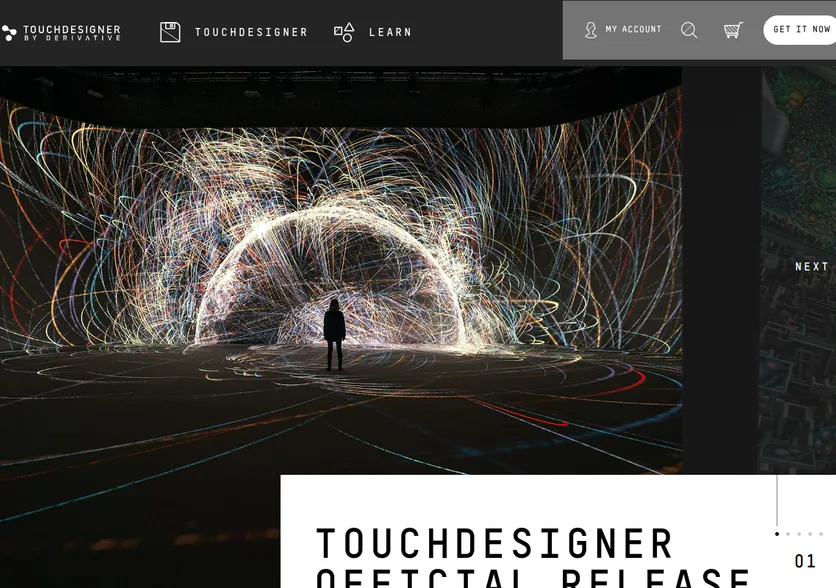
TouchDesigner is the most powerful tool here, building real-time visuals from a node graph that can drive almost anything on stage. This TouchDesigner Commercial license costs six hundred dollars one-time, with an Educational license at three hundred dollars and a Pro license at two thousand two hundred dollars. A team that builds custom installations gets Python scripting, 3D rendering and sensor input, plus a free Non-Commercial license to learn with.
What we like
- Node-based visuals that can drive almost anything
- Python scripting for custom installations
- Free Non-Commercial license for learning
Watch out for
- Steep learning curve for new users
- Large shows usually need the Pro license at two thousand two hundred dollars
How to try it
- Download TouchDesigner and claim the free Non-Commercial license
- Build a simple node network that reacts to audio
- Test the output resolution you need before buying Commercial
3. Isadora
Best for: Theatre and dance companies that need scene-based cueing for live performance
Paid tool Starting price: $199/year · Yearly subscription, one hundred ninety-nine dollars a year; perpetual license costs seven hundred twenty-five dollars
Free plan: No free plan; demo available
Isadora is built for live performance, cueing video, audio and MIDI from a scene-based timeline that a stage manager can run. This Isadora Yearly Subscription costs one hundred ninety-nine dollars a year, while a perpetual license costs seven hundred twenty-five dollars. A theatre or dance company gets stable playback and a demo to test with, though the yearly plan stops working if you stop paying.
What we like
- Scene-based cueing built for live performance
- Video, audio and MIDI in one timeline
- Stable playback trusted by theatre companies
Watch out for
- Yearly subscription stops working if you stop paying
- Perpetual license costs seven hundred twenty-five dollars
How to try it
- Open the Isadora site and download the demo
- Build a three-scene show with video and audio cues
- Run it on your stage hardware before you buy
4. Enttec ELM
Best for: Lighting teams that map LED fixtures and DMX universes from a timeline
Paid tool Starting price: $250 one-time · Professional, two hundred fifty dollars one-time for sixteen universes; Architectural costs one thousand nine hundred ninety-nine dollars
Free plan: No free plan listed
Enttec ELM maps light rather than video, driving LED fixtures and DMX universes from a timeline. This Enttec ELM Professional license costs two hundred fifty dollars one-time for sixteen universes, with an Architectural edition at one thousand nine hundred ninety-nine dollars. A lighting team gets timeline-based control that pairs with Enttec hardware, though video mapping still needs a second tool.
What we like
- Timeline-based lighting control for LED fixtures
- DMX over Ethernet with Enttec hardware
- Low one-time price for sixteen universes
Watch out for
- It maps lights, not projector beams, so video mapping needs a second tool
- Professional caps at sixteen universes
How to try it
- Open the Enttec site and check the ELM editions
- Map a small LED rig on the Professional plan
- Test the timeline with your fixtures before you buy
5. Disguise Designer
Best for: Production teams running arena-scale shows with 3D previsualization
Paid tool Starting price: $159/month · Designer Pro, one hundred fifty-nine dollars a month or one thousand five hundred dollars a year
Free plan: No free plan; free trial available
Disguise Designer is the professional choice for big stages, pairing 3D visualization with a timeline for previsualization and show control. This Disguise Designer Pro plan costs one hundred fifty-nine dollars a month or one thousand five hundred dollars a year, which is the only monthly subscription in this list. A production team gets real-time rendering and a workflow built for arena shows, though smaller venues will find the price steep.
What we like
- 3D stage visualization with real-time rendering
- Timeline and previsualization for big shows
- Workflow built for arena-scale production
Watch out for
- Monthly billing costs more than the yearly rate over a year
- Full show control needs the higher Designer tiers
How to try it
- Open the Disguise site and compare the Designer tiers
- Build a 3D stage model and run a previsualization
- Test the timeline with your show file before you buy
6. ProPresenter
Best for: Churches and venues running mapped multi-projector shows from a presentation workflow
Paid tool Starting price: $399 one-time · Single seat, three hundred ninety-nine dollars one-time
Free plan: No free plan; free trial available
ProPresenter runs multi-screen shows from a presentation workflow, with edge blending for projectors that span a wide stage. This ProPresenter single seat costs three hundred ninety-nine dollars one-time, which covers one machine for churches and venues. A team that already runs services from slides gets stage display and multi-screen output, though true video mapping needs extra tools.
What we like
- Multi-screen output with edge blending
- Stage display for presenters and musicians
- Familiar presentation workflow for churches
Watch out for
- It is presentation software first, so true video mapping needs extra tools
- Each seat costs three hundred ninety-nine dollars
How to try it
- Open the Renewed Vision site and download the trial
- Set up a two-projector show with edge blending
- Test the stage display with your team before you buy
7. LumaPlane
Best for: First-time mappers who want a browser-based tool at nineteen dollars a year
Paid tool Starting price: $19/year · Basic, nineteen dollars a year; Pro costs forty-nine dollars a year and a free plan is available
Free plan: Free plan available
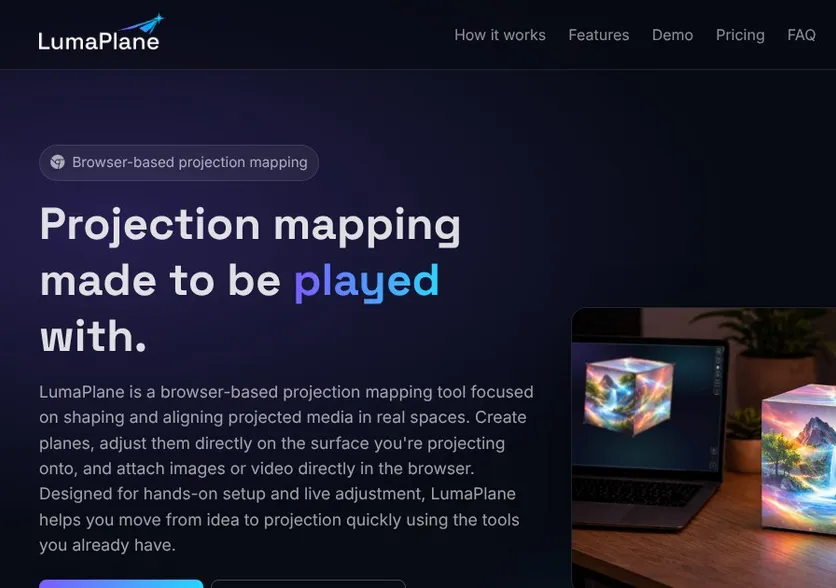
LumaPlane is the browser-based entry point here, mapping a small show without installing anything. This LumaPlane Basic plan costs nineteen dollars a year, with a Pro plan at forty-nine dollars a year and a free plan to start with. A team trying mapping for the first time gets a quick setup and a low price, though heavy shows may need a desktop tool.
What we like
- Browser-based mapping with nothing to install
- Quick setup for a first small show
- Free plan to test the workflow
Watch out for
- Browser-based, so heavy shows can lag
- Advanced features need the Pro plan at forty-nine dollars a year
How to try it
- Open the LumaPlane site and claim the free plan
- Map one surface in the browser
- Upgrade to Basic when you need more projectors
Prices above were checked on each vendor’s own website on Nov 27, 2026 and can change — the vendor’s page is the final word. Vendor links are editorial: nobody paid to be listed or ranked here. Vendors who want a featured listing can see how it works on our Get listed page.
What projection mapping software costs in 2026
Most tools here sell as a one-time license, so the bill is a single payment rather than a monthly charge. A one hundred ninety-nine dollar license looks steep next to a nineteen dollar a year plan, yet the yearly plan can cost more over three years of shows. Subscription tools like Disguise Designer suit a team that maps every month, while a one-time license suits a venue that buys once and runs the same show for years.
Start with the free version or demo on two tools and map one real surface in each. Compare how the warp and blend controls behave, how the software handles a second projector, and whether the plan you buy covers the output resolution you need. Pick the tool whose workflow your operator learns fastest, because a show night is the wrong time to fight the software.
Before you buy
- Check whether the price is one-time or yearly, because a cheap yearly plan can cost more than a license over three years.
- Confirm the tool maps your medium, because Enttec ELM maps lights while the rest here map video.
- Count your projectors first, because output limits and seat prices change with every screen you add.
- Test the warp and edge-blend controls in the demo, because a mapping tool lives or dies on its geometry.
- Check the platform, because VDMX runs on Mac only and a Windows venue needs a different tool.
Official websites
Official websites of the products reviewed above. Features and prices were checked against these sites when this guide was written, and they can change, so confirm on the vendor site before you buy.
Frequently asked questions
Which projection mapping software is best in 2026?
VDMX is the best overall pick at one hundred ninety-nine dollars and ninety-nine cents one-time, with real-time mixing and MIDI control for live shows. TouchDesigner is the most powerful at six hundred dollars one-time, while LumaPlane is the cheapest entry at nineteen dollars a year. Pick VDMX for live VJ work, TouchDesigner for custom installations, and LumaPlane for a first small show.
How much does projection mapping software cost?
One-time licenses here run from one hundred ninety-nine dollars and ninety-nine cents to seven hundred twenty-five dollars, while yearly plans run from nineteen dollars to one hundred ninety-nine dollars a year. Disguise Designer is the only monthly subscription at one hundred fifty-nine dollars a month or one thousand five hundred dollars a year. A small venue can start mapping for under two hundred dollars, while a professional show budget runs into four figures.
Do I need a Mac for projection mapping?
Not always, but VDMX runs on Mac only, so a Windows venue needs TouchDesigner, Isadora or LumaPlane instead. Most tools here run on Windows and Mac, and LumaPlane runs in a browser on any machine. Check the platform line on the vendor page before you buy, because a license for the wrong operating system is money wasted.
Is there a free projection mapping tool?
TouchDesigner offers a free Non-Commercial license with capped resolution, and LumaPlane has a free plan for one user. VDMX, Isadora and ProPresenter offer demos to test with, though the demos limit output or add watermarks. Start free to learn the workflow, then pay for the license that unlocks full resolution.
What should I look for in projection mapping software?
Look for warp and edge-blend controls that handle your surface, support for the number of projectors you run, and a cue system that fits live shows. Check whether the price is one-time or yearly, and whether the tool maps video, light or both. The best tool is the one your operator can run under pressure, not the one with the longest feature list.
Need everyday video help too? Try Toolsvine's free video tools right in your browser.
Browse Video Tools tools


