
On this page
How we researched this
We picked tools that are widely used, actively maintained and priced transparently on the vendor's own site, so every figure below was checked on 2026-11-26. We dropped vendors that only quote prices on request, because a testing tool you cannot price is a tool you cannot budget for. We favoured platforms that cover a clear job — live testing, automation, or test management — rather than tools that do a little of everything badly.
Compare the tools
| Name | Best for | Starting price | Free plan | |
|---|---|---|---|---|
 BrowserStack | Teams that need real devices and browsers on demand | $29/user/month | No free plan — paid plans start at $12.50/month | Visit |
 LambdaTest | Small teams that want the cheapest real-device testing | $15/month | Free plan (limited live testing minutes, renewed monthly) | Visit |
| Sauce Labs | Teams that want unlimited users and unlimited test minutes | $39/month | No free plan listed (paid plans start at $39/month) | Visit |
 TestRail | QA teams that need structured test case management | $39/user/month | Free trial (30-day free trial on every plan, no credit card) | Visit |
 Cypress | JavaScript teams that live in the browser | $67/month | Free plan (Starter free for up to 10 users) | Visit |
 Katalon | Teams that want low-code automation with AI self-healing | $150/seat/month | Free plan (local authoring and execution) | Visit |
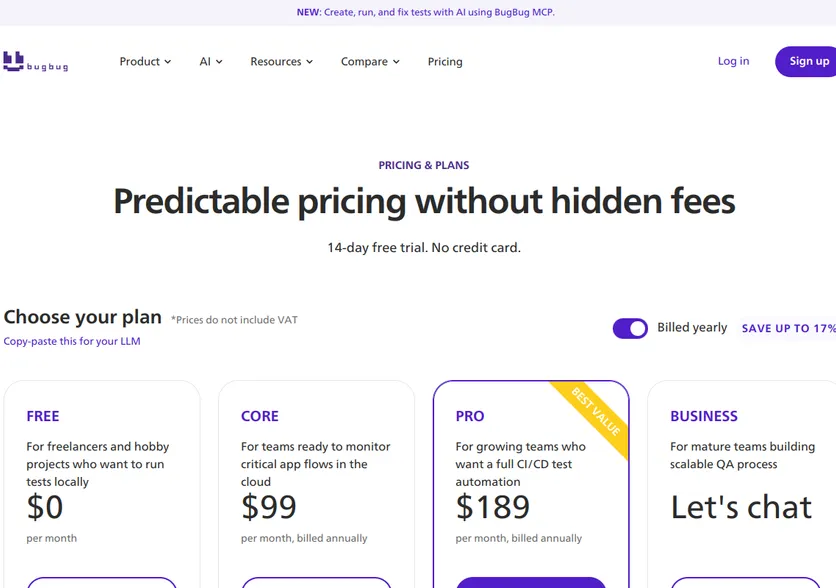
 BugBug | Small SaaS teams that want simple no-code test automation | $99/month | Free plan (local testing, 1 user, 15 tests) | Visit |
The 7 best software testing tools
1. BrowserStack
Best for: Teams that need real devices and browsers on demand
Paid tool Starting price: $29/user/month · Live Desktop plan per user per month, billed annually; Freelancer plan from $12.50/month
Free plan: No free plan — paid plans start at $12.50/month
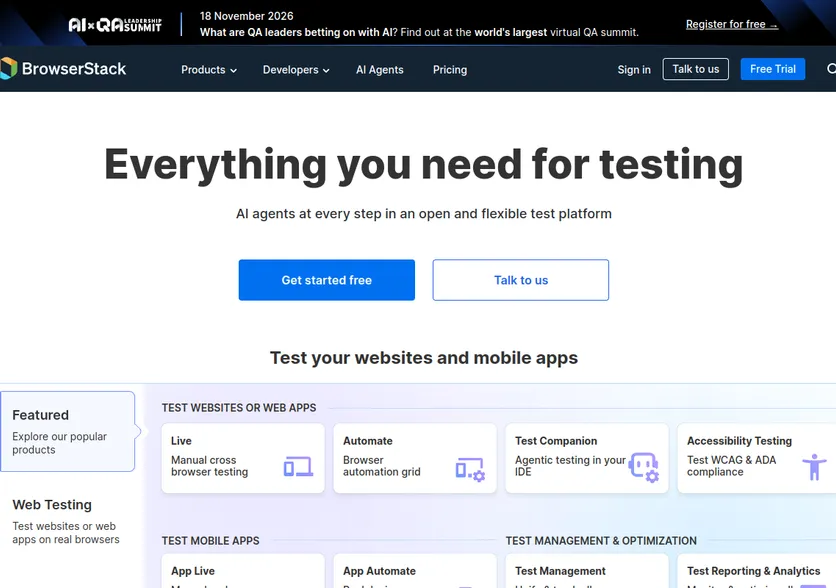
BrowserStack is the biggest name in cloud testing, with 35,000 real iOS and Android devices and 3,500 browser combinations you can drive from your browser. The Live Desktop plan costs $29 per user per month billed annually and covers unlimited manual testing minutes on desktop browsers. Automation, visual testing and accessibility checks are sold as separate products, so you pay for exactly the testing you need.
What we like
- Largest real-device cloud in this roundup
- Unlimited manual testing minutes on Live
- Strong integrations with Jira, Slack and GitHub
Watch out for
- Each product is billed separately, so costs stack up
- Real-device plans cost more than desktop-only ones
How to try it
- Sign up and open the Live dashboard in your browser
- Pick a browser, version and operating system to test
- Start a live session and drive the remote browser directly
2. LambdaTest
Best for: Small teams that want the cheapest real-device testing
Paid tool Starting price: $15/month · Virtual Live plan per parallel session, billed annually; automation starts at $29/month
Free plan: Free plan (limited live testing minutes, renewed monthly)
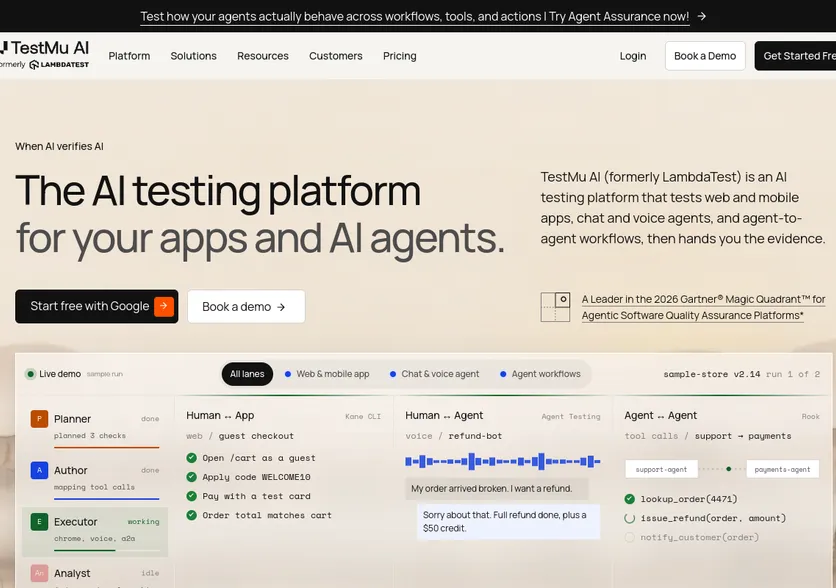
LambdaTest, now rebranded as TestMu AI, undercuts BrowserStack on price while covering the same core job: live and automated testing on virtual browsers and real devices. The Virtual Live plan costs $15 per month billed annually and gives unlimited live testing on 3,000 virtual browsers. Automation starts at $29 per month, and the AI test authoring agent KaneAI starts at $19 per agent per month.
What we like
- Cheapest paid plan in this roundup at $15 a month
- Per-session pricing, not per-user, for automation
- AI test authoring built into the platform
Watch out for
- Brand is changing to TestMu AI, so docs and URLs are shifting
- Real-device live testing costs $39 a month, not $15
How to try it
- Create a free account and open the Live dashboard
- Choose a browser or a real device to test on
- Run your manual checks or connect your automation suite
3. Sauce Labs
Best for: Teams that want unlimited users and unlimited test minutes
Paid tool Starting price: $39/month · Live Testing plan billed annually; $49 month-to-month
Free plan: No free plan listed (paid plans start at $39/month)
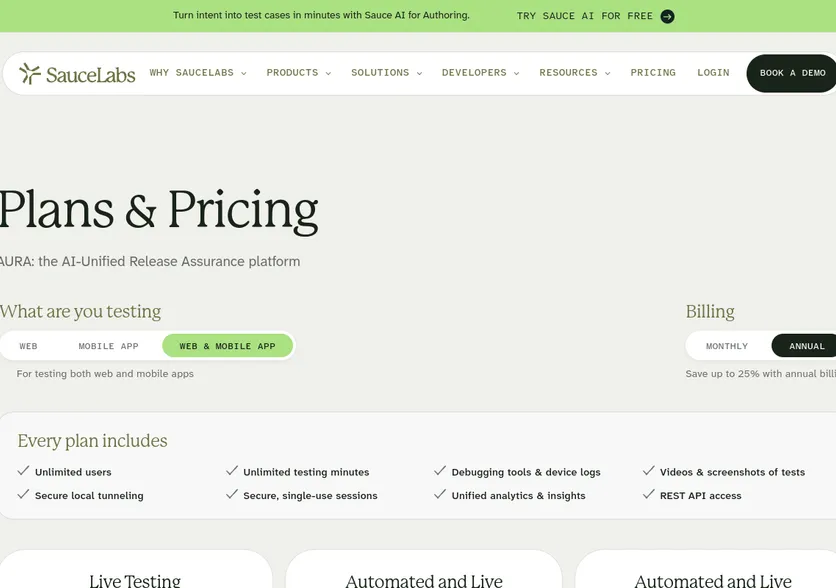
Sauce Labs takes a different pricing approach from its rivals: every plan includes unlimited users and unlimited testing minutes, and you pay for parallel tests instead. The Live Testing plan costs $39 per month billed annually and covers live and automated testing on virtual and real devices. Its new AURA platform adds AI test authoring, failure analysis and error reporting on top of the classic grid.
What we like
- Unlimited users and unlimited testing minutes
- AI failure analysis and test authoring included
- SOC 2 and ISO 27001 certified
Watch out for
- Visual testing and app distribution are separate products
- Enterprise features need a sales conversation
How to try it
- Create an account and open the Live Testing dashboard
- Pick a browser, device or app to test
- Run live sessions or connect your Selenium and Appium suite
4. TestRail
Best for: QA teams that need structured test case management
Paid tool Starting price: $39/user/month · Professional plan per user per month, billed annually; Essentials is $22
Free plan: Free trial (30-day free trial on every plan, no credit card)
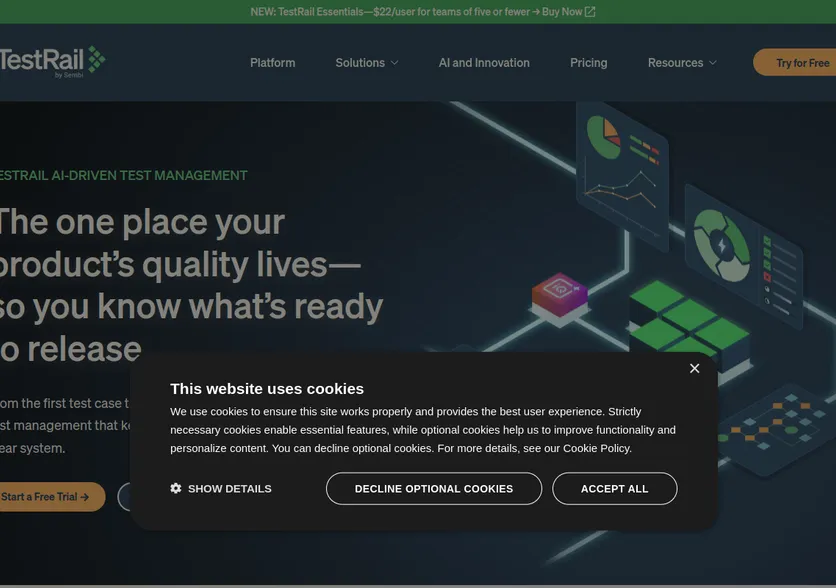
TestRail is a test management platform rather than a test runner: it organises your test cases, tracks results across runs and turns them into reports your team can act on. The Professional plan costs $39 per user per month billed annually and adds advanced reporting, deeper customisation and role-based access. Every plan now includes AI test case generation, BDD scenario generation and test script generation at no extra cost.
What we like
- Best-in-class test case organisation and reporting
- AI test generation included on every plan
- On-premise deployment available on paid plans
Watch out for
- It manages tests — you still need a runner to execute them
- No permanent free plan, only a 30-day trial
How to try it
- Start a free trial and create your first project
- Import or write test cases and group them into suites
- Run a test cycle and review the results dashboard
5. Cypress
Best for: JavaScript teams that live in the browser
Paid tool Starting price: $67/month · Team plan billed annually at $799/year; Starter free for up to 10 users
Free plan: Free plan (Starter free for up to 10 users)
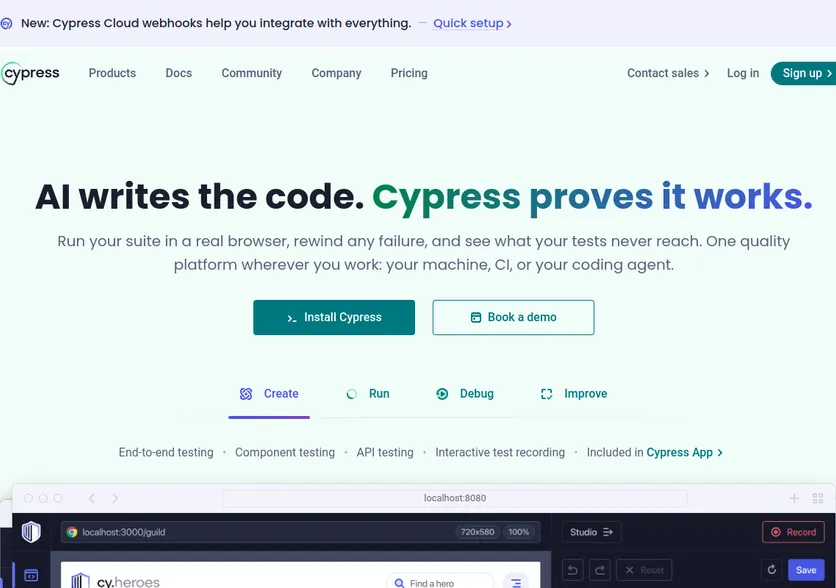
Cypress is the most loved end-to-end testing framework for web apps, with a test runner that runs in a real browser and shows exactly what happened at each step. The app itself is free and open source, and Cypress Cloud adds test recording, parallelisation and analytics. The Team plan costs $67 per month billed annually and covers 50 users with 120,000 test results a year, plus AI test generation while it is in beta.
What we like
- Best developer experience of any test runner here
- Free open-source app with a generous free Cloud tier
- Test Replay shows exactly what went wrong
Watch out for
- Cloud pricing is based on test results, so heavy suites cost more
- Web-only — mobile app testing needs another tool
How to try it
- Install Cypress and write your first test in JavaScript
- Run tests locally and watch them execute in the browser
- Connect to Cypress Cloud to record runs and parallelise them
6. Katalon
Best for: Teams that want low-code automation with AI self-healing
Paid tool Starting price: $150/seat/month · Studio Professional, $1,800/seat/year self-serve; $180/seat/month billed monthly
Free plan: Free plan (local authoring and execution)
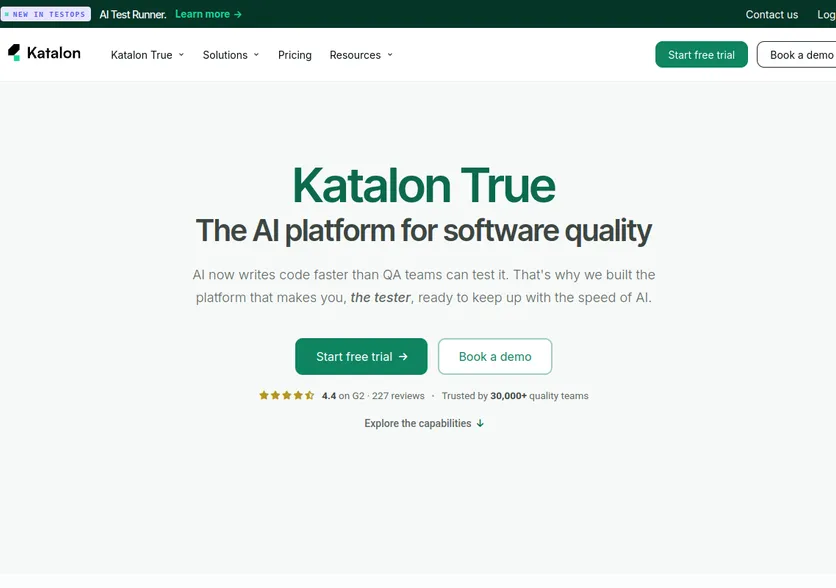
Katalon Studio is a desktop IDE for test automation that covers web, mobile, API and desktop apps without forcing you to write code for every test. The Professional seat costs $150 per seat per month at the self-serve online price of $1,800 a year, and it includes AI agents for authoring, failure analysis and self-healing tests. A free plan covers local authoring and execution, so you can learn the tool before paying.
What we like
- One tool for web, mobile, API and desktop testing
- AI self-healing fixes broken locators automatically
- Free plan for learning and local runs
Watch out for
- Most expensive per-seat price in this roundup
- Cloud execution needs TestCloud sessions on top
How to try it
- Download Katalon Studio and start the 30-day trial
- Record a test by clicking through your app
- Run the suite locally or in CI with Runtime Engine
7. BugBug
Best for: Small SaaS teams that want simple no-code test automation
Paid tool Starting price: $99/month · Core plan billed annually; Pro is $189/month
Free plan: Free plan (local testing, 1 user, 15 tests)
BugBug is the simplest tool on this list: a low-code recorder that turns clicks into automated end-to-end tests, with cloud runs, schedules and alerts. The Core plan costs $99 per month billed annually and gives unlimited cloud test runs for 3 users and 3 projects, with 50 tests. The Pro plan at $189 a month adds visual regression, CI/CD pipelines and unlimited everything, which suits teams that automate heavily.
What we like
- Easiest recorder to learn in this roundup
- Unlimited cloud runs on every paid plan
- Clear flat pricing with no per-minute charges
Watch out for
- Core plan caps you at 50 tests and 3 projects
- API testing is still listed as coming soon
How to try it
- Install the recorder and click through your app once
- Save the recording as an automated test
- Schedule cloud runs and get alerts when a test fails
Prices above were checked on each vendor’s own website on Nov 26, 2026 and can change — the vendor’s page is the final word. Vendor links are editorial: nobody paid to be listed or ranked here. Vendors who want a featured listing can see how it works on our Get listed page.
How to pick the right software testing tool
Start by naming the job: manual checks on real devices, automated end-to-end tests in CI, or organised test case management. A team that tests by hand needs BrowserStack, LambdaTest or Sauce Labs; a team that automates needs Cypress, Katalon or BugBug; a team drowning in spreadsheets needs TestRail. Then check the billing unit carefully, because per-user, per-seat and per-parallel prices behave very differently as your team grows. Finally, run a real trial on your own app before committing to a year — every tool here has a free plan or trial, and an hour with your actual test suite tells you more than any comparison page.
Before you buy
- Match the billing unit to your team — per user, per seat or per parallel session
- Check whether real devices are included or cost extra
- Confirm your framework works — Selenium, Playwright, Cypress or Appium
- Ask how test minutes, screenshots or results are counted before you commit
- Run a real trial on your own app before paying for a year
Official websites
Official websites of the products reviewed above. Features and prices were checked against these sites when this guide was written, and they can change, so confirm on the vendor site before you buy.
Frequently asked questions
Which software testing tool should I choose first?
It depends on what you test. BrowserStack and LambdaTest cover live manual testing and automation on real devices and browsers, which suits most web and mobile teams. TestRail is for organising test cases rather than running them, so it pairs with a runner like Cypress or Katalon. Cypress is the best pick for JavaScript web apps, while BugBug suits small teams that want simple no-code automation.
Is there a free software testing tool?
Cypress is free and open source for local test runs, and its Cloud Starter plan is free for up to 10 users. Katalon and BugBug both offer free plans for local testing, and LambdaTest has a free tier with limited live testing minutes. TestRail and BrowserStack have no permanent free plan, though TestRail offers a 30-day trial on every plan.
How much does BrowserStack cost per month?
BrowserStack Live Desktop costs $29 per user per month billed annually, and its Freelancer plan starts at $12.50 a month. LambdaTest is cheaper at $15 a month for virtual browsers, though real-device testing costs $39. Sauce Labs charges $39 a month with unlimited users and unlimited minutes, which can work out cheaper for larger teams.
Is paid test automation worth it for a small team?
Yes, for most teams. Automated tests catch regressions every time you deploy, and they pay for themselves the moment a bug that would have reached customers is caught in CI instead. Start with the free tiers of Cypress or BugBug to prove the value on one critical flow, then pay for a plan once the suite grows beyond what the free tier allows.
What is the difference between cross-browser and visual testing?
Cross-browser testing checks that your site works on different browsers, versions and operating systems, including real phones and tablets. Visual testing compares screenshots against a baseline to catch layout shifts, broken images and styling regressions. BrowserStack, LambdaTest and Sauce Labs cover both, while Cypress focuses on functional tests and BugBug adds visual regression on its Pro plan.
Shipping code every day? Try Toolsvine's free developer tools — JSON formatters, encoders and code generators — right in your browser.
Browse Developer Tools tools


