
On this page
Testing is the skill that turns a coder into an engineer, and the tools below are the ones employers actually ask about in interviews. The eight tools below run from free to a hundred and fifty dollars a seat a month, and every price was checked on the vendor site on November 26, 2026. Most offer a free plan or trial, so you can run your first test suite before paying. Cypress is our first pick — a modern test runner that starts at sixty-seven dollars a month and works from day one.
How we researched this
We started with the testing tools that employers actually ask about, then read each price on the vendor pricing page on November 26, 2026 and noted the free plan or trial each one carries. We judged them for a learner who wants real testing skills, not just a certificate. We kept only tools with a published price, and we dropped any tool whose price we could not verify on the vendor site.
Compare the tools
| Name | Best for | Starting price | Free plan | |
|---|---|---|---|---|
 Cypress | Developers learning modern end-to-end testing | $67/month | Free Starter plan for 500 test results a month and 10 users | Visit |
 Katalon Studio | Testers who want record-and-playback without writing code | $150/seat/month | Free plan available | Visit |
 TestRail | Teams that want to organize test cases and track results | $39/user/month | No free tier published on the pricing page | Visit |
 Postman | Developers learning API testing | $19/user/month | Free for up to 3 users | Visit |
 BrowserStack | Testers who need real browsers and devices without a lab | $29/user/month | No free tier published on the pricing page | Visit |
 Sauce Labs | Teams that need live and automated testing on real devices | $39/month | No free tier published on the pricing page | Visit |
 LambdaTest | Testers who want cheap live testing on real devices | $15/month | Free plan with 5 real-device sessions a month | Visit |
 Selenium | Developers who want to learn test automation for free | $0 | Free and open source | Visit |
The software testing tools to learn, compared
1. Cypress
Best for: Developers learning modern end-to-end testing
Paid tool Starting price: $67/month · Cloud Team plan, $67 a month billed annually, $799 a year, or $75 billed monthly; Business $267 a month billed annually; Starter free for 500 test results a month and 10 users
Free plan: Free Starter plan for 500 test results a month and 10 users
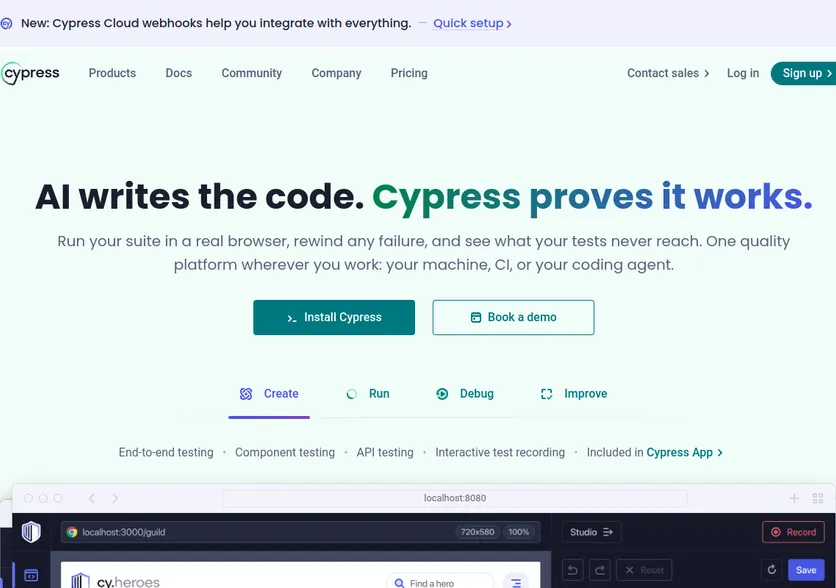
Cypress is the test runner that made end-to-end testing pleasant, with a visual runner that shows your app and your tests side by side. This Cypress Cloud Team plan adds parallel runs, test analytics and flaky test detection on top of the free runner. A developer can watch a test fail in real time, fix the bug, and rerun the suite without leaving the browser.
What we like
- Visual runner shows tests in real time
- Time travel debugging for failed tests
- Free Starter plan for small teams
Watch out for
- Team costs sixty-seven dollars a month billed annually
- Extra test results cost six dollars per thousand on Team
How to try it
- Open the Cypress pricing page and install the runner
- Write your first end-to-end test for a login page
- Run the test in the visual runner and watch it pass
2. Katalon Studio
Best for: Testers who want record-and-playback without writing code
Paid tool Starting price: $150/seat/month · Studio Professional, $150 a seat a month billed annually, $1,800 a seat a year, or $180 billed monthly; free plan; Runtime Engine and Test Cloud are paid add-ons
Free plan: Free plan available
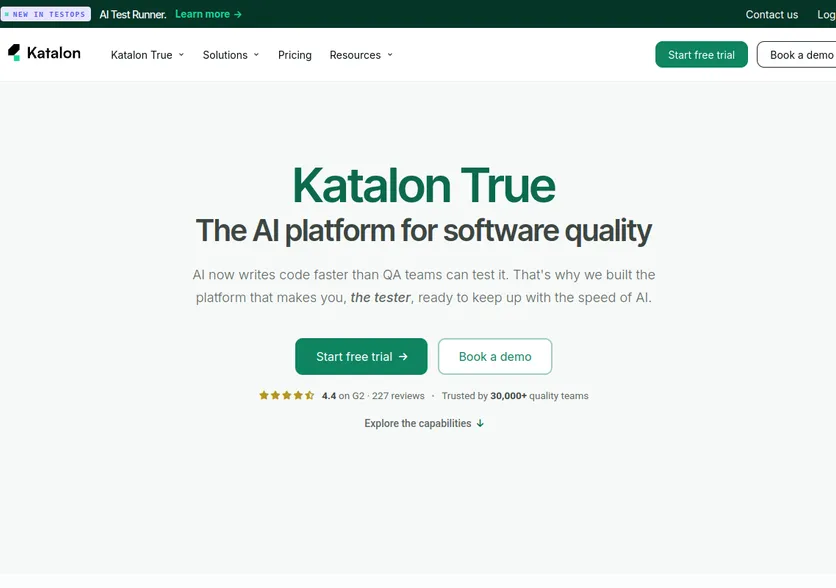
Katalon Studio is the low-code test tool, letting testers record a test by clicking through the app instead of writing scripts. This Katalon Studio Professional plan covers web, API and mobile testing, with smart waiting and self-healing locators that survive small UI changes. A tester can automate a whole regression suite without writing a line of code.
What we like
- Record and playback with no coding
- Covers web, API and mobile testing
- Self-healing locators survive UI changes
Watch out for
- Professional costs a hundred and fifty dollars a seat a month billed annually
- Runtime Engine and Test Cloud cost extra
How to try it
- Open the Katalon pricing page and download Studio
- Record a test by clicking through your app
- Run the test suite and review the report
3. TestRail
Best for: Teams that want to organize test cases and track results
Paid tool Starting price: $39/user/month · Professional plan, $39 a user a month billed annually or $41 billed monthly; Essentials $22 for up to 5 users; Enterprise $78
Free plan: No free tier published on the pricing page
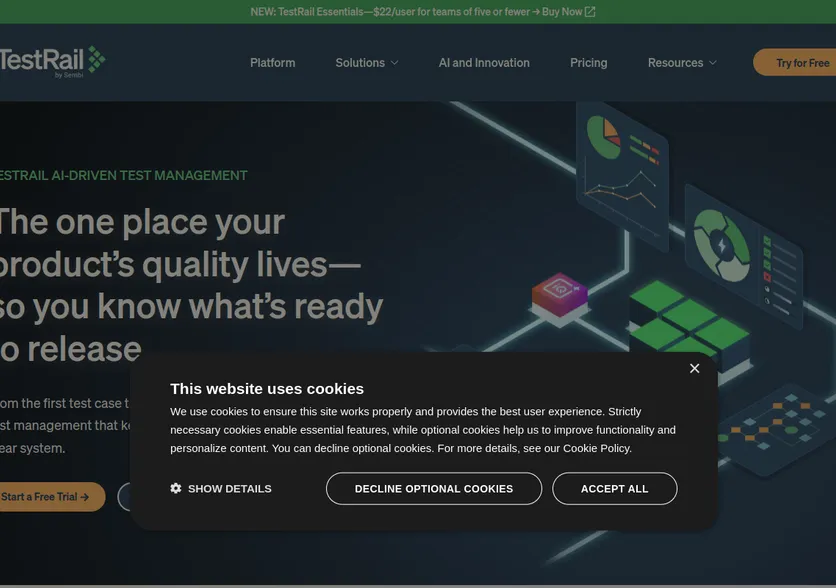
TestRail is the test case manager, the place where a team plans what to test, runs the cases and tracks the results. This TestRail Professional plan adds custom fields, milestones and advanced reporting on top of the Essentials core. A QA team can stop tracking tests in spreadsheets and see the whole release status in one dashboard.
What we like
- Clear test case organization and planning
- Results dashboard shows release status
- Integrates with Jira and automation tools
Watch out for
- Professional costs thirty-nine dollars a user a month billed annually
- Essentials is capped at five users
How to try it
- Open the TestRail pricing page and start a trial
- Create a test suite for your next release
- Run the test cases and review the results dashboard
4. Postman
Best for: Developers learning API testing
Paid tool Starting price: $19/user/month · Team plan, $19 a user a month billed annually ($23 billed monthly); Solo $9 a month for one user; Enterprise by quote; Basic $14 was retired March 1, 2026
Free plan: Free for up to 3 users
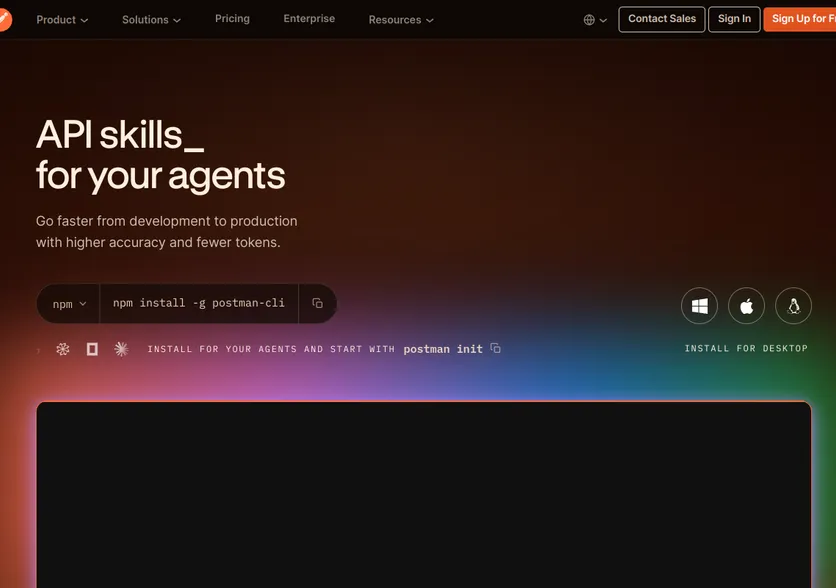
Postman is the API tool every developer knows, turning a raw endpoint into a saved request you can test, share and automate. This Postman Team plan adds more collaborators, shared workspaces and reporting on top of the free API client. A developer can test an endpoint, save the request, and hand the whole collection to a teammate in minutes.
What we like
- Fastest way to test any API
- Collections make requests shareable
- Free plan for up to three users
Watch out for
- Team costs nineteen dollars a user a month billed annually
- Advanced testing features need the Professional plan
How to try it
- Open the Postman pricing page and create an account
- Send your first API request and save it
- Build a collection and share it with your team
5. BrowserStack
Best for: Testers who need real browsers and devices without a lab
Paid tool Starting price: $29/user/month · Live Desktop plan, $29 a user a month billed annually or $39 billed monthly; Live Desktop and Mobile $39; Live Freelancer $12.50 billed annually for 1 user and 100 minutes
Free plan: No free tier published on the pricing page
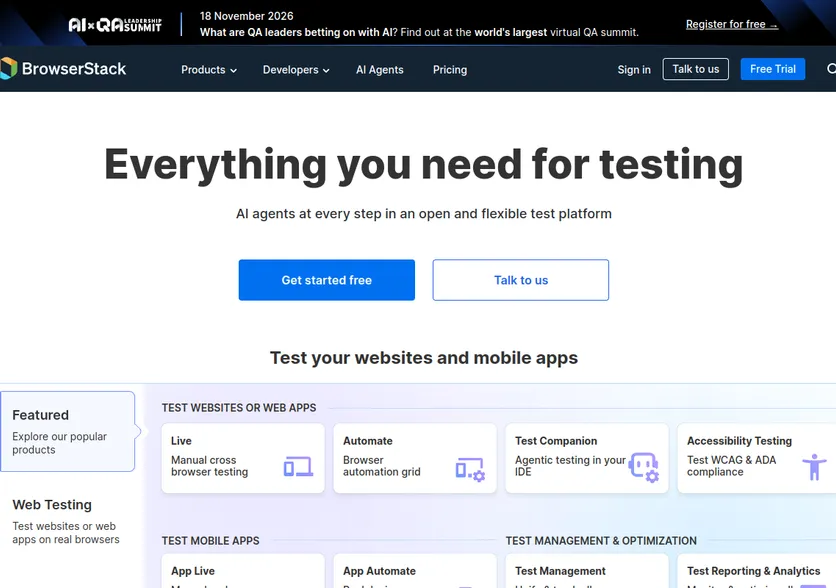
BrowserStack is the cloud lab, giving you real browsers and real devices to test on without buying a single phone. This BrowserStack Live Desktop plan covers interactive testing on desktop browsers, with screenshots and debugging tools built in. A tester can check a site on a browser they do not own and file the bug with proof attached.
What we like
- Real browsers and devices, no lab needed
- Screenshots and debugging built in
- Live Freelancer plan for solo testers
Watch out for
- Live Desktop costs twenty-nine dollars a user a month billed annually
- Live Freelancer is capped at a hundred minutes
How to try it
- Open the BrowserStack site and start a trial
- Pick a browser and start a live session
- Test your site and capture a screenshot of any bug
6. Sauce Labs
Best for: Teams that need live and automated testing on real devices
Paid tool Starting price: $39/month · Live Testing plan, $39 a month billed annually or $49 billed monthly; Virtual Device Cloud $149, Real Device Cloud $199; 1 parallel test, unlimited users and minutes; 28-day trial
Free plan: No free tier published on the pricing page
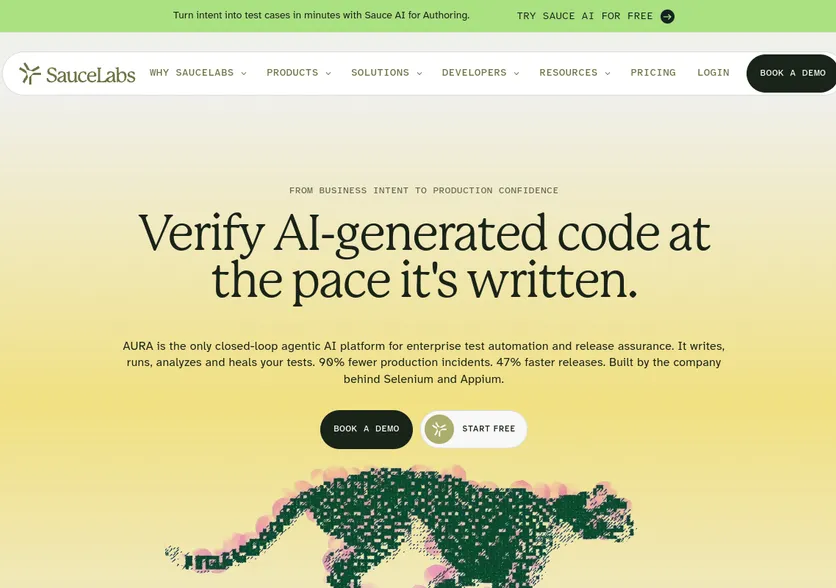
Sauce Labs is the testing cloud for teams that run live and automated tests on real devices and browsers. This Sauce Labs Live Testing plan covers manual testing on desktop browsers, with unlimited users and minutes for the whole team. A QA team can test on any browser, record the session, and share the result with developers in one link.
What we like
- Unlimited users and minutes on Live Testing
- Real devices and browsers in the cloud
- Session recordings for bug reports
Watch out for
- Live Testing costs thirty-nine dollars a month billed annually
- Automated testing needs the Virtual Device Cloud plan
How to try it
- Open the Sauce Labs site and start a trial
- Start a live session on a desktop browser
- Test your app and share the session recording
7. LambdaTest
Best for: Testers who want cheap live testing on real devices
Paid tool Starting price: $15/month · Virtual Live plan, $15 a month per parallel session billed annually or $19 billed monthly; ChromeOS Live $29, Real Device Plus Live $39; free plan with 5 real-device sessions a month; rebranded to TestMu AI in January 2026
Free plan: Free plan with 5 real-device sessions a month
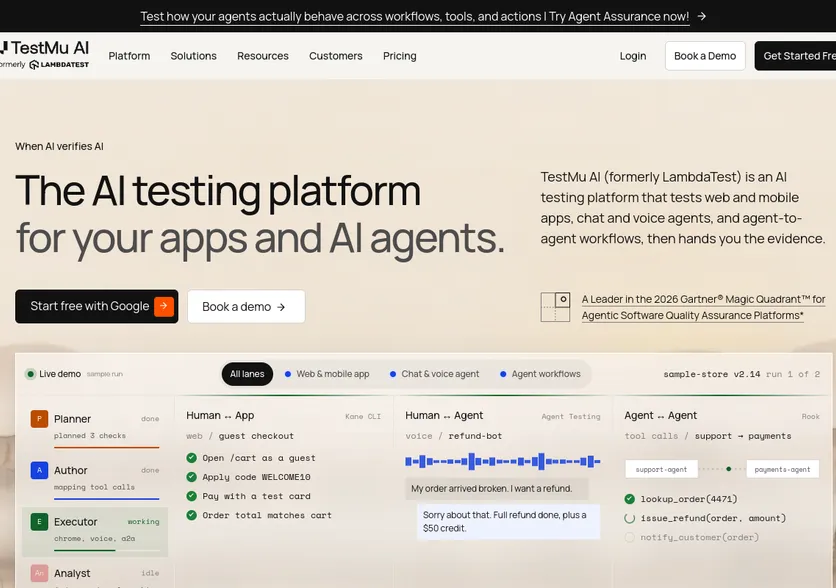
LambdaTest is the budget cloud lab, offering live testing on real browsers and devices at the lowest price on this list. This LambdaTest Virtual Live plan covers interactive testing on desktop browsers, with screenshots and a free plan for small teams. A tester can check a site on a dozen browsers in an afternoon without buying hardware or paying enterprise prices.
What we like
- Cheapest live testing on this list
- Free plan with five real-device sessions a month
- Screenshots built into every session
Watch out for
- Virtual Live costs fifteen dollars a month per parallel session billed annually
- Now rebranded to TestMu AI
How to try it
- Open the LambdaTest site and start a trial
- Pick a browser and start a live session
- Test your site and capture screenshots of any bug
8. Selenium
Best for: Developers who want to learn test automation for free
Paid tool Starting price: $0 · Free and open source test automation framework under the Apache 2.0 license
Free plan: Free and open source
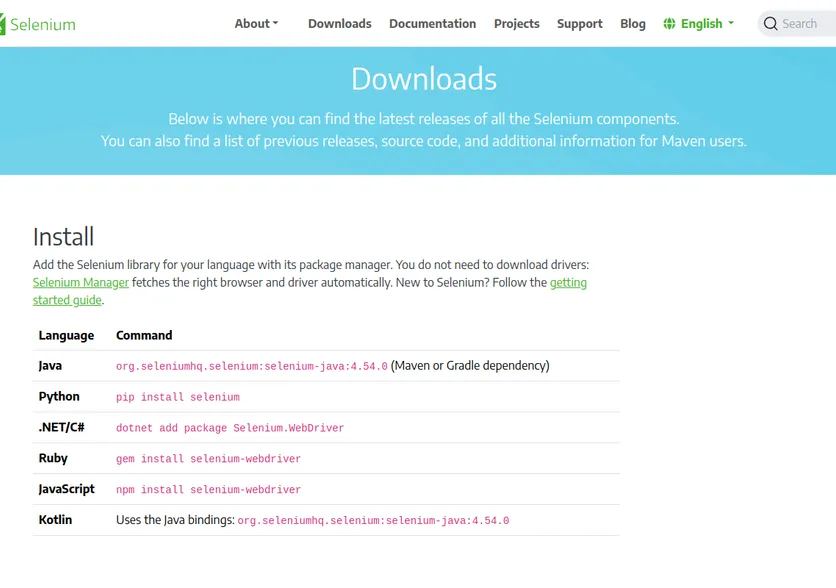
Selenium is the free framework behind most test automation, the tool that every serious tester learns first. This Selenium open-source project drives browsers through code, letting you automate any web test in your favorite language. A developer can write a test once, run it on every browser, and learn the skill that testing jobs actually ask for.
What we like
- Free and open source under Apache 2.0
- Works with every major programming language
- The skill testing jobs ask for most
Watch out for
- No hosted dashboard or reporting
- You write and maintain the tests yourself
How to try it
- Open the Selenium downloads page and install the tools
- Write a test that opens a browser and loads your site
- Run the test and check the result in the console
Prices above were checked on each vendor’s own website on Nov 26, 2026 and can change — the vendor’s page is the final word. Vendor links are editorial: nobody paid to be listed or ranked here. Vendors who want a featured listing can see how it works on our Get listed page.
What software testing tools cost in 2026
Testing tools charge in different ways, so check the model before you buy. Per-seat plans like Katalon and TestRail run from thirty-nine to a hundred and fifty dollars a seat a month, flat plans like Cypress and Sauce Labs run from thirty-nine to sixty-seven dollars a month, and LambdaTest starts at fifteen dollars a month per parallel session. The headline plan each vendor shows on its own pricing page is the number in the table above, checked on November 26, 2026.
Start with the free plan on two tools and test the same app through both. Compare how fast you write the first test, how clear the failure report is, and how easily you rerun the suite. A free tool you practice with daily beats an expensive platform you open once a month.
Before you buy
- Count the seats first, because per-seat plans charge for every tester and the bill grows fast.
- Check the free plan limits, because a five-hundred-result cap means paying after a few test runs.
- Test the tool on your own app first, because a demo site never shows how it handles your code.
- Ask whether you need live testing or automation: BrowserStack and LambdaTest cover live testing, while Cypress and Selenium automate it.
- Add up the learning time, because a tool you master in a week is worth more than a tool you study for a month.
Official websites
Official websites of the products reviewed above. Features and prices were checked against these sites when this guide was written, and they can change, so confirm on the vendor site before you buy.
Frequently asked questions
What is the best software testing tool to learn in 2026?
Cypress Cloud Team, at sixty-seven dollars a month billed annually, is the safest default because the visual runner shows tests in real time and the free plan covers small teams. Postman is better when you want API testing skills, at nineteen dollars a user a month. Selenium wins when budget is zero, since it is free and the skill testing jobs ask for most.
What is the cheapest software testing tool?
Selenium costs nothing, since it is free and open-source under the Apache 2.0 license. LambdaTest Virtual Live, at fifteen dollars a month per parallel session billed annually, is the cheapest paid plan here and it includes a free plan with five real-device sessions a month. Postman Team, at nineteen dollars a user a month, is next for API testing.
Can I learn software testing for free?
Yes, easily. Selenium is free and open source, Cypress offers a free Starter plan for five hundred test results a month, and Postman is free for up to three users. LambdaTest gives five free real-device sessions a month. Start with Selenium and Cypress, build a test suite for a real app, and pay only when you need parallel runs or team features.
Which testing tool is best for API testing?
Postman is the strongest pick for API testing, because it turns any endpoint into a saved request you can test, share and automate. Katalon Studio also covers API testing alongside web and mobile, at a hundred and fifty dollars a seat a month billed annually. If you only test APIs, Postman Team at nineteen dollars a user a month is enough.
Do I need a cloud lab for testing?
Only when you must test on browsers and devices you do not own. BrowserStack and LambdaTest give you real browsers and phones in the cloud, starting at fifteen dollars a month. If your team tests on one or two browsers, Cypress and Selenium on your own machine are enough. Add a cloud lab when a customer reports a bug on a device you cannot reproduce.
Need everyday developer help too? Try Toolsvine's free developer tools for small teams right in your browser.
Browse Developer Tools tools


