
On this page
Good software documentation is the difference between a product people can use and one they abandon in frustration. The tools below help a team write, organise and publish docs that stay current, with search, versioning and feedback built in. Prices run from about five dollars a user a month to one hundred twenty dollars a month, and most offer a free plan or trial so you can test a real doc set first. Confluence is our first pick — the most complete documentation tool for a software team.
How we researched this
We started with the documentation tools software teams actually buy, then read each price on the vendor pricing page on November 26, 2026 and noted the free plan or trial each one carries. We judged them for a team that writes docs alongside code, where pages must be searchable, versioned and easy to update, and we kept only tools with a published price.
Compare the tools
| Name | Best for | Starting price | Free plan | |
|---|---|---|---|---|
 Confluence | Software teams that already use Jira and want docs in the same place | $7.15/user/month | Free plan for up to 10 users | Visit |
 GitBook | Teams that want beautiful public docs with Git sync | $12/user/month | Free plan for small teams | Visit |
 Notion | Small teams that want docs, wikis and project notes in one place | $10/month | Free plan for individuals and small teams | Visit |
 Slite | Small teams that want simple, fast docs with no learning curve | $8/user/month | Free plan for small teams | Visit |
 Nuclino | Small teams that want the cheapest simple docs tool | $5/user/month | Free plan for up to 50 items | Visit |
 Helpjuice | Teams that want a customer-facing knowledge base with analytics | $120/month | Free trial, no free plan | Visit |
 Scribe | Teams that want step-by-step guides made automatically from screen recordings | $25/seat/month | Free plan with basic guides | Visit |
The solutions for software documentation, compared
1. Confluence
Best for: Software teams that already use Jira and want docs in the same place
Paid tool Starting price: $7.15/user/month · Standard plan, $7.15 a user a month for users 1-100 on monthly billing, after the October 13, 2026 price rise; vendor plan cards show $5.78, which is the blended rate for a 300-user team
Free plan: Free plan for up to 10 users
Confluence is the documentation tool most software teams already know, and it fits neatly beside Jira in the same Atlassian workspace. This Confluence Standard plan gives you unlimited pages, version history and page templates for seven dollars fifteen a user a month. A team can write a guide, link it to the Jira ticket it explains, and let anyone find it with search.

What we like
- Fits neatly beside Jira in one workspace
- Version history shows who changed what
- Templates speed up new pages
Watch out for
- Standard costs seven dollars fifteen a user a month
- Price rose in October 2026 after the Atlassian rise
How to try it
- Open the Confluence pricing page and create a free account
- Create a space for your product docs
- Write your first page from a template and publish it
2. GitBook
Best for: Teams that want beautiful public docs with Git sync
Paid tool Starting price: $12/user/month · Pro plan, $12 a user a month billed annually, $15 billed monthly; Plus is $8 a user a month; the $65 a site a month figure is the separate Premium site plan
Free plan: Free plan for small teams
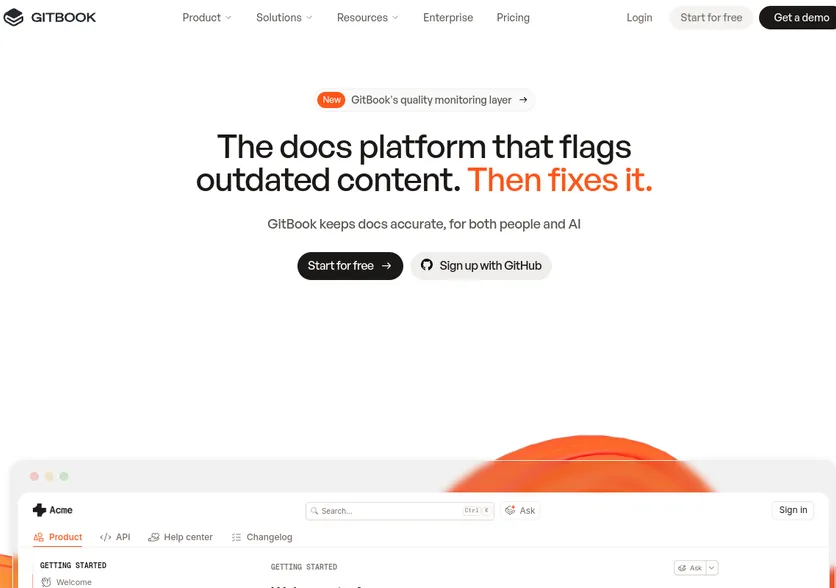
GitBook turns your docs into a polished public site, with a clean reader view that looks like a real product page. This GitBook Pro plan gives you Git sync, a custom domain and analytics for twelve dollars a user a month. A developer can write docs in Markdown, push them through Git, and see the live site update in seconds.
What we like
- Clean reader view looks like a product page
- Git sync keeps docs beside the code
- Custom domain on the Pro plan
Watch out for
- Pro costs twelve dollars a user a month billed annually
- Free plan has fewer features and no custom domain
How to try it
- Open the GitBook pricing page and create a free account
- Create a space and import your docs
- Publish the site and connect your domain
3. Notion
Best for: Small teams that want docs, wikis and project notes in one place
Paid tool Starting price: $10/month · Plus plan, $10 a user a month billed annually, $12 billed monthly
Free plan: Free plan for individuals and small teams
Notion is the all-in-one workspace, where docs, wikis and project notes live in the same pages your team already uses. This Notion Plus plan gives you unlimited blocks, version history and permission groups for ten dollars a month. A small team can write a product guide, link it to the roadmap page, and keep everything in one searchable workspace.

What we like
- Docs, wikis and notes in one workspace
- Unlimited blocks on the Plus plan
- Easy to link pages together
Watch out for
- Plus costs ten dollars a month billed annually
- Not built only for docs, so features are broad
How to try it
- Open the Notion pricing page and create a free account
- Create a wiki page for your product docs
- Write your guide and link it to the roadmap
4. Slite
Best for: Small teams that want simple, fast docs with no learning curve
Paid tool Starting price: $8/user/month · Standard plan, $8 a user a month billed annually, $10 billed monthly; some sources list $10, superseded by the newest vendor-page figure
Free plan: Free plan for small teams
Slite is the simple docs tool, built for teams that want to write and find a page without learning a new system. This Slite Standard plan gives you a clean editor, collections and search for eight dollars a user a month. A team can write a guide in the morning, share it in the afternoon, and find it again in seconds with search.

What we like
- Clean editor with no learning curve
- Collections keep docs organised
- Search finds any page in seconds
Watch out for
- Standard costs eight dollars a user a month billed annually
- Fewer features than Confluence or Notion
How to try it
- Open the Slite pricing page and create a free account
- Create a collection for your product docs
- Write your first page and share it with the team
5. Nuclino
Best for: Small teams that want the cheapest simple docs tool
Paid tool Starting price: $5/user/month · Standard plan, $5 a user a month billed yearly, $6 billed monthly; Premium is $10 a user a month
Free plan: Free plan for up to 50 items
Nuclino is the cheapest simple docs tool here, with a fast editor and a visual map that shows how your docs connect. This Nuclino Standard plan gives you unlimited items, version history and a graph view for five dollars a user a month. A small team can map its whole product guide on one visual board, then click any node to read the page.

What we like
- Cheapest simple docs plan here
- Visual graph shows how docs connect
- Fast editor with no learning curve
Watch out for
- Standard costs five dollars a user a month billed yearly
- Free plan covers only fifty items
How to try it
- Open the Nuclino pricing page and create a free account
- Create a workspace for your product docs
- Write your pages and link them on the graph
6. Helpjuice
Best for: Teams that want a customer-facing knowledge base with analytics
Paid tool Starting price: $120/month · Starter plan, $120 a month flat rate for up to four users; Run-Up is $200 a month, Premium Limited is $289 a month; some listings show $249 a month, superseded by the vendor-provided figure
Free plan: Free trial, no free plan
Helpjuice is the knowledge base tool, built for customers to search your docs and find answers without contacting support. This Helpjuice Starter plan gives you a branded help centre, analytics and a simple editor for one hundred twenty dollars a month. A support team can publish a guide, see which articles customers actually read, and fix the gaps that cause tickets.

What we like
- Built for customers, not just the team
- Analytics show which articles get read
- Flat rate covers up to four users
Watch out for
- Starter costs one hundred twenty dollars a month
- Dearest entry plan in this list
How to try it
- Open the Helpjuice pricing page and start a trial
- Create your help centre and brand it
- Publish your first articles and watch the analytics
7. Scribe
Best for: Teams that want step-by-step guides made automatically from screen recordings
Paid tool Starting price: $25/seat/month · Pro Personal plan, $25 a seat a month billed annually, $35 billed monthly; Pro Team is $13 a seat a month billed annually with a 5-seat minimum
Free plan: Free plan with basic guides
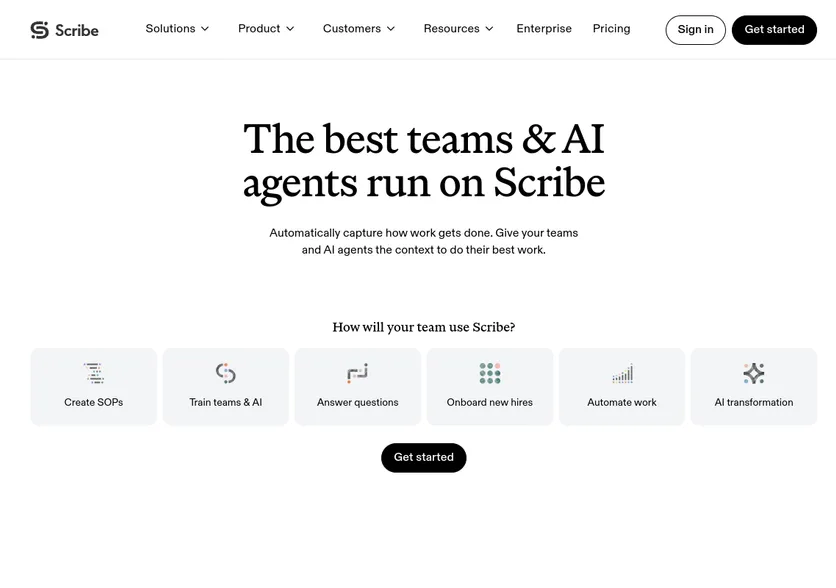
Scribe builds step-by-step guides automatically, by watching you do a task and writing the instructions for you. This Scribe Pro plan gives you unlimited guides, a branded library and GIF exports for twenty-five dollars a seat a month. A team can record a five-minute task once, and every new hire gets a guide that shows each click.
What we like
- Guides build themselves from a recording
- Branded library for all your guides
- GIF exports work in any doc
Watch out for
- Pro Personal costs twenty-five dollars a seat a month billed annually
- Best for how-to guides, not long-form docs
How to try it
- Open the Scribe pricing page and install the recorder
- Do the task once while Scribe records it
- Share the guide with your team or customers
Prices above were checked on each vendor’s own website on Nov 26, 2026 and can change — the vendor’s page is the final word. Vendor links are editorial: nobody paid to be listed or ranked here. Vendors who want a featured listing can see how it works on our Get listed page.
What documentation software costs in 2026
Prices here run from about five dollars a user a month for Nuclino to one hundred twenty dollars a month flat for Helpjuice, and the billing model matters as much as the number. Most tools charge per user, Helpjuice charges a flat monthly rate for up to four users, and Scribe charges per seat with a cheaper team rate. The headline plan each vendor shows on its own pricing page is the number in the table above, checked on November 26, 2026.
Start with the free plan on Confluence or Notion and write one real guide before you pay anything. Time how long it takes a new team member to find the answer, then ask them what was missing. The tool that makes a doc easy to find is the one your team will actually keep updated.
Before you buy
- Count your users first, because a per-user plan grows fast when the whole team needs a seat.
- Check the search quality, because a doc nobody can find is no better than a doc that was never written.
- Ask whether you need a public site, because GitBook and Helpjuice publish for customers while Slite stays internal.
- Test the version history, because docs change often and you need to see who changed what.
- Add up the yearly cost, because annual billing on most tools here cuts the monthly price by a fifth or more.
Official websites
Official websites of the products reviewed above. Features and prices were checked against these sites when this guide was written, and they can change, so confirm on the vendor site before you buy.
Frequently asked questions
What is the best software for documentation in 2026?
Confluence, at seven dollars fifteen a user a month, is the best default because it fits beside Jira and offers version history and templates. Notion is better when you want docs, wikis and notes in one workspace at ten dollars a month, and GitBook wins for public docs at twelve dollars a user a month. Nuclino is the cheapest simple option at five dollars a user a month.
How much does documentation software cost?
Most documentation tools cost between five and twelve dollars a user a month on annual billing, with a free plan for small teams. Helpjuice is the exception at one hundred twenty dollars a month flat for up to four users, because it is a customer knowledge base. Scribe costs twenty-five dollars a seat a month for its personal plan, with a cheaper team rate.
Can I write software documentation for free?
Yes, Confluence, GitBook, Notion, Slite, Nuclino and Scribe all offer free plans that cover a small team and a real doc set. Helpjuice offers a free trial instead, with no free plan. A free plan is enough to write and publish your first guides, but you will need a paid plan for more users or a custom domain.
What is the difference between Confluence and Notion for docs?
Confluence is built for software teams, with version history, templates and a direct link to Jira tickets. Notion is a broader workspace where docs sit beside wikis, roadmaps and project notes in the same pages. A team that lives in Jira will prefer Confluence, and a team that wants one workspace for everything will prefer Notion.
Should my documentation be public or internal?
Public docs help customers and users, so a tool like GitBook or Helpjuice is best when your product needs a help centre. Internal docs help your own team, so Confluence, Notion or Slite is best when the readers are your colleagues. Many teams use both: public docs for customers and internal docs for the team, with the same tool or two different ones.
Need free developer help too? Try Toolsvine's free developer tools for quick code and data work right in your browser.
Browse Developer Tools tools


