
On this page
Installing software on one computer is a click; installing it on two hundred without disturbing anyone is a system. The best systems for silent software installations push apps, updates and patches to every machine in the background, with no pop-ups and no restarts during work hours. Prices here run from $1 a machine a month to $1,950 a year, and every price was checked on the vendor site on November 26, 2026. PDQ Deploy is our first pick — the most widely used silent deployment tool for Windows fleets.
How we researched this
We started with deployment tools that install software silently across many machines, then read each price on the vendor site on November 26, 2026 and noted the machine limits, the package libraries and the free trial each plan carries. We judged them for an IT team that manages a fleet of Windows machines and needs installs to happen without user interruptions. We kept the list to tools with a published price, and we dropped any tool whose price we could not verify.
Compare the tools
| Name | Best for | Starting price | Free plan | |
|---|---|---|---|---|
 PDQ Deploy | IT teams that deploy to a Windows fleet every week | $1,950/year | 14-day free trial | Visit |
 ManageEngine Endpoint Central | Teams that want deployment plus patching and device management in one licence | $795/year | Free edition (up to 25 endpoints); 30-day free trial | Visit |
 Chocolatey for Business | Teams that manage Windows software like code, with versioned packages | $1,800/year | Business trial | Visit |
 Ninite Pro | Teams that mainly update popular apps across many machines | $1/machine/month | 14-day free trial | Visit |
 SmartDeploy | Teams that set up new machines often and want imaging plus deployment | $1,100/year | 15-day free trial | Visit |
 Atera | IT teams that want deployment inside a full remote management suite | $149/month | 30-day free trial | Visit |
 EMCO Remote Installer | Small teams that deploy to a local network on a low budget | $399/year | Free edition (up to 5 PCs); 30-day free trial | Visit |
The silent installation tools, compared
1. PDQ Deploy
Best for: IT teams that deploy to a Windows fleet every week
Paid tool Starting price: $1,950/year · Deploy and Inventory per admin per year; cloud Connect Basic is $12 per device per year; 14-day free trial for Connect
Free plan: 14-day free trial
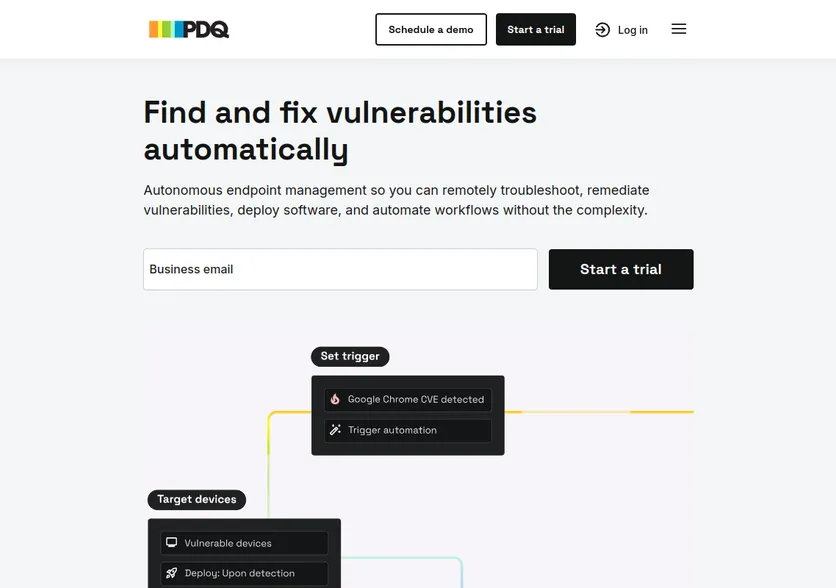
PDQ Deploy is the standard tool for silent Windows deployment, pushing software, patches and scripts to hundreds of machines from one console. This PDQ Deploy plan costs $1,950 a year for Deploy and Inventory per admin per year, with a cloud Connect Basic option at $12 a device a year. It is the pick here for an IT team that deploys to a Windows fleet every week.
What we like
- Most widely used silent deployment tool
- Deploy and Inventory in one console
- Cloud Connect option for remote devices
Watch out for
- Per-admin price is high for a small team
- Windows-focused, limited macOS support
How to try it
- Open the PDQ pricing page and compare Deploy and Connect
- Create a deployment package for one application
- Push it silently to a test group, then to the full fleet
2. ManageEngine Endpoint Central
Best for: Teams that want deployment plus patching and device management in one licence
Paid tool Starting price: $795/year · Professional edition starts at $795 a year for 50 endpoints; Enterprise $945, UEM $1,095 and Security $1,695 for 50 endpoints; free edition up to 25 endpoints; 30-day free trial, no credit card
Free plan: Free edition (up to 25 endpoints); 30-day free trial
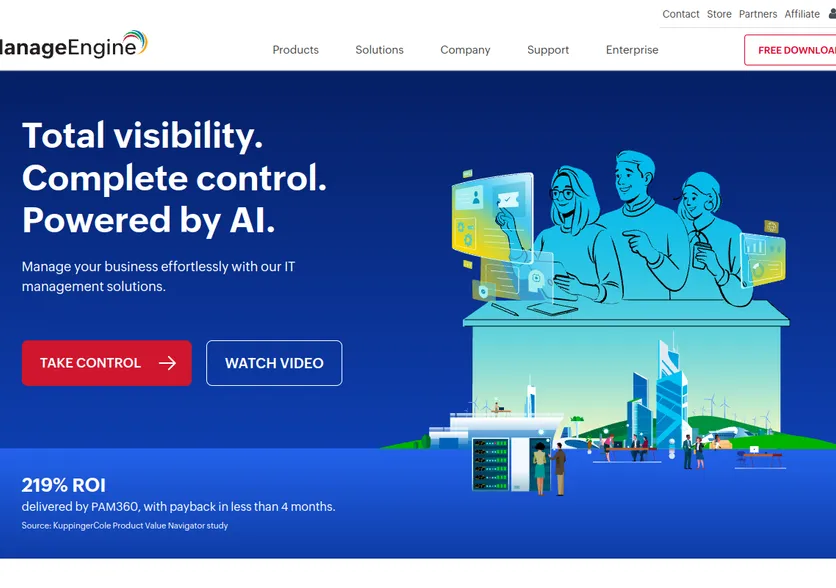
ManageEngine Endpoint Central manages desktops, servers and mobile devices, with silent installs, patching and remote control in one console. This ManageEngine Endpoint Central Professional edition starts at $795 a year for 50 endpoints, while Enterprise is $945, UEM $1,095 and Security $1,695 for 50 endpoints. It suits a team that wants deployment plus patching and device management in one licence.
What we like
- Deployment, patching and device control in one tool
- Free edition up to 25 endpoints
- Starts at $795 a year for 50 endpoints
Watch out for
- Pricing is per endpoint tier, not per admin
- Console takes time to learn
How to try it
- Open the ManageEngine edition page and compare the editions
- Add 50 endpoints and try a silent install
- Schedule patching and check the device inventory
3. Chocolatey for Business
Best for: Teams that manage Windows software like code, with versioned packages
Paid tool Starting price: $1,800/year · Annual minimum with a 100-node minimum at $18 per node per year; business trials offered
Free plan: Business trial
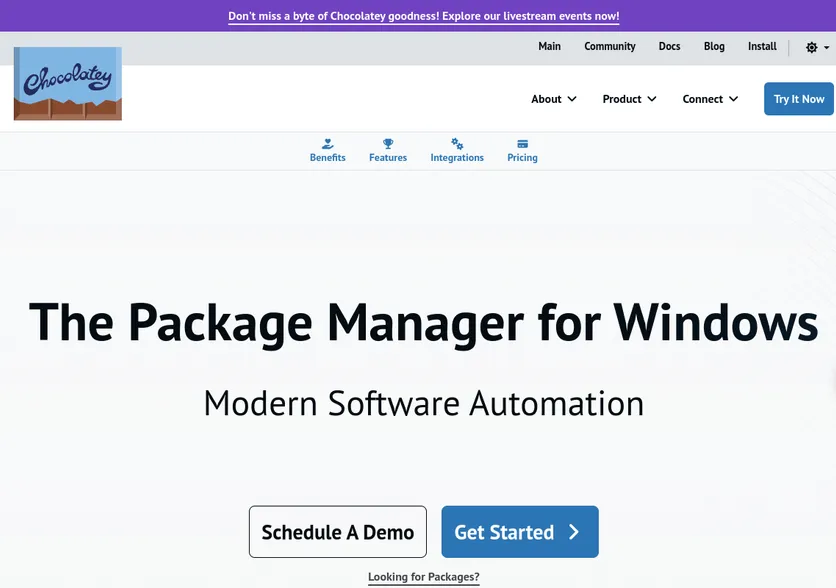
Chocolatey for Business brings package management to Windows, letting IT install, update and remove software with one command across the fleet. This Chocolatey for Business plan costs $1,800 a year as an annual minimum, with a 100-node minimum at $18 per node per year. It is the pick here for a team that manages Windows software like code, with versioned packages and automation.
What we like
- Package management treats software like code
- Large community package library
- Automation-friendly command line
Watch out for
- $1,800 annual minimum is high for small teams
- 100-node minimum on Business
How to try it
- Open the Chocolatey pricing page and check the Business tier
- Install the Chocolatey agent on a test machine
- Push a package silently and confirm the install
4. Ninite Pro
Best for: Teams that mainly update popular apps across many machines
Paid tool Starting price: $1/machine/month · First 20 machines $1 each a month, next 400 $0.50, additional $0.25; annual payment available at 12 times the monthly rate; 14-day free trial
Free plan: 14-day free trial
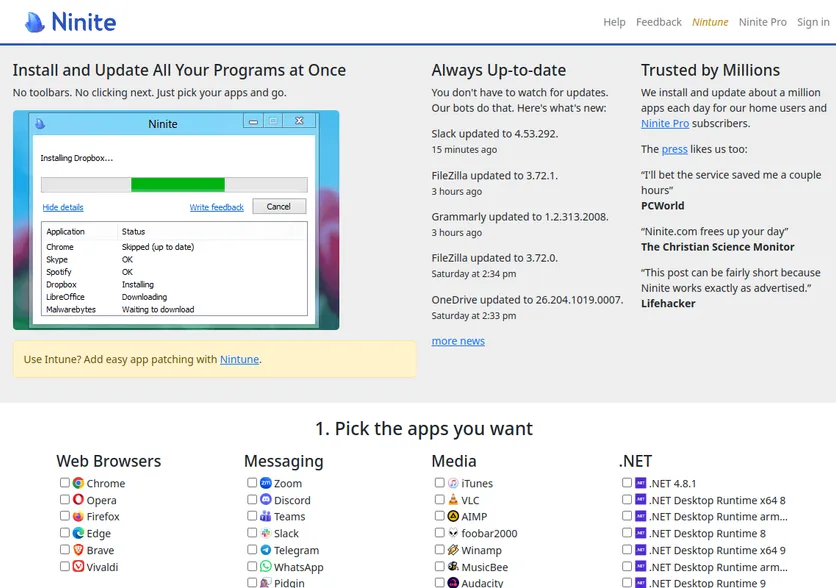
Ninite Pro installs and updates popular apps silently on every machine, with a simple per-machine price that scales down as the fleet grows. This Ninite Pro plan costs $1 a machine a month for the first 20 machines, with the rate dropping as the fleet grows. It is the cheapest per-machine option here for a team that mainly updates common apps.
What we like
- Cheapest per-machine price here
- Simple pricing that drops with scale
- Handles updates for popular apps automatically
Watch out for
- Covers popular apps, not custom software
- No full device management console
How to try it
- Open the Ninite Pro page and start the 14-day free trial
- Add machines and pick the apps to manage
- Run a silent update and confirm every machine reports back
5. SmartDeploy
Best for: Teams that set up new machines often and want imaging plus deployment
Paid tool Starting price: $1,100/year · Starting price with unlimited client installations; 15-day free trial, no credit card
Free plan: 15-day free trial
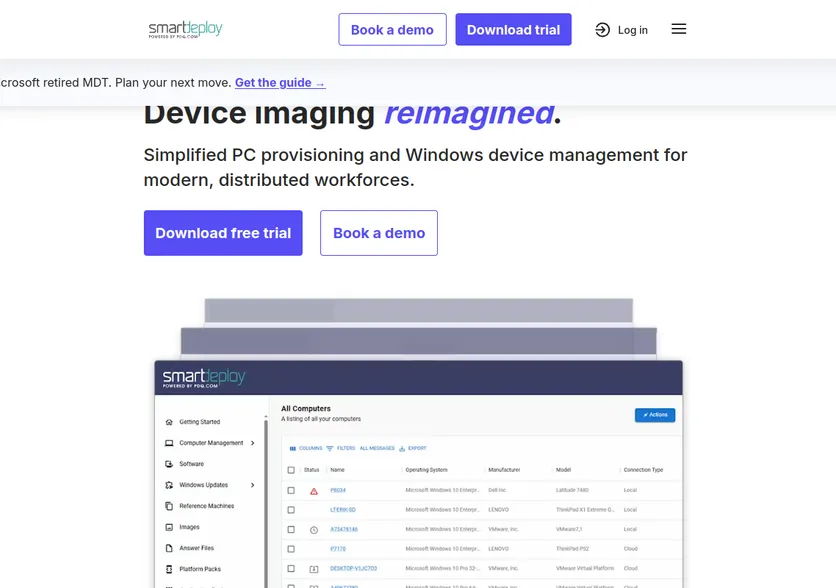
SmartDeploy images and deploys Windows machines with drivers handled automatically, so a new computer is ready without manual driver hunts. This SmartDeploy plan starts at $1,100 a year with unlimited client installations, and a 15-day free trial needs no credit card. It suits a team that sets up new machines often and wants imaging plus silent deployment in one tool.
What we like
- Automatic driver handling for new machines
- Unlimited client installations
- 15-day free trial with no credit card
Watch out for
- Focused on imaging, not daily patching
- Windows-only deployment
How to try it
- Open the SmartDeploy pricing page and start the 15-day free trial
- Build a golden image with drivers
- Deploy it silently to a new machine and confirm it boots clean
6. Atera
Best for: IT teams that want deployment inside a full remote management suite
Paid tool Starting price: $149/month · Professional plan per technician for IT departments; Expert $189 and Master $219 a month; MSP plans Pro $129, Growth $159 and Power $209; 30-day free trial
Free plan: 30-day free trial
Atera is an all-in-one IT platform that adds silent software deployment to remote monitoring, patching and helpdesk tools. This Atera Professional plan costs $149 a month per technician for IT departments, while Expert is $189 and Master is $219 a month. It is the pick here for an IT team that wants deployment inside a full remote management suite.
What we like
- Deployment inside a full IT platform
- Per-technician pricing, not per device
- 30-day free trial
Watch out for
- Per-technician price adds up with staff
- Deployment is one feature among many
How to try it
- Open the Atera site and start the 30-day free trial
- Add devices and open the software deployment view
- Push an app silently and check the install report
7. EMCO Remote Installer
Best for: Small teams that deploy to a local network on a low budget
Paid tool Starting price: $399/year · Professional 1-year subscription for a single copy; unlimited copies $595 a year; free edition up to 5 PCs; 30-day free trial of Professional
Free plan: Free edition (up to 5 PCs); 30-day free trial
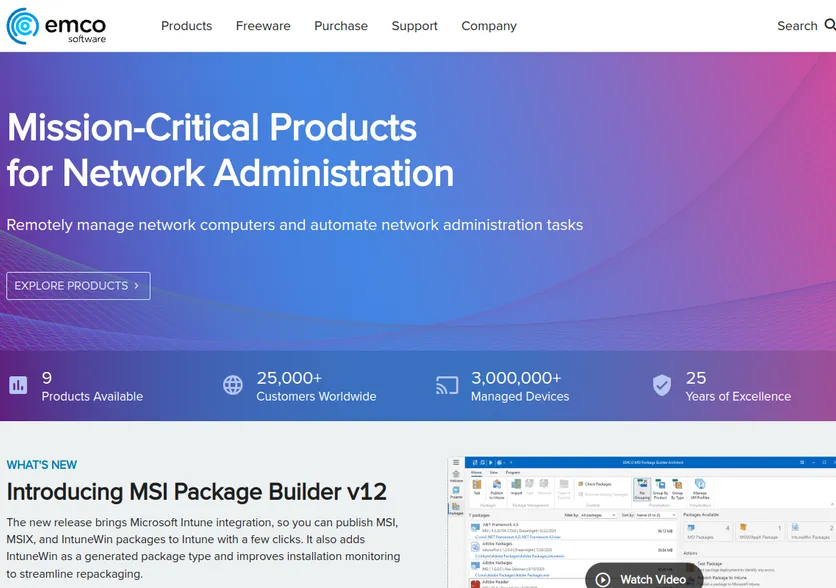
EMCO Remote Installer pushes software silently to Windows machines on a local network, with a free edition for up to 5 PCs. This EMCO Remote Installer Professional plan costs $399 a year for a single copy, while unlimited copies are $595 a year. It suits a small team that deploys to a local network and wants a low-cost tool with a free edition.
What we like
- Free edition up to 5 PCs
- Low-cost Professional plan at $399 a year
- Simple setup for local networks
Watch out for
- Built for local networks, not cloud fleets
- Smaller feature set than PDQ Deploy
How to try it
- Open the EMCO Remote Installer page and download the free edition
- Add up to 5 PCs and pick a package to install
- Push the install silently and confirm it on each machine
Prices above were checked on each vendor’s own website on Nov 26, 2026 and can change — the vendor’s page is the final word. Vendor links are editorial: nobody paid to be listed or ranked here. Vendors who want a featured listing can see how it works on our Get listed page.
What silent software installation costs in 2026
Silent installation pricing splits by machine, by admin and by technician. Ninite Pro is the cheapest per-machine route at $1 a machine a month, dropping to $0.25 at scale, while ManageEngine starts at $795 a year for 50 endpoints and SmartDeploy starts at $1,100 a year with unlimited installs. PDQ Deploy is $1,950 a year per admin and Chocolatey for Business is $1,800 a year with a 100-node minimum. Atera charges $149 a month per technician, and EMCO Remote Installer is $399 a year for a single copy with a free edition for 5 PCs.
Before you buy, count the machines and the admins. Per-machine pricing suits a large fleet with few admins, while per-admin pricing suits a small fleet with several admins. Check the package library too, because Ninite covers popular apps while Chocolatey and PDQ handle custom software.
Before you buy
- Count your machines first, because Ninite at $1 a machine a month scales differently from PDQ at $1,950 a year per admin.
- Check the package library, since Ninite covers popular apps while Chocolatey and PDQ handle custom software.
- Confirm the tool installs silently with no pop-ups or restarts during work hours, which is the whole point here.
- Test a deployment on a small group during the free trial before pushing to the full fleet.
- Ask whether imaging is included, because SmartDeploy handles drivers and new machines while others focus on updates.
Official websites
Official websites of the products reviewed above. Features and prices were checked against these sites when this guide was written, and they can change, so confirm on the vendor site before you buy.
Frequently asked questions
Which system is best for silent software installations in 2026?
PDQ Deploy is our first pick, because it is the most widely used silent deployment tool for Windows fleets, at $1,950 a year per admin. Ninite Pro is the cheapest per-machine route at $1 a machine a month. Chocolatey for Business is the pick for teams that manage software like code, with versioned packages and automation.
How much does silent installation software cost?
Per-machine prices run from $1 a month for Ninite Pro, while per-admin prices run from $1,800 a year for Chocolatey for Business to $1,950 a year for PDQ Deploy. ManageEngine starts at $795 a year for 50 endpoints, SmartDeploy at $1,100 a year, Atera at $149 a month per technician, and EMCO at $399 a year for a single copy.
What is a silent installation?
A silent installation runs with no windows, no pop-ups and no clicks from the user, and it does not force a restart during work hours. The installer runs in the background, reports success or failure to a central console, and the user keeps working. That is what separates these tools from a manual install or a shared network folder.
Can I deploy software to remote workers, not just office PCs?
It depends on the tool. PDQ Connect, Atera and ManageEngine Endpoint Central manage remote and cloud devices, so they work for staff outside the office. EMCO Remote Installer is built for local networks only, so it suits an office fleet. Check the cloud support before buying if your team works from home.
Can I try silent deployment tools for free?
Yes. PDQ Connect offers a 14-day free trial, Ninite Pro offers 14 days, SmartDeploy offers 15 days with no credit card, and Atera offers 30 days. ManageEngine has a free edition for up to 25 endpoints, and EMCO has a free edition for up to 5 PCs. Test on a small group first.
Need the everyday IT jobs too? Check IP addresses and test networks free on Toolsvine right in your browser.
Browse Network & IP Tools tools


