
On this page
Developers lose hours every week to glue work: copying data between apps, filing the same ticket twice, and nudging the same build pipeline by hand. Make is the pick that makes automation cheap enough to keep: visual scenarios from $9 a month for 10,000 credits, while IFTTT offers the cheapest start at $2.99 a month. This guide compares seven task automation tools for software devs, from a $2.99-a-month applet tool to a $50-a-month governed platform, with live 2026 prices and free plans, so a team can automate the boring work without building another service to maintain.
How we researched this
We checked the pricing page of every vendor on this list on November 26, 2026, and kept only tools that publish a real dollar price. Each tool had to connect real developer apps, run automations on a schedule or trigger, and offer a free plan or trial, and we compared entry prices, billing units and how the bill scales, because per-task, per-credit and per-run pricing behave very differently at volume.
Compare the tools
| Name | Best for | Starting price | Free plan | |
|---|---|---|---|---|
 Make | Developers who want visual branching scenarios at a low price per action | $9/month | Free plan | Visit |
 Zapier | Teams that want the widest app library and the fastest setup | $19.99/month | Free plan | Visit |
 IFTTT | Simple personal and team trigger-and-action automations | $2.99/month | Free plan | Visit |
 Pabbly Connect | Budget teams that want flat-rate tasks with triggers free | $19/month | Free plan | Visit |
 Integrately | Beginners who want one-click automations ready in minutes | $19.99/month | Free plan | Visit |
 Power Automate | Companies already standardized on Microsoft 365 | $15/user/month | 30-day free trial | Visit |
 Tray.ai | Teams that want governed AI agents inside their automations | $50/month | Free trial | Visit |
The task automation tools, compared
1. Make
Best for: Developers who want visual branching scenarios at a low price per action
Paid tool Starting price: $9/month · Core $9 a month for 10,000 credits billed annually; Pro $16 a month; Teams $29 a month
Free plan: Free plan
Make, formerly Integromat, builds automations as visual scenarios with branching, filters and error handling, and bills per credit instead of per step. This Make Core plan costs $9 a month for 10,000 credits billed annually, which buys far more volume than the same money on a per-task tool. It is the pick when the workflow is complex and the bill has to stay low.

What we like
- Visual builder with branching and filters
- 10,000 credits for $9 a month
- Free plan with no time limit
Watch out for
- Credit math needs learning
- AI modules consume extra credits
How to try it
- Open the Make pricing page and start the free plan
- Build a scenario with a trigger and two app modules
- Watch the credit usage for a week before upgrading
2. Zapier
Best for: Teams that want the widest app library and the fastest setup
Paid tool Starting price: $19.99/month · Professional from $19.99 a month billed annually for 750 tasks; monthly billing is $29.99 a month
Free plan: Free plan
Zapier connects more than 9,000 apps with the simplest automation builder in this category, and it is the tool most teams reach for first. This Zapier Professional plan starts at $19.99 a month billed annually for 750 tasks, with multi-step Zaps, webhooks and premium apps. It fits a team that values breadth and speed over the lowest per-action price.

What we like
- Largest app library at 9,000 plus apps
- Fastest setup for non-technical users
- 14-day Professional trial included
Watch out for
- Every action step counts as a task
- Bill climbs steeply with volume
How to try it
- Open the Zapier pricing page and start the free plan
- Create a multi-step Zap between two apps
- Check task usage before the trial ends
3. IFTTT
Best for: Simple personal and team trigger-and-action automations
Paid tool Starting price: $2.99/month · Starter $2.99 a month; Pro $4.99 a month billed monthly; Pro Plus $8.99 a month
Free plan: Free plan
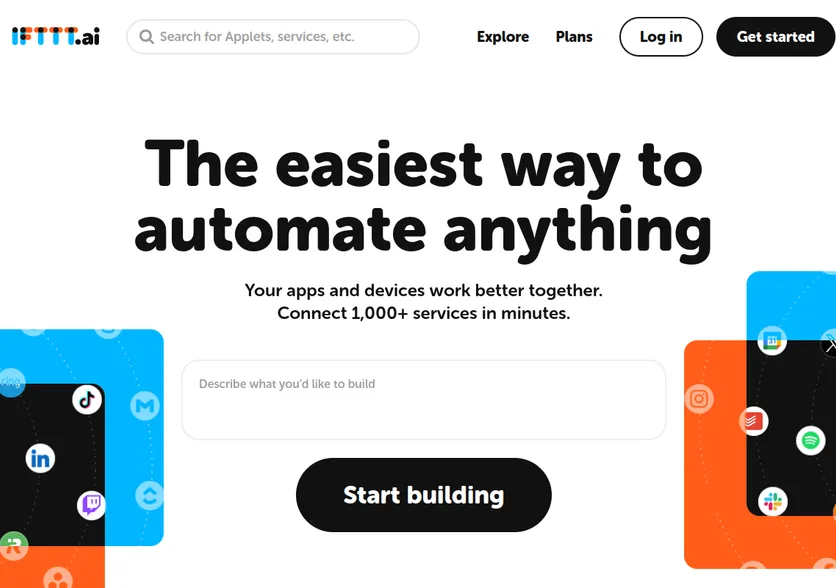
IFTTT is the original trigger-and-action automation tool, and it is still the cheapest way to connect two apps with a simple rule. This IFTTT Starter plan costs $2.99 a month and adds multi-action applets and webhooks on top of the free plan. It fits simple jobs such as posting a notification when a build fails, where a full workflow platform would be overkill.
What we like
- Cheapest paid entry on this list
- Unlimited runs on paid plans
- Smart home and phone triggers included
Watch out for
- Built for personal use, not enterprise flows
- Limited branching and error handling
How to try it
- Open the IFTTT plans page and start the free plan
- Create an applet with one trigger and one action
- Upgrade to Starter for multi-action applets
4. Pabbly Connect
Best for: Budget teams that want flat-rate tasks with triggers free
Paid tool Starting price: $19/month · Standard $19 a month billed monthly ($16 a month billed annually) for 12,000 tasks; lifetime deals from $249
Free plan: Free plan
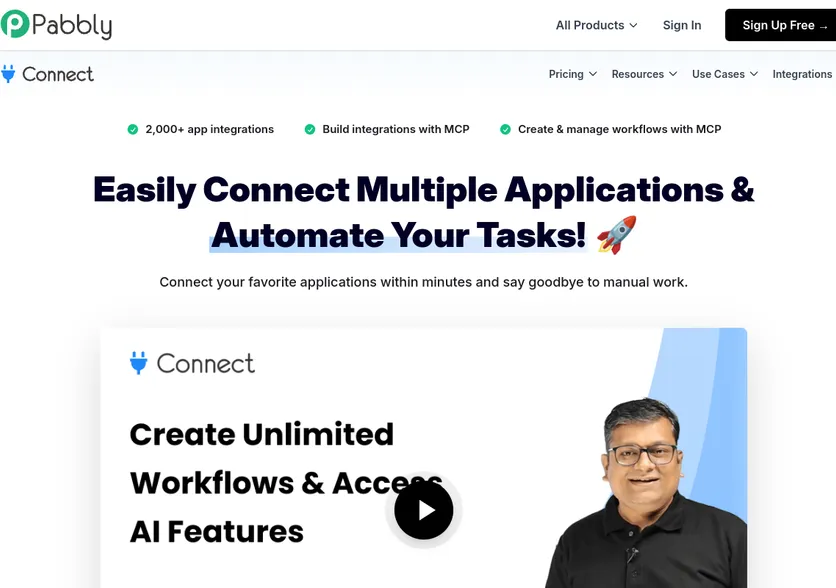
Pabbly Connect is the budget pick for high-volume automations, because triggers and internal steps are free and only action steps count as tasks. This Pabbly Connect Standard plan costs $19 a month billed monthly for 12,000 tasks, with lifetime deals from $249 for buyers who would rather pay once. It fits a team that runs the same automation thousands of times a month and hates per-step surprises.
What we like
- Triggers and internal steps are free
- Flat task pricing at high volume
- Lifetime deal option available
Watch out for
- Smaller app library than Zapier
- Interface feels less polished
How to try it
- Open the Pabbly Connect pricing page and start the free plan
- Build a workflow and check the task count
- Compare the lifetime deal against two years of monthly billing
5. Integrately
Best for: Beginners who want one-click automations ready in minutes
Paid tool Starting price: $19.99/month · Starter $19.99 a month billed annually for 2,000 tasks; Professional $39 a month for 10,000 tasks
Free plan: Free plan
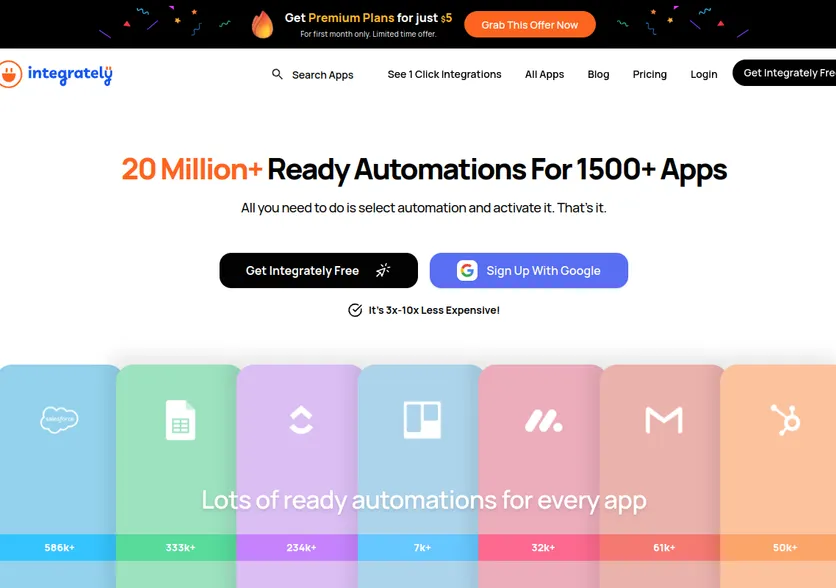
Integrately is built for people who never want to learn an automation builder at all, with millions of one-click recipes that connect two apps in minutes. This Integrately Starter plan costs $19.99 a month billed annually for 2,000 tasks, with multi-step automations, branching and webhooks. It is the pick when the goal is a working automation today, not a platform to master.
What we like
- Millions of one-click recipes
- Working automation in minutes
- Free plan with 100 tasks a month
Watch out for
- Less control than a visual builder
- Task allowance is modest at entry
How to try it
- Open the Integrately pricing page and start the free plan
- Search for a ready-made recipe between two apps
- Activate it and watch the first runs
6. Power Automate
Best for: Companies already standardized on Microsoft 365
Paid tool Starting price: $15/user/month · Premium $15 per user a month billed annually; unattended RPA $150 per bot a month
Free plan: 30-day free trial
Power Automate is automation built into the Microsoft 365 stack, with cloud flows and desktop RPA under one license. This Power Automate Premium plan costs $15 per user a month billed annually and covers cloud flows with 40,000 requests a day. It fits a team that already pays for Microsoft 365 and wants flows living inside Teams, SharePoint and Outlook.
What we like
- Deepest Microsoft 365 integration
- Cloud flows plus desktop RPA in one plan
- May already be bundled with existing licenses
Watch out for
- No free plan, trial only
- Unattended RPA costs $150 per bot
How to try it
- Open the Power Automate pricing page and start the trial
- Build a cloud flow from a Teams trigger
- Add desktop RPA later for legacy Windows apps
7. Tray.ai
Best for: Teams that want governed AI agents inside their automations
Paid tool Starting price: $50/month · Entry plan from $50 a month; governed AI agents and enterprise plans by quote
Free plan: Free trial
Tray AI is the governed end of this list, built for teams that want AI agents inside automations with controls, audit trails and approval steps. This Tray.ai entry plan starts at $50 a month, with higher tiers adding governance and enterprise controls. It is the pick when automations touch production systems and the team needs to prove who approved what.
What we like
- Governance and approval controls built in
- AI agents inside automations
- Enterprise-grade audit trails
Watch out for
- Highest entry price on this list
- Overkill for simple two-app flows
How to try it
- Open the Tray.ai pricing page and start the trial
- Build an automation with an approval step
- Review the audit log after the first runs
Prices above were checked on each vendor’s own website on Nov 26, 2026 and can change — the vendor’s page is the final word. Vendor links are editorial: nobody paid to be listed or ranked here. Vendors who want a featured listing can see how it works on our Get listed page.
How to read the price before you commit
Prices on this list run from $2.99 a month to $50 a month, but the billing unit decides the real cost: Zapier bills per action step, Make bills per credit, and Pabbly counts only action steps while triggers stay free. A $19.99 Zapier plan buys 750 tasks, while a $9 Make plan buys 10,000 credits, so the same workflow can cost ten times more on one platform than another. Before paying, count the steps in the busiest workflow, multiply by the monthly runs, and run the free plan through one real week, because the first week of usage shows the true meter. Check whether AI steps, webhooks and error handlers count extra, and whether the plan caps parallel runs.
Before you buy
- Count the steps in the busiest workflow and multiply by monthly runs, because per-task billing punishes long flows.
- Confirm whether AI steps, webhooks and error handlers count as extra tasks or credits on the plan.
- Run the free plan through one real week to see the true meter before committing to a paid tier.
- Check the app library for the exact apps the team uses, not just the total count on the marketing page.
- Ask how the price changes when the workflow doubles in volume or a second team starts automating.
Official websites
Official websites of the products reviewed above. Features and prices were checked against these sites when this guide was written, and they can change, so confirm on the vendor site before you buy.
Frequently asked questions
What is the cheapest task automation tool for developers?
IFTTT is the cheapest paid entry here, at $2.99 a month for multi-action applets, but it suits simple flows only. Make is the cheapest serious pick at $9 a month for 10,000 credits, which covers far more volume than Zapier at $19.99 a month for 750 tasks. The right cheap pick depends on the workflow: simple triggers favour IFTTT, while long multi-step flows favour Make.
How is per-task pricing different from per-credit pricing?
Per-task pricing, used by Zapier and Pabbly, charges for every successful action step, so a ten-step workflow running 1,000 times costs 10,000 tasks. Per-credit pricing, used by Make, charges one credit per module action, with AI modules costing more. Per-run pricing, used by n8n, charges once per workflow execution no matter how many steps it has. Long workflows are cheapest per run, short ones are cheapest per task.
Can developers self-host an automation tool instead?
Yes. Make has no self-hosted option, but open-source tools such as Activepieces and n8n can be self-hosted for free, with the team paying only for the server. Self-hosting removes the per-task meter entirely and keeps data inside the company network, but the team owns upgrades, backups and uptime. It suits teams with server skills and strict data rules.
Do these tools replace writing integration code?
For common jobs, yes. Connecting a form to a CRM, posting build results to chat, or syncing a spreadsheet needs no code on any tool here. Custom logic, retries and error handling still need care, and very high-volume or latency-sensitive integrations are usually cheaper as code. Treat automation tools as the fast path for standard flows, not as a replacement for every integration.
Which tool is best for a startup with a small automation budget?
Make is the best small-budget pick: $9 a month buys 10,000 credits, with a free plan for the first 1,000 credits and a visual builder that handles branching. Pabbly Connect is the other strong budget pick at $19 a month for 12,000 tasks, with triggers free. Both let a startup automate hundreds of runs a month without the per-task bill that Zapier produces at the same volume.
Still copying data between apps by hand? Try free developer tools on Toolsvine right in your browser.
Browse Developer Tools tools


