
On this page
A freelancer who bills by the hour or juggles five clients needs a task tracker that keeps every deadline visible. The eight tools below cover time tracking, task lists and daily planning, with prices from about $5 a month to about $17 a month, and every price was checked on the vendor site on November 26, 2026. Most offer a free plan or a free trial, so a freelancer can run a real week through one before paying. Toggl Track is our first pick — one-click time tracking that proves every hour to the client.
How we researched this
We started with the task tracking tools freelancers actually buy, then read each price on the vendor pricing page on November 26, 2026 and noted the free plan or trial each one carries. We judged them for a solo freelancer who tracks tasks and time across several clients without agency pricing. We kept only tools with a published price, and we dropped any tool whose price we could not verify.
Compare the tools
| Name | Best for | Starting price | Free plan | |
|---|---|---|---|---|
 Toggl Track | Freelancers who bill by the hour and need proof of every hour | $9/user/month | Free plan (up to 3 users) | Visit |
 Clockify | Freelancers who want a generous free time tracker | $5.49/seat/month | Free plan (up to 5 users, unlimited tracking) | Visit |
 Todoist | Freelancers who want a simple task list that works everywhere | $5/month | Free plan (Beginner, 5 personal projects) | Visit |
 Harvest | Freelancers who turn tracked hours into client invoices | $11/user/month | Free plan (1 user, 2 projects) | Visit |
 Trello | Freelancers who think in boards and cards | $10/user/month | Free plan (up to 10 boards per workspace) | Visit |
 Timely | Freelancers who forget to start a timer | $9/user/month | 14-day free trial; no free plan | Visit |
 Sunsama | Freelancers who plan each day task by task | $17/user/month | 14-day free trial; no free plan | Visit |
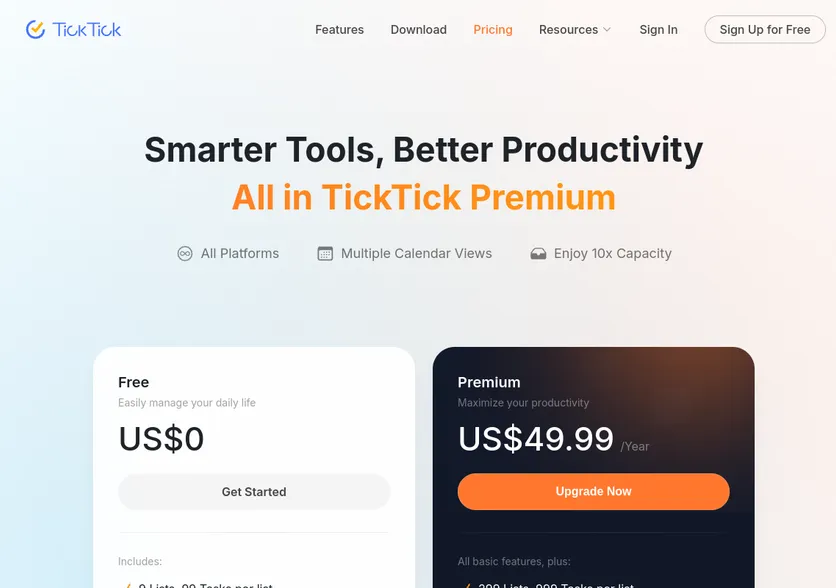
| TickTick | Freelancers who want tasks, habits and calendar in one app | $49.99/year | Free plan (basic tasks and lists) | Visit |
The task tracking tools, compared
1. Toggl Track
Best for: Freelancers who bill by the hour and need proof of every hour
Paid tool Starting price: $9/user/month · Starter plan, per user per month billed annually; month-to-month billing is $12 a user
Free plan: Free plan (up to 3 users)
Toggl Track is the time tracker a freelancer reaches for when billing by the hour. This Toggl Track Starter plan covers unlimited projects, time reports and billable rates, so a freelancer can prove every hour to the client. The one-click timer and calendar view make it easy to log time as the day happens.

What we like
- One-click timer, zero setup
- Reports prove every billable hour
- Calendar view shows the week
Watch out for
- Starter costs about $9 a month per user
- Free plan covers up to 3 users
How to try it
- Open the Toggl Track pricing page and start the free plan
- Start the timer when work begins
- Send the weekly report with the invoice
2. Clockify
Best for: Freelancers who want a generous free time tracker
Paid tool Starting price: $5.49/seat/month · Standard plan, per seat per month billed annually; month-to-month billing is $6.99 a seat
Free plan: Free plan (up to 5 users, unlimited tracking)
Clockify tracks time for free on a generous plan, which makes it the first stop for a freelancer on a budget. This Clockify Standard plan covers unlimited projects, time off tracking and invoicing, so a freelancer can bill clients straight from the tracked hours. The free plan covers up to five users, so a tiny team can share it without paying.

What we like
- Generous free plan for 5 users
- Invoicing built in on Standard
- Unlimited projects and tracking
Watch out for
- Standard costs about $5.49 a month per seat
- Some reports need a higher tier
How to try it
- Open the Clockify pricing page and start the free plan
- Create a project for each client
- Track time and export the invoice
3. Todoist
Best for: Freelancers who want a simple task list that works everywhere
Paid tool Starting price: $5/month · Pro plan, $60 a year billed annually; month-to-month billing is $7 a month
Free plan: Free plan (Beginner, 5 personal projects)
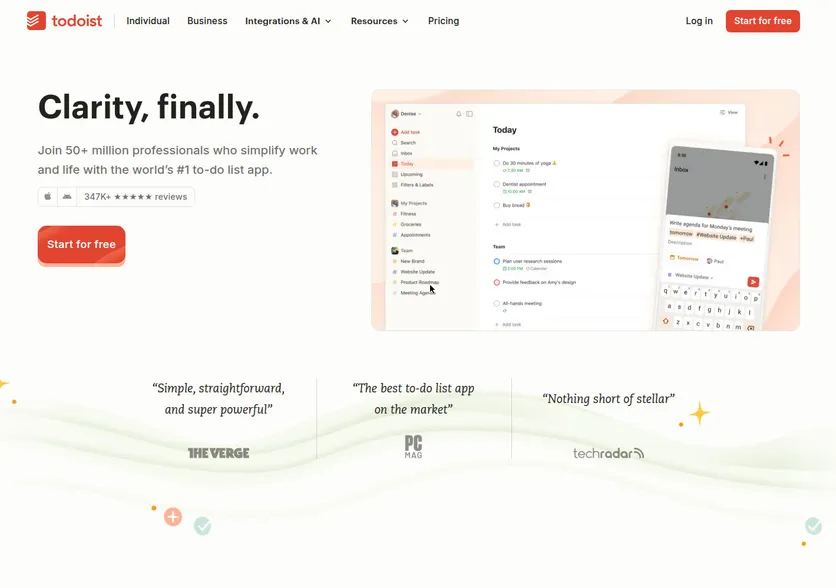
Todoist keeps every task and deadline in one list a freelancer can check in seconds. This Todoist Pro plan covers unlimited tasks, reminders and project layouts, so a solo freelancer can plan the week without a spreadsheet. The simple interface suits a freelancer who wants tasks done, not another tool to manage.
What we like
- Simple list that works everywhere
- Reminders keep deadlines visible
- Fast to add a task on mobile
Watch out for
- Pro costs $5 a month billed annually
- Free plan covers only 5 projects
How to try it
- Open the Todoist pricing page and start the free plan
- Add tasks with due dates and priorities
- Check the list off through the day
4. Harvest
Best for: Freelancers who turn tracked hours into client invoices
Paid tool Starting price: $11/user/month · Pro plan, per user per month billed annually; Premium is $14 a user a month
Free plan: Free plan (1 user, 2 projects)
Harvest pairs time tracking with invoicing, so a freelancer can turn tracked hours into a client invoice in minutes. This Harvest Pro plan covers unlimited clients, expense tracking and detailed reports, so a freelancer can see which clients actually pay well. The reports show where the hours really go, which helps a freelancer raise rates with confidence.

What we like
- Time tracking plus invoicing
- Reports show which clients pay well
- Expenses tracked alongside hours
Watch out for
- Pro costs $11 a month per user
- Free plan covers only 2 projects
How to try it
- Open the Harvest pricing page and start the free plan
- Track time against each client
- Send the invoice straight from the hours
5. Trello
Best for: Freelancers who think in boards and cards
Paid tool Starting price: $10/user/month · Premium plan, per user per month billed annually; month-to-month billing is $12.50 a user; Standard is $5
Free plan: Free plan (up to 10 boards per workspace)
Trello turns tasks into cards on a board, which suits a freelancer who thinks in pictures rather than lists. This Trello Premium plan covers unlimited boards, timeline views and advanced checklists, so a freelancer can track a whole project at a glance. The free plan covers the basics, which is enough for a solo freelancer with a few clients.

What we like
- Visual boards show work at a glance
- Free plan covers the basics
- Timeline views on Premium
Watch out for
- Premium costs $10 a month per user
- Free plan covers only 10 boards
How to try it
- Open the Trello pricing page and start the free plan
- Create a board for each client
- Move cards across lists as work progresses
6. Timely
Best for: Freelancers who forget to start a timer
Paid tool Starting price: $9/user/month · Starter plan, per user per month billed annually, maximum 5 users and 20 projects; month-to-month billing is $11 a user
Free plan: 14-day free trial; no free plan
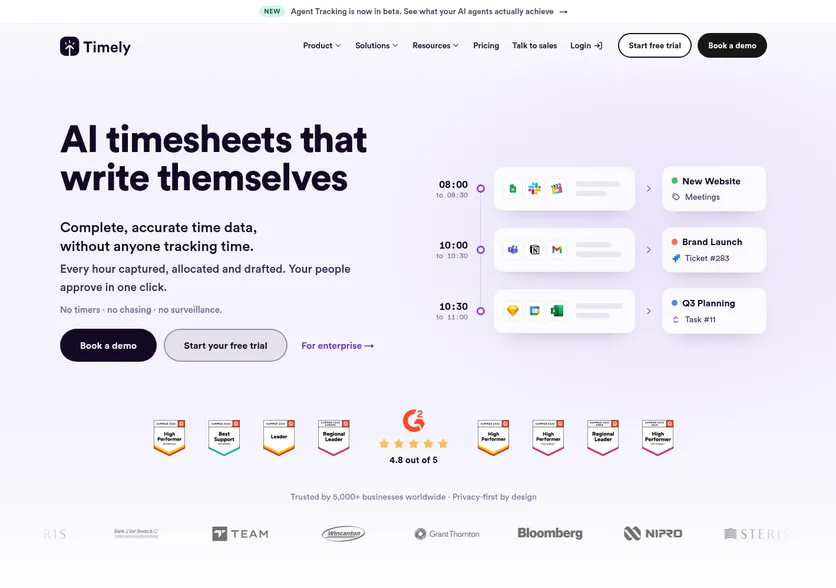
Timely tracks time automatically, so a freelancer who forgets to start a timer still gets an honest record. This Timely Starter plan covers automatic time capture, project tracking and reports for up to five users, so a small team can bill every hour worked. The automatic capture is the key feature, because manual timers miss the small tasks.
What we like
- Automatic capture never misses an hour
- Reports show every project
- Suits up to 5 users on Starter
Watch out for
- Starter costs about $9 a month per user
- No free plan, trial only
How to try it
- Open the Timely pricing page and start the trial
- Let it capture time automatically
- Review the record and send the report
7. Sunsama
Best for: Freelancers who plan each day task by task
Paid tool Starting price: $17/user/month · Pro plan, $204 a year billed annually; month-to-month billing is $22 a user
Free plan: 14-day free trial; no free plan
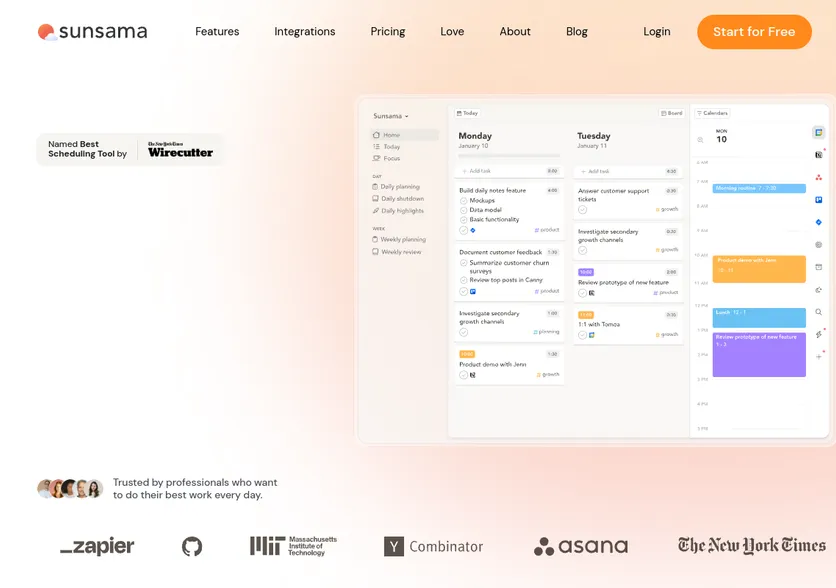
Sunsama plans the day task by task, which suits a freelancer who juggles several clients at once. This Sunsama Pro plan covers daily planning, calendar sync and timeboxing for every task, so a freelancer can see whether the day is actually doable before it starts. The guided planning ritual takes minutes and keeps the week on track.
What we like
- Daily planning keeps the week on track
- Timeboxing shows if the day is doable
- Calendar sync included
Watch out for
- Pro costs $17 a month billed annually
- No free plan, trial only
How to try it
- Open the Sunsama pricing page and start the trial
- Pull tasks into the daily planner
- Timebox each task against the calendar
8. TickTick
Best for: Freelancers who want tasks, habits and calendar in one app
Paid tool Starting price: $49.99/year · Premium plan, $49.99 a year billed annually, under $4.17 a month; month-to-month billing is $4.99 a month
Free plan: Free plan (basic tasks and lists)
TickTick blends tasks, habits and a calendar into one app a freelancer can live in all day. This TickTick Premium plan covers unlimited tasks, smart lists and calendar views, so a freelancer can plan work and life in the same place. The low yearly price makes it the cheapest task tool on this list.
What we like
- Tasks, habits and calendar in one app
- Cheapest yearly price here
- Smart lists sort tasks fast
Watch out for
- Premium costs about $50 a year
- Habit tracking needs Premium
How to try it
- Open the TickTick pricing page and start the free plan
- Add tasks with dates and priorities
- Check the calendar view each morning
Prices above were checked on each vendor’s own website on Nov 26, 2026 and can change — the vendor’s page is the final word. Vendor links are editorial: nobody paid to be listed or ranked here. Vendors who want a featured listing can see how it works on our Get listed page.
What task tracking software costs in 2026
Task tracking tools charge per user per month, and the range here runs from about $5 a month to about $17 a month. A solo freelancer pays only one seat, so the yearly bill stays under $210 even on the dearest plan, which is small next to one missed invoice. Time tracking tools add value by proving billable hours, so the tool often pays for itself in recovered time.
Start with the free plan on two tools and run a real week through both. Compare how fast you log a task and how the weekly report looks to a client, then pick the tool you will actually open every day.
Before you buy
- Check whether the tool tracks time as well as tasks, because a freelancer who bills by the hour needs both in one place.
- Count the projects and clients you juggle, because low project caps force a freelancer onto a higher plan fast.
- Test the mobile app before paying, because a freelancer logs tasks on the go and a slow app means missed hours.
- Ask whether the tool exports reports, because clients trust invoices backed by clean time and task reports.
- Add up the yearly cost, because annual billing saves money on most tools here, while monthly billing stays flexible.
Official websites
Official websites of the products reviewed above. Features and prices were checked against these sites when this guide was written, and they can change, so confirm on the vendor site before you buy.
Frequently asked questions
What is the best task tracking software for freelancers in 2026?
Toggl Track, at about $9 a month per user, is the safest default because the one-click timer and reports prove every billable hour to the client. Todoist is better when the work is mostly deadlines, since its simple list keeps every task visible. Clockify wins when the budget is zero, because its free plan covers up to five users with unlimited tracking.
What is the cheapest task tracking software for freelancers?
Clockify, because its free plan covers up to five users with unlimited time tracking and no paid plan needed for the basics. TickTick is the cheapest paid option at about $50 a year for Premium. Todoist Pro is close behind at $5 a month billed annually, with unlimited tasks and reminders included.
Can I track tasks for free?
Yes, most of them do. Toggl Track, Clockify, Todoist, Harvest and Trello all offer free plans with real limits, from project caps to user counts. Timely and Sunsama offer 14-day free trials instead. Run a real week through the free plan first, then pay only when the limits start to pinch.
Which tool is best for billing clients by the hour?
Toggl Track and Harvest, because both pair time tracking with invoicing so tracked hours become a client invoice in minutes. Toggl Track suits a freelancer who wants the simplest timer, while Harvest adds expenses and client reports. Clockify also covers invoicing on its Standard plan, at a lower price than either.
Do these tools work on mobile?
Yes, every tool here has a mobile app, and the mobile experience matters more than the desktop one for a freelancer on the go. Todoist and TickTick are the fastest for adding a task from a phone, while Toggl Track and Clockify make starting a timer a one-tap job. Test the mobile app on the free plan before paying.
Want more ways to work smarter? Try Toolsvine's free productivity tools for planning and time tracking right in your browser.
Browse Productivity Tools tools


