
On this page
Developers hate timesheets, which is why the best tracker for a coding team is the one that fills itself in. The nine tools below run from about four dollars a user a month to nine dollars a user a month, and every price was checked on the vendor site on November 27, 2026. Some log code automatically, some add screenshots and monitoring, and some are just a clean timer, so pick the measurement your team will accept. WakaTime is our first pick — the only tracker here that reads code directly.
How we researched this
We started with the time trackers development teams actually buy, then read each price on the vendor pricing page on November 27, 2026 and noted the free plan or trial each one carries. We judged them for a team that tracks coding time, reports on sprints and bills clients without adding admin, and we kept only tools with a published price. We dropped DeskTime because it tracks applications rather than code, and we dropped Paymo because published prices conflict across sources.
Compare the tools
| Name | Best for | Starting price | Free plan | |
|---|---|---|---|---|
 Toggl Track | Developers who want a one-click timer with clean reports and no setup overhead | $9/user/month | Free plan for up to three users | Visit |
 Clockify | Development teams that want unlimited projects at the lowest paid price | $3.99/user/month | Free plan for up to five users | Visit |
 Harvest | Freelance developers and agencies that bill clients for tracked hours | $9/user/month | Free plan, one seat and two projects | Visit |
 Hubstaff | Teams that need screenshots and activity proof alongside the hours | $4.99/user/month | No free plan on the pricing page; 14-day free trial | Visit |
 Time Doctor | Teams that want idle-time detection and distraction reports for each developer | $6.67/user/month | No free plan; 14-day free trial | Visit |
 Everhour | Developers who live in Asana or Trello and want timers inside their tasks | $5/user/month | Free plan for up to five users | Visit |
 RescueTime | Developers who want to see where the workday actually went, without starting a timer | $7/month | Free Lite plan available | Visit |
 Timely | Development teams that want AI-drafted timesheets and capacity planning | $9/user/month | No free plan; 14-day free trial | Visit |
| WakaTime | Developers who want coding time broken down by project, language and editor automatically | $8.25/month | Free plan with one week of dashboard history | Visit |
The time tracking software for developers, compared
1. Toggl Track
Best for: Developers who want a one-click timer with clean reports and no setup overhead
Paid tool Starting price: $9/user/month · Starter plan, nine dollars a user a month billed yearly, twelve dollars on monthly billing; Premium costs sixteen dollars a user a month billed yearly
Free plan: Free plan for up to three users
Developers like Toggl Track because the timer starts in one click and stays out of the way until the report is due. This Toggl Track Starter plan costs nine dollars a user a month billed yearly, with the free plan covering up to three users. The reporting covers project budgets, billable rates and team summaries, though invoicing needs a separate tool or integration.

What we like
- One-click timer in the browser, desktop and mobile apps
- Project budgets and billable rate reports included
- Free plan covers a three-person team
Watch out for
- No invoicing built in, so billing needs a separate tool
- No automatic coding metrics like WakaTime provides
How to try it
- Open the Toggl Track pricing page and claim the free plan
- Create one project per sprint and invite your team
- Run a full sprint and check the project budget report
2. Clockify
Best for: Development teams that want unlimited projects at the lowest paid price
Paid tool Starting price: $3.99/user/month · Basic plan, three dollars and ninety-nine cents a user a month billed yearly, four dollars and ninety-nine cents on monthly billing
Free plan: Free plan for up to five users
Clockify gives a development team unlimited projects and clients for less than four dollars a user a month. This Clockify Basic plan costs three dollars and ninety-nine cents a user a month billed yearly, and the free plan now covers up to five users. The timer is manual and the interface is plain, but the price is hard to beat for a team that just needs hours by project.

What we like
- Cheapest paid plan in this comparison
- Unlimited projects and clients on every plan
- Free plan covers five users with no card required
Watch out for
- No automatic code tracking, every entry is manual
- Invoicing and forecasting need the Standard or Pro plan
How to try it
- Open the Clockify pricing page and claim the free plan
- Set up one project per client or product area
- Track a sprint and export the timesheet for billing
3. Harvest
Best for: Freelance developers and agencies that bill clients for tracked hours
Paid tool Starting price: $9/user/month · Teams plan, nine dollars a user a month billed yearly, eleven dollars on monthly billing; Flex usage charges for active projects, clients, tasks and invoices stack on top of the seat rate
Free plan: Free plan, one seat and two projects
Harvest suits developers who bill clients for their time, since the timer feeds straight into invoices and expenses. This Harvest Teams plan costs nine dollars a user a month billed yearly, with a free plan for one seat and two projects. The catch is Flex usage billing, which adds extra charges for active projects, clients, tasks and invoices on top of the seat rate.

What we like
- Time tracking and invoicing in one product
- Expense tracking and project budgets included
- Clean reports clients can understand at a glance
Watch out for
- Flex usage charges can push the bill well past the seat rate
- The free plan covers only one seat and two projects
How to try it
- Open the Harvest pricing page and start with the free plan
- Set hourly rates per project and track a client sprint
- Send your first invoice from the tracked hours
4. Hubstaff
Best for: Teams that need screenshots and activity proof alongside the hours
Paid tool Starting price: $4.99/user/month · Starter plan, four dollars and ninety-nine cents a user a month billed yearly, seven dollars on monthly billing; a two-seat minimum applies
Free plan: No free plan on the pricing page; 14-day free trial
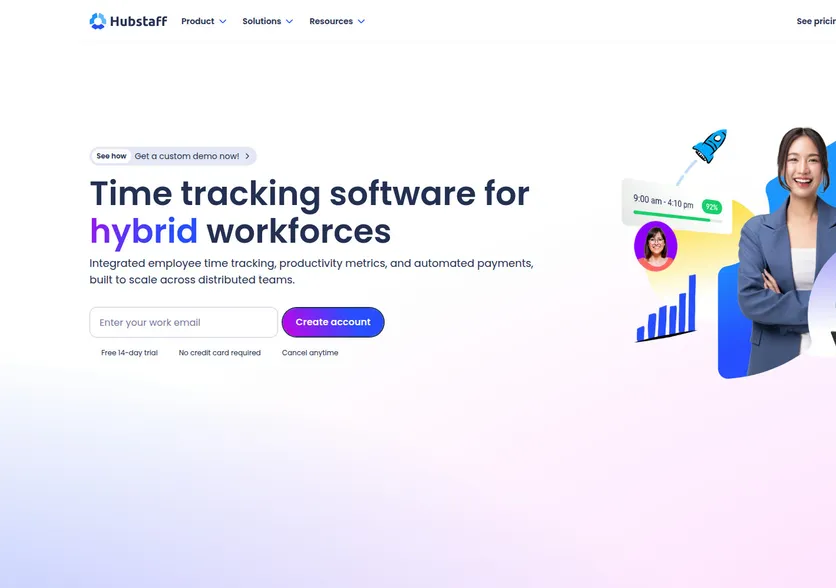
Hubstaff adds screenshots and activity levels to the timer, which suits teams that need proof of work alongside hours. This Hubstaff Starter plan costs four dollars and ninety-nine cents a user a month billed yearly, with a two-seat minimum on every plan. The monitoring is the point, so a team that values trust over surveillance should pick a lighter tracker instead.
What we like
- Screenshots and activity levels prove the work happened
- GPS tracking and payroll integrations included
- Strong reporting for remote and distributed teams
Watch out for
- Screenshots and monitoring need clear team consent
- No free plan on the pricing page, trial only
How to try it
- Open the Hubstaff pricing page and start the trial
- Set screenshot and activity rules your team agrees to
- Run one sprint and review the activity reports
5. Time Doctor
Best for: Teams that want idle-time detection and distraction reports for each developer
Paid tool Starting price: $6.67/user/month · Basic plan, six dollars and sixty-seven cents a user a month billed yearly, eight dollars on monthly billing; Standard costs eleven dollars and sixty-seven cents billed yearly
Free plan: No free plan; 14-day free trial
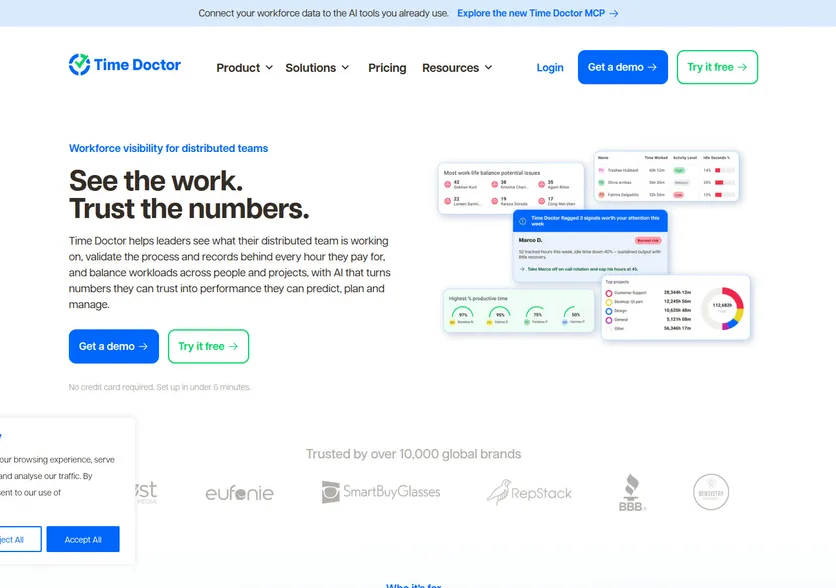
Time Doctor watches for idle time and distraction, then turns the workday into a productivity report for each developer. This Time Doctor Basic plan costs six dollars and sixty-seven cents a user a month billed yearly, with higher plans adding screenshots and payroll. The monitoring is thorough, so a team should agree the rules openly before switching it on.
What we like
- Idle-time and distraction tracking built in
- Payroll and project budgeting on higher plans
- Detailed productivity reports per person and project
Watch out for
- Monitoring this thorough needs open team agreement
- No free plan, so the trial is the only test drive
How to try it
- Open the Time Doctor pricing page and start the trial
- Set work hours and idle-time rules for your team
- Review one week of productivity reports with the team
6. Everhour
Best for: Developers who live in Asana or Trello and want timers inside their tasks
Paid tool Starting price: $5/user/month · Lite plan, five dollars a user a month billed yearly; Team costs eight dollars and fifty cents a user a month billed yearly; Lite caps at ten users
Free plan: Free plan for up to five users
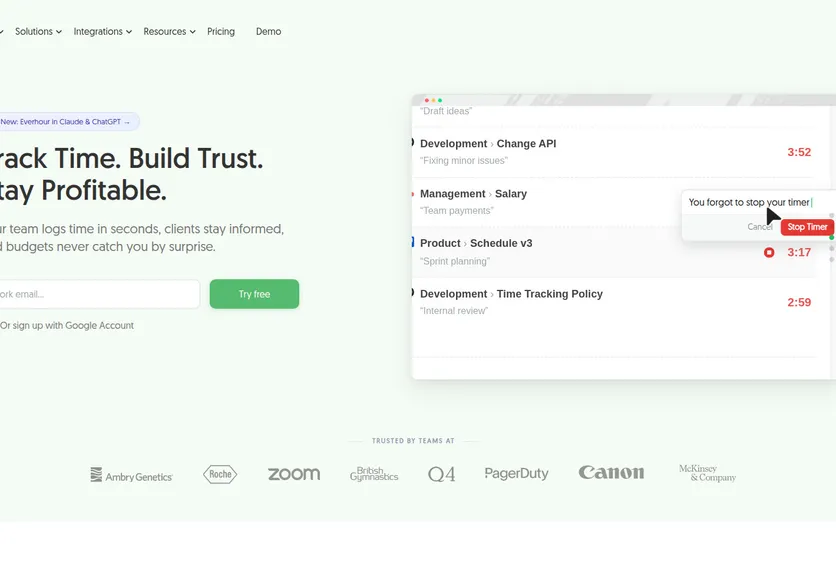
Everhour puts timers and budgets inside the project board, so developers log time without leaving Asana or Trello. This Everhour Lite plan costs five dollars a user a month billed yearly, with the Team plan at eight dollars and fifty cents for invoicing and scheduling. The Lite plan caps at ten users, so a growing team moves to Team sooner than the price suggests.
What we like
- Timers appear inside Asana, Trello and ClickUp tasks
- Project budgets with alerts before they run out
- Invoicing and scheduling on the Team plan
Watch out for
- Lite caps at ten users, so growth forces the Team plan
- No standalone project management, it rides on other tools
How to try it
- Open the Everhour pricing page and claim the free plan
- Connect your project tool and add timers to live tasks
- Set a sprint budget and watch the burn-down report
7. RescueTime
Best for: Developers who want to see where the workday actually went, without starting a timer
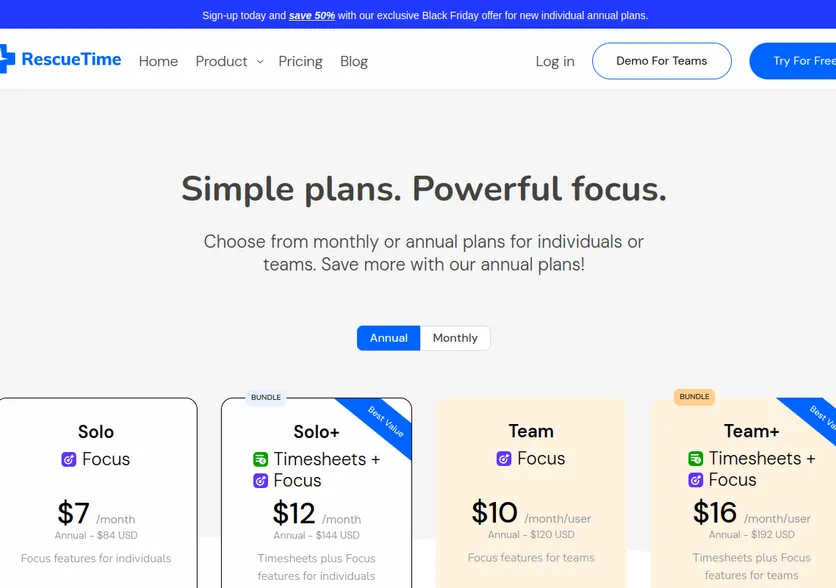
Paid tool Starting price: $7/month · Solo Focus plan, seven dollars a month billed yearly, nine dollars on monthly billing; Solo Plus costs twelve dollars a month billed yearly; Team Focus costs ten dollars a user a month billed yearly
Free plan: Free Lite plan available
RescueTime runs quietly in the background and shows each developer where the workday actually went. This RescueTime Solo Focus plan costs seven dollars a month billed yearly, with a free Lite plan for basic tracking. The focus sessions and distraction alerts suit deep work, though it tracks applications rather than code, so it cannot report time per language or project.
What we like
- Fully automatic tracking with no manual timer
- Focus sessions block distractions during deep work
- Free Lite plan for basic personal tracking
Watch out for
- Tracks applications, not code, so no per-language reports
- Team plans cost more per user than the Solo plans
How to try it
- Open the RescueTime pricing page and claim the free Lite plan
- Let it track one full workweek in the background
- Review the focus report and set distraction alerts
8. Timely
Best for: Development teams that want AI-drafted timesheets and capacity planning
Paid tool Starting price: $9/user/month · Starter plan, nine dollars a user a month billed yearly, eleven dollars on monthly billing; Starter caps at five users and twenty projects
Free plan: No free plan; 14-day free trial
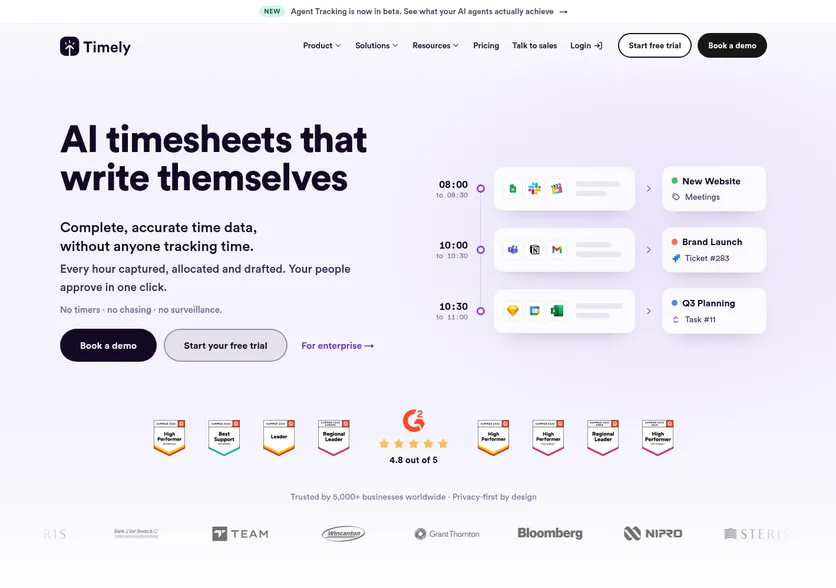
Timely drafts each developer's timesheet from meetings, calls and documents, cutting the weekly admin to a quick review. This Timely Starter plan costs nine dollars a user a month billed yearly, capped at five users and twenty projects. The automatic drafting is genuinely useful, though a team that bills by the minute still needs to check every AI entry before it reaches a client.
What we like
- AI drafts timesheets from calendars and documents
- Capacity planning shows who is overbooked at a glance
- Clean interface with very little manual entry
Watch out for
- Starter caps at five users and twenty projects
- AI entries need checking before they reach a client invoice
How to try it
- Open the Timely pricing page and start the trial
- Connect your calendar and let it draft one week of timesheets
- Review the AI entries against your real project hours
9. WakaTime
Best for: Developers who want coding time broken down by project, language and editor automatically
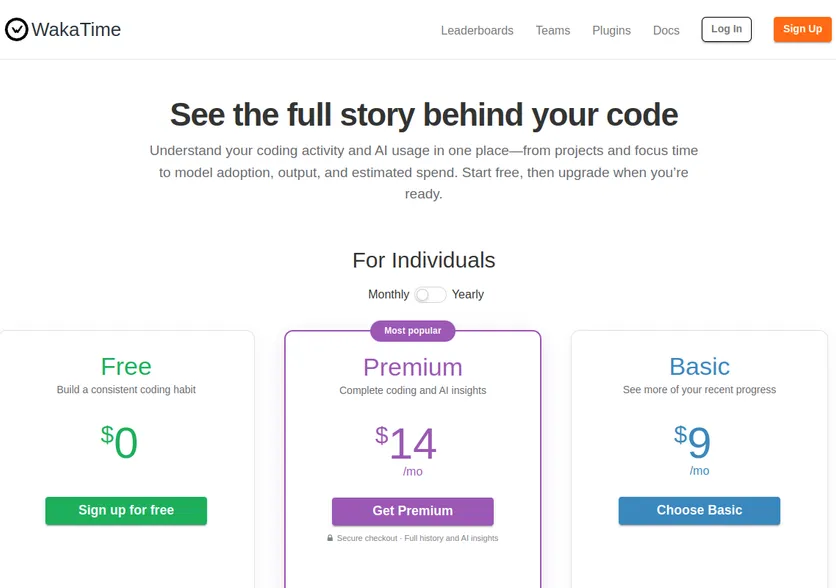
Paid tool Starting price: $8.25/month · Basic plan, eight dollars and twenty-five cents a month billed yearly at ninety-nine dollars a year, nine dollars on monthly billing; Premium costs twelve dollars and eighty-three cents a month billed yearly for full history
Free plan: Free plan with one week of dashboard history
WakaTime is the only tracker here that reads code directly, logging time per project, language and editor without a manual timer. This WakaTime Basic plan costs eight dollars and twenty-five cents a month billed yearly, or ninety-nine dollars a year, with a free plan that keeps one week of history. The Premium plan adds full history and AI coding usage metrics, which is the tier most developers actually need.
What we like
- Automatic coding time per project, language and editor
- Plugins for more than one hundred editors and terminals
- Tracks AI coding tool usage and model spend
Watch out for
- Full history needs Premium, the free plan keeps one week only
- It sees only editors and terminals, not meetings or docs
How to try it
- Open the WakaTime pricing page and claim the free plan
- Install the plugin for your editor and code normally for a week
- Check the per-language breakdown and upgrade for full history
Prices above were checked on each vendor’s own website on Nov 27, 2026 and can change — the vendor’s page is the final word. Vendor links are editorial: nobody paid to be listed or ranked here. Vendors who want a featured listing can see how it works on our Get listed page.
What time tracking costs a development team in 2026
Developer time tracking splits into three kinds, and the price says little about which kind you get. Manual timers like Toggl Track and Clockify cost nine dollars and three dollars and ninety-nine cents a user a month, and they record whatever the developer starts and stops. Automatic trackers like WakaTime at eight dollars and twenty-five cents a month and RescueTime at seven dollars a month fill the timesheet themselves, while Hubstaff and Time Doctor add screenshots and activity proof for about five to seven dollars a user a month.
Start with the free tier and let the team vote with use. Clockify is free for five users, Toggl Track is free for three, and WakaTime is free with one week of history. Run one real sprint on two tools, compare the report each one produces, and pick the tracker your developers will actually keep running.
Before you buy
- Check what the tracker actually measures, because WakaTime logs code while Hubstaff logs screenshots and activity.
- Count the free plan limits, because Clockify caps free at five users and WakaTime keeps only one week of history free.
- Add the seat minimums, because Hubstaff needs two seats and Timely caps Starter at five users.
- Confirm the privacy rules before you buy, because screenshots and activity monitoring need clear team consent.
- Test the tool on a real sprint, because a tracker developers will not run produces no useful data.
Official websites
Official websites of the products reviewed above. Features and prices were checked against these sites when this guide was written, and they can change, so confirm on the vendor site before you buy.
Frequently asked questions
Which time tracking software is best for developers in 2026?
WakaTime is the best pick for developers, because it logs coding time per project, language and editor automatically, with no manual timer. Toggl Track is the best simple timer for a team that wants one-click tracking and clean reports. Clockify is the cheapest paid option at three dollars and ninety-nine cents a user a month, with a free plan for five users.
How much does time tracking software cost for developers?
Seat prices in this list run from three dollars and ninety-nine cents a user a month on Clockify to nine dollars on Toggl Track, Timely and Harvest, with WakaTime at eight dollars and twenty-five cents billed yearly. RescueTime charges seven dollars a month for one person rather than per user. Screenshots and monitoring add no extra charge on Hubstaff and Time Doctor, but they cost trust if the team is not told.
Is there a free time tracking tool for developers?
Yes, several tools cost nothing to start. Clockify is free for up to five users, Toggl Track is free for up to three users, Everhour is free for up to five users, and RescueTime has a free Lite plan. WakaTime is free with one week of dashboard history, which suits a solo developer testing the plugin. Harvest is free for one seat and two projects.
How is WakaTime different from the other trackers here?
WakaTime is the only tool here that measures code, breaking time down by project, language, editor and AI tool usage. Hubstaff and Time Doctor measure activity instead, with screenshots, idle-time detection and distraction reports. RescueTime and Timely measure the whole workday from applications, calendars and documents. Pick the measurement that matches the question you actually need answered.
Need everyday productivity help too? Try Toolsvine's free productivity tools right in your browser.
Browse Productivity Tools tools


