
On this page
A video podcast needs two things a plain audio show does not: a camera-ready recording and a way to cut the result into clips worth sharing. The tools below record remote guests in separate tracks, clean up the audio and turn long conversations into short highlights without a studio. Prices run from about twelve dollars a month to twenty-four, and most offer a free plan for a first episode. Riverside is our first pick for beginners who want studio-quality recordings from day one.
How we researched this
We started with the video podcast tools beginners actually search for, then read each price on the vendor pricing page on November 27, 2026 and noted the free plan or trial each one carries. We judged them for a first-time host recording remote guests who needs separate audio and video tracks, simple editing and clips for social media without hiring an editor. We dropped Zencastr because its pricing page publishes no usable price, and SquadCast because it merged into Descript and no longer sells a standalone plan.
Compare the tools
| Name | Best for | Starting price | Free plan | |
|---|---|---|---|---|
 Riverside | Beginners who want separate high-quality audio and video tracks for every guest | $24/month | Free plan with limited recording hours | Visit |
 Restream | Hosts who want to record a podcast and stream it live to several platforms at once | $16/month | Free plan with basic multistreaming | Visit |
 Descript | Hosts who want to edit a video podcast by editing its transcript | $16/month | Free plan with one media hour a month | Visit |
 StreamYard | Beginners who want the simplest browser studio for live video podcasts | $14.99/month | Free plan with StreamYard branding | Visit |
| Async | Beginners who want recording, editing and publishing in one low-priced plan | $11.99/month | Free plan with limited recording | Visit |
 Ecamm Live | Mac owners who want a polished live video podcast with scenes and overlays | $16/month | No free plan; 14-day free trial | Visit |
 Kapwing | Hosts who want fast clip editing and captions for social media | $16/month | Free plan with watermarked exports | Visit |
The video podcast software for beginners, compared
1. Riverside
Best for: Beginners who want separate high-quality audio and video tracks for every guest
Paid tool Starting price: $24/month · Pro plan, twenty-four dollars a month billed annually, or twenty-nine dollars billed monthly; free plan included
Free plan: Free plan with limited recording hours
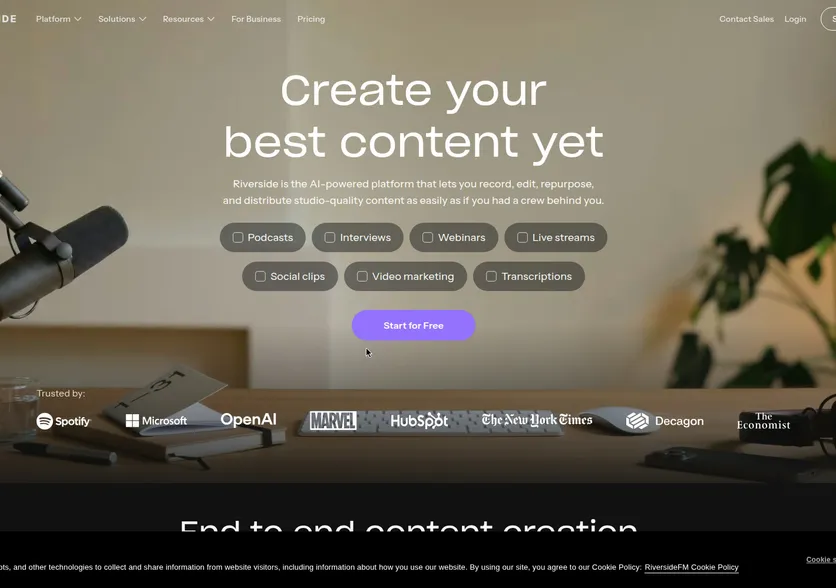
Riverside records each guest on a separate audio and video track, so a cough or a dropout on one side never ruins the whole episode. This Riverside Pro plan costs twenty-four dollars a month billed annually and adds unlimited recording, automatic transcription and text-based editing for cutting filler words. A beginner can invite guests with a single link, record in the browser and export clips sized for social media without touching a timeline.
What we like
- Separate tracks for every guest keep edits clean
- Browser recording with no downloads for guests
- Text-based editing cuts filler words fast
Watch out for
- The free plan caps recording time, so long shows need Pro
- Advanced editing still needs a dedicated video editor
How to try it
- Open the Riverside pricing page and start the free plan
- Create a studio and send the guest link to your first guest
- Record a test episode and export one short clip
2. Restream
Best for: Hosts who want to record a podcast and stream it live to several platforms at once
Paid tool Starting price: $16/month · Standard plan, sixteen dollars a month billed annually, or nineteen dollars billed monthly; free plan included
Free plan: Free plan with basic multistreaming
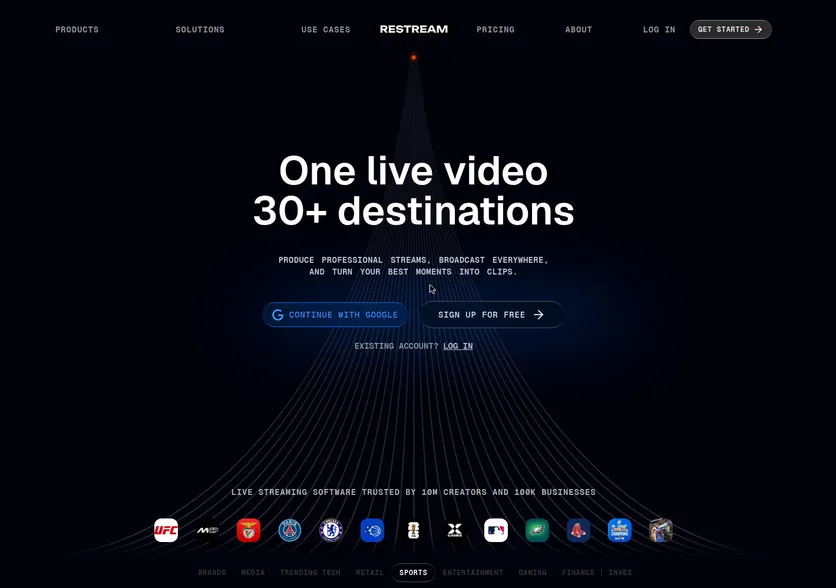
Restream runs a live video podcast and sends it to YouTube, Facebook, LinkedIn and other platforms at the same time, so one recording reaches every audience. This Restream Standard plan costs sixteen dollars a month billed annually and adds full high-definition streaming, custom branding and cloud recording. A beginner who already has followers on more than one platform gets the live show and the recording from a single session.
What we like
- Streams to many platforms from one session
- Cloud recording saves the show automatically
- Simple browser studio with no software to install
Watch out for
- Guest recording quality depends on each guest connection
- Built for live streaming first, so editing tools are basic
How to try it
- Open the Restream pricing page and start the free plan
- Connect your YouTube and Facebook accounts to the studio
- Go live once and download the cloud recording
3. Descript
Best for: Hosts who want to edit a video podcast by editing its transcript
Paid tool Starting price: $16/month · Hobbyist plan, sixteen dollars per person a month billed annually, or twenty-four dollars billed monthly; free plan with one media hour a month
Free plan: Free plan with one media hour a month
Descript turns a recording into a transcript and lets you cut video by deleting words, which feels like editing a document rather than a timeline. This Descript Hobbyist plan costs sixteen dollars per person a month billed annually and adds ten hours of transcription a month plus studio sound cleanup. A beginner can remove filler words, add captions and publish clips without learning a traditional video editor.

What we like
- Edit video by editing the transcript
- Studio sound removes background noise in one click
- Automatic captions for social clips
Watch out for
- Transcription hours run out fast on long weekly shows
- Some advanced features need the Creator plan
How to try it
- Open the Descript pricing page and claim the free plan
- Upload a test recording and let it transcribe
- Delete filler words from the transcript and export a clip
4. StreamYard
Best for: Beginners who want the simplest browser studio for live video podcasts
Paid tool Starting price: $14.99/month · Essential plan, fourteen dollars and ninety-nine cents a month billed annually, or eighteen dollars and ninety-nine cents billed monthly; free plan included
Free plan: Free plan with StreamYard branding
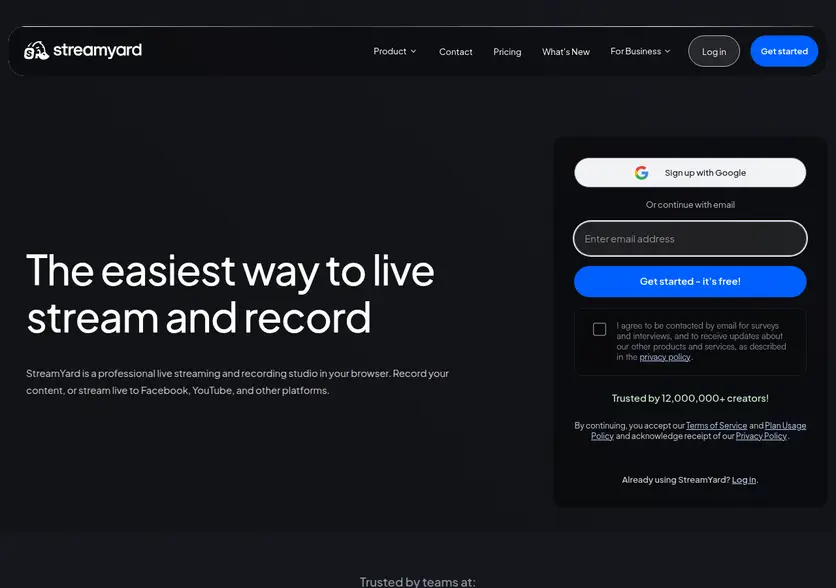
StreamYard opens in the browser with a clean layout for hosts and guests, so a first episode needs no software and no setup call. This StreamYard Essential plan costs fourteen dollars and ninety-nine cents a month billed annually and adds unlimited streaming, custom branding and ten hours of recording a month. A small show can bring guests on screen, show comments live and save the recording for later clips.
What we like
- The simplest browser studio in this list
- Guests join from a link with no account needed
- Live comments appear on screen during the show
Watch out for
- The free plan carries StreamYard branding on the stream
- Recording hours are capped at ten a month on Essential
How to try it
- Open the StreamYard pricing page and start the free plan
- Create a broadcast destination for your channel
- Invite a guest with the link and record a short test
5. Async
Best for: Beginners who want recording, editing and publishing in one low-priced plan
Paid tool Starting price: $11.99/month · Essentials plan, eleven dollars and ninety-nine cents a month billed annually, or nineteen dollars and ninety-nine cents billed monthly; free plan included
Free plan: Free plan with limited recording
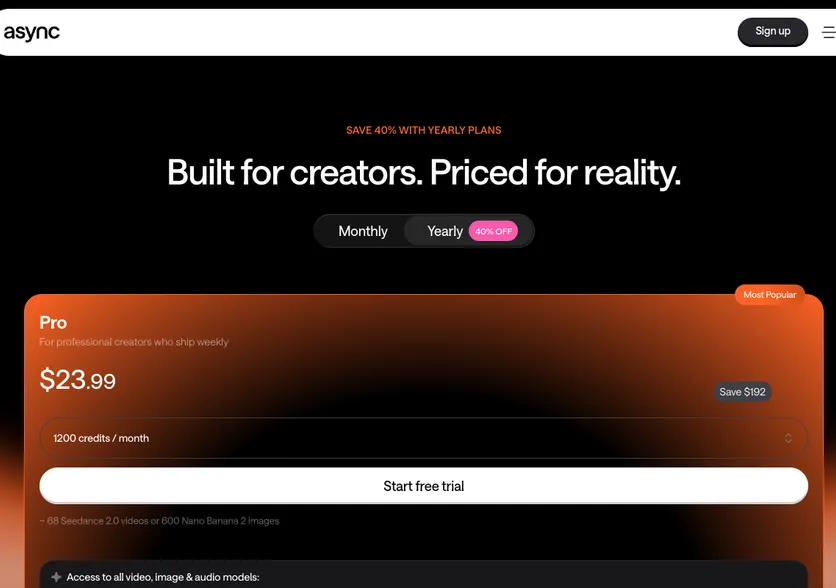
Async, formerly Podcastle, records remote video and audio in the browser and turns the result into an edited episode with AI cleanup and show notes. This Async Essentials plan costs eleven dollars and ninety-nine cents a month billed annually and adds more recording hours, higher-quality exports and extra AI tools. A beginner gets the studio, the editor and the publishing step in one place for the lowest paid price here.
What we like
- Lowest paid price in this comparison
- Recording, editing and publishing in one tool
- AI cleanup and show notes save editing time
Watch out for
- The rebrand from Podcastle is recent, so older guides use the old name
- Some advanced AI features need the Pro plan
How to try it
- Open the Async pricing page and start the free plan
- Record a test episode in the browser studio
- Use the AI editor to clean the audio and export
6. Ecamm Live
Best for: Mac owners who want a polished live video podcast with scenes and overlays
Paid tool Starting price: $16/month · Standard plan, sixteen dollars a month billed annually, or twenty dollars billed monthly; no free plan, fourteen-day trial; Mac only
Free plan: No free plan; 14-day free trial
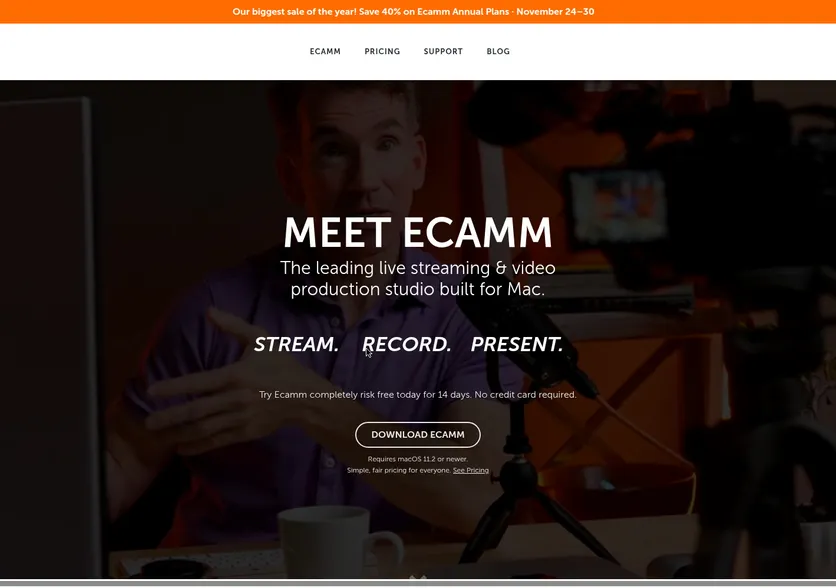
Ecamm Live turns a Mac into a small broadcast studio, with scenes, overlays, lower thirds and guest interviews that look professional from the first episode. This Ecamm Live Standard plan costs sixteen dollars a month billed annually and adds multi-camera support, interview mode and recording in high quality. A Mac owner who wants a show that looks designed rather than improvised gets the most control here.
What we like
- Scene and overlay tools make shows look professional
- Interview mode handles remote guests cleanly
- Records locally in high quality
Watch out for
- Mac only, so Windows hosts cannot use it
- The learning curve is steeper than a browser studio
How to try it
- Open the Ecamm Live site and start the fourteen-day trial
- Build one scene with your camera and logo overlay
- Record an interview and check the local file quality
7. Kapwing
Best for: Hosts who want fast clip editing and captions for social media
Paid tool Starting price: $16/month · Pro plan, sixteen dollars per member a month billed annually, or twenty-four dollars billed monthly; free plan included
Free plan: Free plan with watermarked exports
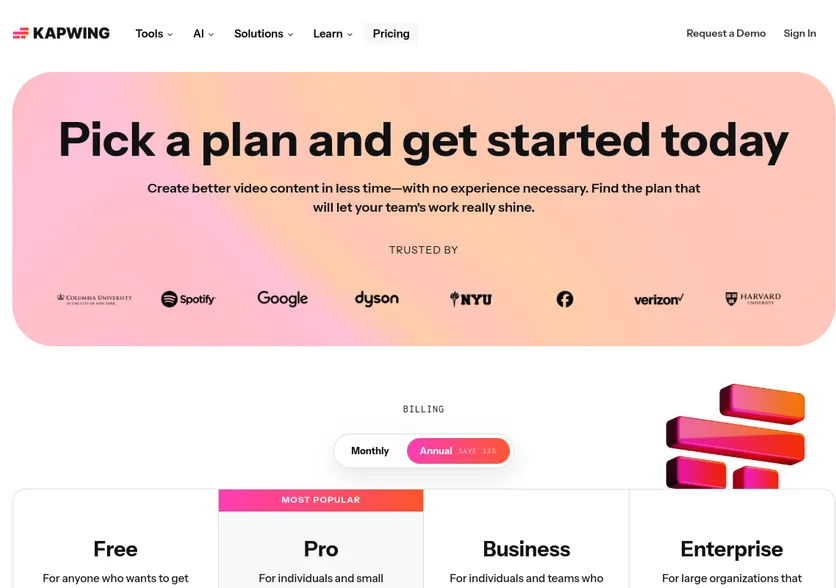
Kapwing is a browser editor built for turning long recordings into short clips, with automatic captions, smart cut tools and templates for every social platform. This Kapwing Pro plan costs sixteen dollars per member a month billed annually and removes watermarks, raises export quality and adds more AI editing credits. A beginner can record elsewhere, drop the file into Kapwing and publish clips the same day.
What we like
- Fastest clip workflow in this list
- Automatic captions in many languages
- Templates sized for every social platform
Watch out for
- The free plan watermarks every export
- It is an editor first, so live recording is basic
How to try it
- Open the Kapwing pricing page and start the free plan
- Upload a recorded episode and generate captions
- Cut one vertical clip and export it for social media
Prices above were checked on each vendor’s own website on Nov 27, 2026 and can change — the vendor’s page is the final word. Vendor links are editorial: nobody paid to be listed or ranked here. Vendors who want a featured listing can see how it works on our Get listed page.
What a video podcast costs in 2026
A beginner can start a video podcast for nothing on the free plans here, but free hours run out fast and watermarks appear on several exports. The paid plans in this list run from about twelve dollars a month to twenty-four when billed annually, so the jump from free to paid is small and the real choice is which workflow fits your show. A live show that streams everywhere suits Restream or StreamYard, while a recorded interview that needs careful editing suits Riverside or Descript.
Record one full test episode before you subscribe, then watch it back on a phone and a laptop. Check whether guest audio stays clean, whether captions read well and whether the clip export looks right for social media. Pick the tool whose worst moment still looks good, because a beginner show improves fastest when the recording and editing steps stay simple.
Before you buy
- Check the free plan recording limit first, because Riverside and Descript both cap free hours and long shows will need a paid plan.
- Count how many guests join each episode, because Ecamm Live and StreamYard handle remote guests very differently.
- Confirm your computer runs the tool, because Ecamm Live works on Mac only and the rest run in the browser.
- Compare the annual and monthly prices, because Async at eleven dollars and ninety-nine cents a month billed annually is the cheapest paid plan here.
- Test the clip export before you pay, because captions and vertical video matter more than the studio once the episode is recorded.
Official websites
Official websites of the products reviewed above. Features and prices were checked against these sites when this guide was written, and they can change, so confirm on the vendor site before you buy.
Frequently asked questions
Which video podcast software is best for beginners in 2026?
Riverside is the best overall pick for beginners, with separate audio and video tracks for every guest, browser recording and text-based editing at twenty-four dollars a month billed annually. Restream is the best value for live shows at sixteen dollars a month, and Descript is the best editor for hosts who prefer cutting a transcript. All three offer a free plan, so test one episode on each before you pay.
How much does video podcast software cost?
Paid plans in this list run from about twelve dollars a month for Async Essentials to twenty-four dollars a month for Riverside Pro, all billed annually. Monthly billing costs more on every tool here, so annual billing saves roughly a quarter of the yearly total. Free plans cover a first episode on most tools, though recording hours and export quality are limited until you upgrade.
Do I need a separate microphone and camera to start?
No, a laptop webcam and a basic USB microphone are enough for a first episode, and every tool here records in the browser or on your computer without extra hardware. A dedicated microphone is the first upgrade worth buying, because clean audio matters more than camera quality for listeners. Add lights and a better camera only after a few episodes, once the show format is settled.
Can I record a video podcast with remote guests?
Yes, every tool in this list records remote guests, and Riverside, StreamYard and Ecamm Live are built around guest interviews. Guests join from a link in the browser on most tools, with no account or download needed, and each guest records on a separate track where the tool supports it. Ask guests to use headphones and a quiet room, because a clean guest track saves hours of editing later.
What is the cheapest video podcast software for beginners?
Async Essentials is the cheapest paid plan here at eleven dollars and ninety-nine cents a month billed annually, with recording, editing and publishing in one tool. StreamYard Essential follows at fourteen dollars and ninety-nine cents a month, and Restream Standard, Descript Hobbyist, Ecamm Live Standard and Kapwing Pro all sit at sixteen dollars a month. Start on a free plan first, because the cheapest paid plan only wins if its workflow fits your show.
Need everyday video help too? Try Toolsvine's free video tools right in your browser.
Browse Video Tools tools


