
On this page
Task tools hold the work, but the work moves between apps — a new card here, a comment there, a due date somewhere else. The best webhook automation software for task management connects those apps, so a webhook fires a task, updates a board or pings the team without manual copying. Prices here run from $2.09 a month to $249 one-time, and every price was checked on the vendor site on November 26, 2026. Zapier is our first pick — the largest integration library with the simplest webhook setup.
How we researched this
We started with automation tools that move tasks between apps with webhooks, then read each price on the vendor site on November 26, 2026 and noted the task limits, the app counts and the free plan each tool carries. We judged them for a team that runs projects in a task tool and wants updates to flow between apps without manual copying. We kept the list to tools with a published price, and we dropped any tool whose price we could not verify.
Compare the tools
| Name | Best for | Starting price | Free plan | |
|---|---|---|---|---|
 Zapier | Teams that want the largest integration library with simple webhook setup | $19.99/month | Free plan (100 tasks a month); 14-day free trial | Visit |
 Make | Teams that run many automated tasks and want the cheapest paid plan | $9/month | Free plan (1,000 credits a month) | Visit |
 IFTTT | Teams that want the cheapest tool for simple webhook automations | $2.09/month | Free plan (1,000 credits a month) | Visit |
 Pabbly Connect | Teams that want to pay once and stop thinking about a monthly bill | $249 | Free plan (100 tasks) | Visit |
 Integrately | Teams that want working automations fast, without building flows from scratch | $19.99/month | Free plan (100 tasks); 14-day free trial | Visit |
 Microsoft Power Automate | Teams already running on Microsoft 365 that want deep suite links | $15/user/month | Free Developer Plan | Visit |
 Zoho Flow | Teams already using Zoho apps that want automation inside the suite | $25/month | Free plan (100 tasks a month); 15-day free trial | Visit |
The webhook automation tools, compared
1. Zapier
Best for: Teams that want the largest integration library with simple webhook setup
Paid tool Starting price: $19.99/month · Professional plan starting price; Team $69 a month; free plan covers 100 tasks a month; 14-day free trial of Professional, no credit card
Free plan: Free plan (100 tasks a month); 14-day free trial
Zapier is the best-known automation tool, with thousands of app connections and webhooks that trigger multi-step workflows from any event. This Zapier Professional plan starts at $19.99 a month, while Team is $69 a month, and the free plan covers 100 tasks a month. It is the safest pick here for a team that wants the widest choice of integrations.

What we like
- Largest integration library on this list
- Simple webhook setup for non-developers
- Free plan covers 100 tasks a month
Watch out for
- Task limits cap heavy workflows
- Higher tiers cost more per month
How to try it
- Open the Zapier pricing page and start the 14-day free trial
- Create a webhook trigger for a new task
- Add an action step and test the workflow end to end
2. Make
Best for: Teams that run many automated tasks and want the cheapest paid plan
Paid tool Starting price: $9/month · Core plan with 10,000 credits a month; Pro $16 and Teams $29 a month; free plan covers 1,000 credits a month
Free plan: Free plan (1,000 credits a month)
Make builds visual automation flows where webhooks, filters and routers connect apps in a diagram anyone can read. This Make Core plan costs $9 a month with 10,000 credits a month, while Pro is $16 and Teams is $29 a month, and the free plan covers 1,000 credits a month. It is the cheapest paid plan here for a team that runs many automated tasks.

What we like
- Cheapest paid plan at $9 a month
- Visual flows are easy to read
- 10,000 credits a month on Core
Watch out for
- Visual builder takes learning time
- Credit math needs checking for big flows
How to try it
- Open the Make pricing page and start with the free plan
- Add a webhook module and connect a task app
- Draw the flow with filters and run a test
3. IFTTT
Best for: Teams that want the cheapest tool for simple webhook automations
Paid tool Starting price: $2.09/month · Starter plan billed annually at $25.08 a year; Pro $5.49 and Pro+ $13.99 a month; free plan covers 1,000 credits a month
Free plan: Free plan (1,000 credits a month)
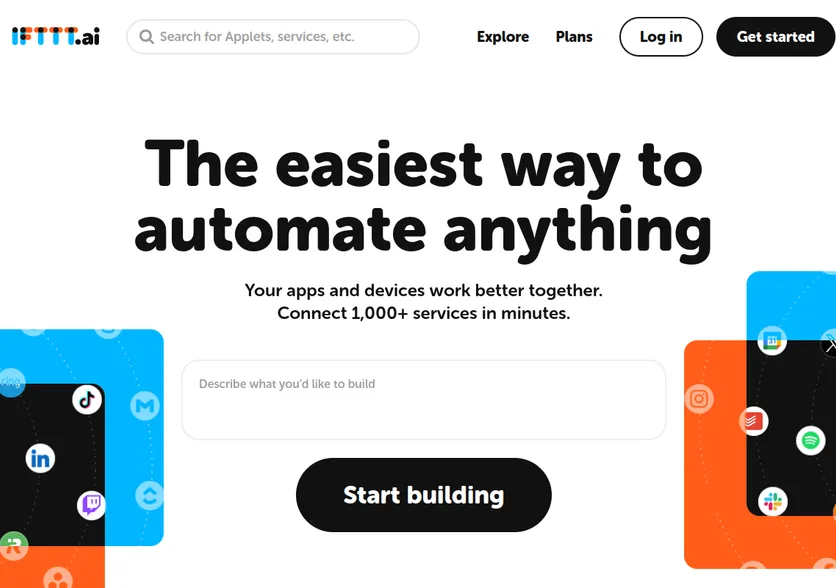
IFTTT connects apps with simple if-this-then-that rules, and its webhooks turn any event into a task update. This IFTTT Starter plan costs about $2 a month billed annually, with Pro and Pro+ tiers above it. It is the cheapest tool here for simple webhook automations.
What we like
- Cheapest price here at $2.09 a month
- Simplest rules for basic automations
- Free plan covers 1,000 credits a month
Watch out for
- Too simple for multi-step workflows
- Fewer business app connections
How to try it
- Open the IFTTT plans page and pick the Starter plan
- Create an applet with a webhook trigger
- Connect a task app as the action and test it
4. Pabbly Connect
Best for: Teams that want to pay once and stop thinking about a monthly bill
Paid tool Starting price: $249 · One-time lifetime access for the Standard plan; monthly plans also exist; free plan covers 100 tasks
Free plan: Free plan (100 tasks)
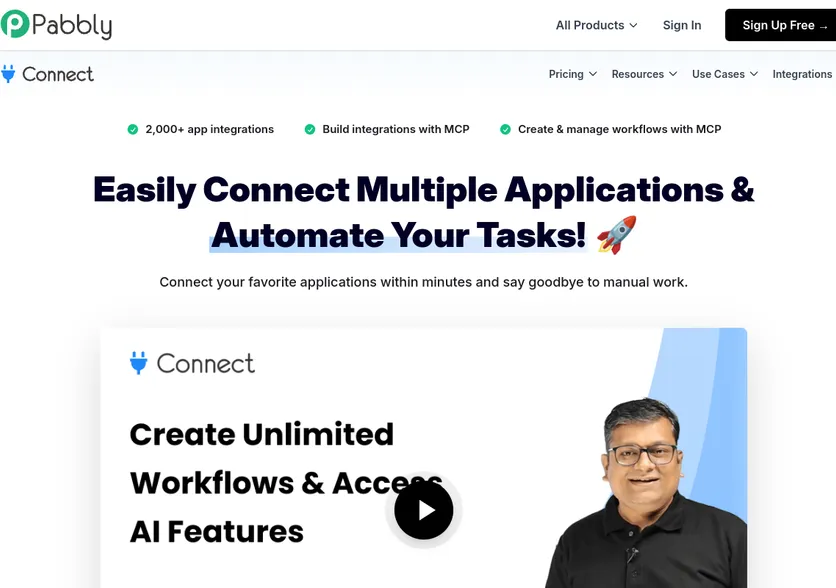
Pabbly Connect automates tasks between apps with workflows and webhooks, and its one-time lifetime plan breaks the monthly billing pattern. This Pabbly Connect Standard plan costs $249 as a one-time lifetime payment, while monthly plans also exist and the free plan covers 100 tasks. It suits a team that wants to pay once and stop thinking about a monthly automation bill.
What we like
- One-time lifetime payment option
- No monthly bill on the lifetime plan
- Free plan covers 100 tasks
Watch out for
- Lifetime plan is a large upfront payment
- Smaller integration library than Zapier
How to try it
- Open the Pabbly Connect pricing page and compare lifetime and monthly plans
- Create a workflow with a webhook trigger
- Connect a task app and test the automation
5. Integrately
Best for: Teams that want working automations fast, without building flows from scratch
Paid tool Starting price: $19.99/month · Starter plan with 2,000 tasks; Professional $39, Growth $99 and Business $239 a month; free plan covers 100 tasks; 14-day free trial
Free plan: Free plan (100 tasks); 14-day free trial
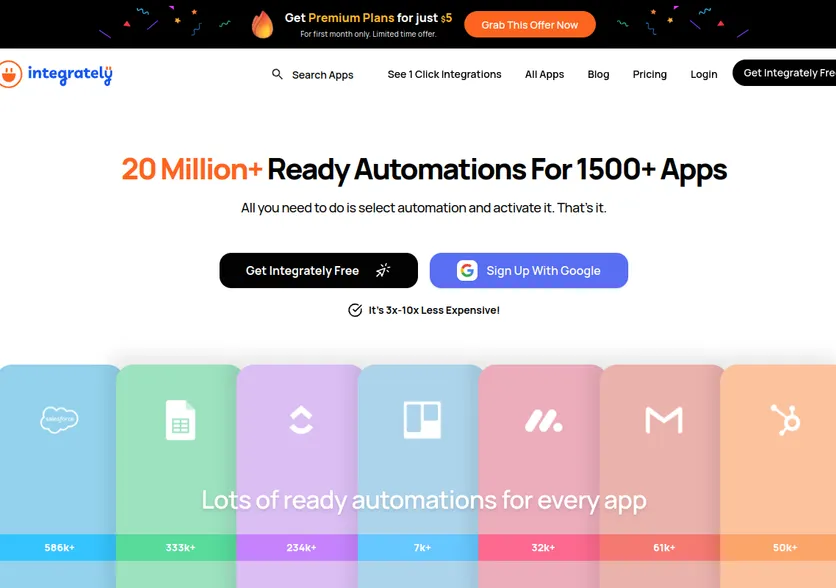
Integrately offers one-click automations between apps, with webhooks and ready-made recipes that set up in minutes. This Integrately Starter plan costs $19.99 a month with 2,000 tasks, while Professional is $39, Growth $99 and Business $239 a month. It is the pick here for a team that wants working automations fast, without building flows from scratch.
What we like
- One-click recipes set up in minutes
- 2,000 tasks on the Starter plan
- 14-day free trial
Watch out for
- Fewer customisation options than Make
- Starter plan caps at 2,000 tasks
How to try it
- Open the Integrately pricing page and start the 14-day free trial
- Pick a ready-made recipe for your task app
- Connect the apps and test the webhook trigger
6. Microsoft Power Automate
Best for: Teams already running on Microsoft 365 that want deep suite links
Paid tool Starting price: $15/user/month · Premium plan, USD list price; Process is $150 per bot per month and Per Flow is $100 per flow per month; free Developer Plan
Free plan: Free Developer Plan
Microsoft Power Automate connects task tools with the Microsoft suite, so a webhook can create a Planner task, send a Teams message or update a SharePoint list. This Microsoft Power Automate Premium plan costs $15 a user a month, while Process is $150 a bot a month and Per Flow is $100 a flow a month. It is the pick here for a team already running on Microsoft 365.
What we like
- Deep links with Microsoft 365 apps
- Per-flow pricing for shared automations
- Free Developer Plan for testing
Watch out for
- Best value only inside Microsoft 365
- Per-user price adds up fast
How to try it
- Open the Power Automate pricing page and start the Developer Plan
- Create a flow with a webhook trigger
- Connect a task app and test the automation
7. Zoho Flow
Best for: Teams already using Zoho apps that want automation inside the suite
Paid tool Starting price: $25/month · Standard plan billed annually with 5,000 tasks a month; Professional $41 a month annual; free plan covers 100 tasks a month and 5 flows; 15-day free trial
Free plan: Free plan (100 tasks a month); 15-day free trial
Zoho Flow automates tasks inside the Zoho suite and beyond, with webhooks that move work between Zoho apps and third-party tools. This Zoho Flow Standard plan costs $25 a month billed annually with 5,000 tasks a month, while Professional is $41 a month annual. It is the pick here for a team already using Zoho apps for work.
What we like
- Deep links with Zoho apps
- 5,000 tasks a month on Standard
- Free plan covers 100 tasks a month
Watch out for
- Best value only inside the Zoho suite
- Fewer third-party apps than Zapier
How to try it
- Open the Zoho Flow page and start the 15-day free trial
- Create a flow with a webhook trigger
- Connect a task app and test the automation
Prices above were checked on each vendor’s own website on Nov 26, 2026 and can change — the vendor’s page is the final word. Vendor links are editorial: nobody paid to be listed or ranked here. Vendors who want a featured listing can see how it works on our Get listed page.
What webhook automation costs in 2026
Webhook automation prices run from $2.09 a month for IFTTT Starter to $19.99 a month for Zapier Professional and Integrately Starter, while Make Core is $9 a month with 10,000 credits. Pabbly Connect breaks the pattern with a $249 one-time lifetime payment for Standard. Microsoft Power Automate Premium is $15 a user a month, and Zoho Flow Standard is $25 a month billed annually with 5,000 tasks. The limit that matters is tasks or credits per month, because a busy workflow can burn through a small allowance fast.
Before you buy, count the automated tasks you run in a month. A team with a few hundred tasks fits the free plans on Zapier, Make and IFTTT, while a team with thousands needs Make Core or Zoho Flow Standard. Check the per-task cost too, because a cheap plan with a low task cap costs more than a pricier plan with room to grow.
Before you buy
- Count your automated tasks per month first, because Zapier free covers 100 while Make Core covers 10,000 credits.
- Check the task cap before paying, since a busy workflow can burn a small allowance in days.
- Confirm the tool connects your task app, because even Zapier cannot help if your app is missing.
- Test a real workflow during the free trial, not a demo, so you see the task count it uses.
- Compare one-time and monthly costs, because Pabbly Connect at $249 once may beat years of monthly bills.
Official websites
Official websites of the products reviewed above. Features and prices were checked against these sites when this guide was written, and they can change, so confirm on the vendor site before you buy.
Frequently asked questions
Which webhook automation tool is best for task management in 2026?
Zapier is our first pick, because it has the largest integration library and the simplest webhook setup, from $19.99 a month. Make is the cheapest paid plan at $9 a month with 10,000 credits, and IFTTT is the cheapest tool overall at $2.09 a month for simple rules. Pabbly Connect suits a team that wants to pay $249 once for lifetime access.
How much does webhook automation cost?
Monthly prices here run from $2.09 a month for IFTTT Starter to $19.99 a month for Zapier Professional and Integrately Starter, with Make Core at $9 and Zoho Flow Standard at $25 a month. Microsoft Power Automate Premium is $15 a user a month. Pabbly Connect is different: $249 once for lifetime access to Standard.
What is a webhook in task automation?
A webhook is a message one app sends to another when something happens — a new task, a completed card or a changed due date. The automation tool listens for that message and runs a workflow: it can create a task, update a board or ping the team. Webhooks remove the need to check for changes by hand.
Can I automate tasks for free?
Yes. Zapier covers 100 tasks a month free, Make covers 1,000 credits a month, IFTTT covers 1,000 credits a month, and Pabbly Connect and Integrately both cover 100 tasks. Zoho Flow covers 100 tasks a month free, and Power Automate has a free Developer Plan. A light workflow fits the free tiers easily.
Do I need coding skills to use these tools?
No. All seven tools here are built for people who do not write code: Zapier uses simple triggers and actions, Make uses a visual flow builder, and Integrately uses one-click recipes. Power Automate is the deepest of the seven, so it takes longer to learn, but it still starts with templates and a visual designer.
Need the everyday developer jobs too? Format JSON and test webhooks free on Toolsvine right in your browser.
Browse Developer Tools tools


