

On this page
Code that lives on one laptop helps nobody. GitHub leads this list because every developer already has an account there, but the best code sharing tool for your team depends on whether you share whole repos, live prototypes, or quick snippets. We checked eight paid platforms on their own pricing pages and compared free plans, collaboration features, and the real cost per teammate.
How we researched this
We read each vendor pricing page on November 26, 2026 and kept only tools with a published starting price. We then weighed how fast a teammate can open shared code, run it, and leave a comment without installing anything.
Compare the tools
| Name | Best for | Starting price | Free plan | |
|---|---|---|---|---|
 GitHub | Teams that want the largest code hosting community | $4/user/month | Free plan with unlimited public and private repos | Visit |
 GitLab | Teams that want code hosting plus built-in CI | $29/user/month | Free tier with core DevOps tools | Visit |
 Bitbucket | Teams already living in Jira and Confluence | $3.65/user/month | Free for up to 5 users | Visit |
 CodePen | Front-end developers sharing live demos | $8/month | Free plan with unlimited public pens | Visit |
 CodeSandbox | Front-end teams sharing runnable prototypes | $12/workspace/month | Free Build plan with 5 members | Visit |
 Replit | Teams that prototype full apps in the browser | $18/month | Free plan with limited Agent usage | Visit |
 StackBlitz | Developers who want instant browser IDEs | $25/month | Free Personal plan with unlimited public projects | Visit |
 Pastebin | Quick snippet sharing with no setup | $2.95/month | Free plan with ads and size limits | Visit |
The 8 best code sharing tools for software teams
1. GitHub
Best for: Teams that want the largest code hosting community
Paid tool Starting price: $4/user/month · Team plan billed annually
Free plan: Free plan with unlimited public and private repos
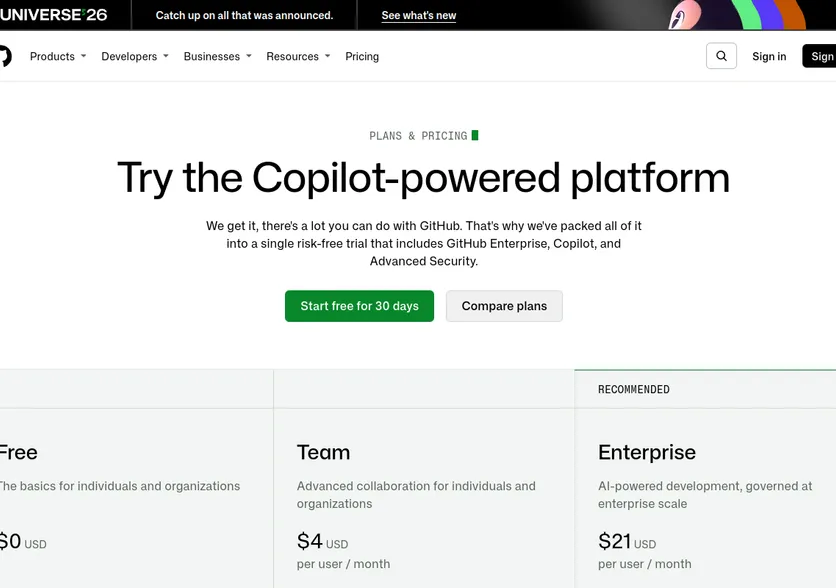
GitHub is where most of the world shares code, and that network effect is hard to beat. This GitHub Team plan adds protected branches, code owners, and draft pull requests for four dollars a user each month. It is the default choice for software teams, though the interface can overwhelm newcomers who only need to share a snippet.
What we like
- Largest developer community anywhere
- Best pull-request review workflow
- Huge integration and Actions library
Watch out for
- Interface can overwhelm new users
- Advanced security needs pricier tiers
How to try it
- Create an organization and invite your team
- Push your main repo and protect the default branch
- Open your first pull request and ask for a review
2. GitLab
Best for: Teams that want code hosting plus built-in CI
Paid tool Starting price: $29/user/month · Premium tier billed annually
Free plan: Free tier with core DevOps tools
GitLab pairs code sharing with built-in CI, so a shared repo can test itself on every push. This GitLab Premium plan adds merge trains, code owners, and advanced CI for teams that want one platform for the whole workflow. It is heavier than GitHub for simple sharing, but teams that adopt the full pipeline rarely look back.

What we like
- Code hosting and CI in one platform
- Strong merge train and review tools
- Self-hosting option for full control
Watch out for
- Much pricier than GitHub Team
- Heavier than needed for simple sharing
How to try it
- Import a repo or create one in your group
- Turn on CI with a simple pipeline file
- Open a merge request and assign reviewers
3. Bitbucket
Best for: Teams already living in Jira and Confluence
Paid tool Starting price: $3.65/user/month · Standard plan
Free plan: Free for up to 5 users
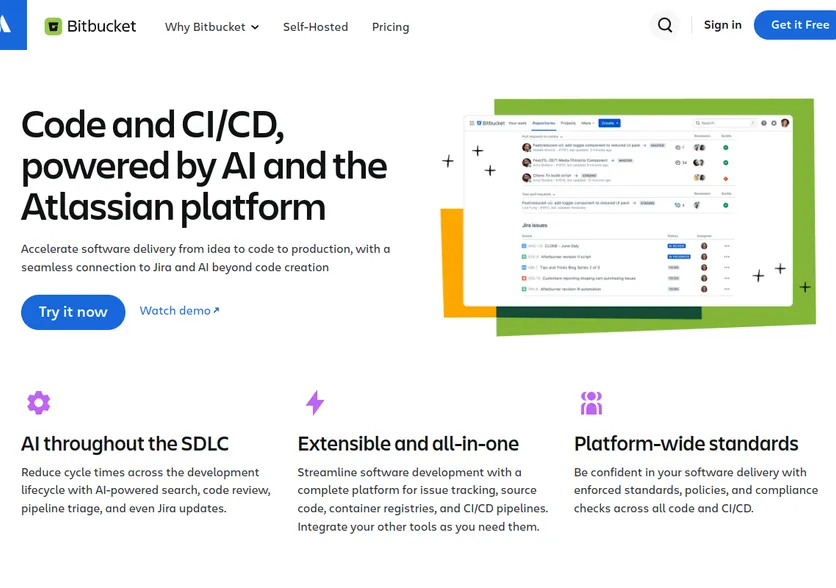
Bitbucket is the code host for teams already living in Jira and Confluence, and the integration shows. This Bitbucket Standard plan adds unlimited repos, branch permissions, and deployment tracking for a low per-user price. It is the cheapest full repo host here, though its community and marketplace are smaller than GitHub.
What we like
- Deep Jira and Confluence integration
- Lowest price for a full repo host
- Clean branch permission controls
Watch out for
- Smaller community than GitHub
- Fewer third-party integrations
How to try it
- Create a workspace and link it to your Jira project
- Push your repo and set branch permissions
- Connect Pipelines to test on every push
4. CodePen
Best for: Front-end developers sharing live demos
Paid tool Starting price: $8/month · PRO Starter plan, regular price; first year is discounted
Free plan: Free plan with unlimited public pens
CodePen is the fastest way to share a front-end idea, with a live preview that updates as you type. This CodePen PRO Starter plan adds private pens, asset hosting, and collaboration for eight dollars a month. It is built for demos and experiments rather than production repos, but nothing beats it for showing a colleague how a component behaves.

What we like
- Instant live preview as you type
- Huge community of front-end demos
- Very low price for private pens
Watch out for
- Front-end only, no back-end code
- Not a repo host for production work
How to try it
- Fork a pen or start one from scratch
- Share the pen link with your team for feedback
- Upgrade to PRO to keep client work private
5. CodeSandbox
Best for: Front-end teams sharing runnable prototypes
Paid tool Starting price: $12/workspace/month · Pro plan billed monthly; $9 a workspace on annual billing
Free plan: Free Build plan with 5 members
CodeSandbox turns a code sample into a running app that anyone can open in a browser. This CodeSandbox Pro plan adds private sandboxes, larger virtual machines, and more members for twelve dollars a workspace each month. It is the best tool here for sharing runnable front-end prototypes, though back-end work needs a different host.
What we like
- Runnable prototypes in one link
- Priced per workspace, not per user
- Feels like VS Code in the browser
Watch out for
- Weak for back-end projects
- VM credits can add to the bill
How to try it
- Create a sandbox from a template or a GitHub repo
- Share the live link with your team
- Upgrade to Pro for private sandboxes and bigger VMs
6. Replit
Best for: Teams that prototype full apps in the browser
Paid tool Starting price: $18/month · Core plan billed annually; $20 a month on monthly billing
Free plan: Free plan with limited Agent usage
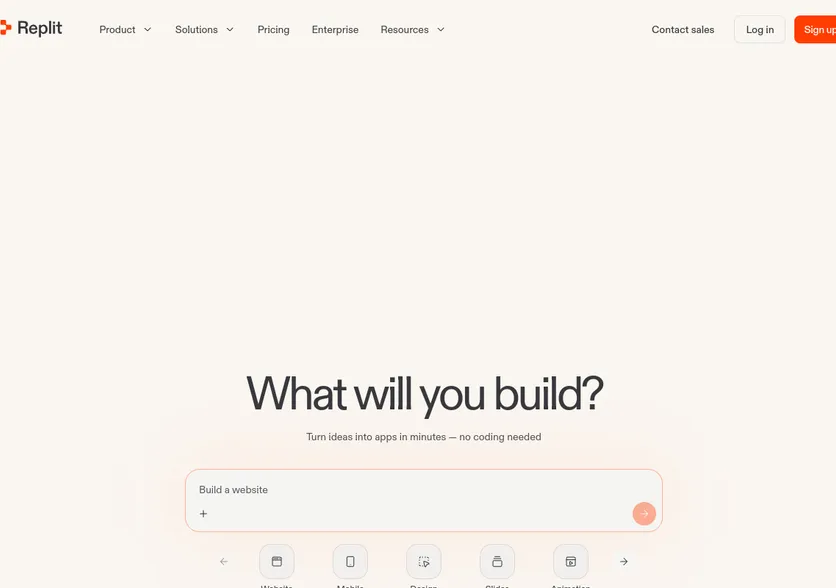
Replit lets a team build and run a full app in the browser, with no local setup at all. This Replit Core plan adds more Agent usage, unlimited workspaces, and AI integrations for eighteen dollars a month on annual billing. It is the most complete browser workspace here, though the credit system makes heavy AI use hard to predict.
What we like
- Full apps running in the browser
- AI Agent builds from a prompt
- Live multiplayer editing
Watch out for
- AI credits make costs unpredictable
- Not ideal for large production codebases
How to try it
- Start a workspace and describe the app you want
- Let the Agent build the first version
- Invite teammates to edit the same workspace live
7. StackBlitz
Best for: Developers who want instant browser IDEs
Paid tool Starting price: $25/month · Pro plan billed monthly; $18 a month on annual billing
Free plan: Free Personal plan with unlimited public projects
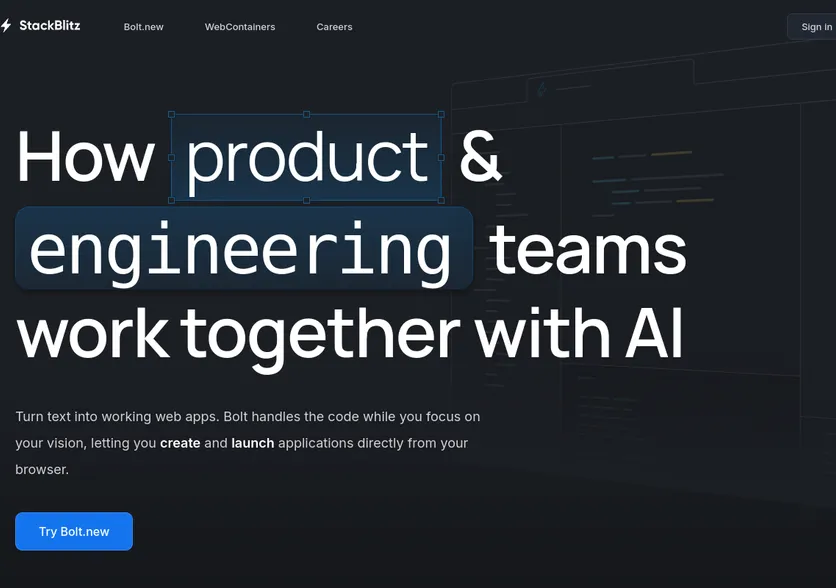
StackBlitz opens a full development environment in the browser in seconds, with no install step. This StackBlitz Pro plan adds private projects, more resources, and team features for twenty-five dollars a month. It is the fastest way to share a working front-end project, though it is pricier per user than GitHub or CodeSandbox.
What we like
- Instant browser IDE with no setup
- Fastest front-end project sharing here
- Good GitHub integration
Watch out for
- Pricier per user than GitHub or CodeSandbox
- Team pricing is per user and steep
How to try it
- Open a template or import a GitHub repo
- Share the live project link with your team
- Upgrade to Pro for private repos and team seats
8. Pastebin
Best for: Quick snippet sharing with no setup
Paid tool Starting price: $2.95/month · PRO monthly plan; yearly is $23.95
Free plan: Free plan with ads and size limits
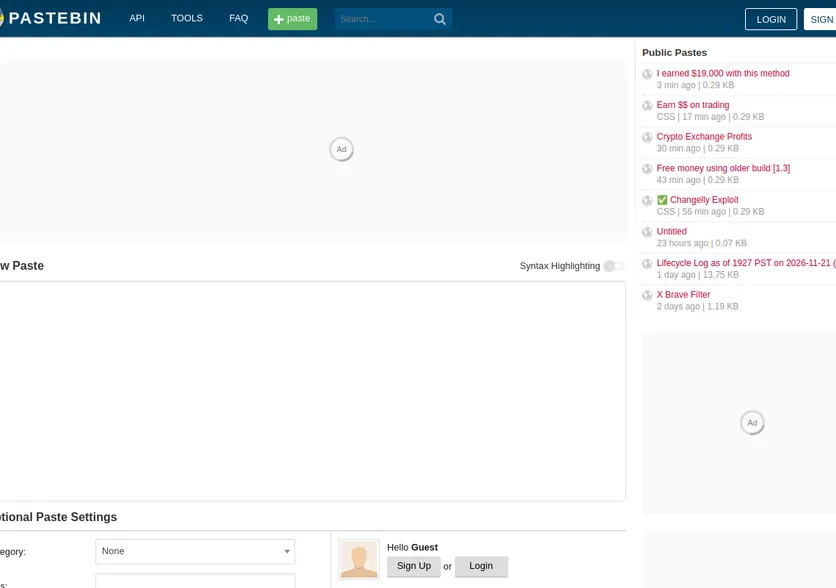
Pastebin is the simplest code sharing tool ever made: paste text, get a link, send it to your team. This Pastebin PRO plan adds ten-megabyte pastes, unlimited private pastes, and an API for under three dollars a month. It will not host a repo or run code, but for a quick snippet it is still unbeaten after two decades.
What we like
- Fastest way to share a snippet
- Cheapest paid plan on this list
- No account needed to view a paste
Watch out for
- No version control or review tools
- Ads and captchas on the free plan
How to try it
- Paste your snippet and pick an expiry time
- Copy the link and send it to your team
- Upgrade to PRO for private pastes and bigger files
Prices above were checked on each vendor’s own website on Nov 26, 2026 and can change — the vendor’s page is the final word. Vendor links are editorial: nobody paid to be listed or ranked here. Vendors who want a featured listing can see how it works on our Get listed page.
How to share code so teammates actually use it
How to share code so teammates actually use it
Share the smallest thing that proves the idea. A runnable sandbox beats a long document, and a pull request with a clear description beats a chat message with a zip file. Pick one home for shared code and stick to it, since code scattered across five tools is code nobody can find.
Then set the review habit. Every shared snippet should name a reviewer and a deadline, even if the review takes five minutes. The tools on this list make sharing easy; the habit of actually reading each other code is what makes the sharing worth anything.
Before you buy
- Can a teammate open and run your shared code without installing anything first?
- Does the tool fit your stack, or does it only shine for front-end JavaScript?
- Are private projects included, or does sharing mean publishing in public?
- Can reviewers comment on exact lines, or only on the whole file?
- Does the price grow per user, per workspace, or per project, and which matches your team?
Official websites
Official websites of the products reviewed above. Features and prices were checked against these sites when this guide was written, and they can change, so confirm on the vendor site before you buy.
Frequently asked questions
What is the best tool for sharing code with a team?
GitHub is the best default, since every developer already knows it and Team costs four dollars a user. CodeSandbox and Replit are better when teammates need to run the code, not just read it. Pastebin wins for one-off snippets, and CodePen wins for front-end demos that need a live preview.
Should our team use GitHub or GitLab?
GitHub wins on community, integrations, and familiarity, while GitLab wins when you want code hosting and CI in one platform. GitLab Premium costs twenty-nine dollars a user against GitHub Team at four dollars, so GitHub is cheaper unless you replace a separate CI tool. Teams already on Atlassian tools should also look at Bitbucket at under four dollars a user.
Can I share code without making it public?
Yes, every tool on this list offers private sharing on a paid plan. GitHub and GitLab include unlimited private repos even on free plans, while CodePen and CodeSandbox need a paid tier for private pens and sandboxes. Pastebin PRO adds unlimited private pastes for under three dollars a month.
What is the cheapest way to share runnable code?
CodeSandbox Pro costs twelve dollars per workspace a month and covers up to twenty members, which makes it the cheapest runnable option for a team. Replit Core is eighteen dollars a month for one account with unlimited workspaces. For code that only needs reading, GitHub Team at four dollars a user is cheaper still.
Do code sharing tools replace a code review tool?
No, sharing and review are different jobs, though GitHub and GitLab cover both with pull requests and merge requests. CodePen, CodeSandbox, and Pastebin share code but offer little review structure. Keep your review workflow in GitHub or GitLab and use the lighter tools for demos and snippets.
Pick the host your team already knows, share one real project this week, then pay for the plan that made review fastest.
Browse Developer Tools tools


