
On this page
A software team runs on its tools, and the eight below cover the whole job from writing code to shipping it. Prices run from about four dollars a user a month to about nine hundred and seventy-nine dollars a user a year, and every price was checked on the vendor site on November 26, 2026. Nearly all offer a free tier, so a small team can build a full toolchain before paying. GitHub is our first pick — the default home for code at four dollars a user a month.
How we researched this
We started with the developer tools software teams actually buy, then read each price on the vendor pricing page on November 26, 2026 and noted the free tier and per-seat rate each plan carries. We judged them for a software team that needs to host code, track work, test and ship without a tangle of separate services. We kept only tools with a published dollar price, and we dropped Bitbucket Cloud and Azure DevOps from the shortlist because both are covered better by the GitHub and GitLab entries here.
Compare the tools
| Name | Best for | Starting price | Free plan | |
|---|---|---|---|---|
 GitHub | Most software teams that need hosting, review and CI in one place | $4/user/month | Free plan with unlimited public and private repositories | Visit |
 GitLab | Teams that want code, CI and security in one integrated platform | $29/user/month | Free plan limited to 5 users in a private top-level group | Visit |
 JetBrains All Products Pack | Developers who work across many languages every day | $979/user/year | No free plan; 30-day free trial | Visit |
 Docker | Teams that ship software in containers | $9/user/month | Free Personal plan with limited pulls and one private repository | Visit |
 Postman | API teams that design, test and document endpoints together | $19/user/month | Free plan with API client, mock servers and 100 AI credits a month | Visit |
 Sentry | Teams that need to find and fix production errors fast | $26/month | Free Developer plan with 5,000 errors a month | Visit |
 CircleCI | Teams that want fast hosted CI with usage credits | $15/month | Free plan with 30,000 credits a month and 5 users | Visit |
 Linear | Product teams that want fast, focused issue tracking | $10/user/month | Free plan with 250 issues and 2 teams | Visit |
The developer tools, compared
1. GitHub
Best for: Most software teams that need hosting, review and CI in one place
Paid tool Starting price: $4/user/month · Team plan, $4 a user a month
Free plan: Free plan with unlimited public and private repositories
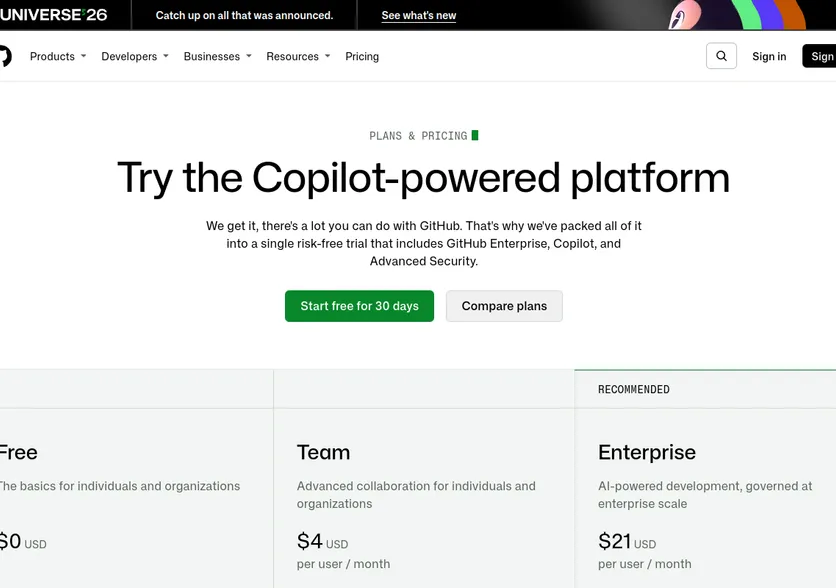
GitHub is the default home for code, hosting repositories for more developers than any other platform on this list. This GitHub Team plan adds repository rules, code owners, required reviewers and draft pull requests, with three thousand Actions minutes a month included. A team can host private code, review it properly and automate builds without adding a second service.
What we like
- Largest developer community anywhere
- Private repositories with review controls
- Actions CI with three thousand minutes included
Watch out for
- Advanced Security costs extra per committer
- CI minutes run out fast on heavy test suites
How to try it
- Open the GitHub pricing page and pick the Team plan
- Create your repository and invite the team
- Set repository rules and add your first Actions workflow
2. GitLab
Best for: Teams that want code, CI and security in one integrated platform
Paid tool Starting price: $29/user/month · Premium plan, $29 a user a month billed annually; Ultimate is now custom priced
Free plan: Free plan limited to 5 users in a private top-level group
GitLab is the all-in-one DevOps platform, bundling code hosting, CI pipelines and security scanning into a single workflow. This GitLab Premium plan adds advanced CI, ten thousand compute minutes a month and priority support, with security scans built into every pipeline. A team can plan, code, test and ship from one tool instead of wiring together five separate services.

What we like
- Code, CI and security in one platform
- Ten thousand compute minutes a month
- Built-in security scans on every pipeline
Watch out for
- Premium costs twenty-nine dollars a user a month
- Advanced security findings need Ultimate
How to try it
- Open the GitLab pricing page and pick the Premium plan
- Import your repository and set up the first pipeline
- Add a security scan stage and review the findings
3. JetBrains All Products Pack
Best for: Developers who work across many languages every day
Paid tool Starting price: $979/user/year · All Products Pack for organizations, $979 a user a year; individual first-year price is $299 a user a year
Free plan: No free plan; 30-day free trial
JetBrains All Products Pack is the full suite of professional IDEs, covering ten languages plus profilers, extensions and AI credits in one subscription. This JetBrains All Products Pack for organizations adds IntelliJ IDEA, PyCharm, WebStorm, GoLand, Rider and six more tools, with a perpetual fallback licence after a year. A polyglot developer can switch languages without switching vendors or learning a new editor each time.

What we like
- Ten IDEs plus profilers in one subscription
- Perpetual fallback licence after a year
- Best-in-class refactoring and code insight
Watch out for
- Organization price is nine hundred and seventy-nine dollars a user a year
- Overkill for a team that uses one language only
How to try it
- Open the JetBrains pricing page and pick the All Products Pack
- Install the Toolbox app and pick your IDEs
- Open your project and let the IDE index the code
4. Docker
Best for: Teams that ship software in containers
Paid tool Starting price: $9/user/month · Pro plan, $9 a user a month billed annually
Free plan: Free Personal plan with limited pulls and one private repository
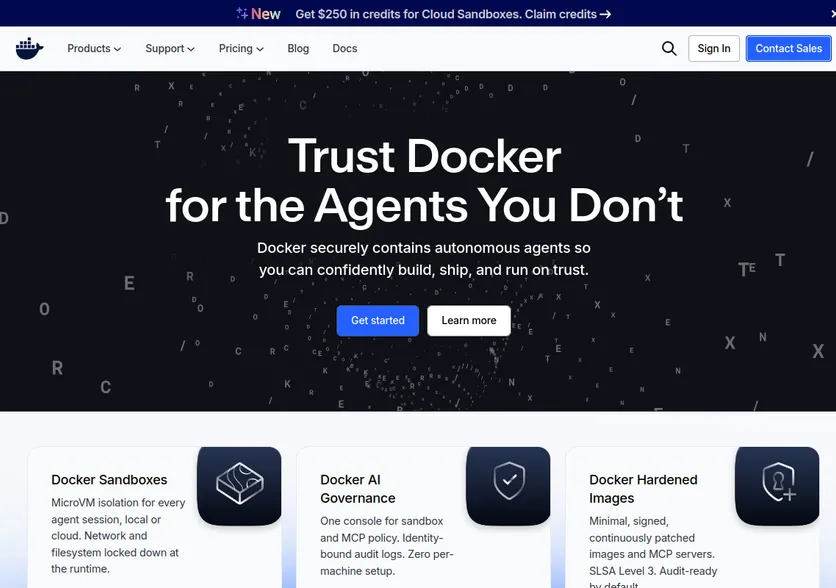
Docker is the container platform every deployment pipeline assumes, packaging an app and its dependencies into a portable image. This Docker Pro plan adds unlimited private repositories, vulnerability scanning and more pull capacity than the free plan. A team can build an image once, scan it for known vulnerabilities, and run it identically on a laptop, a test server and production.
What we like
- The standard container format everywhere
- Vulnerability scanning on the Pro plan
- Same image runs on laptop and production
Watch out for
- Pro costs nine dollars a user a month
- Large teams need the Team or Business plan
How to try it
- Open the Docker pricing page and pick the Pro plan
- Build your image and scan it for vulnerabilities
- Push the image to Docker Hub and deploy it anywhere
5. Postman
Best for: API teams that design, test and document endpoints together
Paid tool Starting price: $19/user/month · Team plan, $19 a user a month billed annually; Solo is $9 a month
Free plan: Free plan with API client, mock servers and 100 AI credits a month
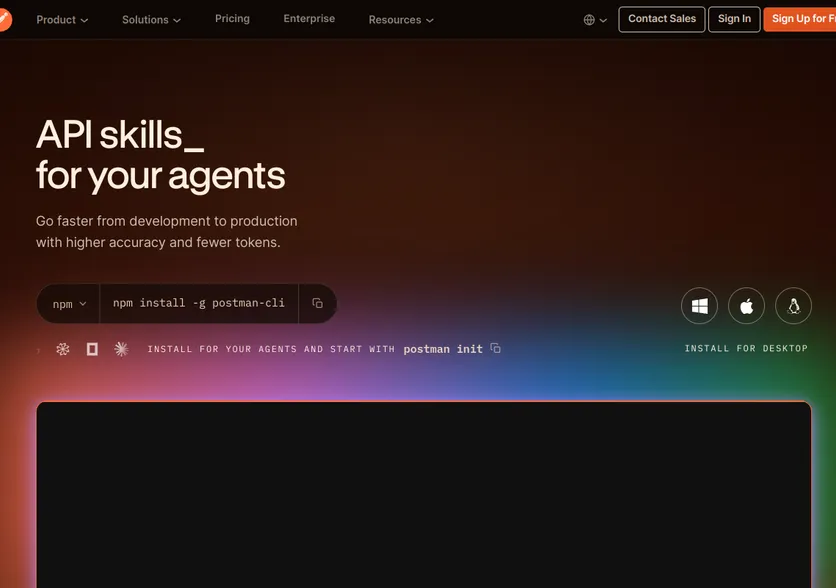
Postman is the API platform where teams design requests, test endpoints and publish documentation from one workspace. This Postman Team plan adds shared workspaces, roles and permissions, with more monitoring and mock server calls than the free plan. An API team can agree the contract first, test against it, and ship documentation that never goes stale.
What we like
- Shared workspaces with roles and permissions
- Mock servers and monitoring included
- Documentation generated from the collection
Watch out for
- Team costs nineteen dollars a user a month
- Heavy API testing can need a higher plan
How to try it
- Open the Postman pricing page and pick the Team plan
- Create a shared workspace and invite the team
- Design the API collection and run the first test
6. Sentry
Best for: Teams that need to find and fix production errors fast
Paid tool Starting price: $26/month · Team plan, $26 a month
Free plan: Free Developer plan with 5,000 errors a month
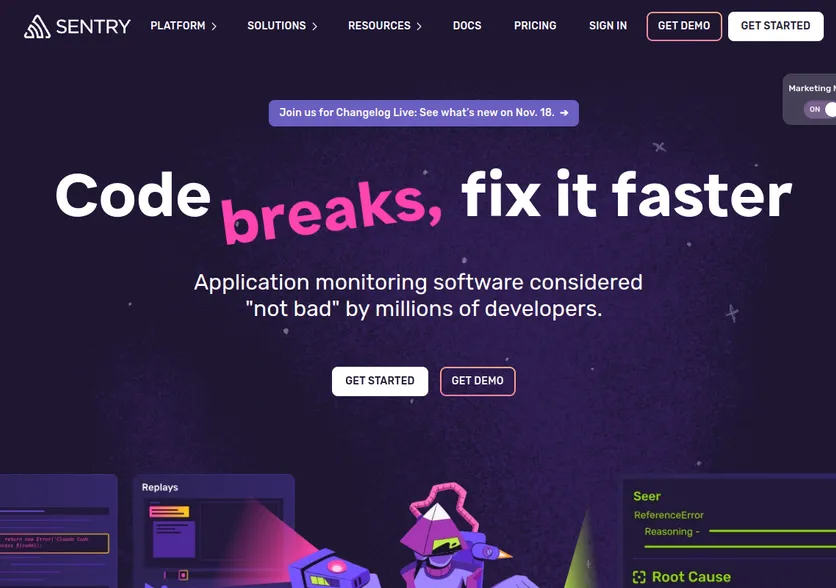
Sentry is the error monitoring tool that tells a team exactly which release broke and which user it hit. This Sentry Team plan covers fifty thousand errors a month, with ninety-day retention, performance traces and session replay included. A team can get an alert the moment an error spikes, open the trace, and fix the exact line before users start complaining.
What we like
- Fifty thousand errors a month on Team
- Traces and replays show the exact failure
- Alerts the moment an error spikes
Watch out for
- Usage above the quota bills pay as you go
- Seer AI debugging costs extra
How to try it
- Open the Sentry pricing page and pick the Team plan
- Install the SDK in your app and deploy once
- Watch the dashboard and fix the first error it reports
7. CircleCI
Best for: Teams that want fast hosted CI with usage credits
Paid tool Starting price: $15/month · Performance plan, from $15 a month plus usage credits
Free plan: Free plan with 30,000 credits a month and 5 users
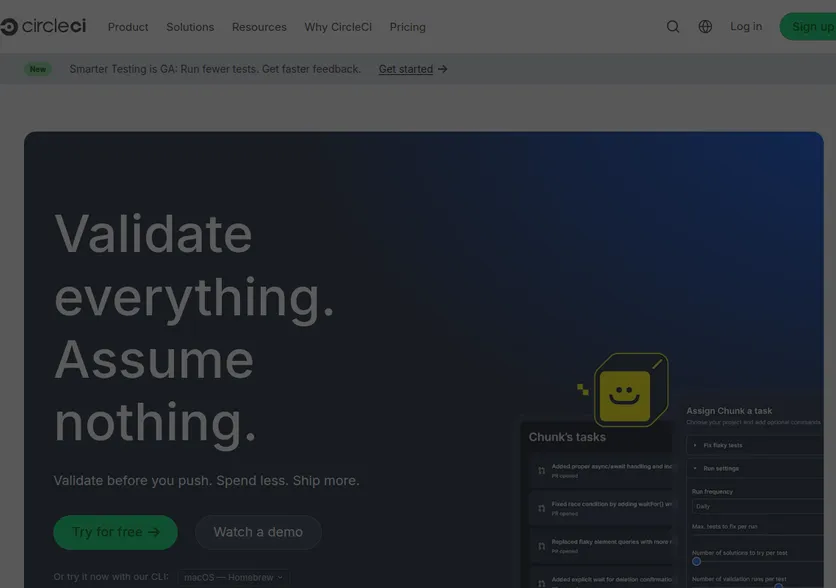
CircleCI is the hosted CI service that runs builds and tests on demand, billing in usage credits instead of seats or minutes alone. This CircleCI Performance plan starts with thirty thousand usage credits a month, with five active users and test splitting for faster suites. A team can push code, watch the pipeline run across parallel jobs, and ship the moment the tests pass.
What we like
- Fast hosted builds with test splitting
- Thirty thousand credits a month included
- Orbs reuse pipeline steps across projects
Watch out for
- Performance starts at fifteen dollars a month plus credits
- Heavy builds can burn credits fast
How to try it
- Open the CircleCI pricing page and pick the Performance plan
- Connect your repository and add the config file
- Push a commit and watch the pipeline run
8. Linear
Best for: Product teams that want fast, focused issue tracking
Paid tool Starting price: $10/user/month · Basic plan, $10 a user a month billed annually ($12 billed monthly); Business $16 a user a month billed annually
Free plan: Free plan with 250 issues and 2 teams
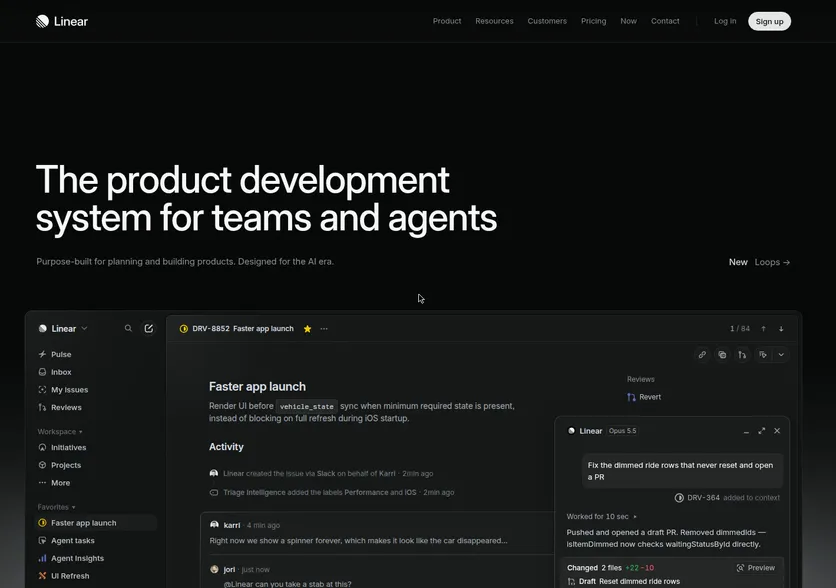
Linear is the issue tracker for teams that hate issue trackers, with a fast interface and keyboard-first workflow that stays out of the way. This Linear Basic plan adds unlimited issues, projects, cycles and integrations, with AI triage and agent workflows included. A product team can plan a sprint, track the work and ship the release without the tracker becoming a second job.
What we like
- Fast keyboard-first interface
- Cycles and projects built for sprints
- AI triage and agent workflows included
Watch out for
- Basic costs ten dollars a user a month
- Fewer reporting options than Jira
How to try it
- Open the Linear pricing page and pick the Standard plan
- Create your team and import the backlog
- Plan the first cycle and track it to release
Prices above were checked on each vendor’s own website on Nov 26, 2026 and can change — the vendor’s page is the final word. Vendor links are editorial: nobody paid to be listed or ranked here. Vendors who want a featured listing can see how it works on our Get listed page.
What developer tools cost a software team in 2026
Most developer tools charge per seat, so headcount is the whole budget. GitHub Team costs four dollars a user a month, Linear eight, Docker nine, Postman nineteen and GitLab twenty-nine, which means a ten-person team pays forty dollars a month on GitHub and two hundred and ninety dollars a month on GitLab before any add-ons. JetBrains breaks the pattern by charging per year, at nine hundred and seventy-nine dollars a user a year for organizations. The headline plan each vendor shows on its own pricing page is the number in the table above, checked on November 26, 2026.
Start with the free tiers and build your real workflow on two tools. Host the same repository, run the same test suite, and track the same sprint through both, then keep the tool your team opens without thinking. A developer tool earns its seat price when it disappears into the work, not when it adds another dashboard to check.
Before you buy
- Count your seats first, because GitHub, GitLab, Docker, Postman and Linear all charge per user and the bill scales with headcount.
- Check the free tier honestly, because free private repositories do not mean free CI minutes or free security scans.
- Confirm the CI minutes included, because a team that runs long test suites will burn the free allowance in a week.
- Compare the security add-ons, because code scanning and secret protection often cost more than the base seat.
- Test the tool with your real repository, because a demo project never shows how it handles your monorepo or your legacy code.
Official websites
Official websites of the products reviewed above. Features and prices were checked against these sites when this guide was written, and they can change, so confirm on the vendor site before you buy.
Frequently asked questions
Which developer tools are best for the software industry in 2026?
GitHub Team, at four dollars a user a month, is the best default for most software teams because it combines hosting, review and CI in one place. GitLab Premium costs twenty-nine dollars a user a month and wins when one platform must cover code, CI and security together. Linear is the best addition to either one, at ten dollars a user a month, when issue tracking needs to be fast and focused.
What are the cheapest developer tools for a software team?
GitHub Team, at four dollars a user a month, is the cheapest paid plan here, and GitHub Free costs nothing for unlimited repositories. Linear Basic follows at ten dollars a user a month, and Docker Pro at nine dollars a user a month. GitHub, GitLab, Docker, Postman, Sentry and CircleCI all have free plans, so a small team can build a full toolchain before paying anything.
Can a software team start with free developer tools?
Yes, nearly all of them. GitHub Free covers unlimited public and private repositories, GitLab Free covers small private groups, Docker Personal covers basic container work, Postman Free covers API design and testing, Sentry Developer covers five thousand errors a month, and CircleCI Free covers thirty thousand credits a month. JetBrains is the only tool here with no free plan, though it offers a thirty-day trial.
How much does a developer tool stack cost a small team?
It depends on the size of the team and the stack. A five-person team on GitHub Team pays twenty dollars a month, while the same team on GitLab Premium pays a hundred and forty-five dollars a month. JetBrains All Products Pack for organizations costs nine hundred and seventy-nine dollars a user a year, so a five-person team pays nearly five thousand dollars a year for IDEs alone. Count seats before you compare tools.
Do these developer tools include security scanning?
Security scanning is usually an add-on, not part of the base seat. GitHub Advanced Security costs forty-nine dollars per active committer a month on top of Team, and GitLab keeps advanced security findings on its custom-priced Ultimate tier. Docker Pro includes vulnerability scanning for images, and Sentry Team includes error monitoring but not code scanning. Budget the add-ons separately from the seat price.
Building software every day? Try Toolsvine's free developer tools for code, JSON and testing right in your browser.
Browse Developer Tools tools


