
On this page
A developer team that writes docs in scattered files loses hours every week to the same questions. The eight platforms below cover wikis, API docs and step-by-step guides, with prices from about $5 a user a month to about $450 a month, and every price was checked on the vendor site on November 26, 2026. Most offer a free plan or a free trial, so a team can write real docs before paying. GitBook is our first pick — beautiful docs that look as good as the product they describe.
How we researched this
We started with the documentation platforms developer teams actually buy, then read each price on the vendor pricing page on November 26, 2026 and noted the free plan or trial each one carries. We judged them for a team that writes docs for customers and colleagues without hiring a technical writer. We kept only tools with a published price, and we dropped any tool whose price we could not verify.
Compare the tools
| Name | Best for | Starting price | Free plan | |
|---|---|---|---|---|
| GitBook | Developer teams that want docs that look as good as the product | $65/site/month | Free plan (basic docs) | Visit |
 ReadMe | API teams that want interactive docs developers love | $99/month | 14-day free trial; no free plan | Visit |
 Confluence | Teams that write docs next to Jira tickets | $7.15/user/month | Free plan (up to 10 users) | Visit |
 Mintlify | Companies that treat docs as marketing | $450/month | Free plan (Starter) | Visit |
 Slab | Teams that need search that actually finds the answer | $6.67/user/month | Free plan (basic wiki) | Visit |
 Scribe | Teams that document processes with screen recordings | $25/seat/month | Free plan (basic guides) | Visit |
 Nuclino | Small teams that want a lightweight wiki | $5/user/month | Free plan (basic wiki) | Visit |
 Notion | Teams that want docs, specs and runbooks in one workspace | $10/user/month | Free plan (individual use) | Visit |
The documentation platforms, compared
1. GitBook
Best for: Developer teams that want docs that look as good as the product
Paid tool Starting price: $65/site/month · Essential plan, per site per month billed annually, plus $12 a user a month; month-to-month billing is $79 a site
Free plan: Free plan (basic docs)
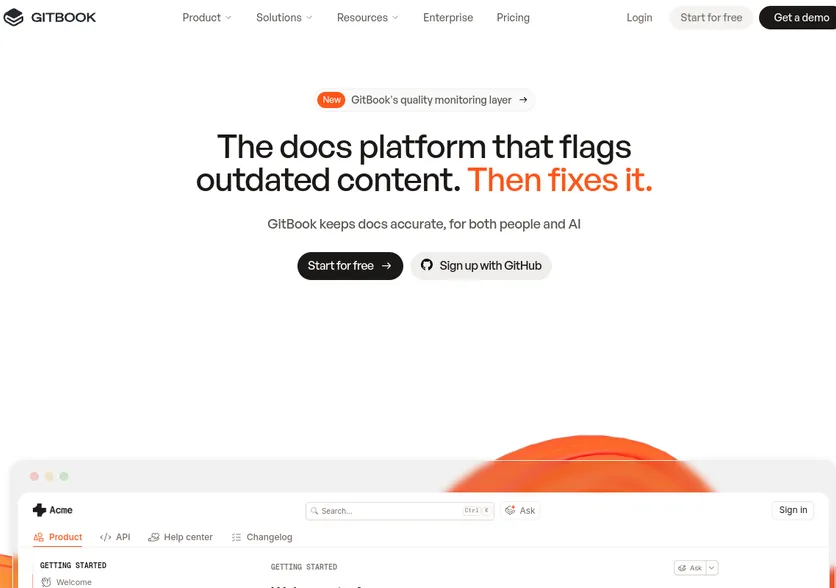
GitBook is the docs platform a developer team picks when the docs must look as good as the product. This GitBook Essential plan costs about $65 a site a month plus about $12 a user a month, so a team pays for the site and each editor separately. The clean design and search suit a team that publishes docs for customers, not just internal notes.
What we like
- Beautiful docs, customer-ready
- Search that actually finds answers
- Versioning for every change
Watch out for
- Essential costs about $65 a site a month
- Editors cost about $12 a user extra
How to try it
- Open the GitBook pricing page and start the free plan
- Create a site for your docs
- Publish pages and share the link
2. ReadMe
Best for: API teams that want interactive docs developers love
Paid tool Starting price: $99/month · Startup plan, flat per month; Business is $399 a month
Free plan: 14-day free trial; no free plan
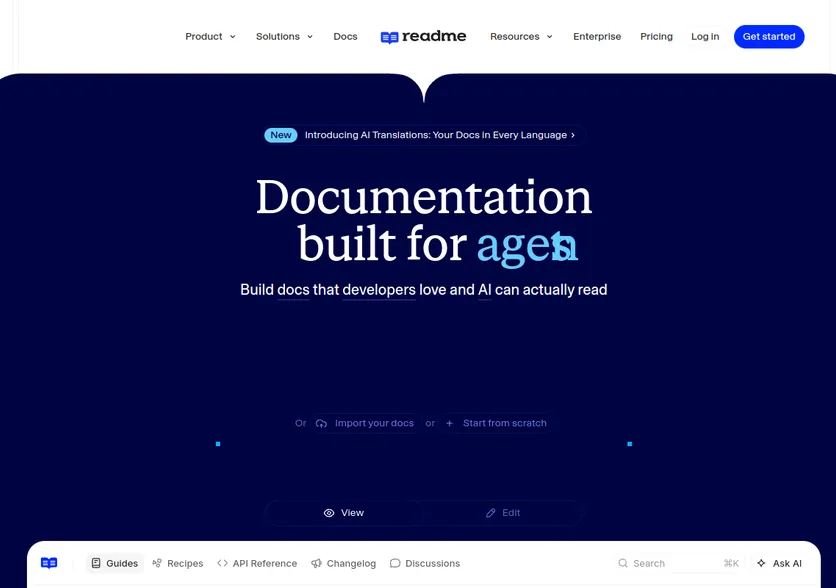
ReadMe turns API docs into a product developers actually enjoy reading. This ReadMe Startup plan costs about $99 a month flat, so a small API team gets interactive docs without per-user maths. The try-it-now playground and versioning suit a team that ships API changes often.
What we like
- Try-it-now playground included
- Flat $99 a month, no per-user maths
- Versioning for API changes
Watch out for
- Startup costs $99 a month flat
- No free plan, trial only
How to try it
- Open the ReadMe pricing page and start the trial
- Import your API spec
- Publish the docs with the playground
3. Confluence
Best for: Teams that write docs next to Jira tickets
Paid tool Starting price: $7.15/user/month · Standard plan, per user per month billed monthly for 1 to 100 users; Premium is $14.10 a user a month
Free plan: Free plan (up to 10 users)
Confluence is the wiki a team buys when docs must live next to Jira tickets and project plans. This Confluence Standard plan costs about $7 a user a month for small teams, so a team can start cheap and grow. The templates and macros suit a team that writes meeting notes, specs and guides every day.

What we like
- Docs live next to Jira tickets
- Templates for every kind of page
- Free plan for up to 10 users
Watch out for
- Standard costs about $7.15 a user a month
- Price rises with team size
How to try it
- Open the Confluence pricing page and start the free plan
- Create a space for your team
- Write pages from templates
4. Mintlify
Best for: Companies that treat docs as marketing
Paid tool Starting price: $450/month · Pro plan, per month billed annually; month-to-month billing is $540 a month; Starter is free
Free plan: Free plan (Starter)
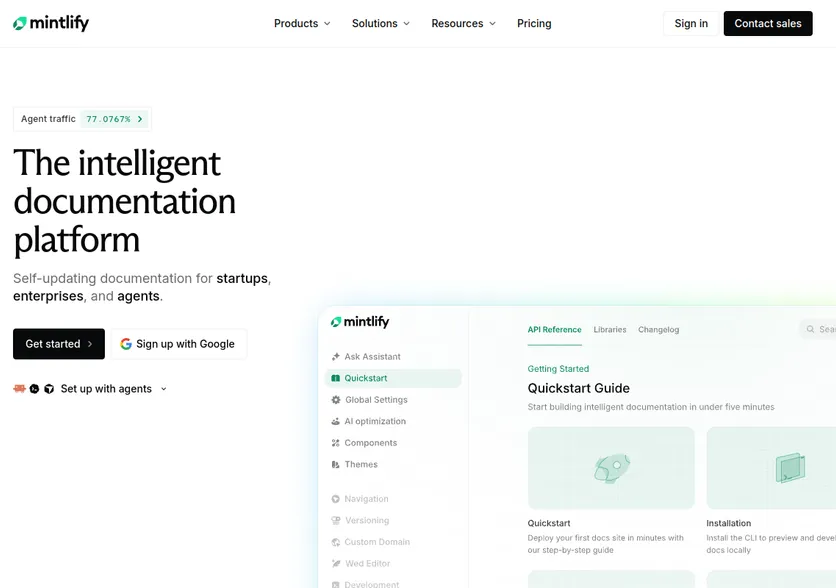
Mintlify builds beautiful developer docs from Markdown, with a design that rivals the best product sites. This Mintlify Pro plan costs about $450 a month and covers advanced analytics and custom branding, so a company that treats docs as marketing can justify the price. The free Starter plan covers the basics, which is enough for a small project to start.
What we like
- Beautiful docs from Markdown
- Analytics show what readers need
- Free Starter plan to begin
Watch out for
- Pro costs about $450 a month
- Dearest tool on this list
How to try it
- Open the Mintlify pricing page and start the free plan
- Write docs in Markdown
- Publish the site and check analytics
5. Slab
Best for: Teams that need search that actually finds the answer
Paid tool Starting price: $6.67/user/month · Startup plan, per user per month billed annually; Business is $12.50 a user a month
Free plan: Free plan (basic wiki)
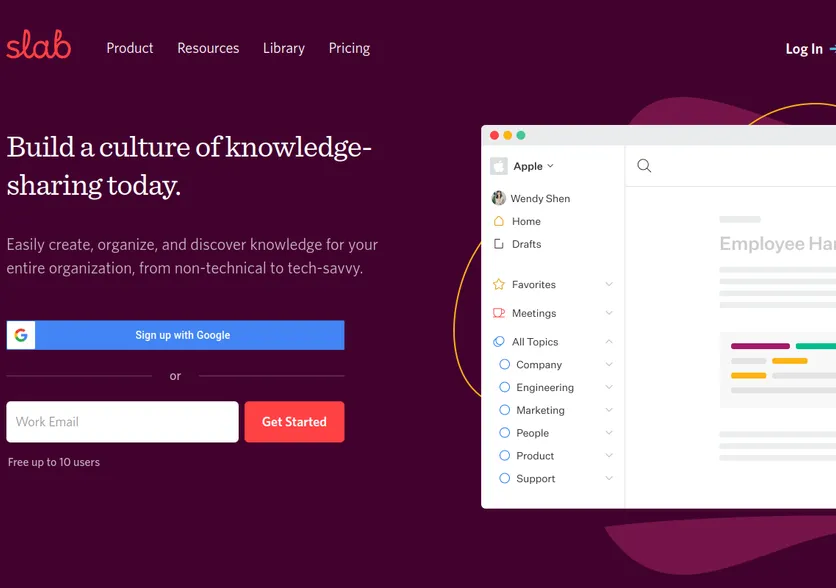
Slab is the wiki a team picks when search must actually find the answer. This Slab Startup plan costs about $7 a user a month and covers unlimited topics, integrations and unified search, so a growing team can keep every guide in one place. The clean editor suits a team that writes docs daily and hates clutter.
What we like
- Search that finds every answer
- Clean editor, zero clutter
- Unlimited topics on Startup
Watch out for
- Startup costs about $6.67 a user a month
- Some features need Business
How to try it
- Open the Slab pricing page and start the free plan
- Create topics for each guide
- Search to find any answer fast
6. Scribe
Best for: Teams that document processes with screen recordings
Paid tool Starting price: $25/seat/month · Pro Personal plan, per seat per month billed annually; month-to-month billing is $35 a seat; Pro Team is $13 a seat a month with a 5-seat minimum
Free plan: Free plan (basic guides)
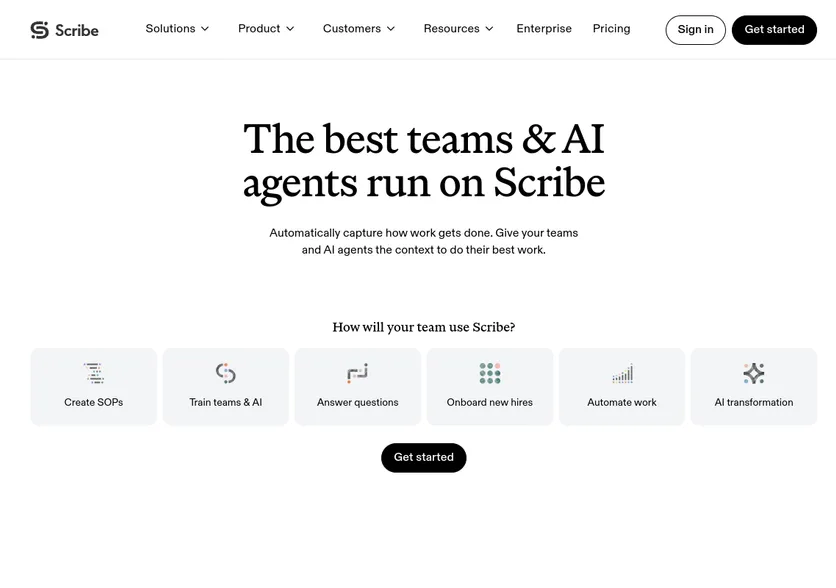
Scribe turns a screen recording into a step-by-step guide automatically, which saves hours of manual doc writing. This Scribe Pro Personal plan costs about $25 a seat a month and covers unlimited guides, editing and sharing, so one person can document every process fast. The team plan costs about $13 a seat a month with a five-seat minimum, which suits a company that documents together.
What we like
- Guides built from recordings
- Unlimited guides on Pro
- Team plan from $13 a seat
Watch out for
- Pro Personal costs about $25 a seat a month
- Team plan needs 5 seats minimum
How to try it
- Open the Scribe pricing page and start the free plan
- Record your screen while you work
- Edit the guide and share it
7. Nuclino
Best for: Small teams that want a lightweight wiki
Paid tool Starting price: $5/user/month · Standard plan, per user per month billed annually; month-to-month billing is $6 a user; Business is $10
Free plan: Free plan (basic wiki)
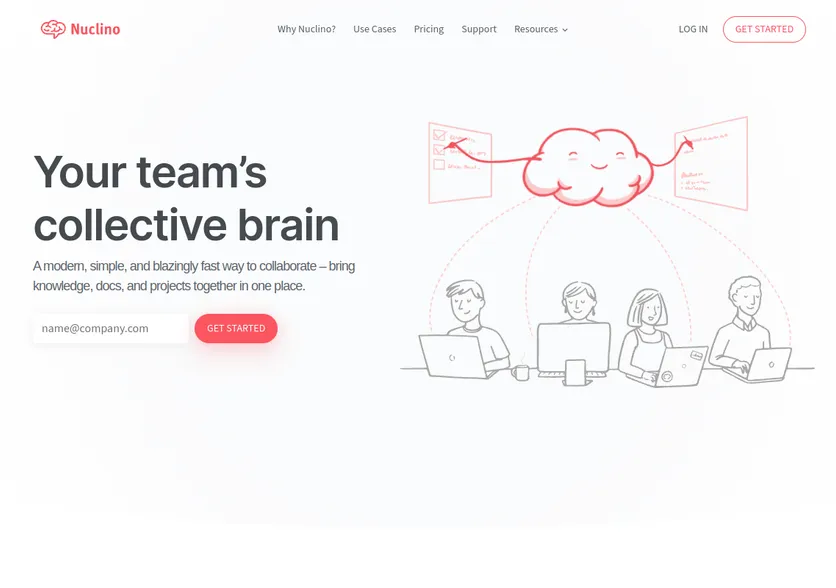
Nuclino is the lightweight wiki a small team picks when Confluence feels too heavy. This Nuclino Standard plan costs about $5 a user a month and covers unlimited items, version history and real-time collaboration, so a team can write docs together without friction. The simple design suits a team that wants docs done, not a tool to manage.
What we like
- Lightweight, fast to learn
- Cheapest paid plan here
- Real-time collaboration included
Watch out for
- Standard costs about $5 a user a month
- Fewer features than heavier wikis
How to try it
- Open the Nuclino pricing page and start the free plan
- Create a workspace for your team
- Write docs together in real time
8. Notion
Best for: Teams that want docs, specs and runbooks in one workspace
Paid tool Starting price: $10/user/month · Plus plan, per user per month billed annually; month-to-month billing is $12 a user
Free plan: Free plan (individual use)
For software docs, Notion gives a team pages, databases and wikis that link together into a living handbook. This Notion Plus plan covers unlimited blocks, shared teamspaces and version history, so a developer team can keep specs, runbooks and onboarding in one place. The flexible pages suit docs that change often, from API notes to release checklists.

What we like
- Specs, runbooks and wikis in one place
- Flexible pages fit any doc type
- Version history on the Plus plan
Watch out for
- Plus costs about $10 a month per user
- AI features cost extra on top
How to try it
- Open the Notion pricing page and start the free plan
- Build a teamspace for your docs
- Add specs, runbooks and guides inside it
Prices above were checked on each vendor’s own website on Nov 26, 2026 and can change — the vendor’s page is the final word. Vendor links are editorial: nobody paid to be listed or ranked here. Vendors who want a featured listing can see how it works on our Get listed page.
What documentation software costs in 2026
Documentation tools charge per user, per site or flat per month, and the range here runs from about $5 a user a month to about $450 a month. A ten-person team pays about $50 a month on the cheapest plans and about $450 a month on Mintlify Pro, which shows how much the billing model matters. API docs cost more than wikis, because interactive docs and versioning take real engineering.
Start with the free plan on two platforms and write the same guide in both. Compare how fast a new hire finds the answer and how the docs look to a customer, then pick the platform your team will actually update.
Before you buy
- Check whether the plan covers public docs, because a wiki for internal notes and docs for customers are two different jobs.
- Count the editors you will pay for, because per-user pricing means a 20-person team pays far more than a 5-person team.
- Test the search before paying, because docs are useless if nobody can find the answer in under a minute.
- Ask whether the tool handles API docs, because interactive try-it-now docs need versioning and playgrounds that wikis lack.
- Add up the yearly cost, because annual billing saves money on most tools here, while monthly billing stays flexible.
Official websites
Official websites of the products reviewed above. Features and prices were checked against these sites when this guide was written, and they can change, so confirm on the vendor site before you buy.
Frequently asked questions
What are the top-rated platforms for software documentation in 2026?
GitBook, at about $65 a site a month plus $12 a user, is the safest default because the docs look customer-ready and the search works well. Confluence is better when the team already runs Jira, since docs live next to tickets and the free plan covers 10 users. Notion wins when the docs are part of a wider workspace, with specs and runbooks in one place.
What is the cheapest documentation platform?
Nuclino, at about $5 a user a month on Standard, is the cheapest paid plan here and covers unlimited items with real-time collaboration. Confluence is close behind at about $7.15 a user a month for small teams, with a free plan for up to 10 users. Slab is also about $7 a user a month, with unified search that finds every answer fast.
Can I write docs for free?
Yes, most of them do. GitBook, Confluence, Mintlify, Slab, Scribe, Nuclino and Notion all offer free plans with real limits, from user counts to feature caps. ReadMe offers a 14-day free trial instead. Write a real guide on the free plan first, then pay when the limits start to pinch.
Which platform is best for API docs?
ReadMe and Mintlify, because both are built for API docs with versioning and interactive features. ReadMe adds a try-it-now playground at a flat $99 a month, while Mintlify builds beautiful docs from Markdown with analytics. GitBook also handles API docs well, but the playground is what sets ReadMe apart.
Do these platforms work for internal wikis too?
Yes, and the tools here split into two groups. Confluence, Slab and Nuclino suit internal wikis, with templates and search for team knowledge. GitBook, ReadMe and Mintlify suit public docs for customers, with design and publishing that look professional. Notion covers both, with teamspaces for internal docs and published pages for customers.
Building something? Try Toolsvine's free developer tools for code, docs and testing right in your browser.
Browse Developer Tools tools


