
On this page
Replit made coding in the browser easy, but enterprise teams need more: SSO, audit logs, data residency, and a price that scales fairly across a team. The alternatives range from cloud environments that mirror your repo to AI agents that finish whole tickets on their own. Below are the seven Replit alternatives enterprise teams actually buy, compared on price, compute, AI features and the security controls that matter, with every price checked on the vendor site on November 26, 2026. GitHub Codespaces is our first pick, the cloud environment that gives every developer the same setup.
How we researched this
We started with the cloud development tools enterprise teams actually buy instead of Replit, then read each price on the vendor site on November 26, 2026 and noted the free plan or trial each one carries. We kept only tools with a published price, dropped several names with no verifiable pricing, and judged each one for a team that needs a cloud environment, an AI agent or both, with the security controls an enterprise requires.
Compare the tools
| Name | Best for | Starting price | Free plan | |
|---|---|---|---|---|
 GitHub Codespaces | Teams already on GitHub who want cloud dev environments | $0.18/hour | Free plan | Visit |
 Cursor | Teams who want an AI editor that writes code with them | $20/month | Free plan | Visit |
| Ona | Teams that want cloud dev environments with AI built in | $20/month | Free plan | Visit |
 Devin | Teams who want an AI engineer that finishes whole tasks | $20/month | Free trial | Visit |
 CodeSandbox | Teams that build and share front-end sandboxes | $12/month | Free plan | Visit |
 StackBlitz | Teams that run web apps entirely in the browser | $25/month | Free plan | Visit |
 Bolt.new | Teams that want AI to build a full app from a prompt | $25/month | Free plan | Visit |
The Replit alternatives, compared
1. GitHub Codespaces
Best for: Teams already on GitHub who want cloud dev environments
Paid tool Starting price: $0.18/hour · 2-core compute; storage $0.07 per GB a month; 120 free core-hours a month personal
Free plan: Free plan
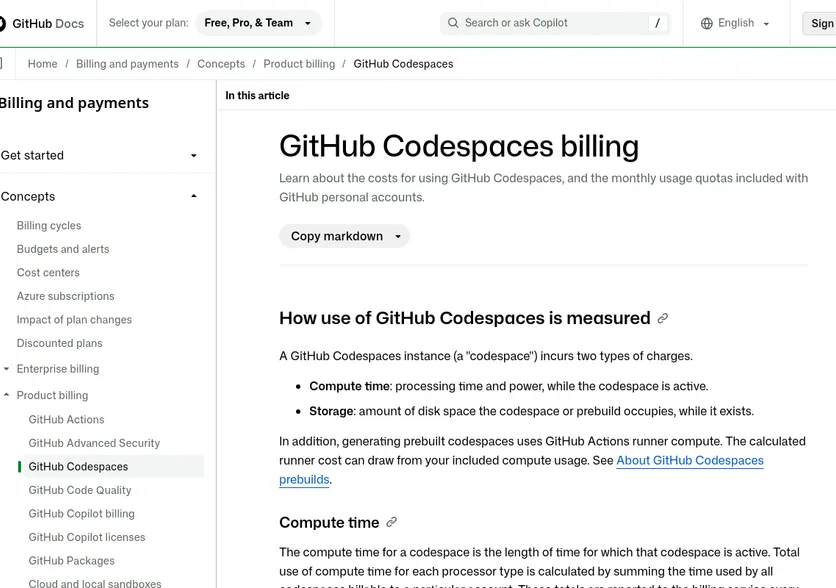
GitHub Codespaces turns a repository into a cloud development environment in the browser, so it fits teams already on GitHub who want every developer on the same setup. It starts from the repo, installs the dependencies, and gives each developer a machine in the cloud with the right tools. The GitHub Codespaces pricing is pay as you go by compute hour, with a free monthly allowance for personal accounts and storage billed separately.
What we like
- Every developer gets the same setup from the repo
- Pay as you go — no idle machines to manage
- Deep GitHub integration for teams already there
Watch out for
- Costs need watching on a big team
- A cloud IDE, not a full AI agent
How to try it
- Open the GitHub Codespaces billing page and check the rates
- Start a codespace from any repository
- Configure the dev container so every developer gets the same setup
2. Cursor
Best for: Teams who want an AI editor that writes code with them
Paid tool Starting price: $20/month · Pro plan, billed monthly; $16 billed annually
Free plan: Free plan
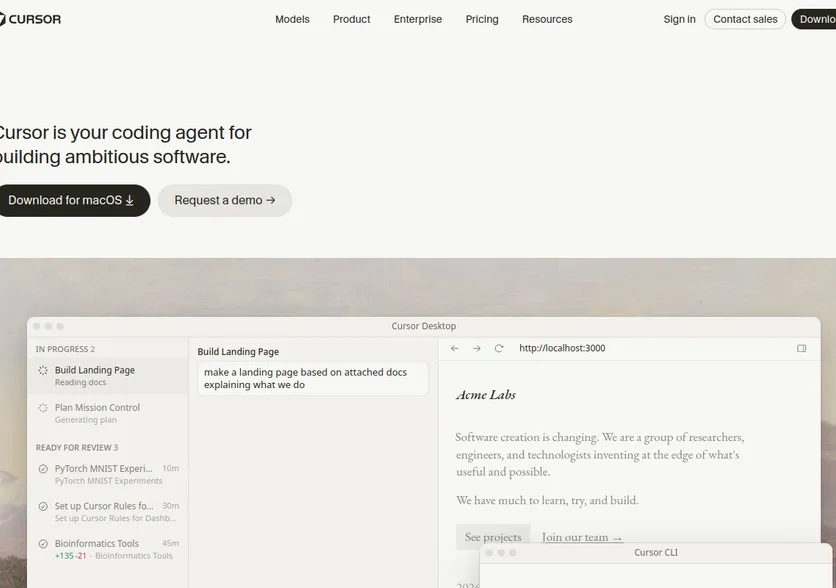
Cursor is the AI-first code editor that has become the default for teams who want an agent that reads the codebase and writes real code. It understands the project structure, suggests changes in context and can run multi-step tasks across files. The Cursor Pro plan bills monthly and includes the core agent features, with a lower rate on annual billing and a Business plan above it for teams that need admin controls.
What we like
- Agent understands the whole codebase, not one file
- Multi-step tasks across files actually work
- Fast adoption — most teams feel it in a week
Watch out for
- Usage limits apply on heavy agent sessions
- Privacy controls need the Business plan
How to try it
- Open cursor.com/pricing and download the editor
- Open a project and ask the agent for a change
- Review the diff, run the tests and commit
3. Ona
Best for: Teams that want cloud dev environments with AI built in
Paid tool Starting price: $20/month · Core plan, from $20 a month
Free plan: Free plan
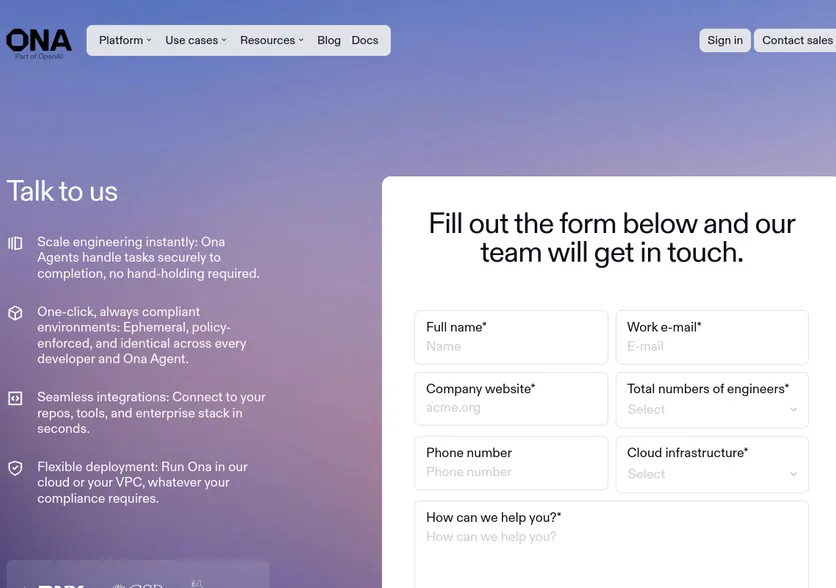
Ona is the new name for Gitpod, rebuilt as a cloud development environment platform with AI agents that can set up environments, run tasks and review code. It suits teams that liked Gitpod's cloud environments and want AI help on top of them. The Ona Core plan starts from twenty dollars a month and includes cloud environments with AI features for a working developer.
What we like
- Cloud environments with AI agents built in
- Same setup for every developer on the team
- Former Gitpod team with years of experience
Watch out for
- New brand — the product is still settling
- Smaller community than GitHub Codespaces
How to try it
- Open gitpod.io/pricing and create an account
- Connect a repository and start a cloud environment
- Let the AI agent set up the project and run tasks
4. Devin
Best for: Teams who want an AI engineer that finishes whole tasks
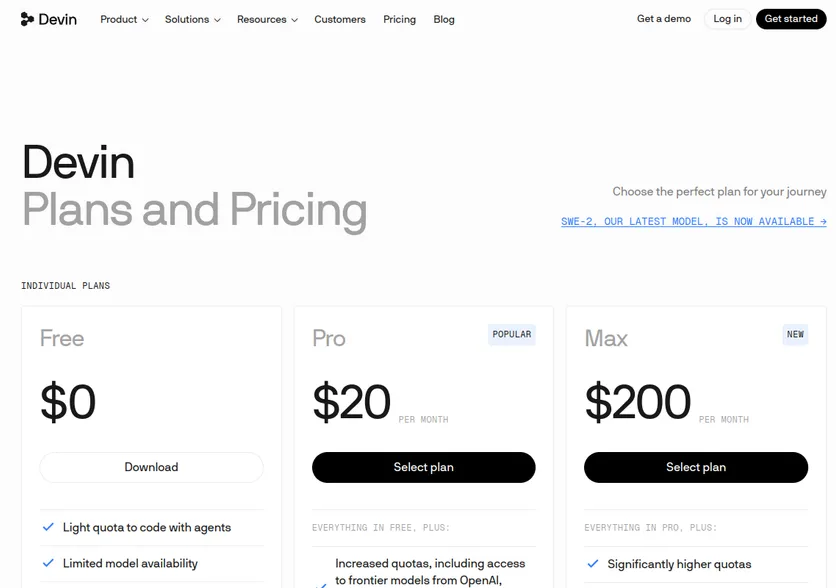
Paid tool Starting price: $20/month · Pro plan, billed monthly
Free plan: Free trial
Devin is the AI software engineer that takes a task, plans it, writes the code, runs the tests and opens a pull request. It suits teams that want an agent to handle whole tickets rather than autocomplete single lines. The Devin Pro plan bills monthly and includes the agent minutes a working developer needs, with higher plans for teams that run it at scale.
What we like
- Handles whole tickets, not just autocomplete
- Opens real pull requests with tests
- Good for clearing a backlog of small tasks
Watch out for
- Agent minutes can run out on a busy month
- Needs review — it is not a replacement for a senior
How to try it
- Open devin.ai/pricing and create an account
- Give Devin a ticket from your backlog
- Review the pull request it opens and merge it
5. CodeSandbox
Best for: Teams that build and share front-end sandboxes
Paid tool Starting price: $12/month · Pro plan, per workspace, billed monthly; $9 billed annually
Free plan: Free plan
CodeSandbox is the cloud development platform for front-end work, with instant sandboxes that run in the browser and share with a link. It suits teams that prototype, review and demo front-end code without setting up a local environment. The CodeSandbox Pro plan bills monthly per workspace and includes private sandboxes, more compute and team features, with a lower rate on annual billing.
What we like
- Instant sandboxes that run in the browser
- Share a working demo with a link
- Great for prototypes, reviews and interviews
Watch out for
- Front-end focused — not a full back-end IDE
- Per-workspace pricing adds up for many teams
How to try it
- Open codesandbox.io/pricing and create an account
- Start a sandbox from a template or a repo
- Share the link and review the work in the browser
6. StackBlitz
Best for: Teams that run web apps entirely in the browser
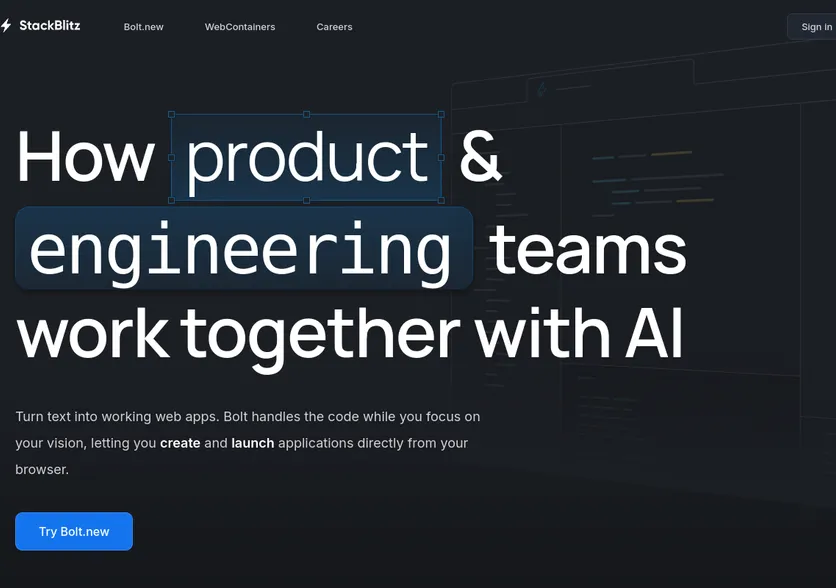
Paid tool Starting price: $25/month · Pro plan, billed monthly; $18 billed annually; Teams $55 a member a month
Free plan: Free plan
StackBlitz runs full web applications in the browser with no local setup, using a browser engine that executes Node code natively. It suits teams that want to prototype, teach or demo a web app with a link and nothing to install. The StackBlitz Pro plan bills monthly and includes private projects, more compute and team features, with a lower rate on annual billing and a Teams plan above it.
What we like
- Full web apps run in the browser with no install
- Share a working app with a link
- Fast for prototypes, demos and interviews
Watch out for
- Browser limits apply to very large apps
- Monthly price is higher than the annual rate
How to try it
- Open stackblitz.com/pricing and create an account
- Start a project from a template or a repo
- Share the link and let the team edit in the browser
7. Bolt.new
Best for: Teams that want AI to build a full app from a prompt
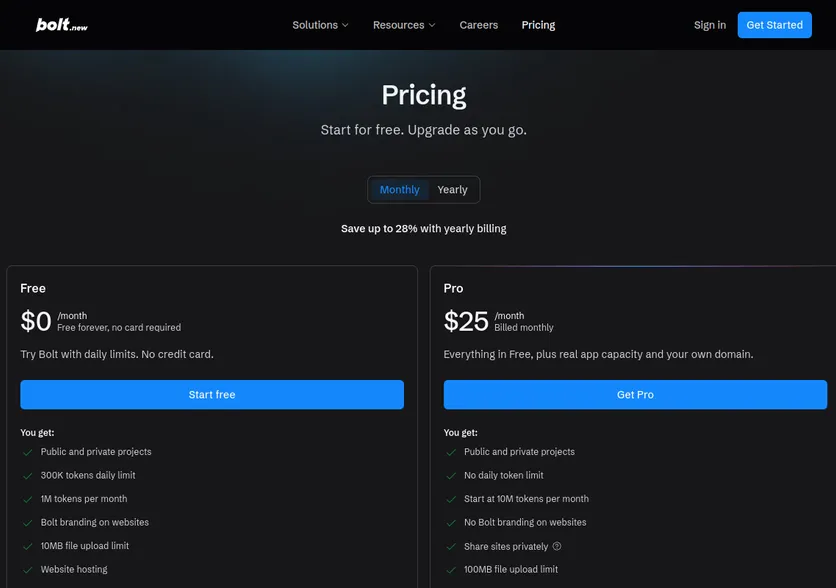
Paid tool Starting price: $25/month · Pro plan, billed monthly; Teams $30 a member a month
Free plan: Free plan
Bolt is the AI app builder that turns a prompt into a working web application with a database, authentication and deployment built in. It suits teams that want to ship a prototype or an internal tool fast without writing the boilerplate. The Bolt Pro plan bills monthly and includes the token allowance a working team needs, with a Teams plan above it for collaboration and admin controls.
What we like
- A working app from a prompt in minutes
- Database, auth and deployment built in
- Great for prototypes and internal tools
Watch out for
- Token limits apply on big builds
- Generated code needs review before production
How to try it
- Open bolt.new/pricing and create an account
- Describe the app you want in a prompt
- Review the generated app, edit it and deploy
Prices above were checked on each vendor’s own website on Nov 26, 2026 and can change — the vendor’s page is the final word. Vendor links are editorial: nobody paid to be listed or ranked here. Vendors who want a featured listing can see how it works on our Get listed page.
What the enterprise coding tools cost in 2026
Price is the first filter, and the range is wide. The flat-rate tools cost twelve to twenty-five dollars a month per user, while GitHub Codespaces bills by the hour, so a team that codes all day pays more than a team that uses it for reviews. Every price on this page was read on the vendor site on November 26, 2026, and the list prices are the ones to budget for.
Two things to check before you pay. First, measure real usage, because per-hour billing and per-token billing both punish a team that runs the tool hard, and a flat plan is cheaper for heavy users. Second, check the enterprise gates before the pilot, because SSO, audit logs and data residency are what block a rollout after the team already likes the tool.
Before you buy
- Check the compute pricing, because per-hour costs decide the real bill for a big team.
- Confirm SSO and audit logs, because enterprise security is non-negotiable.
- Test the tool on a real repo, because a demo project hides the rough edges.
- Check the data residency, because some teams cannot let code leave a region.
- Ask about support, because a blocked team on a deadline needs a human fast.
Official websites
Official websites of the products reviewed above. Features and prices were checked against these sites when this guide was written, and they can change, so confirm on the vendor site before you buy.
Frequently asked questions
Which Replit alternative is best for enterprise teams?
GitHub Codespaces is the best pick for most enterprise teams, because it gives every developer the same cloud setup from the repo and bills by the hour. Cursor is the better pick if the team wants an AI editor that writes code with them. Devin is the better pick if the team wants an agent that finishes whole tickets and opens pull requests on its own.
Should we replace Replit with one tool or several?
It depends on the job. Codespaces gives you a cloud environment for any repo, Cursor gives you an AI editor for daily coding, Devin gives you an agent that finishes tickets, and Bolt builds whole apps from a prompt. Most teams end up using two of these: Codespaces for the environment and Cursor for the AI editing, or Devin for the backlog and Codespaces for the review.
Are these tools safe for enterprise code?
Yes for the tools on this list, with the usual enterprise checks. GitHub Codespaces, Cursor and StackBlitz all support SSO and audit logs on their team plans, and most offer data residency options for regulated teams. The free and Pro plans may not include every control, so read the team plan page before you sign, and ask the vendor for a security review if the team handles sensitive code.
What will these tools actually cost a team each month?
It varies a lot. GitHub Codespaces bills by the hour, so a team that codes eight hours a day pays more than a team that uses it for reviews. Cursor, Ona and Devin bill a flat twenty dollars a month per user, while CodeSandbox starts at twelve. The honest comparison is to measure the team's real usage for a month and compare the bills, not the headline prices.
What should we check before moving a team off Replit?
Test it on a real repository first, because a demo project hides the rough edges. Check that the tool opens your repo, installs the dependencies, runs the tests and supports the languages you use. Then check SSO, audit logs and data residency, because those are the enterprise gates that block a rollout after the pilot.
Need free dev help too? Try Toolsvine's free developer tools — format code and test APIs on your device, no uploads, no sign-up.
Browse Developer Tools tools


