
On this page
Software architecture is hard to explain in words, so the right visualization tool turns a tangle of services into a diagram a new hire can read in an afternoon. The eight tools below run from about three dollars a month to a one-time desktop license, and every price was checked on the vendor site on November 26, 2026. Most include a free plan, so you can sketch your system before spending anything. Lucidchart is our first pick — precise technical diagrams from nine dollars a month.
How we researched this
We started with the architecture visualization tools teams actually buy, then read each price on the vendor pricing page on November 26, 2026 and noted the free plan or trial each one carries. We judged them for a team that needs diagrams which stay true to the system as it ships, not just pretty boxes and arrows. We kept only tools with a published dollar price, and we dropped any tool whose price we could not verify on the vendor site.
Compare the tools
| Name | Best for | Starting price | Free plan | |
|---|---|---|---|---|
 Lucidchart | Teams that need precise technical diagrams with shape libraries and version history | $9/month | Free plan with 3 editable documents | Visit |
 Miro | Workshops and teams that sketch architecture live on a shared board | $8/member/month | Free plan with 3 editable boards | Visit |
 Mural | Facilitators who run structured architecture workshops with large groups | $9.99/member/month | Free plan with 3 editable murals and unlimited members | Visit |
 IcePanel | Teams that model software architecture with the C4 model in one shared model | $40/editor/month | Free plan with 1 editor, unlimited viewers and 100 model objects | Visit |
 Whimsical | Small teams that want fast flowcharts and system diagrams with docs attached | $10/editor/month | Free plan with capped monthly board objects and doc blocks | Visit |
 FigJam | Teams already in Figma who whiteboard architecture beside their designs | $3/editor/month | Free Starter plan with 3 FigJam files | Visit |
 Ilograph | Engineers who want interactive diagrams that zoom from system to component | $18/month | Free plan with unlimited public and private diagrams and 14 days of history | Visit |
 Sparx Enterprise Architect | Architects who model in UML, BPMN and SysML on the desktop | $245 one-time | No free plan; 30-day trial with no registration | Visit |
The software architecture visualization tools, compared
1. Lucidchart
Best for: Teams that need precise technical diagrams with shape libraries and version history
Paid tool Starting price: $9/month · Individual plan, $9 a month billed annually; Team is $10 a user a month billed annually
Free plan: Free plan with 3 editable documents
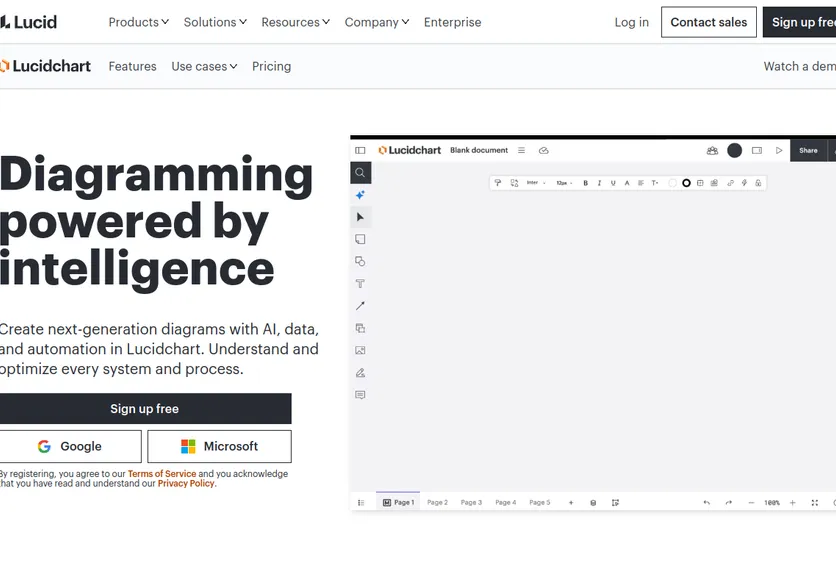
Lucidchart is the precision pick here, with shape libraries and smart connectors that keep complex system diagrams tidy as they grow. This Lucidchart Individual plan gives one person unlimited documents and shapes, plus version history and integrations with the tools a development team already uses. A lead architect can document a whole platform in a weekend and hand the team a living reference instead of a stale slide deck.
What we like
- Huge shape libraries for technical diagrams
- Version history keeps old designs recoverable
- Integrations with common developer tools
Watch out for
- Individual costs nine dollars a month billed annually
- Team collaboration needs the pricier Team plan
How to try it
- Open the Lucidchart pricing page and start the free trial
- Pick a system diagram template and map your main services
- Share the diagram with your team and keep it updated as the system changes
2. Miro
Best for: Workshops and teams that sketch architecture live on a shared board
Paid tool Starting price: $8/member/month · Starter plan, $8 a member a month billed annually or $10 billed monthly
Free plan: Free plan with 3 editable boards
Miro is the whiteboard of this list, built for live sessions where the whole team sketches the system together instead of one person drawing alone. This Miro Starter plan removes the board cap, adds private boards and visitor editing, and keeps every diagram in one shared workspace. A team can map a new service in a workshop, then keep the same board as the record everyone refers back to.

What we like
- Unlimited boards on the Starter plan
- Visitors can edit without a paid seat
- AI credits included on every paid plan
Watch out for
- Starter costs eight dollars a member a month billed annually
- Every member takes a paid seat
How to try it
- Open the Miro pricing page and create a free workspace
- Start a board from an architecture template
- Invite the team to sketch together and save the finished diagram
3. Mural
Best for: Facilitators who run structured architecture workshops with large groups
Paid tool Starting price: $9.99/member/month · Team+ plan, $9.99 a member a month billed annually or $12 billed monthly
Free plan: Free plan with 3 editable murals and unlimited members
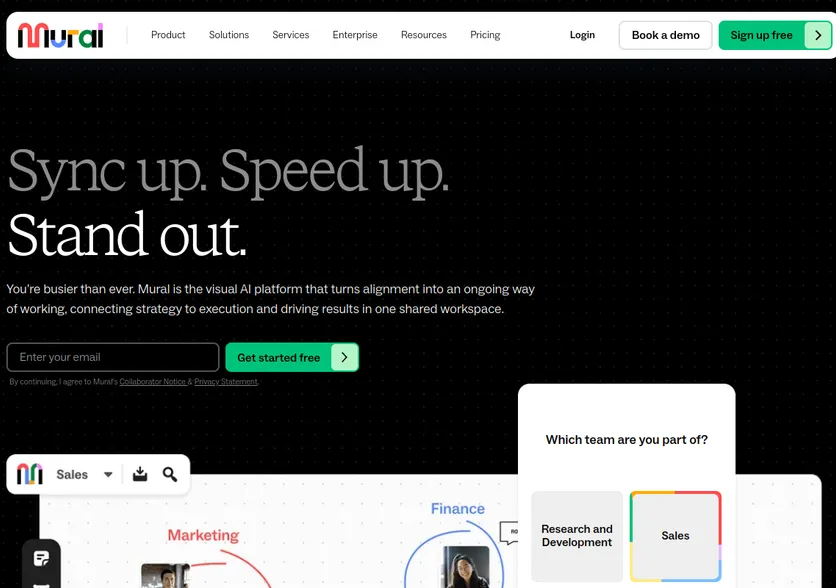
Mural is the facilitator of this list, with timers, voting and private mode built for workshops where a group has to agree on a design. This Mural Team+ plan unlocks unlimited murals, private rooms and Mural AI, so a large group can work through competing designs in one session. A facilitator can run a full architecture review in an afternoon and leave with a diagram the room actually agreed on.
What we like
- Facilitation tools built in for workshops
- Unlimited members on the free plan
- Visitors can edit on Team+
Watch out for
- Team+ costs about ten dollars a member a month billed annually
- Single sign-on needs the Business plan
How to try it
- Open the Mural pricing page and create a free workspace
- Set up a mural from an architecture template
- Run the workshop with timers and voting, then publish the agreed diagram
4. IcePanel
Best for: Teams that model software architecture with the C4 model in one shared model
Paid tool Starting price: $40/editor/month · Growth plan, $40 an editor a month billed annually; Scale is $80 an editor a month
Free plan: Free plan with 1 editor, unlimited viewers and 100 model objects
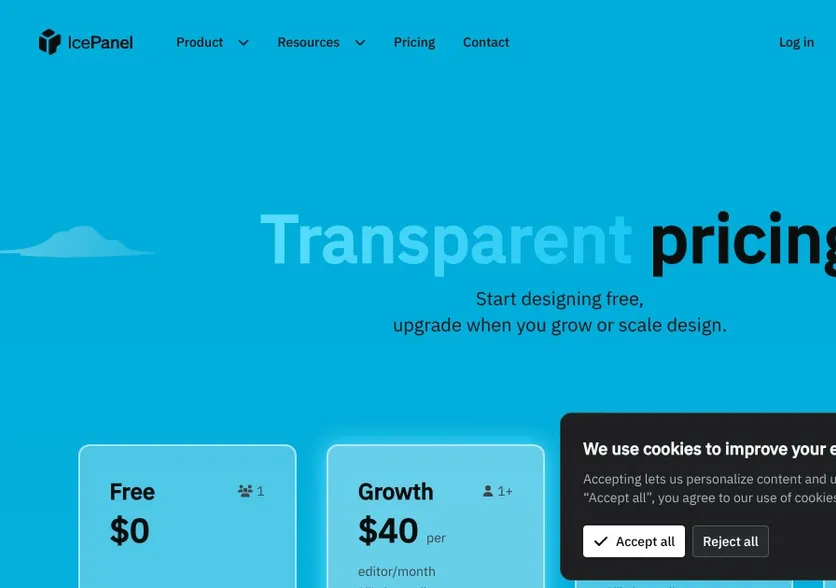
IcePanel is the only tool here built around a single shared model, so every diagram shows the same system instead of drifting apart. This IcePanel Growth plan adds unlimited objects, domains and flows, plus a read and write API for keeping the model in step with the code. A team that adopts the C4 model gets context, container and component views that all update from one source of truth.
What we like
- One model behind every diagram
- Built for the C4 model from the start
- Free plan covers small teams
Watch out for
- Growth costs forty dollars an editor a month billed annually
- Modelling takes more setup than drawing
How to try it
- Open the IcePanel pricing page and start the free plan
- Model your system context and containers in the shared model
- Start the Growth trial to unlock domains and the API
5. Whimsical
Best for: Small teams that want fast flowcharts and system diagrams with docs attached
Paid tool Starting price: $10/editor/month · Pro plan, $10 an editor a month billed annually or $12 billed monthly
Free plan: Free plan with capped monthly board objects and doc blocks
Whimsical is the lightest tool here, combining flowcharts, mind maps and docs in one calm workspace that a small team learns in an hour. This Whimsical Pro plan removes the object cap, adds custom templates and longer history, and keeps viewers and guests free. A startup can sketch its first system diagram on Monday and share it with the whole company by Friday.

What we like
- Fastest tool to learn on this list
- Docs and boards in one place
- Viewers and guests are always free
Watch out for
- Pro costs ten dollars an editor a month billed annually
- Free plan caps monthly board objects
How to try it
- Open the Whimsical pricing page and create a free account
- Draw a flowchart of your system from a template
- Upgrade to Pro when you hit the free object cap
6. FigJam
Best for: Teams already in Figma who whiteboard architecture beside their designs
Paid tool Starting price: $3/editor/month · Collab seat on the Professional plan, $3 a month billed annually or $5 billed monthly
Free plan: Free Starter plan with 3 FigJam files
FigJam is the cheapest way onto this list, and it makes sense for any team already living in Figma. This FigJam Collab seat unlocks unlimited FigJam files, so architecture sketches sit beside the product designs they describe. A design-led team can whiteboard a service boundary in the morning and hand the same file to engineering by lunch.
What we like
- Cheapest paid plan on this list
- Copies straight into Figma designs
- Free Starter plan to test with
Watch out for
- Full design work needs a pricier Full seat
- Free plan allows only three FigJam files
How to try it
- Open the Figma pricing page and check your current plan
- Start a FigJam file from a diagram template
- Add a Collab seat when you need unlimited files
7. Ilograph
Best for: Engineers who want interactive diagrams that zoom from system to component
Paid tool Starting price: $18/month · Pro plan, $18 a month billed annually or $22 billed monthly; Team is $25 an editor a month billed annually
Free plan: Free plan with unlimited public and private diagrams and 14 days of history
Ilograph treats diagrams as a model, so one drawing zooms from the whole system down to a single component without redrawing anything. This Ilograph Pro plan adds custom icons, unlimited diagram history and private diagram links for sharing with stakeholders. An engineer can explain a complex deployment by walking a reader through layers instead of handing over a flat picture.
What we like
- Interactive zoomable diagrams
- Unlimited diagrams on the free plan
- Exports to self-contained HTML
Watch out for
- Pro costs eighteen dollars a month billed annually
- Team collaboration needs the pricier Team plan
How to try it
- Open the Ilograph pricing page and start the free plan
- Define your system resources and their relationships
- Upgrade to Pro for custom icons and private sharing
8. Sparx Enterprise Architect
Best for: Architects who model in UML, BPMN and SysML on the desktop
Paid tool Starting price: $245 one-time · Professional Standard license, $245 paid once per user with 12 months of updates; Corporate is $320
Free plan: No free plan; 30-day trial with no registration
Sparx Enterprise Architect is the heavyweight desktop tool for teams that model in formal notations and need every diagram to follow the standard. This Sparx Enterprise Architect Professional license covers UML modeling, multi-user projects and code engineering in a one-time purchase. A team in a regulated industry gets deep modeling, document generation and versioned repositories without a monthly bill.
What we like
- One-time license with no monthly bill
- Covers UML, BPMN and SysML in one tool
- Document generation built in
Watch out for
- Professional costs two hundred and forty five dollars paid once
- Desktop only, with a steeper learning curve
How to try it
- Open the Sparx pricing page and pick the Professional edition
- Download the 30-day trial and model a real subsystem
- Buy a Standard license per named user when the trial proves the fit
Prices above were checked on each vendor’s own website on Nov 26, 2026 and can change — the vendor’s page is the final word. Vendor links are editorial: nobody paid to be listed or ranked here. Vendors who want a featured listing can see how it works on our Get listed page.
What software architecture visualization costs in 2026
Most teams pay per editor, so the seat count is the budget, not the headline price. This list runs from about three dollars a month for a FigJam seat to forty dollars an editor a month for a dedicated C4 modeller, with a one-time desktop license in between. The headline plan each vendor shows on its own pricing page is the number in the table above, checked on November 26, 2026.
Start with the free plan on two tools and diagram the same system through both. Compare how fast a new hire reads each one, then pick the tool your team will actually keep updated. A diagram nobody maintains is worse than no diagram at all, because it teaches the wrong system.
Before you buy
- Count the editors first, because most plans here charge per editor and viewers are usually free.
- Check whether diagrams share one model, because separate drawings drift apart as the system changes.
- Test the tool on your real system, because a demo diagram never shows how it handles your messiest service.
- Ask whether the tool fits your method: IcePanel and Ilograph model the system, while Miro and Mural whiteboard it.
- Add up the seats for the whole team, because a cheap per-seat price still grows with every new editor.
Official websites
Official websites of the products reviewed above. Features and prices were checked against these sites when this guide was written, and they can change, so confirm on the vendor site before you buy.
Frequently asked questions
Which tool is best for software architecture visualization in 2026?
Lucidchart, at nine dollars a month, is the safest default because its shape libraries and version history suit precise technical diagrams. IcePanel is better when your team follows the C4 model, since one shared model feeds every diagram. FigJam wins on price for teams already in Figma, at three dollars a month for a Collab seat.
What is the cheapest software architecture visualization tool?
FigJam, at three dollars a month billed annually for a Collab seat, is the cheapest paid plan here. Lucidchart Individual, at nine dollars a month, is the cheapest standalone diagramming plan. IcePanel, Miro, Mural and Whimsical all offer free plans, so a small team can start sketching before paying anything.
Can I visualize software architecture for free?
Yes, most tools on this list have a free plan. Miro gives three editable boards, Mural gives three editable murals with unlimited members, and IcePanel gives one editor with a hundred model objects. Sparx Enterprise Architect is the exception, with a thirty-day trial instead of a free plan.
What is the C4 model, and which tools support it?
The C4 model describes software in four layers: system context, containers, components and code. IcePanel is built around it, with one shared model behind every diagram. Ilograph supports the same layered thinking with interactive zoomable diagrams. Lucidchart and Sparx Enterprise Architect can draw C4 diagrams with templates, but they do not enforce the model.
Should I pick a whiteboard or a modelling tool for architecture diagrams?
Pick a whiteboard like Miro or Mural when the goal is a live workshop where the team agrees on a design together. Pick a modelling tool like IcePanel or Ilograph when the diagrams must stay accurate as the system changes, because one model feeds every view. Many teams use both: whiteboards for workshops, modellers for the lasting record.
Need everyday developer help too? Try Toolsvine's free developer tools for small teams right in your browser.
Browse Developer Tools tools


