
How many days are there between two dates? This free calculator counts the exact gap — in days, weeks, months, and years — between any two dates you pick, handling leap years, month lengths, and year boundaries correctly.
It runs entirely in your browser, with no account and nothing uploaded. Use it for project timelines, trip countdowns, and loan terms. To find which weekday a date falls on, use the Day of the Week Finder, and to find your exact age from the same dates, use the Age Calculator.
How to use
- Pick the start date — for example 01/01/2026.
- Pick the end date — for example 11/12/2026.
- Read the difference in days, weeks, months, and years, with both directions shown.
- Use the result for planning, or copy it into a document or spreadsheet.
Why use Toolsvine
Counting days between dates by hand is a classic source of off-by-one errors: February's length changes, months have 30 or 31 days, and leap years add a day exactly when you forget. This calculator does the calendar math for you, so a deadline, a countdown, or a contract term comes out exact the first time.
How is the difference between two dates counted?
The calculator subtracts one calendar date from another using the real calendar, the same way your phone's calendar does. It counts the days between the two dates directly — not by dividing by an average month length — so leap years and short months are handled exactly.
The result is given in days first, and then converted to weeks, months, and years for planning.
One detail to know: the count is exclusive of the start date and inclusive of the end date, which is the standard convention. From Monday to the following Monday is 7 days, not 8, and the calculator follows that rule consistently.
Ways the same gap can be expressed
| Unit | Value for the example |
|---|---|
| Days | 315 days |
| Weeks | 45 weeks |
| Months | 10 months, 11 days |
| Years | 0 years, 10 months, 11 days |
Worked example: 01/01/2026 to 11/12/2026
From 01/01/2026 to 11/12/2026 is exactly 315 days. The number divides cleanly: 315 ÷ 7 = 45 weeks exactly, with no days left over. In months it is 10 months and 11 days — 10 whole months bring us to 11/01/2026, and 11 more days reach 11/12/2026.
The year 2026 is not a leap year, so February contributes 28 days to the count, and the total checks out.
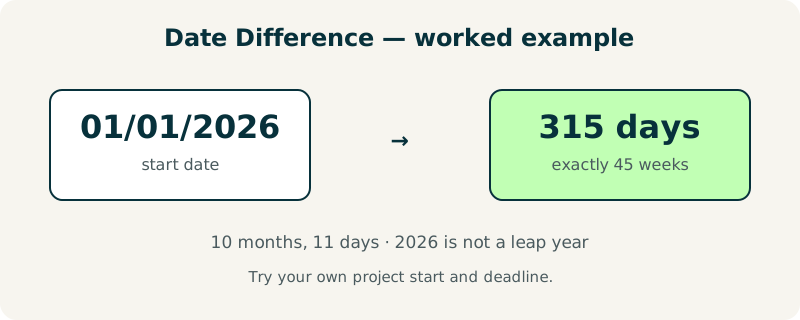
Try it with your own dates: pick a project start and a deadline, and check the weeks figure. If the days divide evenly by 7, the gap is a whole number of weeks — a handy check that the count is right.
What is the difference used for?
Project managers use it to size a timeline, travelers to count a trip, parents to track a pregnancy in weeks, and borrowers to check a loan term in days. Anywhere a contract says “within 30 days” or “90 days from signing,” the exact count decides whether a deadline was met — and a one-day error can be expensive.
For working days rather than calendar days, the Business Days Calculator counts Monday to Friday only, which is what most deadlines actually mean. And to find the date that is 45 days from today, the Add/Subtract Days to Date tool does that in one step.
Frequently asked questions
Is the start date included in the count?
No — the count is exclusive of the start date and inclusive of the end date, which is the standard convention. From Monday to the following Monday is 7 days, not 8, and from 01/01/2026 to 01/02/2026 is 1 day. This matches how calendars, contracts, and countdowns normally count a gap.
Does the calculator handle leap years correctly?
Yes. It uses the real calendar, so February 29 is counted in leap years like 2028 and skipped in other years like 2026. A gap that crosses February 29 will be one day longer than the same gap in a non-leap year, and the calculator includes that extra day automatically. You never need to adjust for it yourself.
Can I count backwards, with the end date before the start date?
Yes. If the second date is earlier than the first, the calculator shows the gap as a negative number of days, so you can see both the size and the direction. For example, 11/12/2026 minus 01/01/2026 is 315 days, and reversing them gives −315 days. The weeks and months figures follow the same rule.
What is the difference between this and the age calculator?
This tool counts the gap between any two dates you choose, for any purpose — a project, a trip, a loan. The Age Calculator is specialized for birthdays: it gives your age in years, months, and days, counts total days lived, and shows the countdown to your next birthday. Use this tool for dates, and the Age Calculator for people.
Are my dates uploaded anywhere?
No. The dates are processed entirely in your browser and never leave your device. There is no account, no upload, and nothing stored after you close the page. Dates can be personal — a medical appointment, a due date, a legal deadline — and keeping the calculation local is the safest way to handle them.