
Turn any headline into a clean, short, SEO-friendly URL slug: lowercase, hyphen-separated, with accents stripped and punctuation removed. Type a headline and the slug appears instantly — ready to copy into your page URL.
An optional stop-word toggle removes little words such as “the”, “of”, and “and” for even shorter slugs. The conversion runs entirely in your browser, nothing is uploaded, and the result pairs well with the Meta Title & Description Length Checker and the UTM Link Builder.
How to use
- Type or paste your headline into the box above.
- Choose whether to strip common stopwords such as “the” and “for”.
- Copy the slug and paste it into your page URL.
Why use Toolsvine
A clean slug is one of the cheapest SEO wins there is: it tells Google what the page is about, it tells a person what they will get before they click, and it survives being copied, pasted, and read aloud without breaking. This generator exists because hand-making slugs is fiddly — accents, apostrophes, and stop words all need the same treatment every time — and a tool that applies the same rules every time beats remembering them.
What makes a good URL slug?
A good slug is short, lowercase, and readable: words separated by single hyphens, no underscores or spaces, no stop words unless they carry meaning, and no numbers that will go stale. It should read like a short summary of the page, so a person (and a search engine) can understand the topic from the URL alone.
The generator lowercases everything, strips accents from letters, turns every run of non-letters and non-digits into a single hyphen, and trims hyphens from both ends. With the stop-word toggle on, it also drops “a”, “an”, “the”, “of”, “and”, “to”, “in”, “on”, “for”, “with”, “is”, “are”, “was”, “were”, “by”, “at”, “from”, “as”, “or”, and “but”. Keep the toggle on for short marketing slugs, and turn it off when a stop word changes the meaning — “to” in “how-to” is part of the phrase, not filler.
Worked example
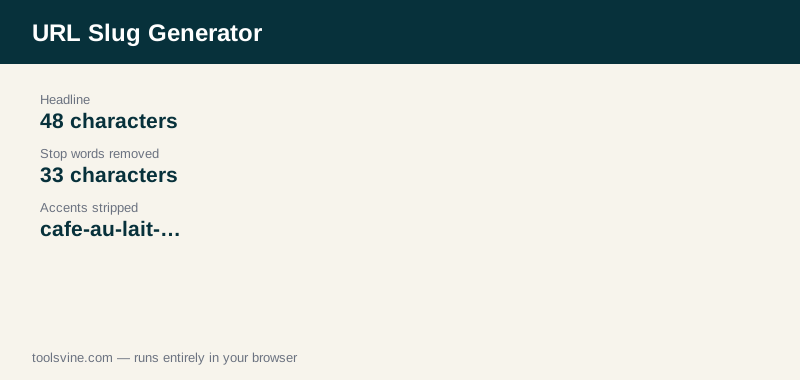
From the headline “The 10 Best Running Shoes for Flat Feet in 2026”, the generator produces “10-best-running-shoes-flat-feet-2026” with stop words removed, and “the-10-best-running-shoes-for-flat-feet-in-2026” with them kept — 33 characters instead of 48. Accents are stripped too: “Café au Lait: A Beginner's Guide to French Coffee” becomes “cafe-au-lait-a-beginner-s-guide-to-french-coffee”, with the apostrophe turning into a hyphen and the accent on the “é” removed.
Should I remove stop words from slugs?
Usually yes, because shorter slugs are easier to read, share, and remember, and the removed words add no meaning for search engines. But keep a stop word when it changes the meaning of the phrase — “how-to”, “best-of”, and “state-of-the-art” are different phrases without their small words.
There is one more rule that matters more than stop words: never change a slug after a page is published and indexed, unless you also set up a redirect from the old URL to the new one. A changed slug is a broken link for every site that linked to the old address, and broken links cost far more than a slightly long slug ever did.
Frequently asked questions
What characters can a slug contain?
Only lowercase letters, digits, and hyphens. The generator lowercases everything, strips accents, replaces any other character — spaces, punctuation, symbols — with a hyphen, and collapses runs of hyphens into one. Underscores are converted to hyphens too, because search engines treat hyphens as word separators.
What happens to capital letters and accents?
Capitals are lowercased and accents are stripped, so “Café” becomes “cafe” and “Beginner's” becomes “beginner-s”. This keeps the URL safe to type and share on any system, since some servers and browsers still handle non-English characters in URLs unpredictably. Stick to the generated slug and you never have to think about which characters are safe.
Should I keep the year in a slug?
Keep the year only if the content is genuinely tied to it, such as a yearly guide or a dated list. For evergreen content, leave the year out — a slug with 2026 in it looks stale in 2027, and updating it later means changing a published URL and setting up a redirect.
Can I change a slug after publishing?
You can, but only with a redirect from the old URL to the new one, so existing links and search results keep working. Without a redirect, every link to the old address breaks. It is almost always better to get the slug right before publishing than to fix it afterwards.
Does the slug affect SEO?
Yes, modestly. A short slug with the main keyword helps search engines understand the page and helps people decide to click when they see the URL in the results. It is not a ranking magic trick — the page content matters far more — but a clean slug is a small, real advantage that costs nothing.